Estimated reading time: 9 minutes
Key Takeaways
- Choosing the best laptops for VCarve Pro involves considering CPU speed, RAM, GPU, and storage.
- Recommended specs include at least 16GB RAM, modern processors like Intel Core i7, and 1TB SSD for optimal performance.
- Top laptops for VCarve Pro in 2026 include the Apple MacBook Pro 16, ASUS ROG Zephyrus G16, and Dell XPS 16, each offering unique strengths for CNC design.
- Users can improve performance in VCarve Pro by using SSDs, keeping GPU drivers updated, and upgrading RAM when possible.
- A balance of power and portability is key to selecting the right laptop for effective CNC design work.
Table of contents
If you’re working with VCarve Pro, you already know that CNC design isn’t just about drawing vectors and clicking “calculate.” When choosing the best laptops for VCarve Pro, it’s important to have a machine capable of handling larger projects—3D reliefs, complex toolpaths, large clipart libraries—to keep everything smooth. Slow previews, laggy 3D views, or long toolpath calculations can really slow down your workflow.
The good news is that modern laptops are more than capable of handling VCarve Pro comfortably. In this guide, we’ll look at the best laptops for VCarve Pro in 2026, what hardware actually matters, and which models give you the best performance for CNC design work.
Whether you’re a CNC hobbyist, sign maker, or professional woodworker, these machines can handle demanding VCarve projects without breaking a sweat.
What Kind of Laptop Do You Need for VCarve Pro?
Before jumping into laptop recommendations, it’s important to understand what VCarve Pro really needs to run smoothly.
VCarve itself isn’t extremely heavy software, but real-world projects can become demanding quickly—especially when dealing with 3D toolpaths, complex models, or large vector libraries.
Here’s what actually makes a difference.
Processor (CPU)
Toolpath calculations rely heavily on CPU speed. A modern processor with strong single-core performance will noticeably reduce calculation times.
Recommended
- Intel Core Ultra / Core i7 / Core i9
- AMD Ryzen 7 or Ryzen 9
- Apple M-series chips
Memory (RAM)
RAM becomes important once projects get larger or when multiple applications are open at the same time.
Recommended
- Minimum: 16GB
- Ideal: 32GB or more
Graphics Card (GPU)
VCarve uses OpenGL for its 3D preview engine. You don’t necessarily need a powerful gaming GPU, but a decent modern graphics processor keeps the 3D preview smooth.
Storage
Large projects load much faster on SSDs.
Recommended
- At least 1TB NVMe SSD
Display
A larger display makes it much easier to inspect toolpaths, zoom into vectors, and organize toolbars.
Recommended
- 15–16 inch display
- 2K or higher resolution if possible
Best Laptops for VCarve Pro in 2026
After evaluating performance, reliability, thermals, and overall value, these are some of the best laptops for VCarve Pro users this year.
1. Apple MacBook Pro 16 (M5 Pro / M5 Max)
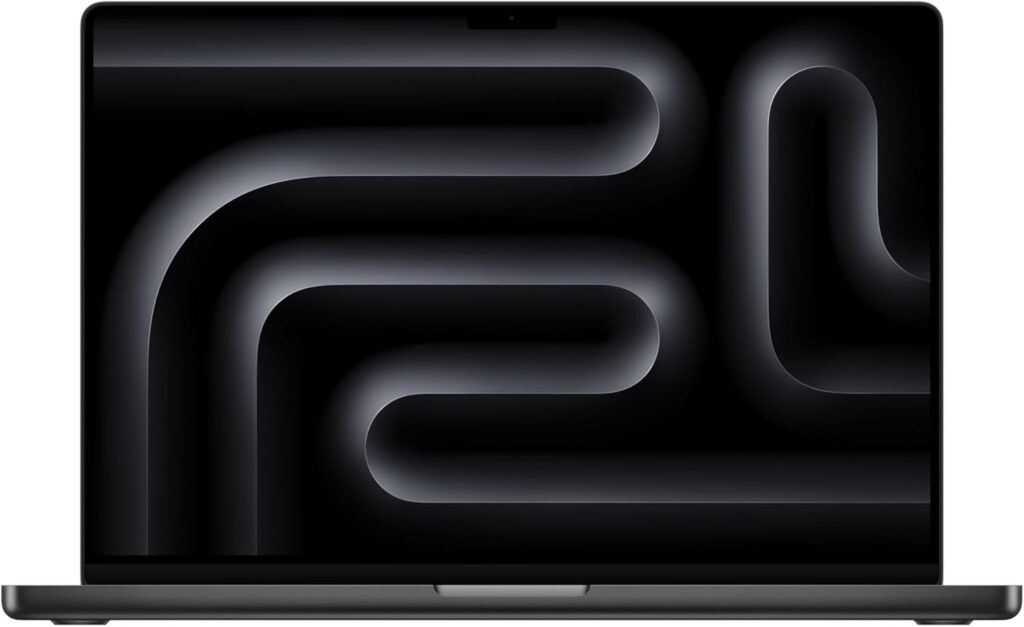
The MacBook Pro remains one of the most powerful and efficient laptops available today. The latest Apple silicon chips deliver excellent CPU and GPU performance while staying cool and quiet.
For designers who prefer macOS, it’s a fantastic machine for creative workflows.
Key Specifications
- Processor: Apple M5 Pro / M5 Max
- Memory: 18GB – 96GB Unified Memory
- Storage: 512GB – 8TB SSD
- Display: 16.2-inch Liquid Retina XDR
- Battery Life: Up to 20 hours
Pros
- Exceptional performance and efficiency
- Stunning high-resolution display
- Extremely quiet even under heavy workloads
- Best-in-class battery life
Cons
- Premium price
- Some CNC workflows still rely on Windows tools
2. ASUS ROG Zephyrus G16
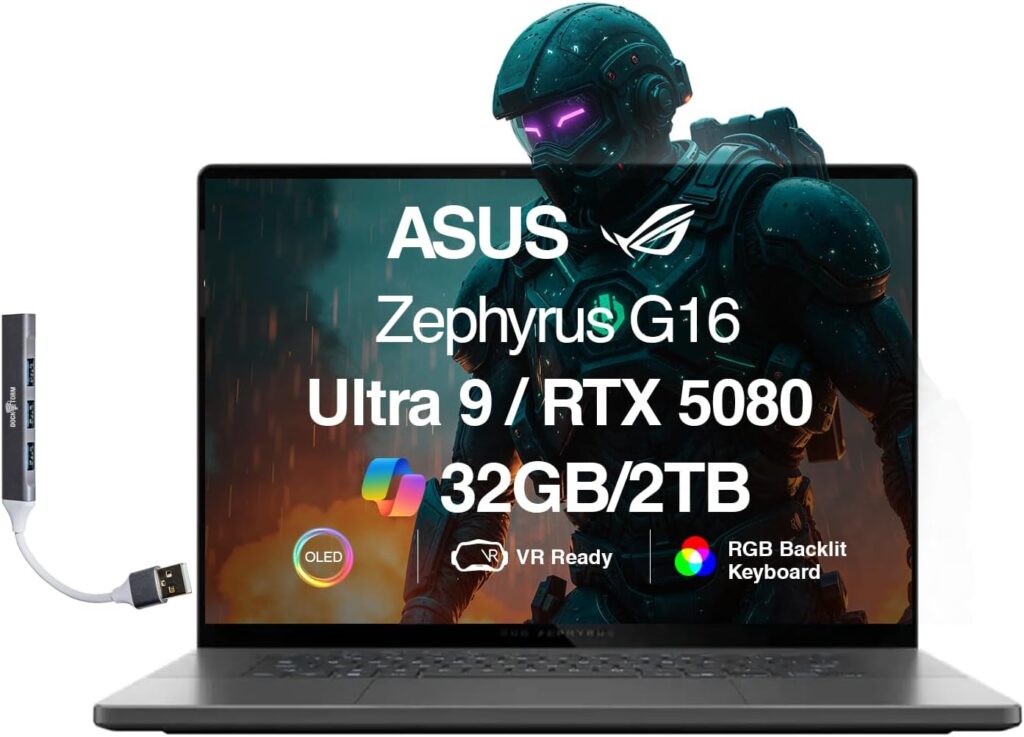
The Zephyrus G16 is one of the most powerful thin laptops available today. While it’s technically a gaming laptop, it’s also an incredible workstation for CAD, CAM, and CNC design work.
If you want maximum performance without jumping to a bulky workstation laptop, this machine is hard to beat.
Key Specifications
- Processor: Intel Core Ultra 9 / AMD Ryzen 9
- GPU: NVIDIA RTX 4080 / RTX 4090
- Memory: Up to 64GB RAM
- Storage: Up to 2TB SSD
- Display: 16″ OLED 240Hz
Pros
- Outstanding GPU power for 3D previews
- Gorgeous OLED display
- Excellent performance for heavy multitasking
Cons
- Battery life is average
- Fans can get loud under load
3. Dell XPS 16
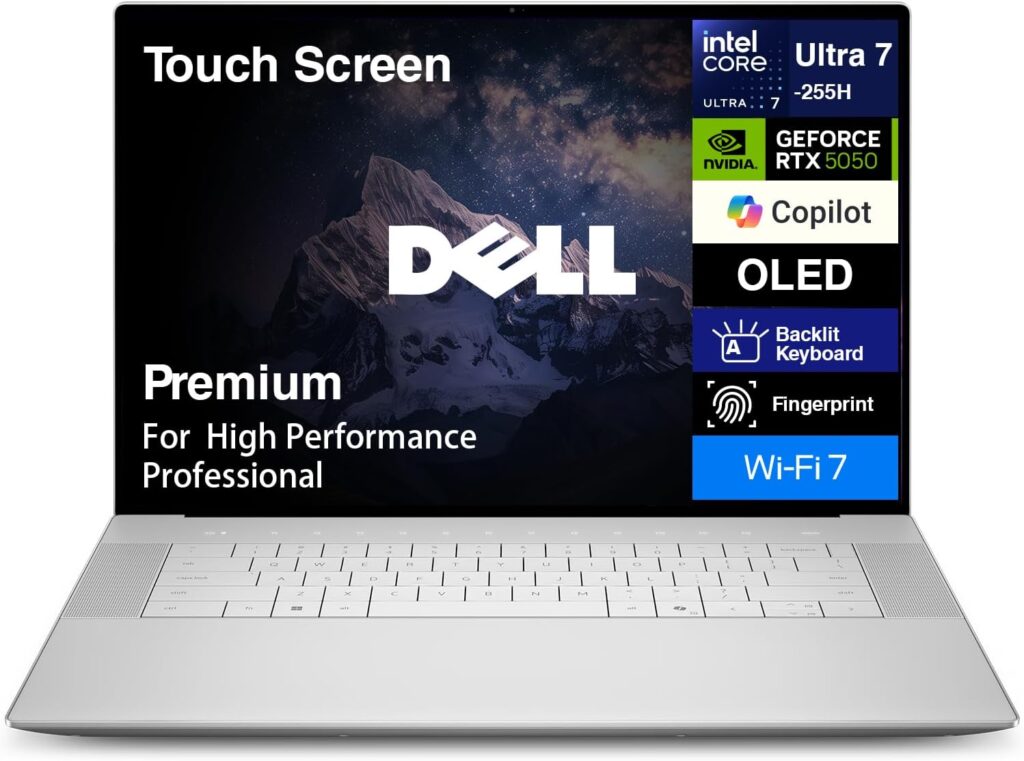
The Dell XPS lineup has always been known for combining power with a premium design. The latest XPS 16 models offer excellent CPU performance and beautiful displays, making them a great choice for design software.
It’s a perfect balance between portability and power.
Key Specifications
- Processor: Intel Core Ultra 7 / Ultra 9
- GPU: NVIDIA RTX graphics
- Memory: Up to 64GB RAM
- Storage: Up to 4TB SSD
- Display: 16.3-inch OLED
Pros
- Premium build quality
- Excellent display options
- Thin and portable design
Cons
- Can get expensive with higher configurations
- Limited port selection
4. HP ZBook Fury G1i
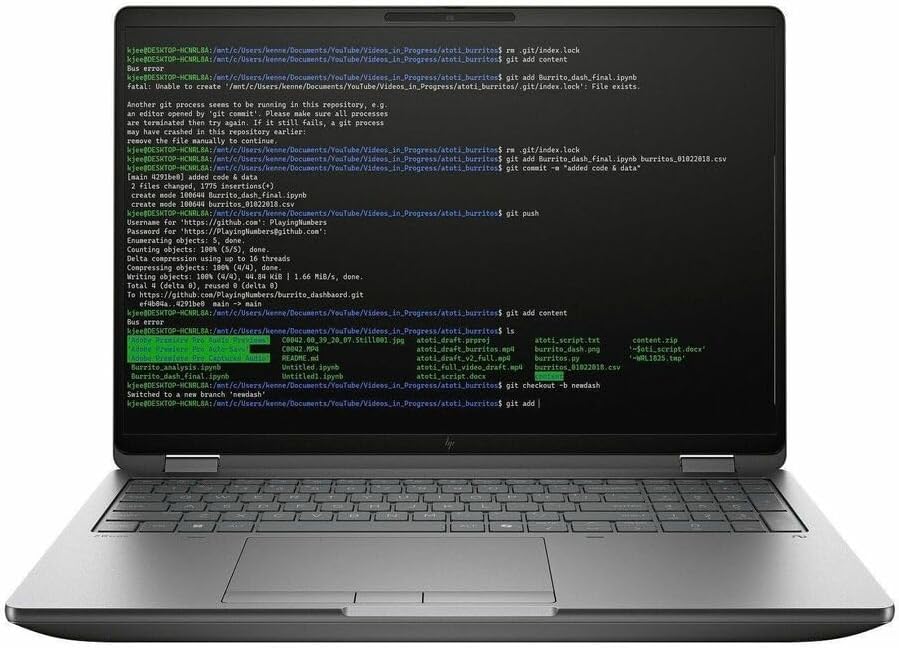
If you’re running a professional CNC shop and working with large projects daily, a mobile workstation like the ZBook Fury is a serious tool.
This machine is built for heavy workloads and long rendering sessions.
Key Specifications
- Processor: Intel Core Ultra HX
- GPU: NVIDIA RTX Professional GPUs
- Memory: Up to 128GB RAM
- Storage: Multiple SSD slots
- Display: 16-inch DreamColor display
Pros
- Massive RAM capacity
- Workstation-grade reliability
- Excellent cooling system
Cons
- Large and heavy
- Expensive compared to regular laptops
5. Lenovo ThinkPad P1 Gen 7
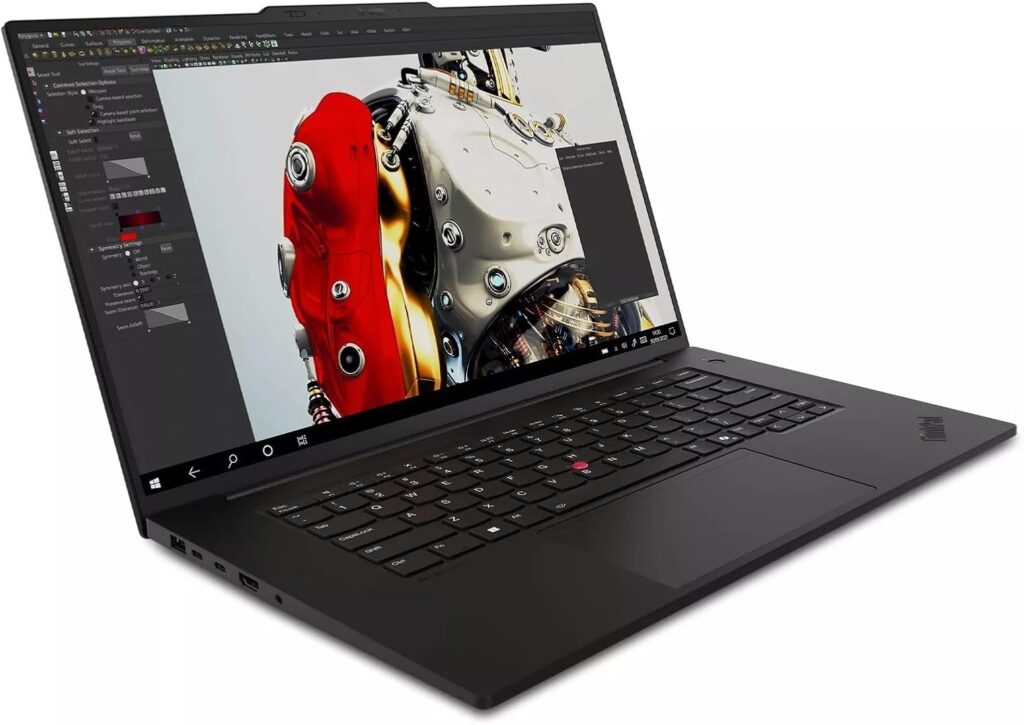
ThinkPads are known for durability and reliability. The ThinkPad P1 is essentially a portable workstation that still feels like a traditional laptop.
It’s a popular choice among engineers and designers who want dependable hardware.
Key Specifications
- Processor: Intel Core Ultra processors
- GPU: NVIDIA RTX graphics
- Memory: Up to 96GB RAM
- Storage: Up to 4TB SSD
- Display: 16-inch 4K OLED option
Pros
- Legendary ThinkPad keyboard
- Durable and professional design
- Excellent reliability
Cons
- Not as stylish as consumer laptops
- Higher price for top configurations
Quick Comparison Table
| Laptop | CPU | RAM | GPU | Best For |
|---|---|---|---|---|
| MacBook Pro 16 | Apple M5 Pro / Max | Up to 96GB | Apple GPU | macOS users |
| ASUS Zephyrus G16 | Core Ultra 9 / Ryzen 9 | Up to 64GB | RTX 4080/4090 | Maximum performance |
| Dell XPS 16 | Core Ultra 7 / 9 | Up to 64GB | RTX graphics | Balanced design |
| HP ZBook Fury | Core Ultra HX | Up to 128GB | RTX Pro | Professional CNC work |
| ThinkPad P1 | Core Ultra CPUs | Up to 96GB | RTX graphics | Reliability |
Minimum Laptop Specs for VCarve Pro (Recommended)
If you’re shopping on a budget, try to stay close to these specifications.
| Component | Recommended |
|---|---|
| Processor | Intel Core i7 / Ryzen 7 or better |
| RAM | 16GB minimum |
| Storage | 1TB SSD |
| GPU | Modern integrated or RTX GPU |
| Display | 15″+ Full HD or higher |
Tips for Getting the Best Performance in VCarve Pro
Even a powerful laptop benefits from a few simple optimizations.
Use an SSD for project files
Large toolpath files load dramatically faster from NVMe storage.
Keep your GPU drivers updated
This ensures smooth 3D preview performance.
Upgrade RAM if possible
Many performance issues come from running out of memory.
Use an external monitor if needed
A larger workspace can make design work significantly easier.
Final Thoughts
Choosing the right laptop for VCarve Pro doesn’t have to be complicated. The key is finding a system that balances CPU power, sufficient RAM, fast storage, and a capable GPU.
For most users, a modern laptop with 16–32GB of RAM and a strong processor will deliver excellent performance. If you’re working with large 3D toolpaths or running multiple design programs at once, stepping up to a workstation-class laptop can make a big difference.
The models listed above represent some of the best laptops for VCarve Pro in 2026, offering reliable performance for CNC designers, makers, and professionals alike.
With the right machine, you’ll spend less time waiting for toolpaths to calculate—and more time actually creating.
How to Choose the Right Laptop for VCarve Pro
Time needed: 5 minutes
Choosing a laptop for VCarve Pro doesn’t have to be complicated. By focusing on a few key hardware components—processor power, RAM, and graphics performance—you can find a machine that runs CNC design projects smoothly and reliably.
- Choose a Fast Multi-Core Processor
Start with a strong CPU. Toolpath calculations and complex previews rely heavily on processor performance, so look for modern chips like Intel Core Ultra, AMD Ryzen 7/9, or Apple’s M-series processors. A fast CPU will noticeably reduce waiting time when calculating toolpaths.
- Make Sure You Have Enough RAM
RAM plays a big role when projects get larger or when multiple programs are open. For a comfortable experience, aim for at least 16GB of memory, while 32GB or more is ideal for professionals working with complex designs and large tool libraries.
- Pick a Laptop with a Capable GPU and SSD
VCarve Pro uses GPU acceleration for smooth 3D previews, so a modern integrated GPU or an NVIDIA RTX graphics card will help keep everything responsive. Pair that with a fast NVMe SSD so projects load quickly and your workflow stays smooth.
FAQs
Not necessarily. VCarve Pro itself isn’t extremely demanding, but larger projects and detailed 3D toolpaths can slow down weaker machines. A laptop with a modern processor, at least 16GB of RAM, and an SSD will give you a much smoother experience.
A dedicated GPU isn’t strictly required, but it definitely helps. VCarve Pro uses the graphics card for its 3D preview engine, so a modern GPU—like an NVIDIA RTX or a strong integrated graphics chip—can make navigation and model previews much smoother.
For most users, 16GB of RAM works well. If you regularly work with complex designs, large clipart libraries, or multiple design programs at the same time, 32GB or more will give you extra breathing room and better overall performance.

Hi, my name is Burak. I am a mechanical engineer. I have been writing laptop reviews for the Engineering Laptops website since 2020. Please feel free to contact me if you have any questions.





