Estimated reading time: 7 minutes
Key Takeaways
- CNC programming requires powerful laptops to handle demanding software like Fusion and Mastercam.
- The article details the best laptops for CNC programming in 2026, focusing on performance specs like CPU, RAM, and GPU.
- The HP ZBook Fury 16 G11 and Dell Precision 5690 are top recommendations for professionals seeking reliability and performance.
- Considerations include whether to choose a workstation for stability or a gaming laptop for price-to-performance ratio.
- Ultimately, select a laptop that supports smooth workflow for CNC programming and long simulation sessions.
Table of contents
CNC programming isn’t light work. If you’re in the market for the Best Laptops for CNC Programming, you need a machine that can handle CAD modeling, toolpath generation, simulation, and post-processing without slowing down — and not just for five minutes, but all day.
If you’re running Fusion, Mastercam, SolidWorks CAM, or similar software, you already know the frustration of laggy toolpaths or freezing assemblies. In 2026, there’s no reason to deal with that anymore.
This guide breaks down the best laptops for CNC programming in 2026 — real machines that can handle heavy CAM workloads, complex 3D models, and long simulation sessions without choking.
No fluff. Just solid recommendations.
What Makes a Laptop Good for CNC Programming?
Before jumping into the list, let’s be clear about what actually matters.
Minimum Recommended Specs for CNC & CAM (2026)
| Component | Recommended | Ideal for Heavy Work |
|---|---|---|
| CPU | 8+ high-performance cores | 14–24 cores (HX / workstation class) |
| RAM | 32GB | 64GB+ |
| Storage | 1TB NVMe SSD | 2TB Gen4/Gen5 NVMe |
| GPU | RTX 4060 / RTX 2000 Ada | RTX 4080/4090 or RTX PRO |
| Display | 15–16” IPS | 16” 2K/4K high color accuracy |
Why this matters:
- Toolpath generation relies heavily on CPU performance.
- Simulations and rendering benefit from strong GPUs.
- Large assemblies eat RAM quickly.
- NVMe speed affects load/save and rebuild times.
Now let’s get into the machines that actually deliver.
Top 6 Best Laptops for CNC Programming in 2026
1. HP ZBook Fury 16 G11
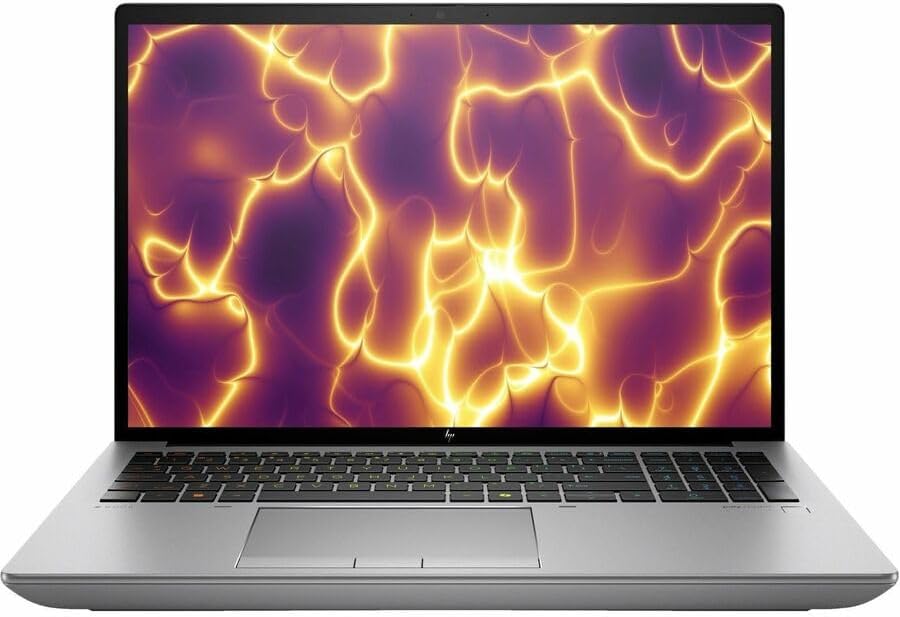
Best Overall Workstation for CNC Professionals
If CNC programming is your profession, not a hobby, this is the kind of machine you want on your desk.
Key Specs
- Intel Core i9 HX series
- NVIDIA RTX 4080 / RTX 5000 Ada
- Up to 128GB DDR5 RAM
- Dual NVMe SSD slots
- 16” 4K DreamColor display
Why It’s Great
- Desktop-class performance in a laptop body
- ISV-certified drivers for professional CAD/CAM software
- Excellent thermal management under sustained loads
- Upgrade-friendly
Downsides
- Expensive
- Heavy (not ideal for travel)
Bottom line: If downtime costs you money, this is worth the investment.
2. Dell Precision 5690
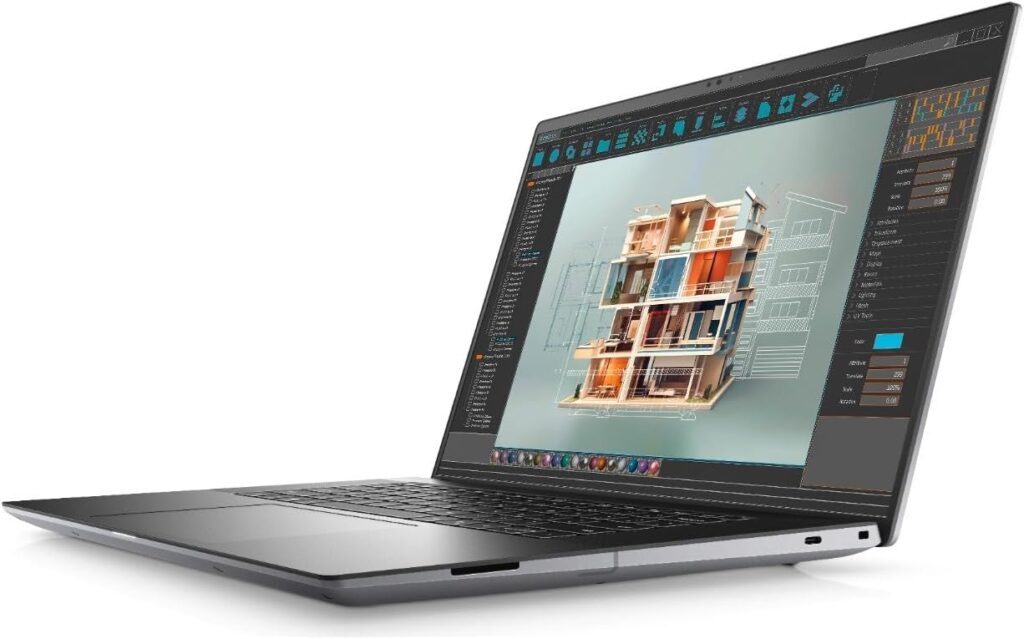
Premium Power with Sleek Design
The Precision line has always been reliable, and the 5690 keeps that tradition alive while staying relatively slim.
Key Specs
- Intel Core Ultra 9 / i9 HX options
- NVIDIA RTX 3000/4000 Ada
- 32GB–64GB RAM (expandable)
- 16” 3K OLED option
- Thunderbolt 4
Pros
- Excellent display quality
- Professional GPU options
- Strong single-core performance
- Solid build quality
Cons
- High-end configs are pricey
- Slim design limits upgrade options compared to bulkier workstations
Perfect for engineers who move between office and shop floor.
3. Lenovo ThinkPad P16 Gen 2
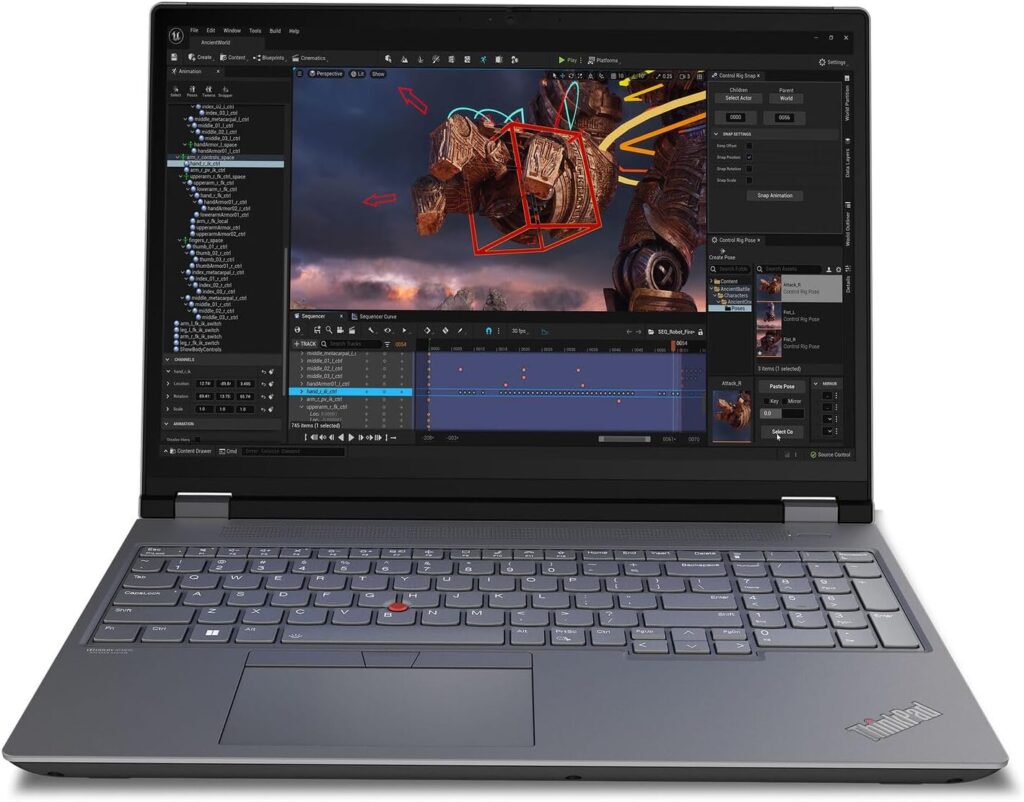
Reliable, Durable, Built Like a Tank
If you value durability and a legendary keyboard, ThinkPad’s P-series remains a top pick.
Key Specs
- Intel Core i9 / Xeon options
- NVIDIA RTX 3500/4000 Ada
- Up to 96GB RAM
- Multiple SSD slots
- 16” high-resolution IPS
Pros
- Military-grade durability
- Outstanding keyboard
- Excellent port selection
- Great for long programming sessions
Cons
- Slightly bulky
- Not the flashiest design
This is the “no drama” choice for serious CNC programmers.
4. ASUS ProArt Studiobook 16
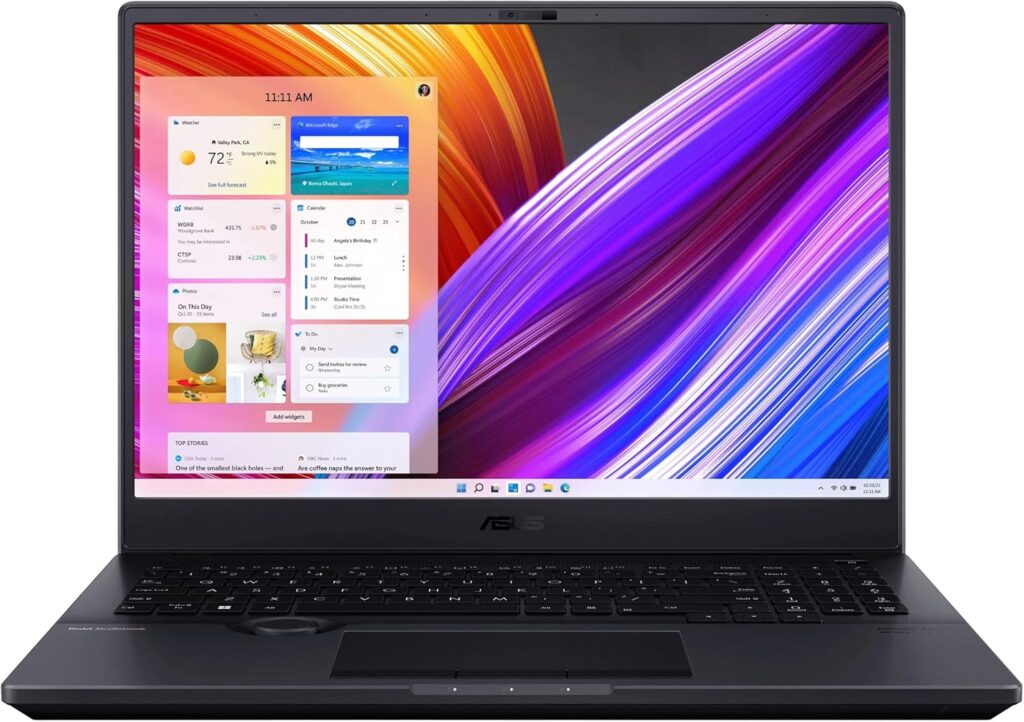
Creative Power Meets Engineering Performance
Originally built for creators, but it handles CAD/CAM surprisingly well.
Key Specs
- Intel Core i9 / Ryzen 9
- NVIDIA RTX 4070/4080
- 32GB–64GB RAM
- Stunning OLED display
Pros
- Gorgeous color-accurate screen
- Strong GPU performance
- Competitive pricing for specs
Cons
- Not ISV-certified like traditional workstations
- Battery life average under load
Great if you do both CNC and rendering/content work.
5. ASUS ROG Strix SCAR 16
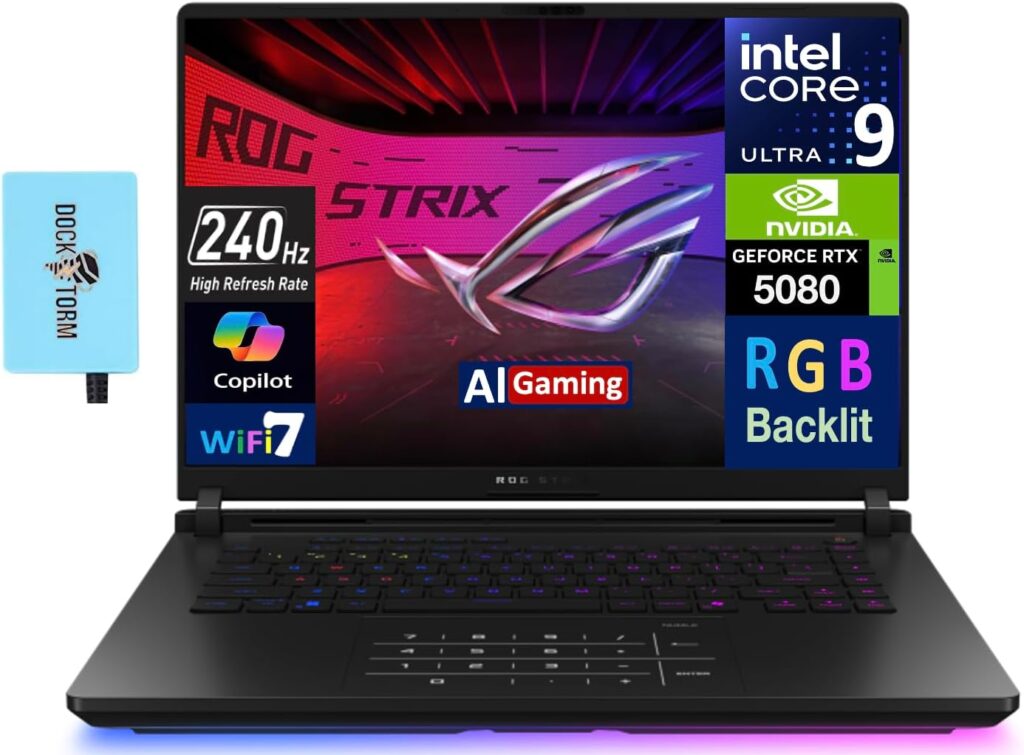
Best High-Performance Alternative
Gaming laptops are underrated for CNC work. The SCAR 16 packs amazing GPU power for the price.
Key Specs
- Intel Core i9 HX
- NVIDIA RTX 4090
- 32GB–64GB RAM
- 16” 240Hz display
Pros
- Incredible raw performance
- Better price-to-performance ratio
- Excellent cooling
Cons
- Loud under load
- Gaming aesthetics not for everyone
If you want maximum performance without paying workstation premiums, this is a strong option.
Quick Comparison Table
| Model | Best For | Max RAM | GPU Class | Weight |
|---|---|---|---|---|
| HP ZBook Fury 16 G11 | Enterprise / Heavy CAM | 128GB | RTX Pro | Heavy |
| Dell Precision 5690 | Portable workstation | 64GB | RTX Ada | Medium |
| Lenovo ThinkPad P16 | Reliability | 96GB | RTX Ada | Medium-Heavy |
| ASUS ProArt Studiobook 16 | Hybrid creative/CNC | 64GB | RTX 4080 | Medium |
| ASUS ROG Strix SCAR 16 | Max performance value | 64GB | RTX 4090 | Medium |
Workstation vs Gaming Laptop for CNC Programming
Choose a workstation if:
- You use certified CAD/CAM software daily
- Stability is more important than price
- You want long-term reliability
Choose a gaming laptop if:
- You want maximum performance per dollar
- You’re a student or freelancer
- You don’t need ISV-certified drivers
Final Recommendation
If CNC programming is your full-time job, the HP ZBook Fury 16 G11 or Dell Precision 5690 are the safest long-term investments.
If you want serious power at a better price, the ASUS ROG Strix SCAR 16 delivers incredible value.
And if you want a balance between portability, display quality, and performance, the ASUS ProArt Studiobook 16 hits a sweet spot.
At the end of the day, the best laptop for CNC programming is the one that keeps your toolpaths smooth, your simulations fast, and your workflow uninterrupted.
How to Choose and Set Up the Best Laptop for CNC Programming
Time needed: 5 minutes
- Pick the right laptop for your workflow
Decide whether you need a full workstation or a high-performance gaming laptop, then choose a model with at least 32GB RAM, a fast NVMe drive, and a CPU with strong single-core performance.
- Set up your CAM tools and project files
Install Fusion/Mastercam/SolidWorks, point your projects to the fast NVMe drive, and keep a tidy folder structure so loading, simulation, and post-processing stay smooth.
- Test, tweak, and back up your setup
Run a full toolpath simulation, adjust settings for performance or thermals as needed, and create regular backups of your projects so a hiccup won’t cost you hours of work.
FAQs
Go for strong single-core CPU speed, at least 32 GB of RAM (64 GB if you work with huge assemblies), a fast NVMe SSD, and a decent GPU if you use simulations or heavy visualizations. Also check ports (Thunderbolt/USB, HDMI) so you can hook up extra monitors or external drives.
Both can work. Workstations give you certified drivers, stability, and easier service options — great if uptime matters. Gaming laptops often give better price-for-performance and top GPUs, but they can be louder and aren’t always ISV-certified. Pick a workstation if you need reliability; pick a gaming machine if you want raw power on a budget.
Keep project files on a fast NVMe (not the desktop’s slow HDD), clean up old files, update drivers from trusted sources, and monitor temps — a cooling pad helps during long simulations. Back up regularly so one crash doesn’t undo hours of work.

Hi, my name is Burak. I am a mechanical engineer. I have been writing laptop reviews for the Engineering Laptops website since 2020. Please feel free to contact me if you have any questions.