Estimated reading time: 8 minutes
Key Takeaways
- The HP Victus 15 offers strong performance, reliable cooling, and upgrade flexibility for gamers on a budget.
- It features a clean design, high refresh rate options, and modern processors, making it ideal for both gaming and everyday tasks.
- While the color accuracy of the display could be better, the gaming performance at 1080p is excellent with RTX 4050 or RTX 4060 configurations.
- Gamers can expect good battery life for casual use, but heavy gaming will require staying plugged in.
- Overall, the HP Victus 15 Gaming Laptop Review highlights it as a smart choice for students and gamers seeking value.
Table of contents
- HP Victus 15 – Key Specifications
- Design and Build Quality
- Display: Smooth and Great for Gaming
- Performance: Built for Smooth 1080p Gaming
- Cooling and Thermals
- Keyboard and Trackpad
- Battery Life
- Ports and Connectivity
- Upgrade Options
- Pros and Cons
- Who Should Buy the HP Victus 15?
- Final Verdict
- How to Choose the Right HP Victus 15 Configuration for Gaming
- FAQs
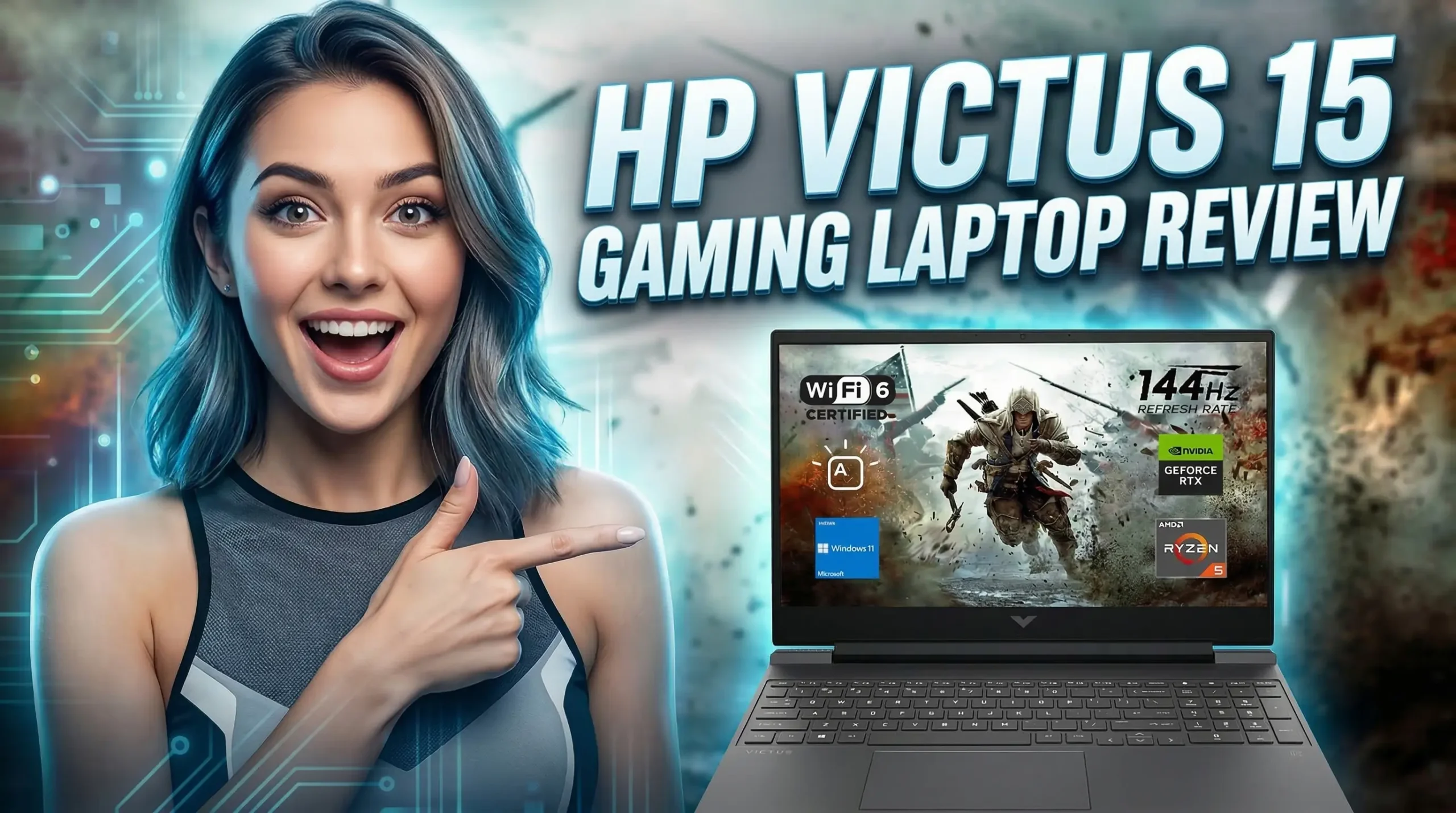
This HP Victus 15 Gaming Laptop Review looks at why the HP Victus 15 has quietly become one of the most popular entry-to-midrange gaming laptops in recent years. In 2026, HP continues to refine the formula: modern processors, capable RTX graphics, a fast display, and a design that doesn’t scream “gaming laptop” in public.
If you’re looking for a machine that can handle modern games, school work, and everyday tasks without costing a fortune, the Victus 15 deserves a serious look. It’s not trying to compete with ultra-premium gaming rigs — instead, it focuses on strong performance for the price, solid cooling, and upgrade flexibility.
Let’s break down everything that matters: performance, display, thermals, battery life, and whether this laptop is actually worth buying in 2026.
Purchase on Amazon or check availabilityHP Victus 15 – Key Specifications
Below are the typical configurations you’ll find in the 2026 Victus 15 lineup.
| Feature | Details |
|---|---|
| Display | 15.6″ Full HD IPS, 144Hz / 165Hz / 240Hz options |
| Processor | Intel Core i5 / i7 (12th–13th Gen) or AMD Ryzen 5 / 7 |
| Graphics | NVIDIA GeForce RTX 4050 / RTX 4060 |
| RAM | 8GB / 16GB / 32GB DDR4 or DDR5 |
| Storage | 512GB – 1TB NVMe SSD |
| Battery | ~70Wh |
| Weight | ~2.2 kg |
| Operating System | Windows 11 |
| Connectivity | Wi-Fi 6 / Bluetooth 5 |
Depending on the region and model number, you may see slight variations in the processor or display options.
Design and Build Quality
The first thing you’ll notice about the Victus 15 is that it doesn’t look like a typical gaming laptop.
Instead of aggressive lines and flashy RGB everywhere, HP went with a clean and minimal design. The laptop has a matte finish with a subtle “V” logo on the lid. It looks more like a work laptop than a gaming machine, which is actually a big plus if you plan to use it at school, in the office, or in a café.
The chassis is mostly plastic, but it still feels solid. There’s a little flex in the lid if you push hard, but nothing concerning for everyday use.
At around 2.2 kg (4.8 lbs), it’s not the lightest laptop in the world, but it’s portable enough to carry in a backpack without complaining.
Overall, the design is simple, practical, and surprisingly mature for a gaming laptop in this price range.
Display: Smooth and Great for Gaming
The Victus 15 typically comes with a 15.6-inch Full HD IPS display, and most configurations offer 144Hz or higher refresh rates.
That higher refresh rate makes a huge difference in fast-paced games.
What the display does well
- Smooth gameplay thanks to 144Hz+ refresh rate
- Good viewing angles (IPS panel)
- Decent brightness for indoor use
- Minimal screen tearing in competitive games
What could be better
Color accuracy isn’t perfect. If you’re a professional photo editor or color-grading video, you might want a higher-end display.
But for gaming, streaming, and everyday work, it’s more than good enough.
Performance: Built for Smooth 1080p Gaming
This is where the Victus 15 really shines.
Most 2026 models are powered by Intel Core i5 / i7 H-series processors or AMD Ryzen chips, paired with RTX 4050 or RTX 4060 GPUs.
That combination delivers excellent performance for modern games at 1080p resolution.
Expected gaming performance
| Game | Settings | Average FPS |
|---|---|---|
| Call of Duty Warzone | High | 70-90 FPS |
| Cyberpunk 2077 | High (DLSS) | 60-75 FPS |
| Fortnite | Epic | 100-140 FPS |
| GTA V | Very High | 100+ FPS |
| Apex Legends | High | 120+ FPS |
With DLSS enabled, newer titles run even smoother, especially on RTX 40-series GPUs.
For esports titles like CS2, Valorant, or Rocket League, the Victus easily pushes well over 144 FPS, fully taking advantage of the high refresh rate screen.
Cooling and Thermals
Gaming laptops live or die by their cooling systems.
HP uses a dual-fan cooling design with wide rear vents, and for most gaming sessions, it handles heat fairly well.
During long gaming sessions:
- The keyboard area stays reasonably cool
- The fans become audible but not painfully loud
- Performance remains stable in most games
It’s not the coolest laptop on the market, but for a midrange gaming machine, it does the job without major throttling.
Keyboard and Trackpad
The keyboard is surprisingly comfortable.
HP uses a full-size layout with a numeric keypad, which is great if you also use the laptop for productivity tasks.
Key highlights:
- Good key travel
- Quiet typing
- Optional backlighting
- Comfortable for long sessions
The trackpad is responsive and accurate, though most gamers will use a mouse anyway.
Battery Life
Gaming laptops are rarely battery champions, and the Victus 15 is no exception.
However, for normal tasks like browsing or watching videos, battery life is decent.
Average battery life
| Usage | Battery Time |
|---|---|
| Web browsing | 6–7 hours |
| Video streaming | 6 hours |
| Gaming | 1.5–2 hours |
If you plan to game seriously, you’ll want to keep the charger nearby.
Ports and Connectivity
HP gives you a solid selection of ports, which is always nice.
Available ports
- USB-A ports
- USB-C port
- HDMI
- Ethernet (RJ-45)
- Headphone jack
- Power connector
For gamers who connect monitors, keyboards, and other accessories, the port selection is more than adequate.
Upgrade Options
One of the best things about the Victus lineup is that it’s easy to upgrade.
Many models allow access to:
- RAM slots
- M.2 SSD storage
This means you can start with a cheaper configuration and upgrade later if needed.
For example, upgrading from 16GB to 32GB RAM or adding a second SSD can extend the laptop’s lifespan significantly.
Pros and Cons
Pros
- Strong gaming performance for the price
- Clean, minimal design
- High refresh rate display
- Easy RAM and SSD upgrades
- Comfortable keyboard
- Good value overall
Cons
- Display color accuracy could be better
- Plastic build feels slightly budget
- Battery life during gaming is limited
Who Should Buy the HP Victus 15?
The Victus 15 is a great choice for:
- Gamers who want smooth 1080p performance
- Students who need one laptop for gaming and school
- Buyers looking for good value instead of ultra-premium pricing
- People who prefer a subtle gaming laptop design
If you’re chasing the absolute highest performance possible, larger gaming laptops with RTX 4080 or RTX 4090 GPUs will obviously be faster.
But those machines also cost significantly more.
For most people, the Victus 15 hits a very comfortable middle ground.
Final Verdict
The HP Victus 15 (2026) proves that you don’t need to spend a fortune to get a capable gaming laptop.
It delivers the things most gamers actually care about:
- Smooth high-refresh gameplay
- Reliable performance
- Upgrade flexibility
- A practical everyday design
Sure, it’s not the most powerful gaming laptop out there. But when you consider the price, the Victus 15 offers one of the best value gaming experiences in its class.
For gamers, students, and everyday users who want a machine that can handle both work and play, the HP Victus 15 remains a smart and dependable choice in 2026.
How to Choose the Right HP Victus 15 Configuration for Gaming
Time needed: 5 minutes
Thinking about buying the HP Victus 15 but unsure which configuration is right for you? Follow these three simple steps to pick a model that fits your gaming needs, performance expectations, and budget.
- Decide Which GPU You Actually Need
The graphics card is the most important part of a gaming laptop. If you mostly play esports titles like Valorant, Fortnite, or CS2, an RTX 4050 configuration will already deliver smooth performance. If you plan to play heavier AAA games, choosing an RTX 4060 version will give you more headroom for future titles.
- Choose the Right Amount of RAM and Storage
For most gamers, 16GB of RAM and a 512GB SSD is the sweet spot. It keeps games running smoothly while giving you enough storage for several large titles. The good news is that the Victus 15 usually allows RAM and SSD upgrades, so you can always expand later if your library grows.
- Pick a Display That Matches Your Play Style
A 144Hz display is perfect for everyday gaming and offers a smooth experience in most games. If you enjoy competitive shooters or fast-paced esports titles, choosing a higher refresh rate screen (like 165Hz or 240Hz) can make gameplay feel noticeably more responsive.
FAQs
Yes, it handles modern games surprisingly well for its price range. With configurations that include RTX 4050 or RTX 4060 graphics, the Victus 15 can run most new titles smoothly at 1080p with high settings. It’s especially great for popular games like Fortnite, Apex Legends, and Warzone.
In most versions, yes. The Victus 15 usually allows access to the RAM slots and the SSD. That means you can start with a smaller configuration and upgrade later if you need more memory or storage space for games and applications.
Definitely. One of the nice things about the Victus series is that it doesn’t look overly flashy. It works well as a regular laptop for school, work, or browsing, while still having enough power to handle gaming when you want to relax.

Hi, my name is Burak. I am a mechanical engineer. I have been writing laptop reviews for the Engineering Laptops website since 2020. Please feel free to contact me if you have any questions.





