Estimated reading time: 8 minutes
Key Takeaways
- Choosing the best laptops for Ableton Live in 2026 involves considering CPU performance, RAM, storage, cooling, and ports.
- The top laptops include the MacBook Pro for overall performance, Razer Blade 16 for high-performance Windows, and Dell XPS 15 for a premium option.
- A minimum of 16GB RAM is required, but 32GB is recommended for extensive projects and sample libraries.
- Macs provide better battery life and quieter operation, while Windows offers more hardware variety and potentially better value.
- Consider your workflow needs, budget, and the software ecosystem when selecting the best laptop for your Ableton Live setup.
Table of contents
If you’re serious about making music in Ableton Live, your laptop isn’t just a tool — it’s your studio. Whether you’re producing beats in a coffee shop, mixing tracks at home, or performing live on stage, you need a machine that’s fast, stable, and ready to handle heavy projects without glitching or overheating.
In this guide, we’re breaking down the best laptops for Ableton Live in 2026 — from Apple’s powerhouse MacBooks to high-performance Windows machines built for producers who push their systems hard.
Let’s get into it.
What Actually Matters for Ableton Live?
Before we jump into specific models, here’s what really counts when choosing a laptop for music production:
✅ Processor (CPU)
Ableton loves strong single-core performance, but modern multi-core CPUs help massively with large sessions. Go for:
- Apple M-series (M5, M4 family)
- Intel Core i7/i9 H-series
- AMD Ryzen 7 / Ryzen 9 (H or HX series)
✅ RAM
- 16GB minimum
- 32GB recommended for large sample libraries (Kontakt, orchestral templates, etc.)
✅ Storage
- NVMe SSD only.
- 1TB recommended if you use lots of samples and plugins.
✅ Cooling & Noise
Nothing kills creativity like fan noise during a vocal take.
✅ Ports
You’ll likely use:
- USB-A / USB-C
- Thunderbolt (great for audio interfaces)
- HDMI (external monitor)
Now let’s look at the best options right now.
Top Laptops for Ableton Live in 2026
1. MacBook Pro 14-inch & MacBook Pro 16-inch
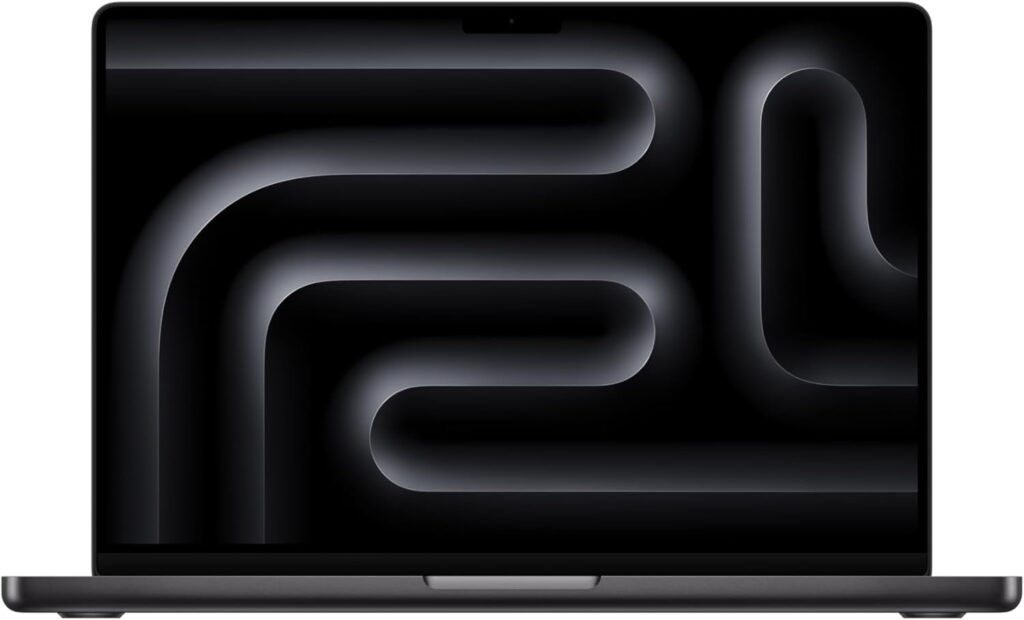
Best Overall Laptop for Ableton Live
Apple Silicon completely changed the game for music producers. The latest MacBook Pro models with M5, M4 Pro, and M4 Max chips are incredibly efficient, powerful, and surprisingly quiet under load.
Recommended Configuration:
- M4 or M5
- 32GB Unified Memory
- 1TB SSD
Why Producers Love It:
- Extremely low latency
- Silent or near-silent operation
- Incredible battery life
- Stable macOS audio performance
- Great built-in speakers (for quick checks)
Downsides:
- Expensive at higher specs
- RAM not upgradeable
- Some older plugins may need updates
If you want reliability and performance without tweaking system settings all the time, this is hard to beat.
2. Razer Blade 16
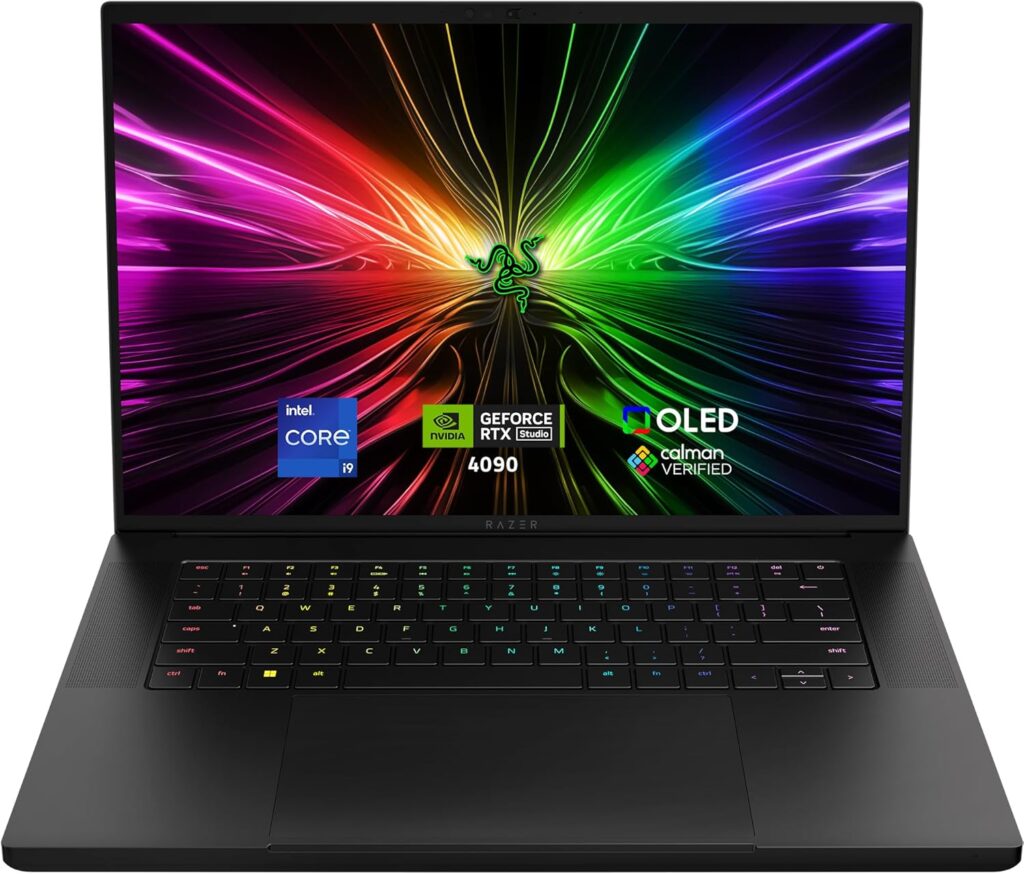
Best High-Performance Windows Laptop
If you prefer Windows or rely on Windows-only plugins, the Razer Blade 16 is a beast. It packs serious CPU power and high RAM capacity, perfect for heavy Ableton sessions with tons of tracks and VSTs.
Recommended Configuration:
- Ryzen 9 HX or Intel i9 H-series
- 32GB–64GB RAM
- 1TB–2TB SSD
Pros:
- Desktop-level performance
- Gorgeous display
- Upgrade options on some configs
- Strong cooling system
Cons:
- Expensive
- Shorter battery life than MacBooks
- Fans can get loud under heavy load
This is a great choice if you’re running massive orchestral templates or doing both music and video work.
3. Dell XPS 15
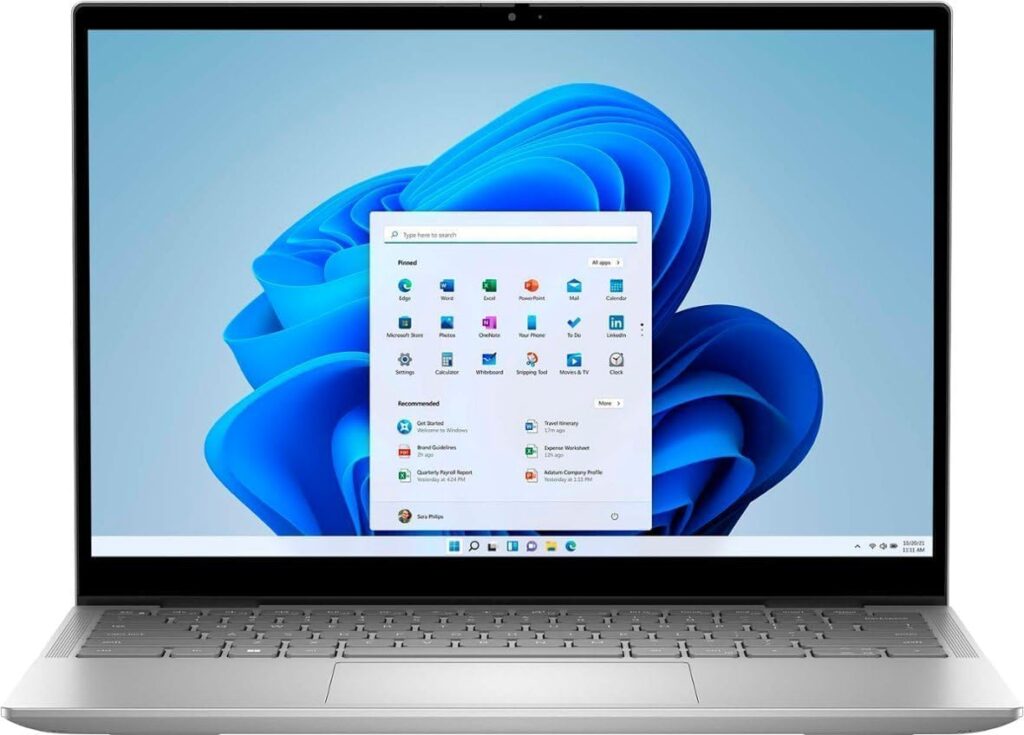
Best Premium Windows All-Rounder
The XPS 15 continues to be a favorite among creators. It’s powerful, sleek, and professional-looking — perfect for studio or mobile production.
Recommended Specs:
- Intel Core i7/i9 H-series
- 32GB RAM
- 1TB SSD
Pros:
- Beautiful display
- Solid build quality
- Reliable performance
- Good port selection
Cons:
- Can run warm under heavy sessions
- Premium pricing
For producers who want power without the “gaming laptop” look, this is a smart pick.
4. ASUS ROG Zephyrus G14
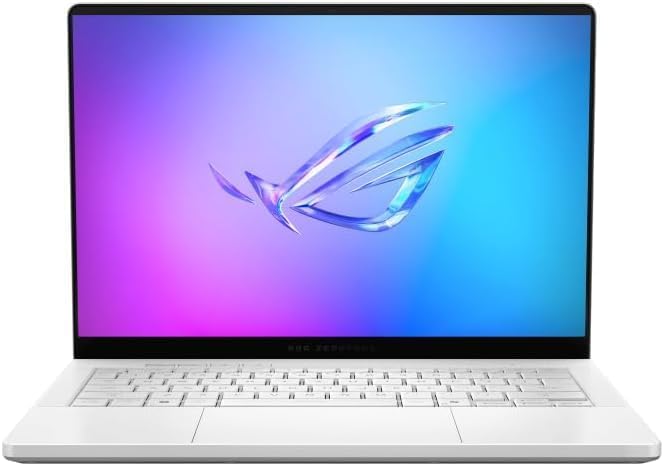
Best Performance for the Money
Don’t let the gaming label fool you — the Zephyrus G14 is excellent for music production. AMD Ryzen chips offer strong multi-core performance at a more affordable price.
Recommended Setup:
- Ryzen 9
- 32GB RAM
- 1TB SSD
Pros:
- Great price-to-performance ratio
- Lightweight
- Strong CPU power
Cons:
- Fans can be noticeable
- Gaming aesthetics aren’t for everyone
If you’re building a serious home studio on a budget, this one deserves attention.
5. Lenovo ThinkPad X1 Extreme
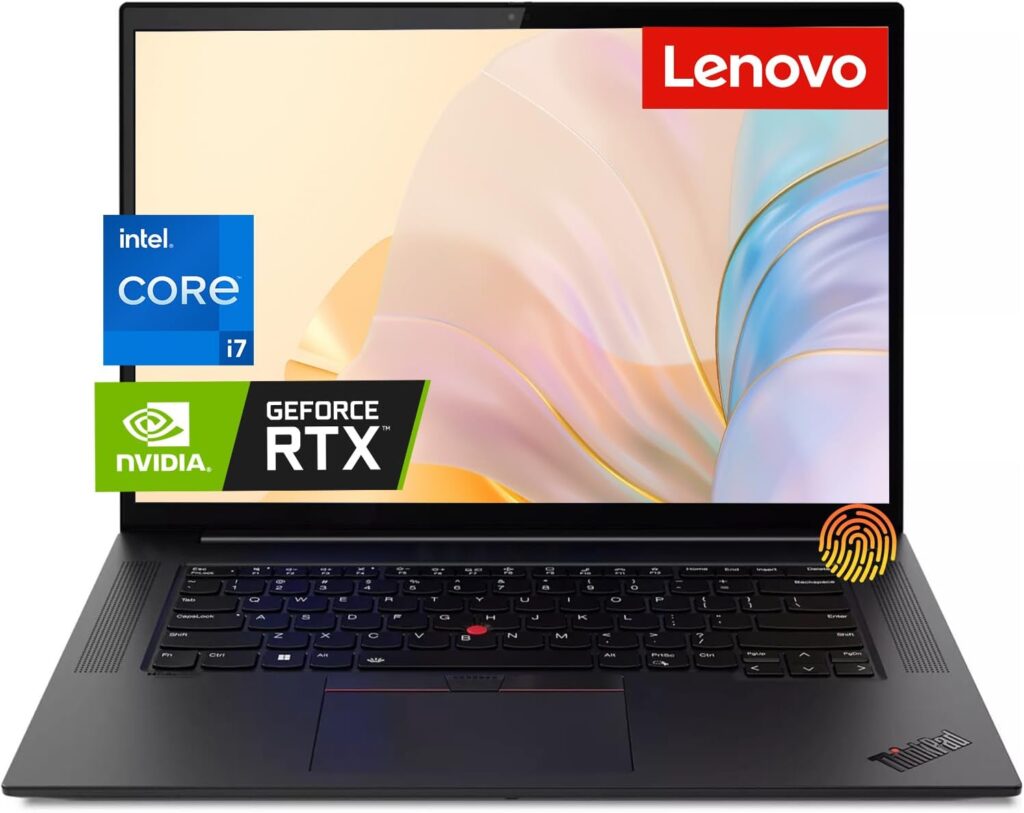
Best Professional Workstation Option
ThinkPads are known for durability and stability. The X1 Extreme is powerful enough for large Ableton sessions while maintaining that business-class reliability.
Pros:
- Excellent keyboard
- Strong performance
- Durable build
Cons:
- Price climbs quickly with upgrades
- Not the flashiest display
Ideal for producers who value stability over style.
Quick Comparison Table
| Laptop | Best For | RAM Recommendation | Storage | Noise Level | Portability |
|---|---|---|---|---|---|
| MacBook Pro 14/16 | Overall best | 32GB | 1TB SSD | Very Quiet | Excellent |
| Razer Blade 16 | Max power (Windows) | 32–64GB | 1–2TB SSD | Moderate | Good |
| Dell XPS 15 | Professional creators | 32GB | 1TB SSD | Moderate | Good |
| ASUS Zephyrus G14 | Budget performance | 32GB | 1TB SSD | Noticeable under load | Excellent |
| ThinkPad X1 Extreme | Workstation users | 32GB | 1TB SSD | Moderate | Good |
How Much RAM Do You Really Need?
If you:
- Use basic audio tracks and light plugins → 16GB is fine.
- Use Kontakt libraries, orchestral templates, or heavy synth stacks → 32GB is strongly recommended.
- Run massive scoring sessions → 64GB on Windows machines can be useful.
Mac vs Windows for Ableton Live
Both platforms run Ableton Live smoothly.
- Mac: better battery life, quieter, more efficient.
- Windows: more hardware variety, potentially better price-to-performance ratio.
Your choice should depend on your plugin ecosystem and workflow comfort.
Final Thoughts
The best laptop for Ableton Live isn’t just about specs. It’s about how it fits your workflow.
If you want something that “just works,” go MacBook Pro.
If you want raw power and flexibility, look at high-end Windows machines like the Razer Blade or XPS.
If you’re balancing budget and performance, ASUS delivers serious value.
Music production is demanding. Your laptop shouldn’t hold you back.
Choose wisely, invest in enough RAM, and make sure you’re running everything on a fast SSD. Your future self — and your mix sessions — will thank you.
How to Choose the Best Laptop for Ableton Live
Time needed: 10 minutes
Looking for the right laptop to run Ableton Live smoothly? Follow these three simple steps to choose a machine that won’t lag, overheat, or limit your creativity.
- Prioritize CPU Performance
Ableton Live depends heavily on CPU performance. Pick a laptop with an Apple M-series chip, Intel Core i7/i9 (H-series), or AMD Ryzen 7/9 processor. A powerful CPU ensures smooth playback, fewer dropouts, and stable performance when using multiple plugins and tracks.
- Get Enough RAM and Fast Storage
16GB RAM is the minimum, but 32GB is strongly recommended for larger projects and sample libraries. Always choose an NVMe SSD — ideally 1TB or more — so your samples and plugins load quickly without slowing down your sessions.
- Check Cooling, Ports, and Real-World Usability
Look for good cooling performance and low fan noise, especially if you record vocals. Make sure the laptop has the ports you need for your audio interface and external drives. A reliable, stable machine matters more than flashy specs.
FAQs
Not always. If you’re mostly recording vocals, using a few plugins, and keeping projects light, 16GB can still work fine. But if you’re loading big sample libraries or stacking lots of synths, 32GB gives you breathing room.
Absolutely. Many gaming laptops have powerful CPUs and plenty of RAM, which is great for Ableton. Just keep an eye on fan noise and make sure you’re using a good audio interface for clean, low-latency recording.
Both run Ableton really well. Macs are known for stability and battery life. Windows machines offer more hardware choices and sometimes better value. It honestly comes down to your workflow and the plugins you rely on.

Hi, my name is Burak. I am a mechanical engineer. I have been writing laptop reviews for the Engineering Laptops website since 2020. Please feel free to contact me if you have any questions.