Estimated reading time: 6 minutes
Key Takeaways
- The Dell XPS 14 (2026) offers a balanced design with a premium feel and improved usability.
- It features strong specifications, including an OLED display option that enhances visual quality.
- Performance is solid for everyday tasks, though graphics are not aimed at hardcore gaming.
- Battery life is dependable, lasting a full day with regular use and over 15 hours for video playback.
- This laptop is ideal for those wanting a premium Windows experience but may disappoint users needing more ports or a superior keyboard.
Table of contents
- Quick Specs
- Design: Clean, Premium, and Less Annoying
- Display: The OLED Option Is a No-Brainer
- Performance: Fast Enough for Almost Everything
- Battery Life: Finally Reliable
- Keyboard & Trackpad: Good, But Not Perfect
- Ports: Minimalist… Maybe Too Minimal
- Who Should Buy the Dell XPS 14 (2026)?
- Pros and Cons
- Final Verdict: Is It Worth It?
- How to Choose the Right Dell XPS 14 (2026) Configuration
- FAQs
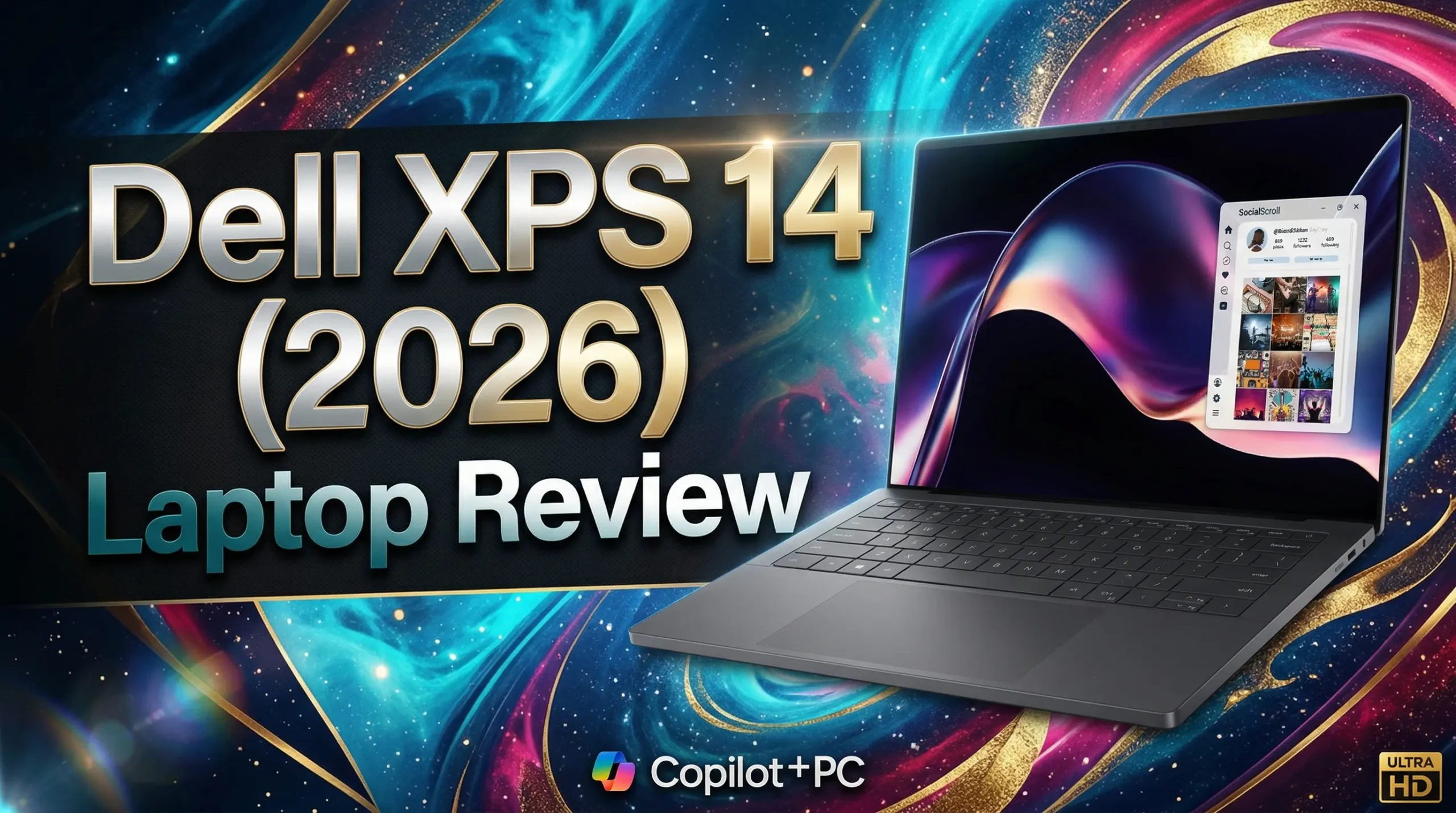
The Dell XPS 14 (2026) feels like Dell finally got the balance right. In this Dell XPS 14 (2026) Laptop Review, we explore what makes this latest model stand out.
For years, the XPS line looked amazing but had a few “why did they do that?” decisions. This time, it feels different. It’s still premium, still clean, still one of the best-looking Windows laptops out there—but now it actually feels easier to live with every day.
If you’re thinking about buying it, here’s the honest breakdown—no fluff.
Purchase on Amazon or check availabilityQuick Specs
| Feature | Dell XPS 14 (2026) |
|---|---|
| Display | 14” 2K (120Hz) / 2.8K OLED Touch |
| Processor | Intel Core Ultra (up to X7) |
| Graphics | Intel Arc |
| RAM | 16GB / 32GB LPDDR5x |
| Storage | 512GB – 1TB SSD |
| Battery | 70Wh |
| Weight | ~3.0 lbs (1.36 kg) |
| Ports | 3x Thunderbolt 4, Audio Jack |
| Connectivity | Wi-Fi 7, Bluetooth 6 |
Design: Clean, Premium, and Less Annoying
Let’s start with the obvious—this thing looks really good.
Dell sticks to its signature aluminum + glass design, and it still screams premium the moment you open the lid. It’s thin, lightweight, and feels solid in the hand. No flex, no cheap vibes.
But the real win?
They fixed some of the annoying stuff from older models.
- Physical function keys are back (finally)
- The overall layout feels more natural
- It’s still minimal, but not frustrating anymore
It’s one of those laptops that feels expensive—and actually justifies it.
Display: The OLED Option Is a No-Brainer
If you can stretch your budget, go for the OLED version. Seriously.
The colors pop, blacks are deep, and everything just looks better—whether you’re watching Netflix, editing photos, or just scrolling.
Even the standard 2K panel is solid:
- Smooth 120Hz refresh rate
- Bright enough for outdoor use
- Great for everyday work
But the OLED? That’s where this laptop really shines.
Performance: Fast Enough for Almost Everything
Powered by the latest Intel Core Ultra chips, the XPS 14 handles daily work without breaking a sweat.
What does that mean in real life?
- Dozens of Chrome tabs → smooth
- Power BI / Excel / coding → no issues
- Light video editing → totally fine
- Casual gaming → surprisingly decent
The Intel Arc graphics aren’t meant for hardcore gaming, but they’re good enough for most people.
This isn’t a “gaming laptop”—but it’s definitely not slow either.
Battery Life: Finally Reliable
Battery life used to be a weak point for many premium Windows laptops.
That’s not the case here.
In real-world use:
- Work + browsing → around a full day
- Video playback → easily 15+ hours
- Light usage → can stretch even more
It’s not magic, but it’s dependable. And that’s what actually matters.
Keyboard & Trackpad: Good, But Not Perfect
This is probably the most “mixed” part of the laptop.
Keyboard
- Clean look, fits the design
- But typing feels a bit shallow
- Not bad, just not amazing
If you type all day, you might notice it.
Trackpad
- Large and responsive
- Smooth haptic feedback
- Feels modern and premium
Overall: usable, but the keyboard could’ve been better.
Ports: Minimalist… Maybe Too Minimal
You get:
- 3x Thunderbolt 4 (USB-C)
- Headphone jack
That’s it.
No USB-A, no HDMI, no SD card slot.
If you’re okay living the dongle life, no problem.
If not… this might annoy you.
Who Should Buy the Dell XPS 14 (2026)?
This laptop makes sense if you:
- Want a premium, modern Windows laptop
- Care about design and build quality
- Need strong everyday performance
- Appreciate a great display (especially OLED)
- Travel a lot and want something lightweight
It’s not ideal if you:
- Need lots of ports
- Want the best keyboard in the world
- Are on a tight budget
Pros and Cons
✅ Pros
- Stunning design and premium feel
- Gorgeous OLED display option
- Strong everyday performance
- Solid battery life
- Lightweight and portable
❌ Cons
- Keyboard could be better
- Limited ports
- Gets expensive quickly
Final Verdict: Is It Worth It?
The Dell XPS 14 (2026) is one of those laptops that just feels right.
It’s not perfect—but it fixes enough of the old issues to actually be enjoyable day to day. The design is still top-tier, performance is solid, and the OLED display alone can sell this machine.
If you’re looking for a high-end Windows laptop that looks great, works smoothly, and travels well, this is easily one of the best options right now.
How to Choose the Right Dell XPS 14 (2026) Configuration
Time needed: 5 minutes
- Decide What You’ll Use It For
Start with your daily needs. If it’s mostly browsing, Office apps, or schoolwork, the base model is more than enough. But if you’re into heavier stuff like editing, coding, or multitasking with tons of tabs, it’s worth going for more RAM and a stronger processor.
- Pick the Right Display
This one’s easy. If you care about visuals—even a little—the OLED display is 100% worth it. Everything just looks better. If you’re trying to save money and don’t mind a standard screen, the 2K panel still does a solid job.
- Think About Long-Term Comfort
Don’t just think about today—think about how this laptop will feel after months of use. If you travel a lot, the lightweight design is a big plus. If you use accessories or external devices, remember you might need a USB-C hub because of limited ports.
That’s it. No overthinking—just match the laptop to your lifestyle and you’ll be happy with your choice.
FAQs
Yes. It’s lightweight, powerful, and has long battery life—great for school and daily use.
Light to moderate gaming, yes. But it’s not built for heavy AAA titles.
Absolutely. If your budget allows, it’s the best upgrade you can make.
Not in normal use. Under heavy load, it gets warm—but nothing unusual.
Now the real question:
Would you pay extra for the OLED version, or stick with the standard display and save some money?

Hi, my name is Burak. I am a mechanical engineer. I have been writing laptop reviews for the Engineering Laptops website since 2020. Please feel free to contact me if you have any questions.





