
Estimated reading time: 7 minutes
Key Takeaways
- Choosing the best laptops for Power BI requires focusing on RAM, CPU, and SSD storage.
- Aim for a minimum of 16GB RAM and consider 32GB for complex tasks; new-gen Intel Core Ultra CPUs work best.
- The article lists top five models: Lenovo ThinkPad X1 Carbon, Dell XPS 16, Lenovo ThinkPad T14s, HP EliteBook Ultra, and ASUS Zenbook 14.
- Key features include lightweight designs, high-storage options, and OLED displays for comfortable viewing.
- Consider your future needs, because a laptop for Power BI should handle current and upcoming workload efficiently.
Table of contents
If you’ve ever watched Power BI freeze mid-refresh, you already know: not every laptop can handle this workload. Power BI isn’t just “another office app.” It eats RAM, leans hard on your CPU, and gets messy when you open multiple reports, Excel sheets, and browser tabs at the same time.
So instead of throwing random high-end laptops at you, I picked machines that actually make daily Power BI work smoother—faster refresh times, less lag, better multitasking, and screens that don’t kill your eyes after 6 hours.
Let’s get straight into it.
What Kind of Laptop Do You Need for Power BI?
Before jumping into the list, here’s the simple truth:
- RAM matters the most → 16GB minimum, 32GB if you’re serious
- CPU comes second → New-gen Intel Core Ultra is ideal
- SSD is non-negotiable → At least 512GB, preferably 1TB
- Screen matters more than you think → You’ll stare at charts all day
If your laptop struggles with Excel + Chrome + Power BI together… it’s already the wrong machine.
Quick Comparison Table
| Laptop | Best For | RAM | Storage | Screen | Weight |
|---|---|---|---|---|---|
| Lenovo ThinkPad X1 Carbon Gen 13 | Best Overall | Up to 64GB | Up to 2TB | 14″ OLED | ~1kg |
| Dell XPS 16 (2026) | Large Datasets | Up to 32GB | Up to 1TB | 16″ OLED | ~2kg |
| Lenovo ThinkPad T14s Gen 6 | Battery & Travel | Up to 64GB | Up to 1TB | 14″ OLED | ~1.2kg |
| HP EliteBook Ultra G1i | Business Users | Up to 32GB | Up to 2TB | 14″ OLED | ~1.19kg |
| ASUS Zenbook 14 OLED | Best Value | Up to 32GB | Up to 1TB | 14″ 3K OLED | ~1.2kg |
Best Laptops for Power BI in 2026
1. Lenovo ThinkPad X1 Carbon Gen 13 – Best Overall
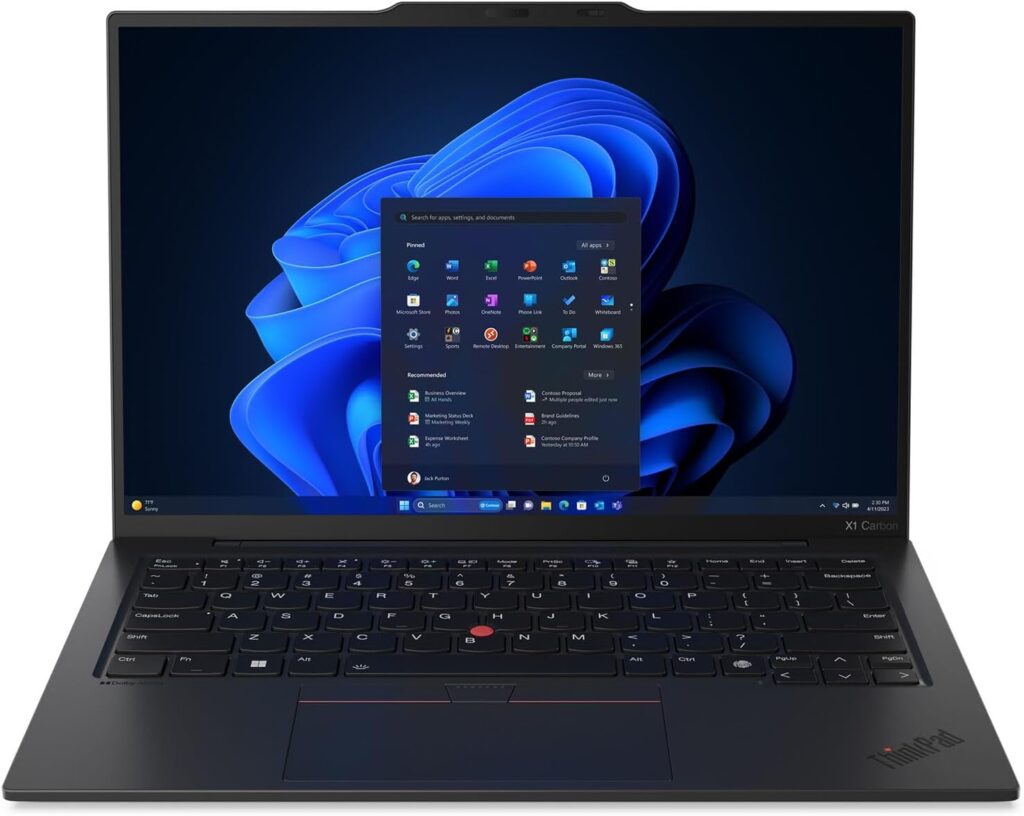
This is the kind of laptop you buy once and forget about upgrades for years.
It’s amazingly light, super reliable, and handles Power BI like it’s nothing—even when you’re juggling multiple dashboards and datasets.
Key Features
- Up to 64GB RAM
- Up to 2TB SSD
- 14” 2.8K OLED display (sharp and clean visuals)
- Ultra-lightweight (~1kg)
- Windows 11 Pro
What I Like
- Feels fast even under heavy workloads
- Perfect for long work sessions (keyboard is top-tier)
- Easy to carry anywhere
Downsides
- RAM is not upgradeable later
- Expensive if you go high-spec
👉 If you want a “no headache” Power BI laptop, this is it.
2. Dell XPS 16 (2026) – Best for Big Dashboards
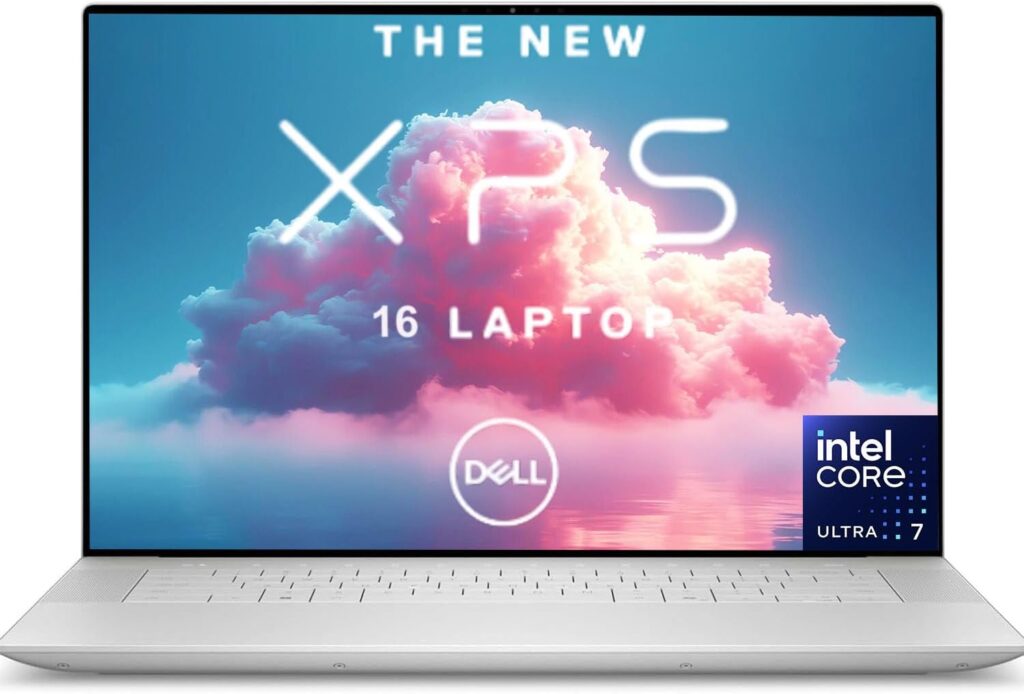
If your work involves complex dashboards, large datasets, or multiple visuals at once, screen size matters more than you think.
That’s where the XPS 16 shines.
Key Features
- Intel Core Ultra processors
- Up to 32GB RAM
- 16-inch 3.2K OLED display
- Premium aluminum build
What I Like
- Huge screen = easier data analysis
- Strong performance for heavy reports
- Looks and feels premium
Downsides
- Not very portable
- Price climbs fast with upgrades
👉 This is for people who treat Power BI like a full-time workstation.
3. Lenovo ThinkPad T14s Gen 6 – Best for Travel
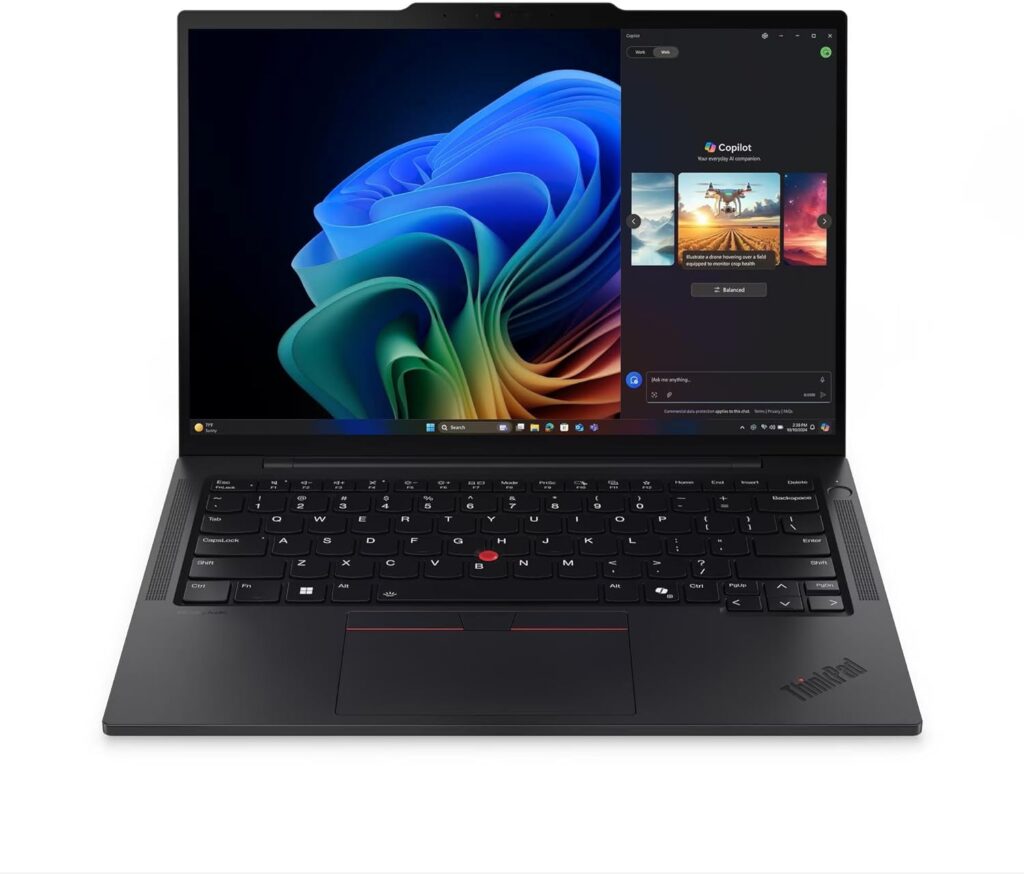
If you’re always moving—office, home, café—this one makes your life easier.
It’s light, durable, and has excellent battery life.
Key Features
- Up to 64GB RAM
- 14” OLED display
- Long battery life
- Business-class durability
What I Like
- Reliable and consistent performance
- Great battery life for all-day use
- Classic ThinkPad comfort
Downsides
- Max storage is usually 1TB
- Not as flashy as competitors
👉 Perfect for consultants, analysts, and remote workers.
4. HP EliteBook Ultra G1i – Best for Business Environments
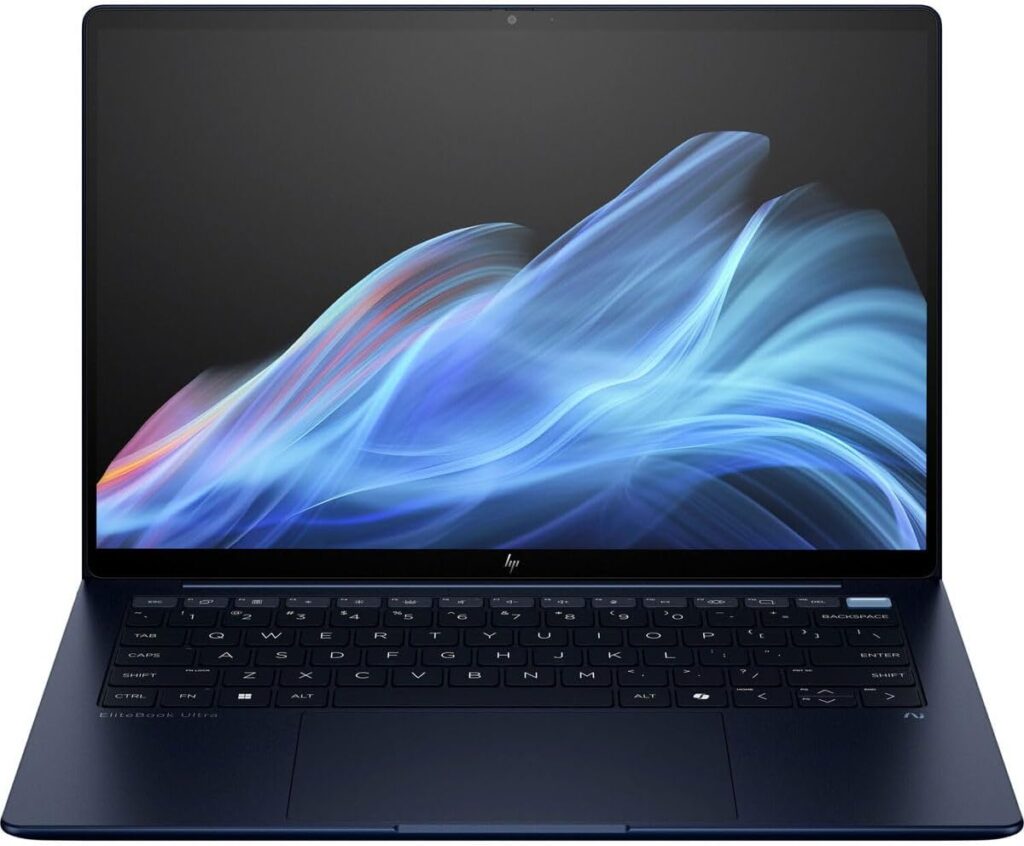
This laptop is built for corporate life. Secure, stable, and powerful enough for serious Power BI usage.
Key Features
- Intel Core Ultra processors
- Up to 32GB RAM
- Up to 2TB SSD
- 14” OLED display
- Lightweight (~1.19kg)
What I Like
- Strong security and business features
- Solid performance for multitasking
- Clean, professional design
Downsides
- Base models are underpowered (avoid 16GB configs if possible)
- Slightly overpriced in some regions
👉 Great choice if you work in a company environment with strict IT setups.
5. ASUS Zenbook 14 OLED – Best Value Pick
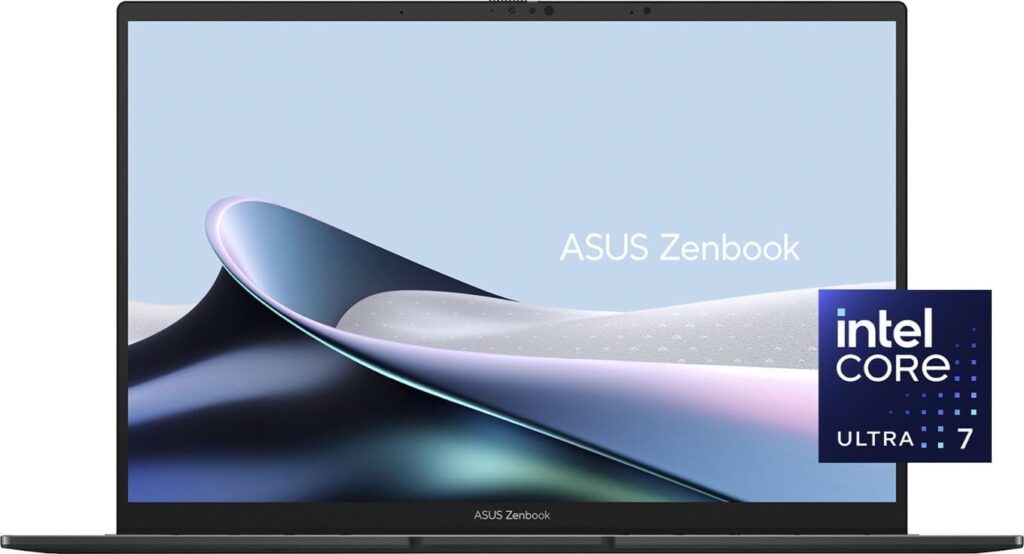
This is the sweet spot. Not too expensive, not underpowered.
It gives you premium features without draining your budget.
Key Features
- Up to Intel Core Ultra 9
- Up to 32GB RAM
- 3K OLED display (120Hz)
- Lightweight and thin
What I Like
- Excellent price/performance balance
- Gorgeous display
- Easy to carry daily
Downsides
- 14-inch screen can feel small for complex dashboards
- Storage usually capped at 1TB
👉 If you want power without overspending, this is the smart pick.
Final Thoughts
Choosing a laptop for Power BI is not about chasing the highest specs. It’s about finding a machine that stays fast when your workflow gets messy.
If I had to simplify it:
- Go with ThinkPad X1 Carbon → safest all-round choice
- Pick XPS 16 → if you want more screen space
- Choose T14s → if you travel a lot
- Get EliteBook → for business environments
- Buy Zenbook 14 → best value
At the end of the day, the real question is this:
Are you buying a laptop that can handle your current reports… or the ones you’ll be building a year from now?
How to Choose the Right Laptop for Power BI
Time needed: 5 minutes
- Start with RAM, not the brand
Before anything else, check the memory. Go for at least 16GB, but if you work with large datasets or complex dashboards, 32GB will save you from future headaches. This is the one spec you’ll feel every single day.
- Pick a processor that won’t slow you down
Power BI loves a strong CPU. Look for newer-generation processors (like Intel Core Ultra). It makes a real difference when refreshing data or running multiple tools at once.
- Don’t ignore the screen and storage
A sharp, comfortable display helps more than you think when working with visuals for hours. And for storage, don’t go below 512GB—1TB is the safer choice if you keep lots of files locally.
FAQs
Honestly, no. It might work for very basic reports, but once you open a few dashboards or combine it with Excel and browser tabs, things start slowing down fast. 16GB should be your starting point.
Yes, especially if you refresh data often or work with larger datasets. A newer-gen processor makes everything feel smoother and saves you time in the long run.
It can be, but it depends on your style. If you like working on multiple visuals at once, a bigger screen (like 16-inch) is more comfortable. If you’re on the move a lot, 14-inch is a great balance.

Hi, my name is Burak. I am a mechanical engineer. I have been writing laptop reviews for the Engineering Laptops website since 2020. Please feel free to contact me if you have any questions.





