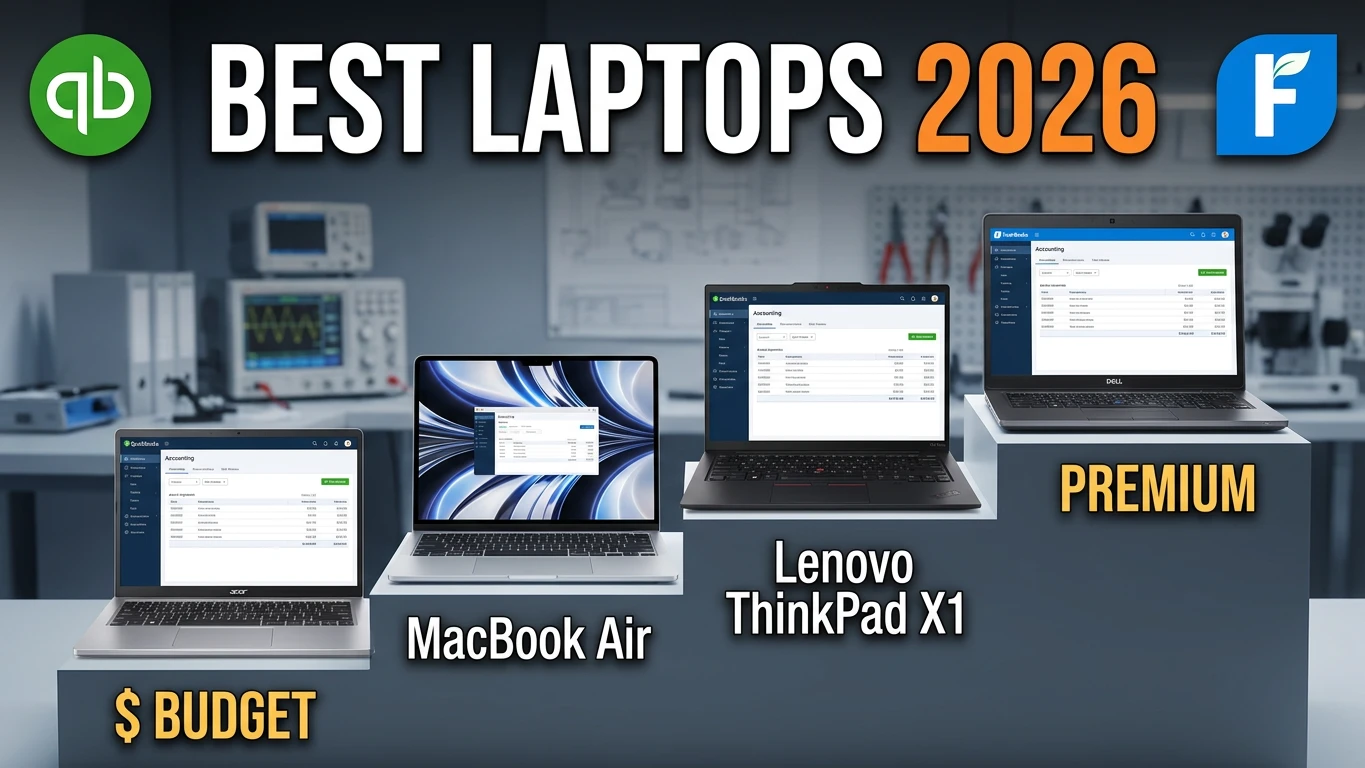
Estimated reading time: 10 minutes
Key Takeaways
- In 2026, robust laptops are essential for smooth operation of accounting software like QuickBooks and FreshBooks.
- The article reviews the best laptops for accounting based on performance, design, and user needs.
- Top picks include the Lenovo ThinkPad X1 Carbon Gen 13 for overall performance and the Apple MacBook Air (M5) for cloud users.
- Recommendations emphasize the importance of having at least 16GB of RAM and choosing between Windows or Mac based on software needs.
- Overall, investing in a capable laptop enhances productivity and reduces frustration during busy accounting seasons.
Table of contents
Let’s be brutally honest for a second. There is nothing worse than sitting down with a massive mug of coffee, ready to crush a month’s worth of bank reconciliations, only for your laptop to freeze the second you open QuickBooks. We’ve all been there. The spinning wheel of death during tax season is a nightmare no bookkeeper or business owner should have to deal with. That’s why finding the best laptops for QuickBooks and FreshBooks can make all the difference.
A lot of people think accounting software is just “basic math” and that any cheap computer off the shelf will do. But in 2026? That couldn’t be further from the truth. Today, running QuickBooks Desktop, QuickBooks Online, or FreshBooks means juggling twenty Google Chrome tabs, massive Excel spreadsheets, Zoom calls with clients, and AI-driven expense trackers—all at the exact same time.
To save you the headache of returning a laptop that can’t keep up, we’ve put the latest hardware to the test. Whether you’re an independent freelancer sending out FreshBooks invoices or a CPA managing fifty heavy company files, here are the absolute best laptops for accounting in 2026.
No tech jargon. Just honest, real-world reviews to help you get back to business.
Quick Comparison: Top Laptops for Accounting at a Glance
If you’re in a rush and just want the cheat sheet, here is how our top picks stack up.
| Laptop Model | Best For… | Key Specs (Processor / RAM) | Why We Love It |
| Lenovo ThinkPad X1 Carbon Gen 13 | Overall Best for Accountants | Intel Core Ultra 7 / 16GB – 32GB | The best keyboard on the market. Period. |
| Apple MacBook Air (M5) | Cloud Accounting (QBO & FreshBooks) | Apple M5 / 16GB Unified Memory | Totally silent, and the battery lasts all day. |
| Dell XPS 14 | Heavy Multitasking & Power Users | Intel Core Ultra 7 / 16GB – 32GB | Stunning screen and handles massive data files effortlessly. |
| Lenovo ThinkPad E16 Gen 3 | Budget Buyers & Data Entry | AMD Ryzen 7 / 16GB | It has a built-in numeric keypad! |
| ASUS Zenbook S 14 OLED | Late-Night Work & Eye Comfort | Intel Core Ultra 7 / 16GB | The OLED screen is incredibly easy on the eyes. |
The Top 5 Laptops for QuickBooks & FreshBooks
1. Lenovo ThinkPad X1 Carbon Gen 13 – The Unrivaled Champion
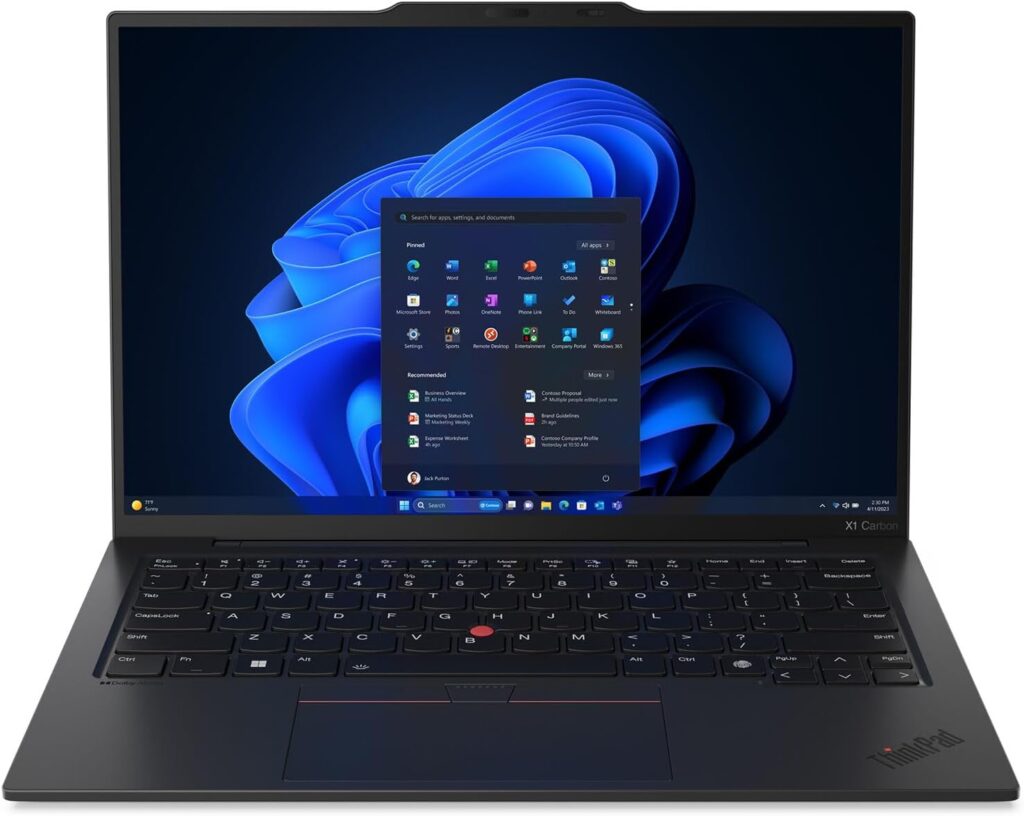
Best for: The die-hard Windows user who types all day long.
If you were to walk into any major accounting firm right now, you’d see a sea of ThinkPads. There is a very good reason for this. The ThinkPad X1 Carbon Gen 13 is essentially the gold standard for business productivity.
Weighing in at just over two pounds, it feels ridiculously light in your bag, but the build quality is military-grade. But the real reason this laptop takes our number one spot is the keyboard. If your job involves punching in numbers and writing financial reports for eight hours a day, your fingers will thank you. The keystrokes are deep, satisfying, and comfortable. Paired with the new Intel Core Ultra processors, it chews through heavy QuickBooks Desktop enterprise files without the fan sounding like a jet engine.
The Good:
- The most comfortable keyboard you will ever type on.
- Absurdly lightweight (2.17 lbs) but incredibly durable.
- Plenty of ports—no annoying dongles needed to plug in a monitor or flash drive.
The Not-So-Good:
- It’s a premium machine, so it comes with a premium price tag.
- At 14 inches, there’s no room for a dedicated numeric keypad.
2. Apple MacBook Air (M5) – The Cloud Warrior’s Dream
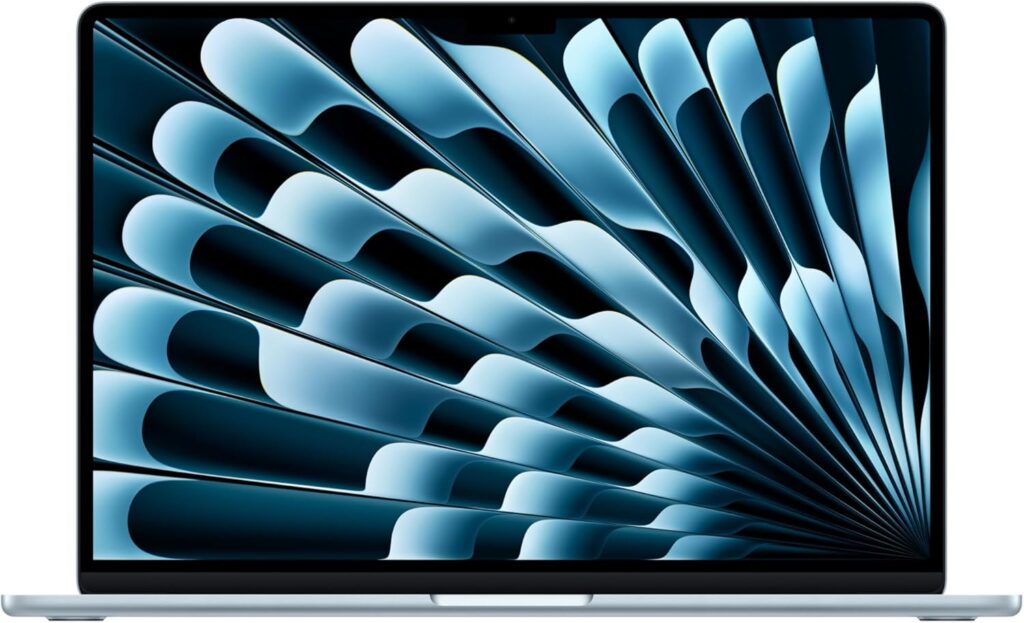
Best for: Users strictly using QuickBooks Online, FreshBooks, Xero, or Gusto.
Let’s clear something up right away: Do not buy a Mac if you rely on the Windows version of QuickBooks Desktop. It’s just going to cause you a headache.
However, if your business runs in the cloud—meaning you use QuickBooks Online or FreshBooks—the M5 MacBook Air is arguably the best machine money can buy right now. Because these apps run in your browser, what you really need is a computer that handles aggressive web multitasking.
The M5 chip is a monster. You can have Spotify playing, 40 browser tabs open, a massive Google Sheet running, and Slack pinging you in the background, and this laptop will not stutter. Even better? It doesn’t have a cooling fan inside. It is completely, 100% silent, and the battery will genuinely last you through a full workday and then some.
The Good:
- 18+ hours of real-world battery life. You can leave the charger at home.
- Fanless design means zero background noise.
- The trackpad is massive and smoother than anything else on the market.
The Not-So-Good:
- Useless for legacy QuickBooks Desktop without annoying workarounds (like Parallels).
- Only has two USB-C ports.
3. Dell XPS 14 – The Powerhouse
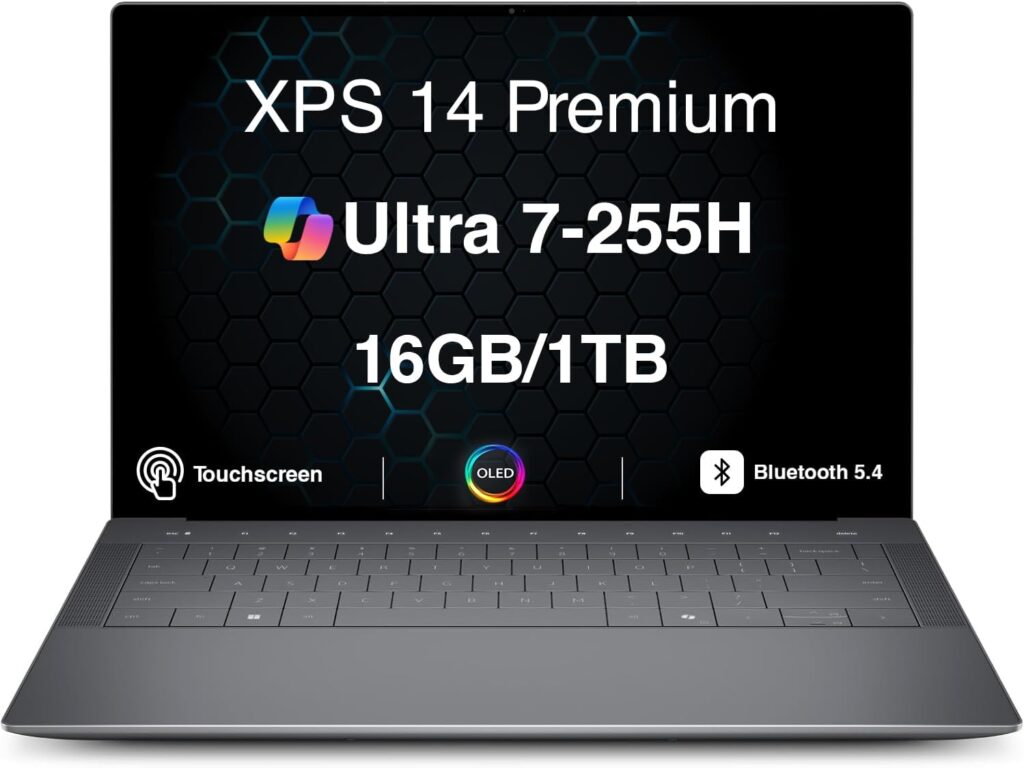
Best for: CFOs and accountants handling massively complex data sets.
Sometimes you need a laptop that not only performs like a beast but looks like a million bucks while sitting on a client’s boardroom table. The Dell XPS 14 is exactly that.
This is the machine for the heavy lifters. If your day involves exporting gigabytes of raw data from QuickBooks into highly complex Excel models with thousands of macros, the XPS 14 won’t break a sweat. The 14.5-inch screen is slightly taller than normal laptops, which is actually a massive hidden benefit for accountants—it means you can see more rows on a spreadsheet without having to scroll down.
The Good:
- Gorgeous, premium glass and aluminum design.
- The taller screen ratio is perfect for reading ledgers and spreadsheets.
- Incredible processing power for heavy, local software.
The Not-So-Good:
- The invisible glass trackpad looks cool, but takes a few days to get used to.
- A bit heavier than the ThinkPad.
4. Lenovo ThinkPad E16 Gen 3 – The Numpad Savior
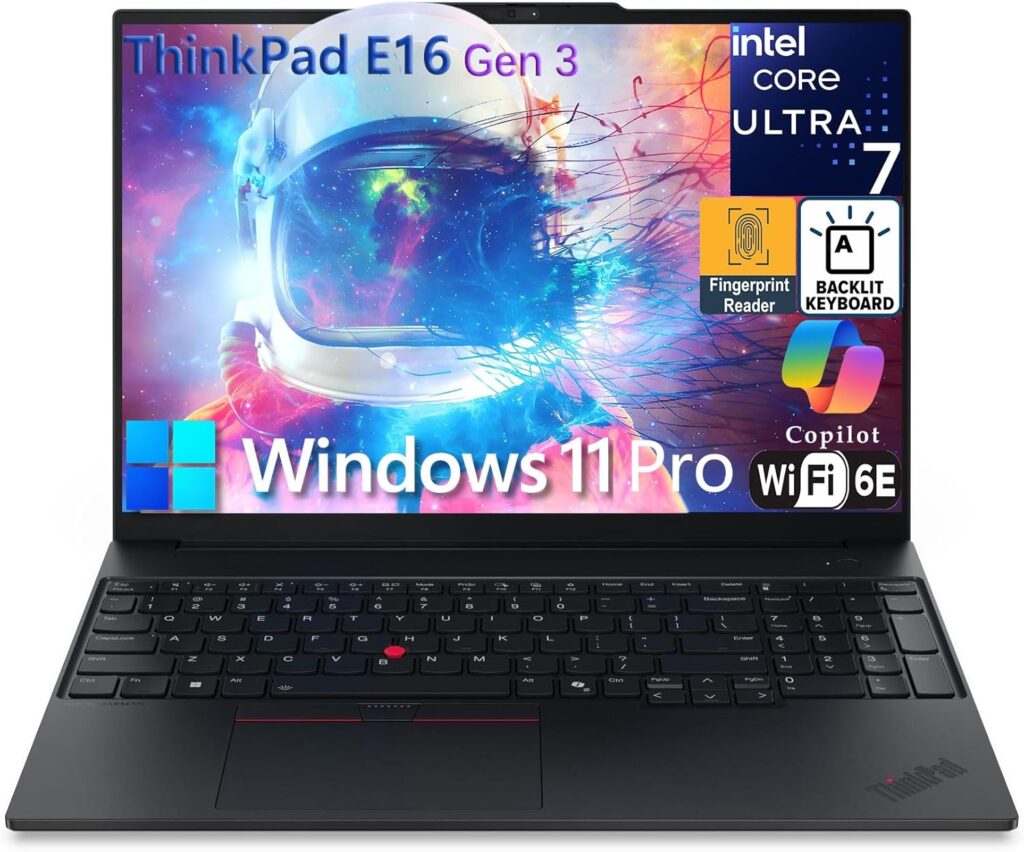
Best for: Bookkeepers on a budget who must have a 10-key numeric pad.
We hear it all the time from accountants: “I refuse to buy a laptop if it doesn’t have a number pad.” If you do heavy data entry, using the top row of numbers on a keyboard slows you down and leads to typos.
If you want a dedicated number pad without carrying around an enormous, heavy gaming laptop, the ThinkPad E16 Gen 3 is your best bet. It features a spacious 16-inch screen (great for side-by-side window snapping), a fantastic keyboard with that precious 10-key layout, and solid performance. Best of all, it’s usually priced very aggressively, making it a brilliant choice for small business owners keeping an eye on their own budgets.
The Good:
- Features a full, dedicated numeric keypad.
- Excellent value for the price.
- RAM and storage can be easily upgraded later if your business grows.
The Not-So-Good:
- It’s a 16-inch laptop, so it’s bulkier for frequent travel.
- The chassis feels a bit more “plastic” compared to the high-end X1 Carbon.
5. ASUS Zenbook S 14 OLED – The Late-Night Savior
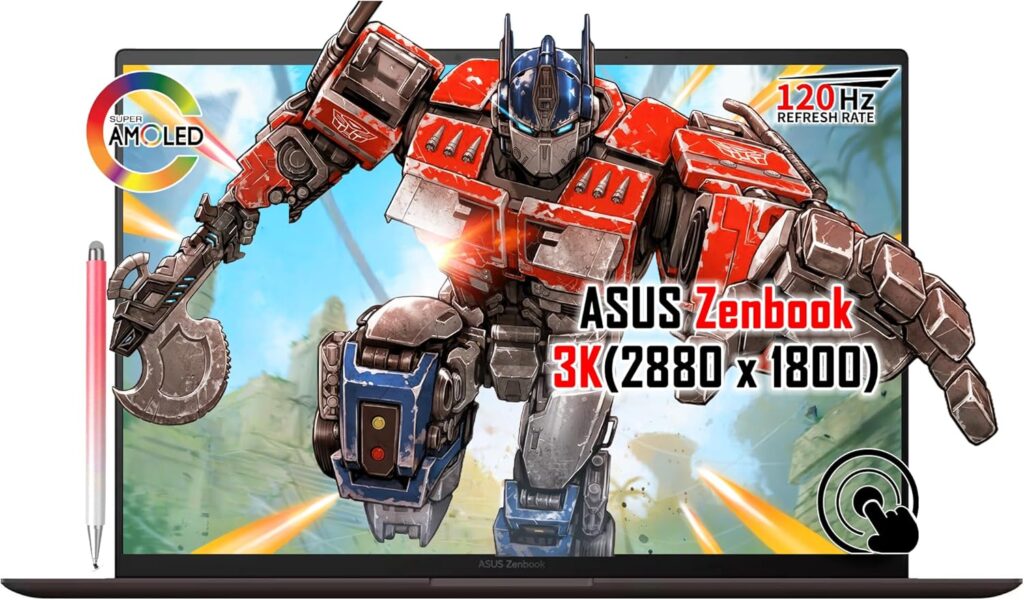
Best for: Night owls and anyone prone to eye strain during tax season.
Staring at black numbers on a stark white screen for 10 hours straight is a recipe for a massive headache. ASUS tackled this problem beautifully with the Zenbook S 14 OLED.
OLED screens are usually reserved for high-end TVs, but having one on a work laptop is a game-changer. The contrast is perfect, the text is razor-sharp, and most importantly, it emits significantly less harmful blue light than traditional screens. If you find yourself doing reconciliations late at night, your eyes will instantly feel the difference. Beyond the screen, it’s remarkably thin, incredibly fast, and has a sleek, professional look.
The Good:
- The OLED screen reduces eye fatigue dramatically.
- Very generous storage space (usually comes with 1TB standard).
- Ultra-thin and lightweight.
The Not-So-Good:
- The glossy screen can be reflective if you work outdoors or directly under bright office lights.
How to Choose the Right Accounting Laptop (What Actually Matters)
Don’t let salespeople upsell you on features you don’t need. When buying a laptop specifically for accounting in 2026, here is what you actually need to care about:
1. RAM is King (Don’t settle for 8GB)
Accounting software itself might not seem heavy, but web browsers are memory hogs. If you use QuickBooks Online, Chrome will eat your RAM alive. In 2026, 16GB of RAM is the absolute bare minimum you should accept. If you can afford 32GB, get it—it will future-proof your machine for years.
2. The Great OS Debate: Windows vs. Mac
- Use QuickBooks Desktop? You must buy a Windows PC. Intuit prioritizes Windows, and the Mac version of Desktop is historically clunky.
- Use QuickBooks Online or FreshBooks? Buy whichever you prefer! Both run perfectly in the cloud, though Macs offer much better battery life.
3. Your Typing Style
Think about how you work. Do you type numbers constantly? You might need a 16-inch laptop with a numeric pad. Do you travel to clients a lot? Skip the numpad, get a lightweight 14-inch laptop, and buy a cheap $15 Bluetooth number pad to keep in your bag for when you need it.
Frequently Asked Questions (FAQ)
Can I run QuickBooks Desktop on a Chromebook?
No. Chromebooks run on ChromeOS, which cannot install Windows or Mac applications. While you can access QuickBooks Online on a Chromebook via the web browser, QuickBooks Desktop will not work.
Do I need a dedicated graphics card (GPU) for accounting?
Absolutely not. Dedicated graphics cards are for video editing, 3D rendering, and gaming. Integrated graphics (which come standard on all the laptops on this list) are more than enough to handle accounting software and multiple monitors.
How much storage (SSD) do I really need?
If you save everything to the cloud (Google Drive, Dropbox, OneDrive), a 512GB SSD is plenty. However, if you keep years of backup company files (.QBW files can get huge) stored locally on your machine, spring for the 1TB option.
Final Verdict
Upgrading your laptop is an investment in your sanity. If you want the absolute best overall experience, the Lenovo ThinkPad X1 Carbon Gen 13 is a flawless Windows machine. If your life revolves entirely around the cloud, grab the MacBook Air M5 and enjoy never having to worry about your battery dying in the middle of a client meeting again.

Hi, my name is Burak. I am a mechanical engineer. I have been writing laptop reviews for the Engineering Laptops website since 2020. Please feel free to contact me if you have any questions.





