
Estimated reading time: 9 minutes
Key Takeaways
- Choosing the right laptop for BTech students focuses on durability and performance for coding and simulations.
- In 2026, key specs include at least an Intel Core i5 processor, 16GB RAM, and a 512GB SSD for optimal efficiency.
- Top recommended models include Apple MacBook Air M4 for overall use, Dell XPS 13 for premium Windows experience, and MSI Stealth 16 for heavy CAD work.
- Students should prioritize performance, reliability, and future software compatibility when selecting a laptop.
- Budget-conscious options like Acer Swift Go 14 provide solid performance without overspending.
Table of contents
- What BTech Students Actually Need in 2026
- Top 7 Best Laptops for BTech Students
- 1. Apple MacBook Air M4 – Best Overall for Most Students
- 2. Dell XPS 13 – Best Premium Windows Option
- 3. ASUS Zenbook 14 OLED – Best Value for Money
- 4. Lenovo ThinkPad X1 Carbon Gen 12 – Most Reliable Long-Term
- 5. HP Spectre x360 14 – Best 2-in-1 Laptop
- 6. MSI Stealth 16 – Best for Heavy CAD & Machine Learning
- 7. Acer Swift Go 14 – Best Budget Choice
- Quick Comparison Table
- How to Choose Based on Your Branch
- Final Thoughts
- FAQs
Choosing the right laptop for a BTech degree isn’t just about buying something “powerful.” If you’re wondering how to choose among the best laptops for BTech students, it’s about picking a machine that survives four intense years of coding, simulations, CAD models, late-night project submissions, and probably a little Netflix in between.
In 2026, laptops are faster, lighter, and more efficient than ever. But not every high-spec machine makes sense for an engineering student. Some are overpriced. Some look powerful on paper but struggle under real workloads.
This guide breaks down the best laptops for BTech students in 2026, with detailed specs, honest pros and cons, and real-world advice — so you can invest once and not regret it later.
What BTech Students Actually Need in 2026
Before jumping into specific models, here’s what truly matters:
✅ Recommended Minimum Specs
- Processor: Intel Core i5 / Ryzen 5 / Apple M-series
- RAM: 16GB (8GB is no longer ideal in 2026)
- Storage: 512GB SSD (NVMe preferred)
- Display: Full HD (1920×1080) or higher
- Battery Life: 8+ hours real usage
🚀 Ideal Specs for Heavy Engineering Work
- Processor: Intel Core i7 / Ryzen 7 / Apple M3/M4
- RAM: 16–32GB
- Storage: 1TB SSD
- GPU: Dedicated RTX 4060 or better (for CAD, ML, simulations)
If your branch involves Mechanical, Civil, AI/ML, Robotics, or heavy simulation tools, GPU power matters. For Computer Science, a strong CPU and enough RAM matter more than flashy graphics.
Top 7 Best Laptops for BTech Students
1. Apple MacBook Air M4 – Best Overall for Most Students
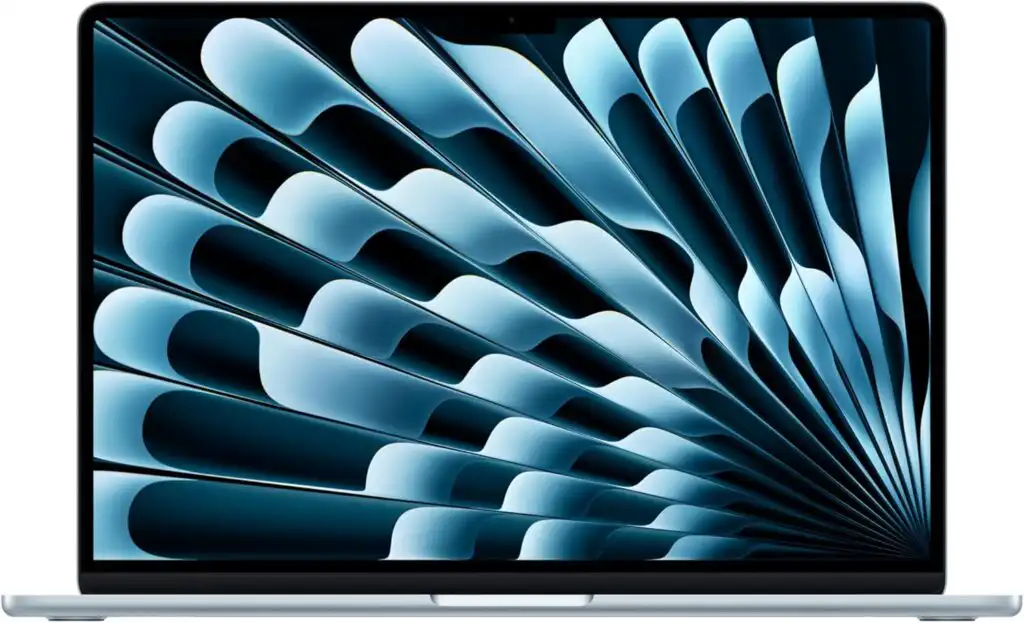
The MacBook Air with M4 chip is one of the most balanced student laptops in 2026. It’s silent, extremely efficient, and shockingly powerful for its size.
Key Specifications
- Chip: Apple M4
- RAM: 16GB / 24GB
- Storage: 512GB / 1TB SSD
- Display: 13.6” Liquid Retina
- Weight: ~1.2 kg
- Battery: Up to 18 hours
Pros
✔ Exceptional battery life
✔ Super lightweight
✔ No fan noise
✔ Great for programming & app development
✔ Long software support
Cons
✖ Limited ports
✖ Some Windows-only engineering software may need alternatives
✖ Expensive upgrades
Best For: Computer Science, IT, Electronics students who prioritize portability and battery.
2. Dell XPS 13 – Best Premium Windows Option
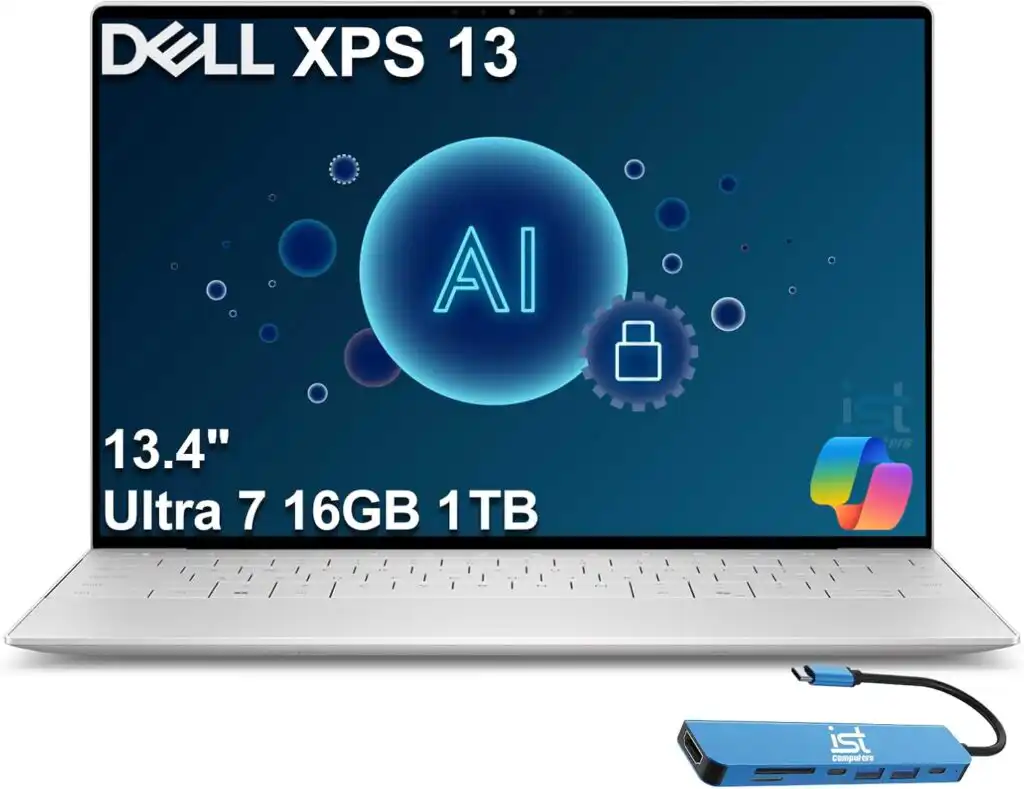
If you want Windows but still want something sleek and premium, the XPS 13 is hard to beat.
Key Specifications
- Processor: Intel Core Ultra 7
- RAM: 16GB / 32GB
- Storage: 512GB / 1TB SSD
- Display: 13.4” OLED / FHD+
- Weight: ~1.25 kg
Pros
✔ Gorgeous display
✔ Compact and premium build
✔ Excellent keyboard
✔ Great for coding and documentation
Cons
✖ Fewer ports
✖ Premium pricing
Best For: Students who need Windows-based engineering software but want a lightweight machine.
3. ASUS Zenbook 14 OLED – Best Value for Money
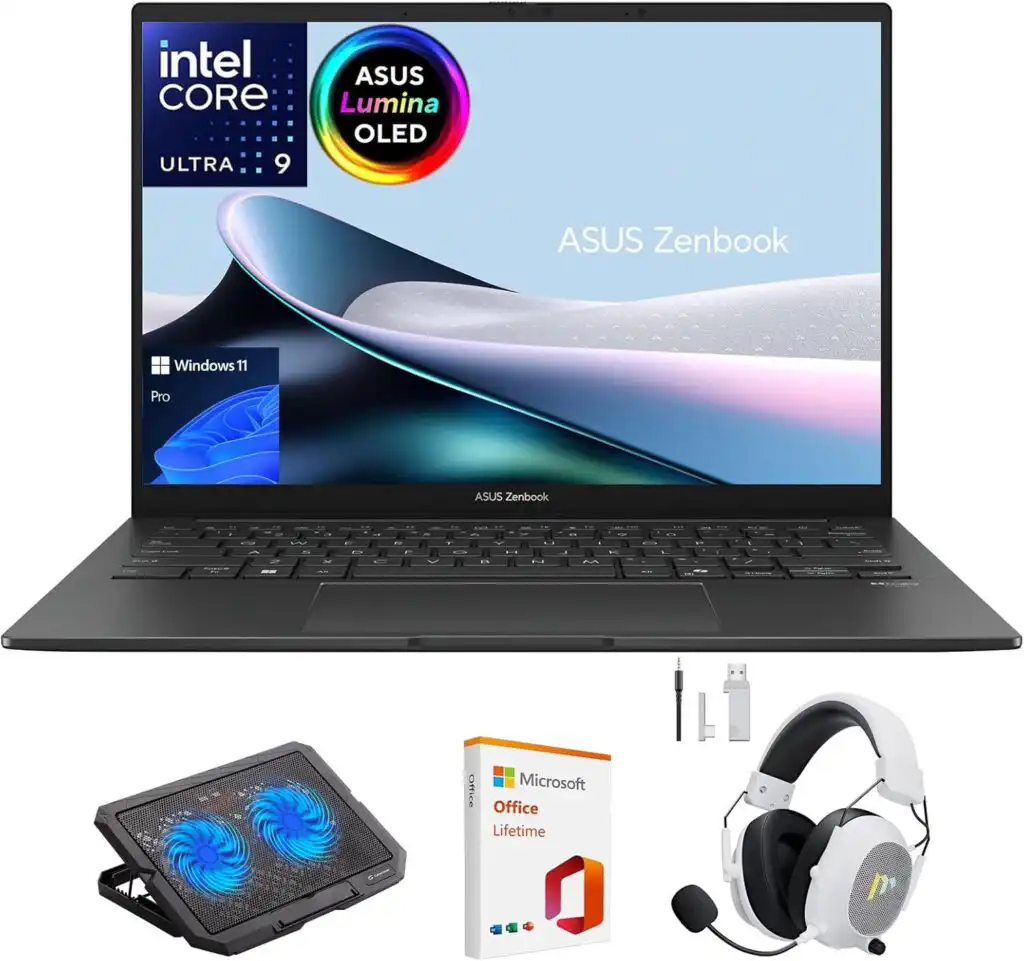
This one hits the sweet spot between performance and price.
Key Specifications
- Processor: AMD Ryzen 7 / Intel i7
- RAM: 16GB
- Storage: 512GB SSD
- Display: 14” OLED
- Weight: ~1.3 kg
Pros
✔ Stunning OLED screen
✔ Solid battery life
✔ Strong everyday performance
✔ More affordable than premium brands
Cons
✖ Not built for heavy 3D workloads
✖ Speakers are average
Best For: Students who want performance without overspending.
4. Lenovo ThinkPad X1 Carbon Gen 12 – Most Reliable Long-Term
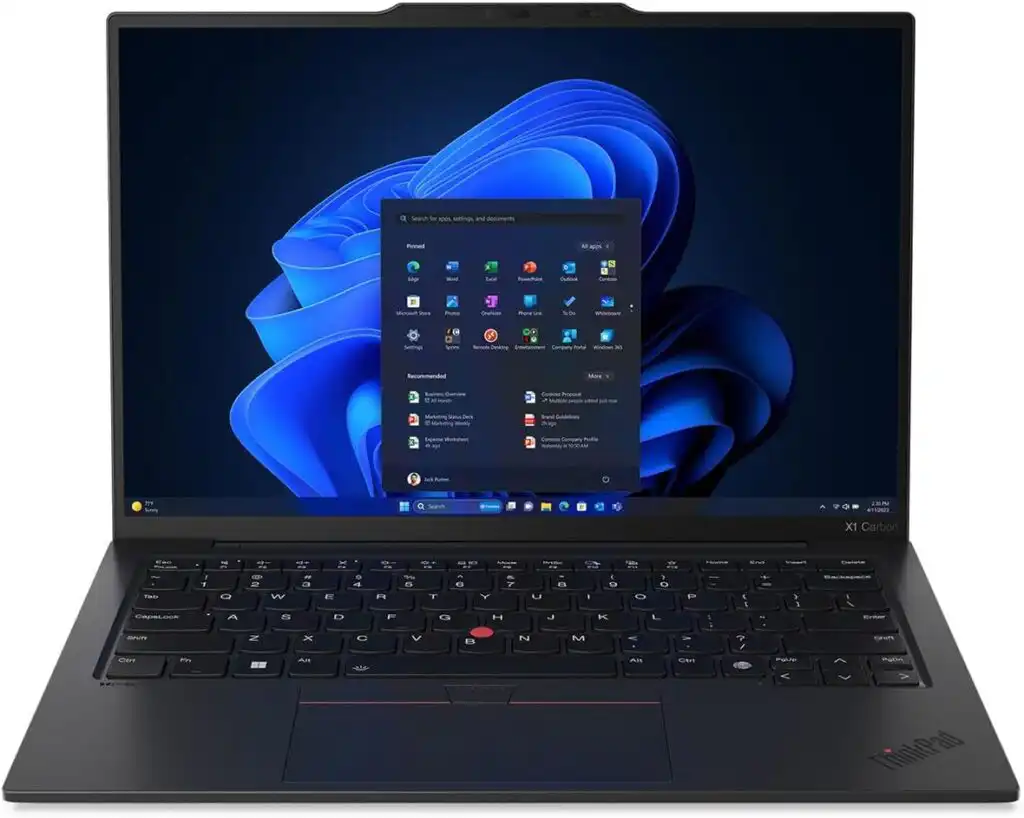
ThinkPads are known for durability. This is a “buy once, use for 5 years” kind of laptop.
Key Specifications
- Processor: Intel Core Ultra series
- RAM: 16GB / 32GB
- Storage: Up to 1TB SSD
- Display: 14” 2K
- Weight: ~1.1 kg
Pros
✔ Industry-leading keyboard
✔ Strong build quality
✔ Business-grade reliability
✔ Lightweight
Cons
✖ Expensive
✖ No dedicated GPU
Best For: Students who type a lot and want maximum reliability.
5. HP Spectre x360 14 – Best 2-in-1 Laptop
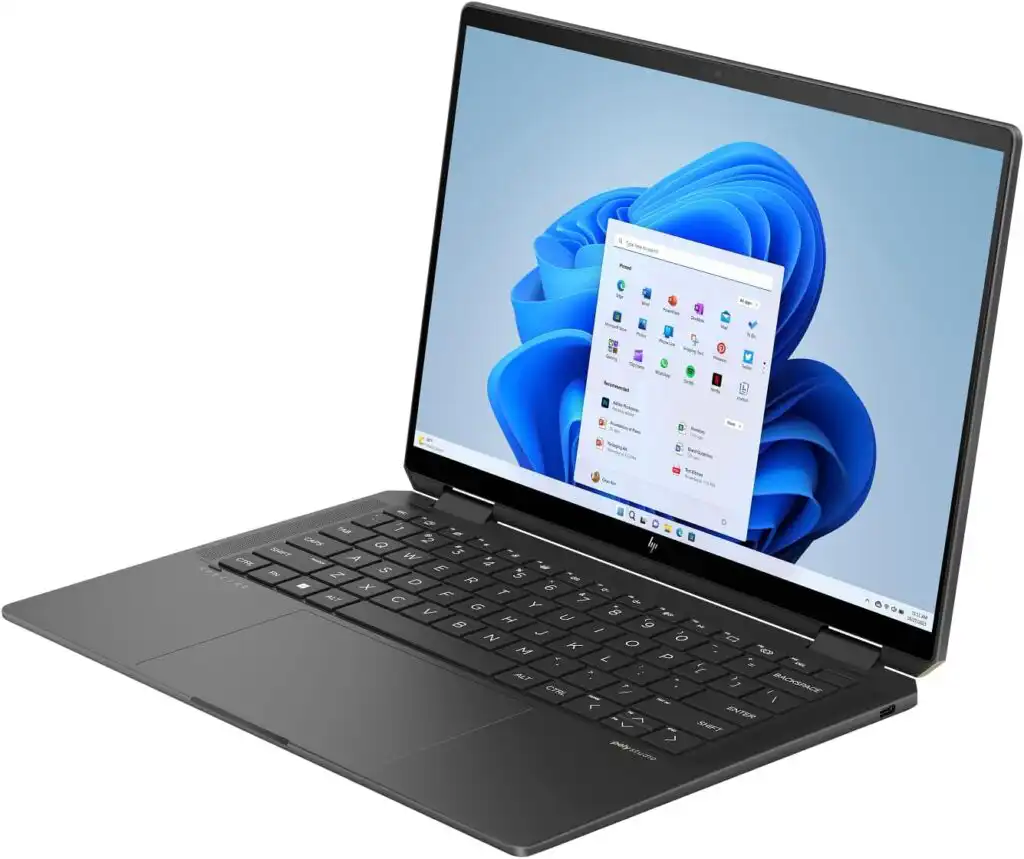
If you love taking handwritten notes or want tablet flexibility, this is a great choice.
Key Specifications
- Processor: Intel Core Ultra 7
- RAM: 16GB
- Storage: 1TB SSD
- Display: 14” OLED Touch
- Weight: ~1.4 kg
Pros
✔ Convertible design
✔ Stylus support
✔ Premium build
✔ Excellent display
Cons
✖ Slightly heavier
✖ Pricey
Best For: Students who attend theory-heavy classes and like digital note-taking.
6. MSI Stealth 16 – Best for Heavy CAD & Machine Learning
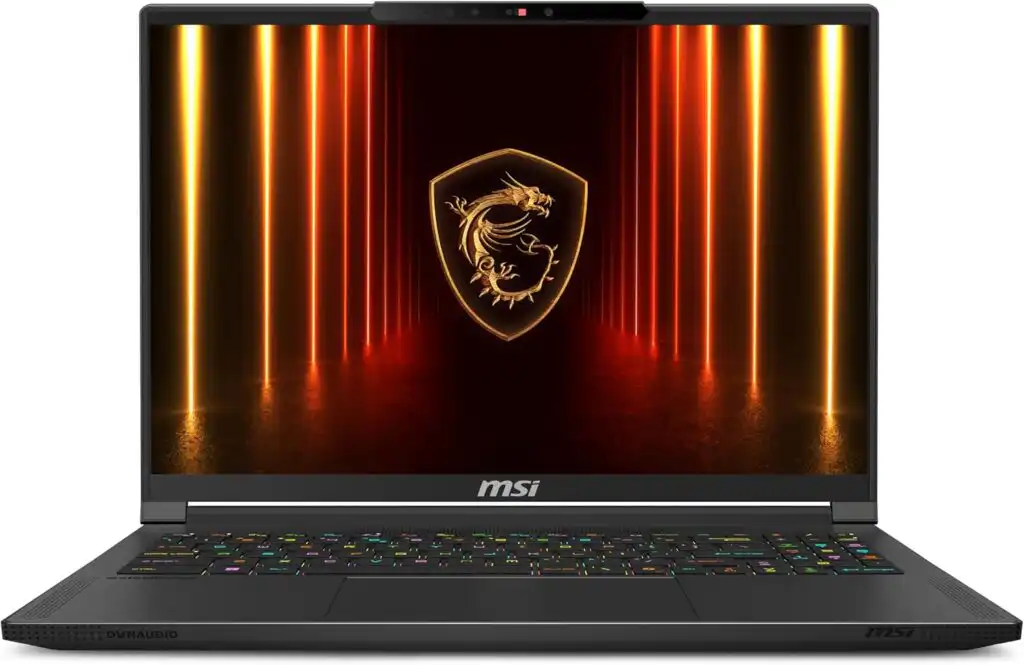
If your course involves SolidWorks, AutoCAD, Blender, or AI training, you’ll want GPU muscle.
Key Specifications
- Processor: Intel i7 / Ryzen 9
- GPU: NVIDIA RTX 4060 / 4070
- RAM: 16GB / 32GB
- Storage: 1TB SSD
- Display: 16” 165Hz
Pros
✔ Powerful GPU
✔ Great for simulations
✔ Upgrade-friendly
✔ High refresh rate display
Cons
✖ Heavier
✖ Battery drains faster under load
✖ Louder fans
Best For: Mechanical, Civil, AI/ML students.
7. Acer Swift Go 14 – Best Budget Choice
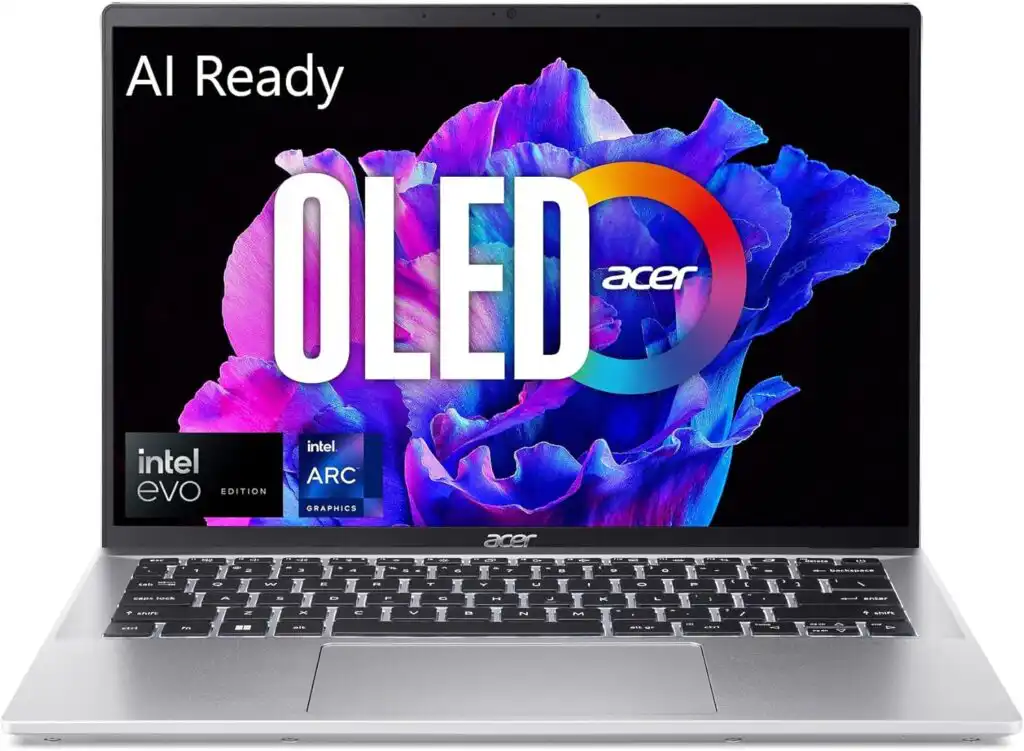
If you’re tight on budget but still want solid performance, this is a smart pick.
Key Specifications
- Processor: Intel Core i5 / Ryzen 5
- RAM: 16GB
- Storage: 512GB SSD
- Display: 14” IPS
- Weight: ~1.25 kg
Pros
✔ Affordable
✔ Lightweight
✔ Good everyday performance
Cons
✖ Not ideal for heavy 3D software
✖ Build quality is mid-range
Best For: First-year students and general coursework.
Quick Comparison Table
| Laptop | Best For | GPU | Weight | Ideal Use Case |
|---|---|---|---|---|
| MacBook Air M4 | CS / IT | Integrated | 1.2 kg | Coding, daily use |
| Dell XPS 13 | Windows users | Integrated | 1.25 kg | Programming, documentation |
| Zenbook 14 | Value seekers | Integrated | 1.3 kg | Balanced performance |
| ThinkPad X1 | Reliability | Integrated | 1.1 kg | Long-term use |
| Spectre x360 | Note takers | Integrated | 1.4 kg | Tablet + laptop |
| MSI Stealth 16 | Heavy workloads | RTX 4060+ | 2 kg+ | CAD, ML, simulations |
| Acer Swift Go | Budget | Integrated | 1.25 kg | Basic engineering tasks |
How to Choose Based on Your Branch
Computer Science / IT:
Go for MacBook Air M4, XPS 13, or Zenbook 14.
Mechanical / Civil:
Choose MSI Stealth or any RTX-powered laptop.
Electrical / Electronics:
Prioritize RAM and CPU over GPU.
AI / Data Science:
Minimum 16GB RAM, ideally RTX 4060+ if training locally.
How to Choose the Best Laptop for BTech in 2026
Time needed: 5 minutes
- Understand Your Engineering Requirements
Start by identifying what your branch actually demands. Computer Science students usually need strong CPU performance and 16GB RAM for coding and multitasking. Mechanical, Civil, or AI students may require a dedicated GPU for CAD, simulations, or machine learning workloads. Don’t guess — check your syllabus and software requirements first.
- Prioritize Performance Over Fancy Design
Focus on RAM (at least 16GB), a modern multi-core processor, and fast SSD storage. A sleek design is nice, but smooth performance during deadlines matters more. If you run virtual machines, simulations, or heavy tools, invest in higher RAM and, if needed, an RTX-class GPU.
- Choose a Laptop That Will Last 4 Years
Your laptop should comfortably handle future software updates and heavier projects. Pick a model with reliable build quality, strong battery life, and good long-term support. It’s better to spend slightly more now than replace your laptop halfway through your degree.
Final Thoughts
A BTech laptop isn’t just another gadget. It becomes your lab partner, coding buddy, presentation tool, and sometimes your backup brain.
If you want the safest overall choice in 2026 — go with MacBook Air M4 or Dell XPS 13.
If you need serious power for simulations and 3D modeling — invest in a dedicated GPU machine like MSI Stealth 16.
If budget matters most — Acer Swift Go 14 or ASUS Zenbook 14 will not disappoint.
Buy smart. Prioritize RAM. Don’t overspend on looks. And think long-term — because the right laptop should comfortably last your entire BTech journey.
FAQs
Honestly, 16GB is the safe spot now. It keeps things smooth when you’re running multiple apps, coding environments, or light simulations. If you’re into heavy CAD or machine learning, 32GB will give you extra breathing room.
Not everyone does. If you’re in Computer Science or IT, integrated graphics are usually fine. But for Mechanical, Civil, or AI-related work involving 3D modeling or simulations, a laptop with an RTX 4060 or better will make life much easier.
It depends on your software. MacBooks are fantastic for programming and battery life. But some engineering tools work better (or only) on Windows. Always check your department’s software requirements before deciding.

Hi, my name is Burak. I am a mechanical engineer. I have been writing laptop reviews for the Engineering Laptops website since 2020. Please feel free to contact me if you have any questions.





