Estimated reading time: 10 minutes
Key Takeaways
- The article discusses the frustration of using slow laptops for STAAD.Pro, highlighting the need for powerful hardware.
- It outlines essential specs for 2026, including a strong processor, ample RAM, a dedicated GPU, and sufficient storage.
- The writer lists the 5 best laptops for STAAD.Pro in 2026, providing specific models and their key features.
- Recommendations include the Lenovo ThinkPad P16 Gen 3 for reliability and the ASUS ProArt P16 for a sleek design.
- Tips for choosing laptops emphasize prioritizing CPU speed, opting for 32GB RAM, and ensuring a dedicated graphics card for smooth operation.
Table of contents
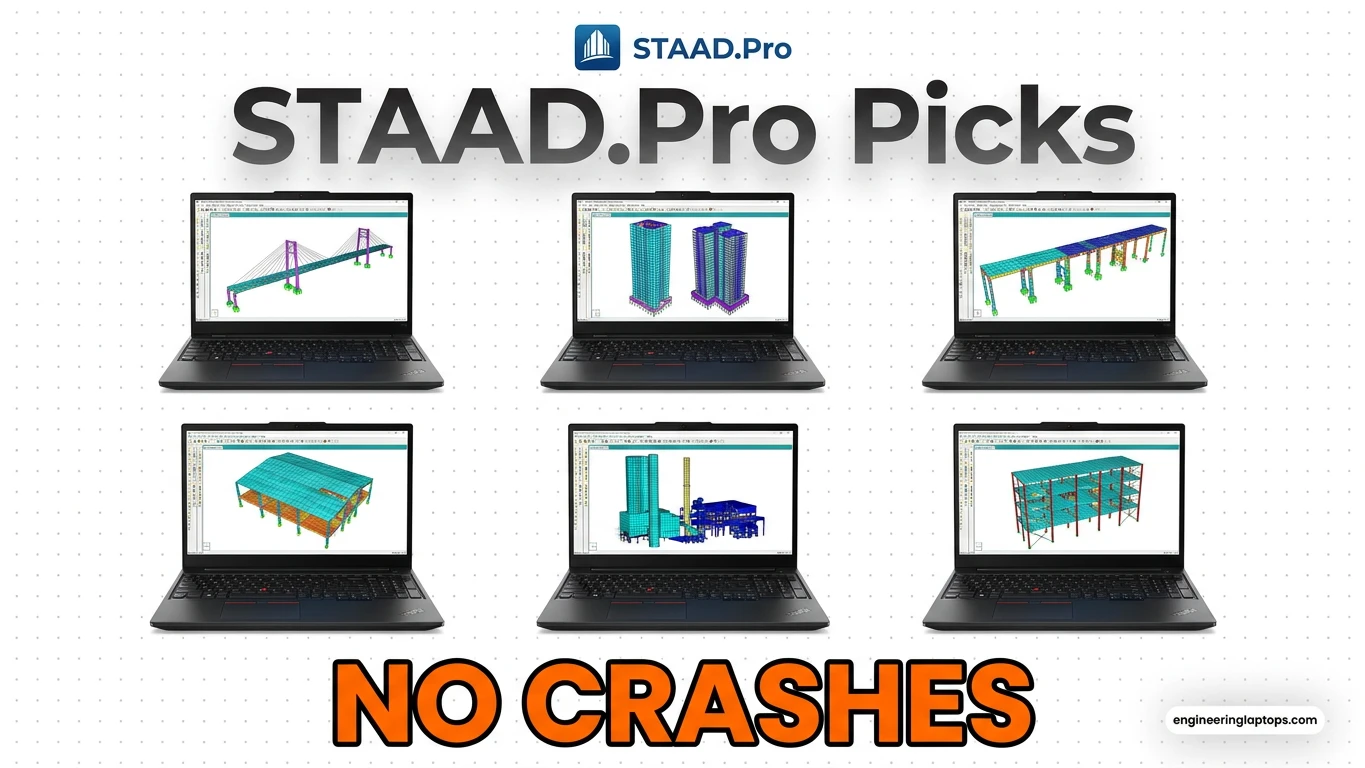
Let’s be real for a second—if you’re a structural engineer or a civil engineering student, you know the absolute frustration of a slow laptop. When searching for the best laptops for STAAD.Pro, performance and reliability are key to ensuring your workflow isn’t interrupted. You’re in the middle of running a complex seismic analysis or doing finite element modeling in STAAD.Pro, and suddenly, your screen freezes. The fans kick in sounding like a Boeing 747 preparing for takeoff, and you’re just sitting there praying the software doesn’t crash before you hit save.
We’ve all been there.
STAAD.Pro isn’t just your average software; it’s a heavy-duty workhorse that demands serious hardware. And as we roll deep into 2026, the laptop market has shifted massively. With the arrival of NVIDIA’s new RTX 50-series (Blackwell) GPUs and Intel’s Core Ultra Series processors, the game has completely changed. You no longer need to lug around a 10-pound brick just to get desktop-level performance on site.
If you are looking to upgrade your gear this year, I’ve put together a list of the 5 absolute best laptops for STAAD.Pro in 2026. No fluff, no confusing jargon—just honest, hands-on recommendations based on what actually works for structural design.
What Does STAAD.Pro Actually Need in 2026?
Before we jump into the top picks, let’s clear up what specs actually matter for this software. Don’t let a slick salesperson sell you something you don’t need.
- Processor (CPU): This is your main priority. STAAD.Pro relies heavily on single-core clock speeds for linear static analysis, but multi-core power is crucial for advanced dynamic and non-linear analysis. Look for Intel Core Ultra 7/9 or AMD Ryzen AI 9.
- RAM: 16GB is the bare minimum today, but honestly? Don’t settle for less than 32GB. When you have AutoCAD, Revit, and STAAD running simultaneously alongside 20 Chrome tabs, 16GB will bottleneck you fast.
- Graphics (GPU): While STAAD isn’t as GPU-hungry as Lumion or V-Ray, you still need a dedicated graphics card for smooth 3D rendering of your structural models. An NVIDIA RTX 4060 or the newer RTX 5050/5060 is more than enough.
- Storage: 1TB NVMe SSD minimum. Project files get huge, fast.
2026 STAAD.Pro Laptops Quick Comparison
| Laptop Model | Best For | CPU | GPU | RAM |
| Lenovo ThinkPad P16 Gen 3 | Ultimate Reliability | Core Ultra 9 285HX | RTX PRO Ada | 64GB |
| ASUS ProArt P16 | The Modern Engineer | Ryzen AI 9 HX | RTX 5070 | 32GB |
| Dell XPS 16 (2026) | Premium Portability | Core Ultra 7 265H | RTX 5060 | 32GB |
| ROG Zephyrus G16 | Work & Gaming | Core Ultra 9 285H | RTX 5080 | 32GB |
| Lenovo Legion 5i Gen 10 | Budget-Friendly Power | Core Ultra 7 255H | RTX 5050 | 16/32GB |
The 5 Best Laptops for STAAD.Pro (2026 Edition)
Here are the top-tier machines that will chew through your node generation and plate stress contours without breaking a sweat.
1. Lenovo ThinkPad P16 Gen 3 (The Undisputed King)
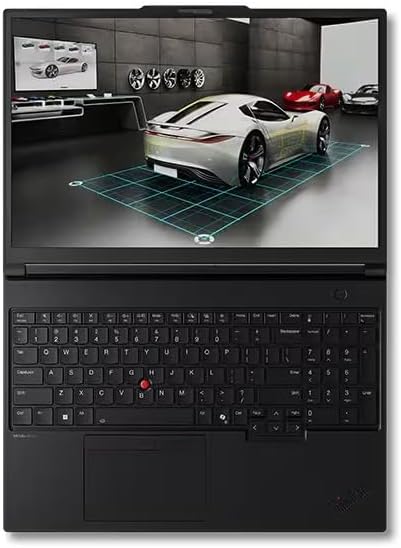
If you work for a major firm or simply refuse to compromise on stability, the ThinkPad P16 Gen 3 is the industry standard. It’s a mobile workstation in the truest sense. Lenovo built this thing like a tank, and the cooling system is phenomenal. When you are running a 3-hour non-linear analysis, this laptop won’t thermal throttle. Yes, it’s a bit chunky, but it’s packed with ISV certifications, meaning Bentley (the creators of STAAD) officially guarantees it runs flawlessly.
Key Specs:
- Processor: Intel Core Ultra 9 285HX
- Graphics: NVIDIA RTX PRO Generation (Professional Workstation GPU)
- RAM: 64GB DDR5
- Display: 16″ WQUXGA (3840 x 2400) OLED
Pros:
- Incredible sustained performance under heavy loads.
- ISV-certified for ultimate software stability (fewer random crashes).
- The best keyboard in the laptop world, period.
Cons:
- It’s heavy and thick—not fun to carry on a daily commute.
- The price tag will make your wallet cry.
2. ASUS ProArt P16 (The Sleek Innovator)

ASUS absolutely knocked it out of the park this year with the ProArt P16. If you want desktop replacement power but refuse to carry a thick workstation, this is your stop. It pairs the insane efficiency of the new AMD Ryzen AI chips with NVIDIA’s latest RTX 5070. It’s thin, the CNC-machined aluminum chassis feels incredibly premium, and that OLED screen is a massive bonus when you’re inspecting detailed 3D color-coded stress charts.
Key Specs:
- Processor: AMD Ryzen AI 9 HX 370
- Graphics: NVIDIA GeForce RTX 5070
- RAM: 32GB LPDDR5X
- Display: 16″ 4K OLED Touchscreen
Pros:
- Gorgeous color-accurate OLED display.
- Surprisingly portable for the amount of raw power inside.
- Great battery life for a high-performance laptop, thanks to the AMD chip.
Cons:
- RAM is soldered, meaning you can’t upgrade it later. Buy the 32GB or 64GB version from the start!
- Lacks the traditional professional ISV certifications of the ThinkPad.
3. Dell XPS 16 2026 (The Boardroom Showstopper)

Let’s say you spend 50% of your time running calculations in STAAD and the other 50% sitting in meetings with clients or architects. You want a laptop that looks incredibly professional but hides a beast inside. The new Dell XPS 16 is exactly that. Dell has refined the thermal design this year, so it handles prolonged CPU loads much better than previous generations.
Key Specs:
- Processor: Intel Core Ultra 7 265H
- Graphics: NVIDIA GeForce RTX 5060
- RAM: 32GB DDR5
- Display: 16.3″ 3.2K OLED
Pros:
- Arguably the best-looking Windows laptop on the market.
- Phenomenal build quality and a giant glass trackpad.
- Very strong single-core CPU performance for structural design workflows.
Cons:
- Ports are limited (only USB-C/Thunderbolt), so get ready to embrace the dongle life.
- The haptic function row at the top of the keyboard isn’t everyone’s cup of tea.
4. ASUS ROG Zephyrus G16 (The Work Hard, Play Hard Pick)

I know a lot of young engineers who want a laptop that can smash through a multi-story steel frame analysis at 3 PM and handle Cyberpunk 2077 or GTA VI at 9 PM. If that’s you, skip the boring workstation laptops and grab the Zephyrus G16. Don’t let the “gaming” label fool you; the CNC aluminum chassis is sleek and stealthy enough for any office. The cooling system uses a vapor chamber that handles intensive calculations beautifully.
Key Specs:
- Processor: Intel Core Ultra 9 285H
- Graphics: NVIDIA GeForce RTX 5080
- RAM: 32GB LPDDR5X
- Display: 16″ 2.5K 240Hz OLED
Pros:
- Incredible GPU power for both engineering software and high-end gaming.
- Thin, light (around 4 lbs), and looks premium.
- Buttery smooth 240Hz display makes even just moving windows around feel amazing.
Cons:
- Under heavy calculation loads, the fans get pretty loud.
- Soldered RAM.
5. Lenovo Legion 5i Gen 10 (Best Bang for Your Buck)
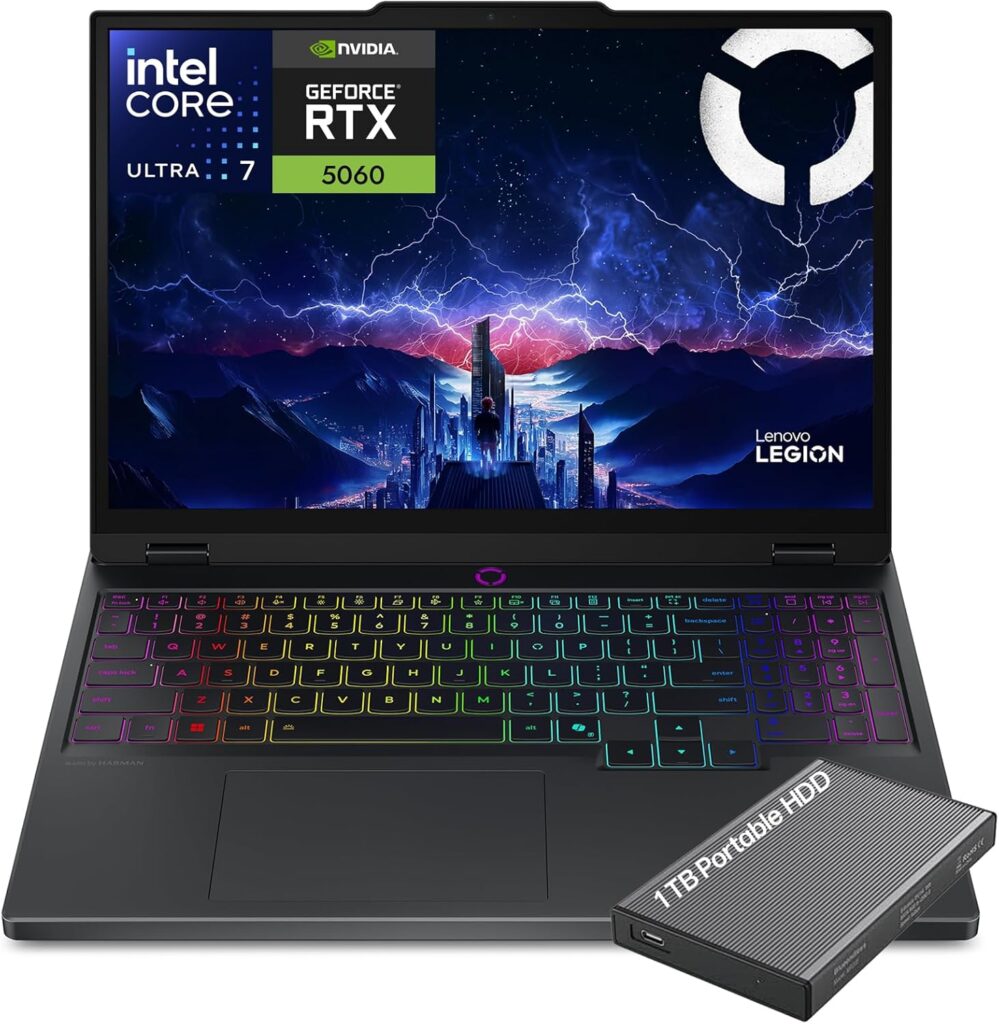
Look, not everyone has $3,000+ to drop on a laptop, especially if you are a civil engineering student or just starting out in your career. The Lenovo Legion 5i Gen 10 is the smart money choice. It gives you 90% of the performance of the top-tier laptops for about half the price. It has a robust cooling system, excellent port selection (including an Ethernet port for site offices), and an easily upgradeable interior.
Key Specs:
- Processor: Intel Core Ultra 7 255H (or Core i7-14700HX)
- Graphics: NVIDIA GeForce RTX 5050
- RAM: 16GB or 32GB DDR5 (Fully upgradeable)
- Display: 16″ WQXGA (2560 x 1600) IPS
Pros:
- Outstanding value for money.
- RAM and storage are fully user-upgradeable down the line.
- Excellent thermal management—it rarely overheats.
Cons:
- Battery life is mediocre; keep the charger nearby.
- It’s a bit heavier and made of plastic/aluminum mix rather than a full premium metal body.
Final Verdict: Which One Should You Buy?
Choosing the right laptop for STAAD.Pro in 2026 really comes down to how you work.
If money is no object and you need bulletproof reliability for enterprise-level projects, get the Lenovo ThinkPad P16 Gen 3. It’s the ultimate engineering tool.
If you want a modern, sleek machine that balances extreme power with portability, the ASUS ProArt P16 is my top recommendation for most professionals this year.
And if you’re a student or looking to maximize your budget without sacrificing the core performance needed for structural analysis, the Lenovo Legion 5i will carry you through your degree and your first few years on the job with zero complaints.
Take your pick, fire up your models, and let the hardware do the heavy lifting. Happy designing!
How to Choose Your Next STAAD.Pro Laptop Without Wasting Money
Time needed: 5 minutes
Feeling a bit overwhelmed by all the technical specs? Don’t sweat it. Before you hit “buy” on any laptop, run through this quick 3-step checklist to make sure your new machine will actually handle your heavy structural models.
- Prioritize the Processor (CPU) First
STAAD.Pro really cares about raw clock speed, especially for linear static analysis. Don’t get distracted by fancy touchscreens or crazy designs until you’ve secured a solid processor. Aim for a newer Intel Core Ultra 7 or an AMD Ryzen AI 9 to keep your calculation times as short as possible.
- Go Big on RAM (Aim for 32GB)
Sure, a salesperson might tell you 16GB is enough, but let’s be real—you’re going to have STAAD, Revit, AutoCAD, and a dozen browser tabs open all at once. Upgrading to 32GB of RAM is the absolute best way to prevent your computer from freezing mid-project.
- Pick a Solid, Dedicated Graphics Card
While you don’t need a massive $4,000 gaming rig, integrated graphics just won’t cut it for complex engineering models. Look for a dedicated GPU like an NVIDIA RTX 4060, 5050, or 5060. It ensures that spinning around your 3D structures and checking stress contours feels buttery smooth.
FAQs
I wish I had better news for the Apple fans out there, but STAAD.Pro is strictly a Windows application. While you could technically try to run it on a Mac using virtualization software like Parallels, it’s honestly not worth the headache or the performance drop—especially when you are dealing with complex structural models. For professional engineering work, do yourself a favor and stick to a solid Windows machine.
It’s true that your processor (CPU) does the heavy lifting for the actual math and analysis. However, you absolutely still need a dedicated graphics card. When you are zooming in, spinning around a massive 3D steel frame, or trying to view detailed color-coded stress contours, integrated graphics will just stutter and lag. You don’t need a top-tier $4,000 gaming GPU, but an RTX 4060 or 5050 will make your daily workflow so much smoother.
On paper, yes, 16GB will open the software and run it. But in the real world, you are almost never running just STAAD.Pro. You probably have Revit, AutoCAD, a massive PDF set of architectural drawings, and 20 browser tabs open all at exactly the same time. Bumping up to 32GB of RAM is the easiest way to give your laptop the breathing room it needs so it doesn’t freeze right before you hit save.

Hi, my name is Burak. I am a mechanical engineer. I have been writing laptop reviews for the Engineering Laptops website since 2020. Please feel free to contact me if you have any questions.





