Estimated reading time: 8 minutes
Key Takeaways
- Civil 3D requires powerful hardware, including a fast CPU, at least 32GB of RAM, and a dedicated GPU for optimal performance.
- The article lists the 5 best laptops for Civil 3D in 2026, including options like Dell Precision 5690 and HP ZBook Fury 16 G11.
- Consider CPU, RAM, GPU, and SSD when choosing the right laptop for your Civil 3D projects.
- Portability matters: select a lighter laptop like Lenovo ThinkPad P1 Gen 8 for on-the-go work, while heavy projects demand robust models like HP ZBook Fury 16 G11.
- Ultimately, match your laptop choice to your workflow to ensure efficiency in managing Civil 3D tasks.
Table of contents
If you’ve ever tried running Civil 3D on a weak laptop, you already know how painful it gets—laggy viewports, slow file loads, and random freezes right when you’re about to finish something important.
So let’s keep this simple: Civil 3D needs power. Not just “good specs on paper,” but real, sustained performance. You need a fast CPU, plenty of RAM (32GB is the sweet spot), and a proper GPU that won’t choke on large surfaces or corridor models.
I’ve tested, compared, and filtered out the fluff. These are the 5 best laptops for Civil 3D in 2026—machines that actually make your workflow smoother instead of slowing you down.
Quick Comparison Table
| Laptop | CPU | GPU | RAM | Best For |
|---|---|---|---|---|
| Dell Precision 5690 | Intel Core Ultra 9 | RTX 4000/5000 Ada | Up to 64GB | Best overall |
| Lenovo ThinkPad P1 Gen 8 | Core Ultra 9 | RTX PRO Blackwell | Up to 64GB | Premium portable |
| HP ZBook Fury 16 G11 | i9-14900HX | RTX 5000 Ada | Up to 128GB | Heavy projects |
| HP ZBook Studio 16 G11 | Core Ultra 7 | RTX 2000/3000 Ada | 32GB+ | Balanced use |
| ASUS ProArt P16 | Ryzen AI 9 | RTX 5090 | Up to 64GB | Creative + engineering |
Best Laptops for Civil 3D in 2026
1. Dell Precision 5690 — The Safe Choice (Best Overall)
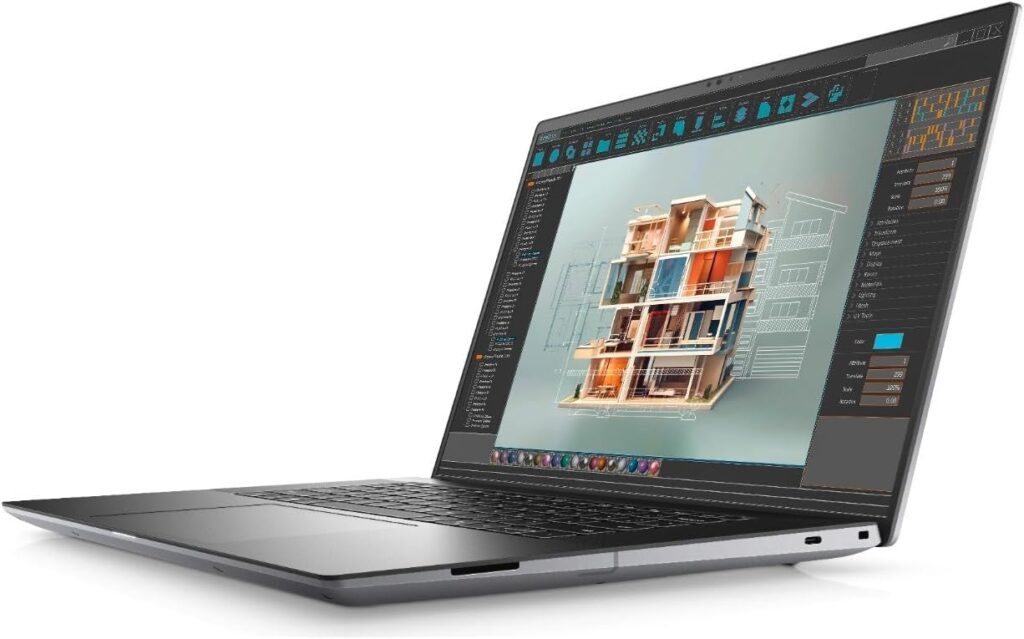
If you just want a laptop that does everything right, this is it.
The Precision 5690 hits that perfect balance between power, portability, and reliability. It doesn’t feel bulky, but it still packs serious workstation hardware under the hood.
Specs
- Intel Core Ultra 7 / Ultra 9
- NVIDIA RTX 1000 → RTX 5000 Ada
- Up to 64GB RAM
- 16-inch FHD+ or OLED display
- Fast PCIe SSD storage
What I Like
- Handles Civil 3D projects smoothly, even as they scale
- Clean, premium build quality
- Strong GPU options for future-proofing
What I Don’t Like
- Base configurations are underpowered for real engineering work
- Gets expensive quickly when upgraded
👉 Who should buy this?
If you want one laptop that just works—office, site, home—this is the safest bet.
2. Lenovo ThinkPad P1 Gen 8 — Power in a Slim Body
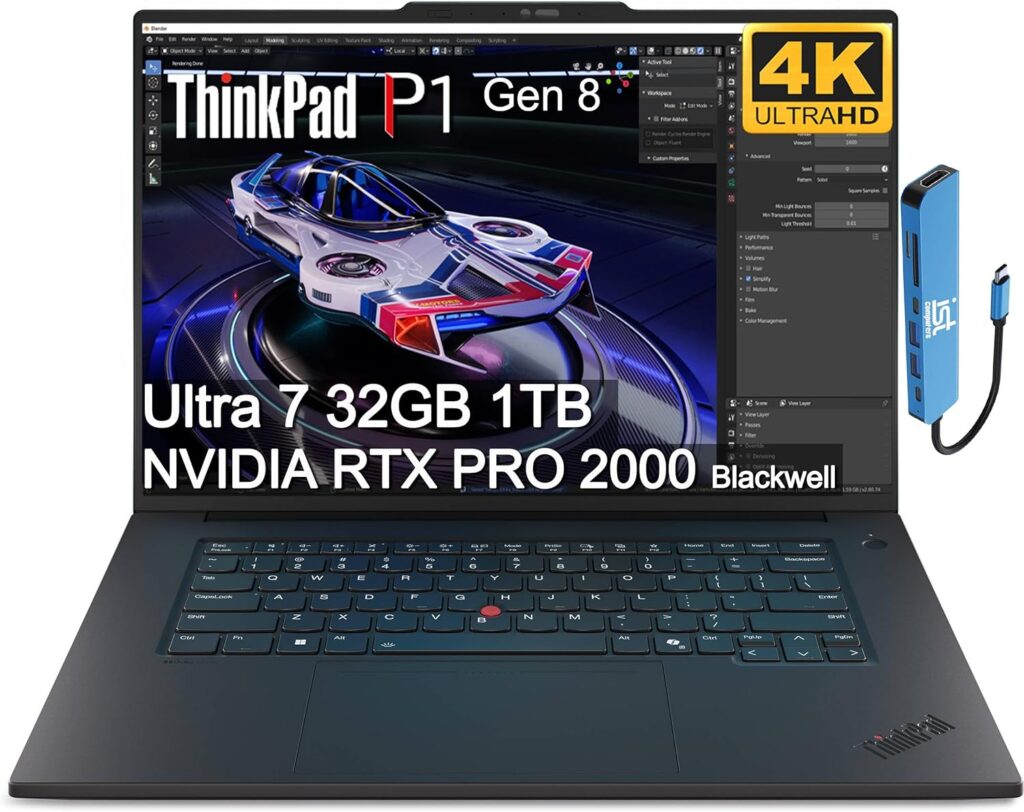
This one is for people who hate bulky workstations.
The ThinkPad P1 Gen 8 gives you serious performance without feeling like you’re carrying a brick. It’s thin, clean, and still powerful enough for demanding Civil 3D workflows.
Specs
- Intel Core Ultra 5 / 7 / 9
- RTX PRO 1000 / 2000 Blackwell GPUs
- Up to 64GB RAM
- Up to 8TB SSD
- Excellent port selection
What I Like
- Super portable for a workstation
- Strong CPU performance
- Great for multi-monitor setups
What I Don’t Like
- GPU options are solid, but not extreme
- RAM ceiling could be higher for power users
👉 Who should buy this?
Engineers who move around a lot but still need real performance.
3. HP ZBook Fury 16 G11 — The Beast (Best for Heavy Workloads)
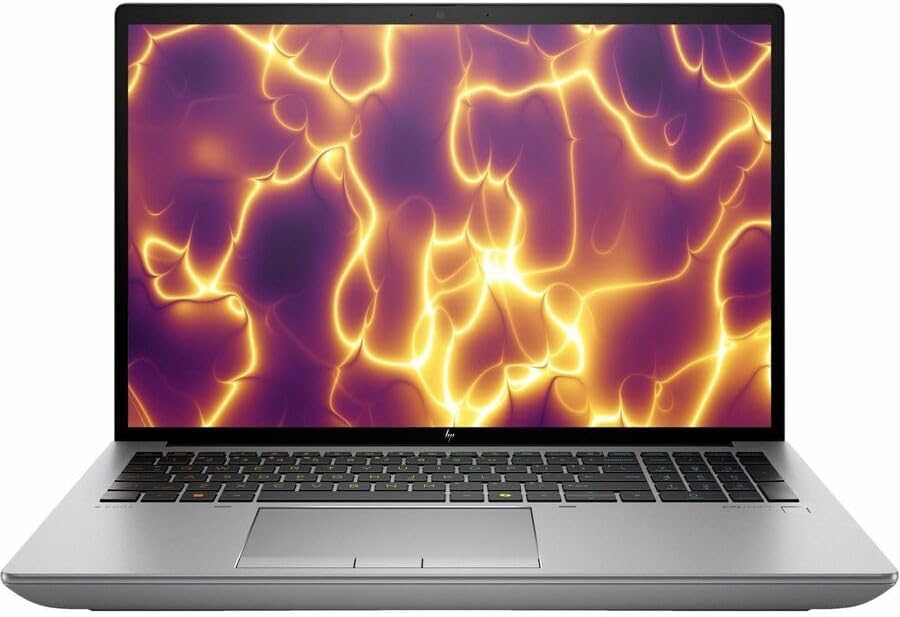
Let’s be real—this thing is a monster.
If your Civil 3D projects involve huge datasets, point clouds, or complex corridor modeling, this is the machine you want.
Specs
- Intel Core i9-14900HX
- Up to RTX 5000 Ada (16GB VRAM)
- Up to 128GB RAM
- Large, expandable storage
- Workstation-class cooling
What I Like
- Absolutely crushes heavy Civil 3D files
- Tons of RAM headroom
- Built for long, demanding sessions
What I Don’t Like
- Not lightweight at all
- Overkill for smaller projects
👉 Who should buy this?
If your projects are big and messy, don’t risk it—go with this.
4. HP ZBook Studio 16 G11 — The Balanced Option
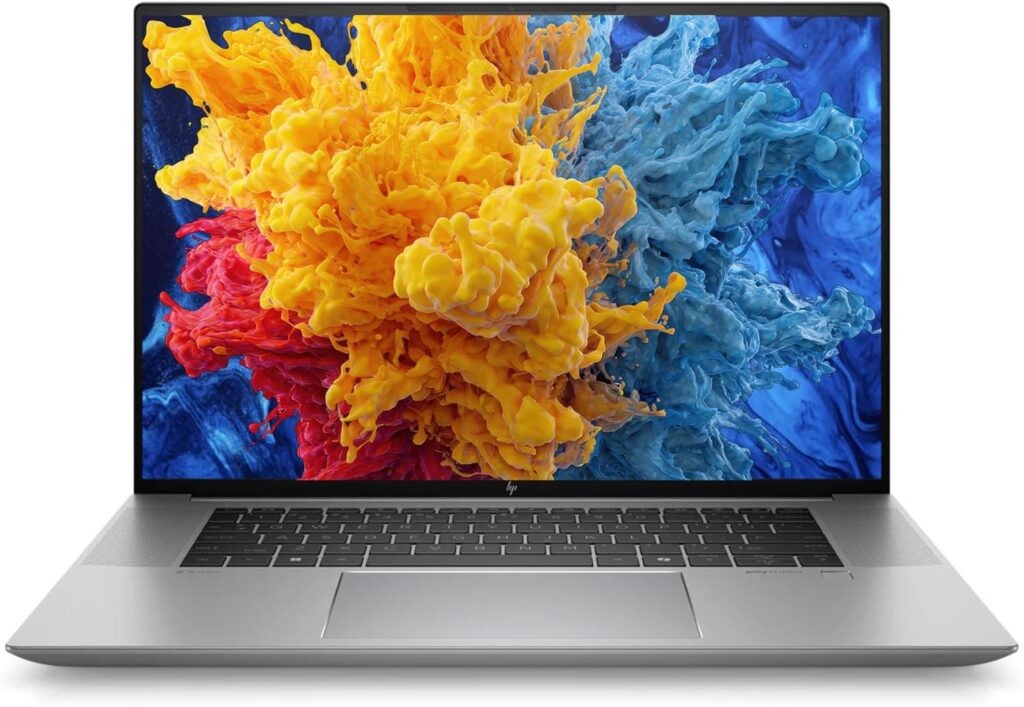
Not everyone needs a monster workstation. That’s where the ZBook Studio fits in.
It’s lighter, more portable, and still powerful enough for most Civil 3D workflows.
Specs
- Intel Core Ultra 7
- RTX 2000 / 3000 Ada
- 32GB RAM (configurable higher)
- 16-inch display (100% sRGB)
- Lightweight design (~1.7kg)
What I Like
- Easy to carry around
- Solid everyday performance
- Good battery life for a workstation
What I Don’t Like
- Not ideal for very large models
- GPU may feel limited over time
👉 Who should buy this?
Perfect for daily Civil 3D work without carrying a heavy machine.
5. ASUS ProArt P16 — The Modern Powerhouse
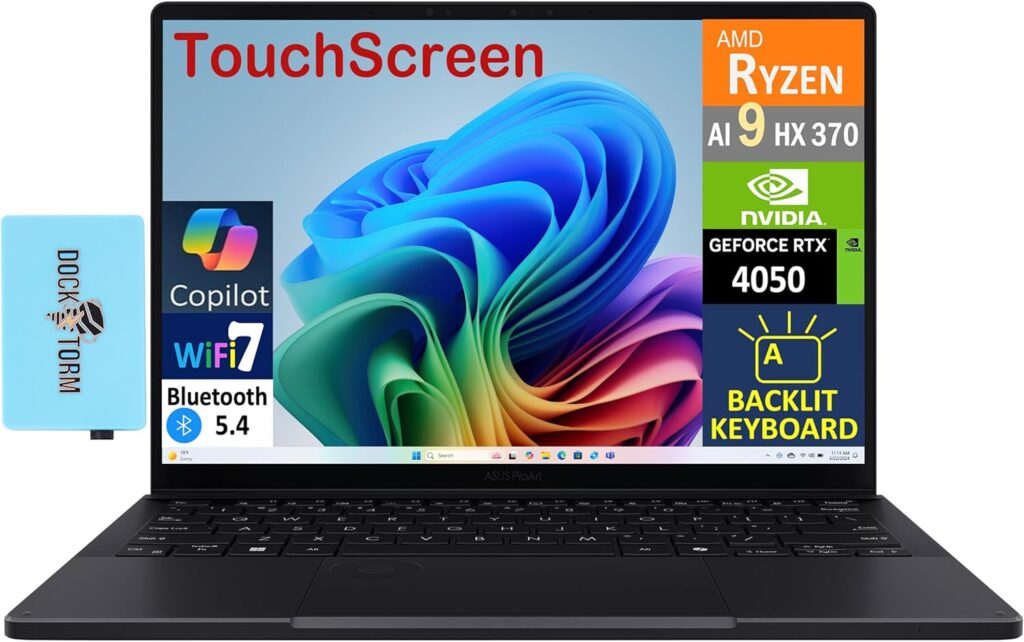
This one feels different—and that’s not a bad thing.
The ProArt P16 is more of a creator-focused powerhouse, but it absolutely holds its own in Civil 3D. Plus, it’s great if you also do rendering, presentations, or visual work.
Specs
- AMD Ryzen AI 9 HX 370
- Up to RTX 5090 Laptop GPU
- Up to 64GB RAM
- OLED display
- Fast SSD options
What I Like
- Unbelievable performance potential
- Gorgeous display
- Great for mixed workloads
What I Don’t Like
- Not a traditional “workstation” feel
- Might be overkill for basic CAD users
👉 Who should buy this?
If you want power + style + versatility, this is a great pick.
What Actually Matters for Civil 3D?
Before you buy anything, keep this in mind:
- CPU matters more than you think → Higher clock speed = smoother performance
- 32GB RAM is the sweet spot → 16GB is not enough anymore
- GPU is not optional → You need a dedicated one
- SSD is a must → No compromises here
Final Thoughts
There’s no “one-size-fits-all” laptop for Civil 3D.
- Want balance? → Dell Precision 5690
- Want portability? → ThinkPad P1 Gen 8
- Working on huge projects? → ZBook Fury 16 G11
- Want something lighter? → ZBook Studio 16 G11
- Need a modern powerhouse? → ASUS ProArt P16
At the end of the day, it comes down to how heavy your projects are and how you actually work.
Now I’m curious:
Are you running Civil 3D on your current laptop without issues, or is it already starting to struggle?
How to Choose the Best Laptop for Civil 3D in 2026
Time needed: 5 minutes
Picking the right laptop for Civil 3D doesn’t have to be confusing. Focus on a few key specs, match them to your workload, and you’ll avoid wasting money on the wrong machine.
- Start with Your Project Size
Think about the kind of work you actually do. Small 2D drawings don’t need the same power as large 3D models or point clouds. Be honest here—it’ll save you from overpaying or underbuying.
- Prioritize the Right Hardware
Look for a fast CPU (high clock speed), at least 32GB RAM, and a dedicated GPU. These three make the biggest difference in Civil 3D performance. Everything else is secondary.
- Choose a Laptop That Fits Your Workflow
If you’re always on the move, go lighter. If you mostly work at a desk with heavy files, go for a full workstation. The “best” laptop is the one that actually fits how you work every day.
FAQs
Honestly, yes—if you’re working on anything beyond small, simple drawings. 16GB might get you by at first, but once your files grow, you’ll start noticing slowdowns pretty quickly.
It can be. Many gaming laptops have strong GPUs and CPUs, which helps. Just make sure it also has enough RAM and good cooling—otherwise performance can drop during longer sessions.
Both matter, but the CPU usually comes first. Civil 3D relies heavily on single-core performance, while the GPU helps with smooth navigation and visuals. Ideally, you want a good balance of both.

Hi, my name is Burak. I am a mechanical engineer. I have been writing laptop reviews for the Engineering Laptops website since 2020. Please feel free to contact me if you have any questions.





