Estimated reading time: 6 minutes
Key Takeaways
- The Samsung Galaxy Book5 Pro 360 offers a stunning AMOLED display, impressive battery life, and a solid build, appealing for both work and creativity.
- Its performance suits everyday tasks but not heavy gaming or intense workloads, making it ideal for students and professionals.
- The design features a clean aluminum body, and the included S Pen adds value for note-taking and drawing.
- While the trackpad is great, the keyboard may feel shallow to some users, which could affect typing comfort.
- Overall, it’s a premium laptop worth the investment for users who prioritize display quality and versatility over gaming capabilities.
Table of contents
- Quick Overview
- First Impressions: Clean, Premium, No Drama
- Display: This Is Where It Shines
- Performance: Smooth for Daily Work (and Then Some)
- Battery Life: One of Its Biggest Strengths
- Keyboard & Trackpad: Good, But Not Perfect
- Ports: Finally, Something Practical
- Who Should Buy This?
- Pros & Cons
- Final Thoughts: Worth It or Not?
- How to Decide if the Samsung Galaxy Book5 Pro 360 Is Right for You
- FAQs
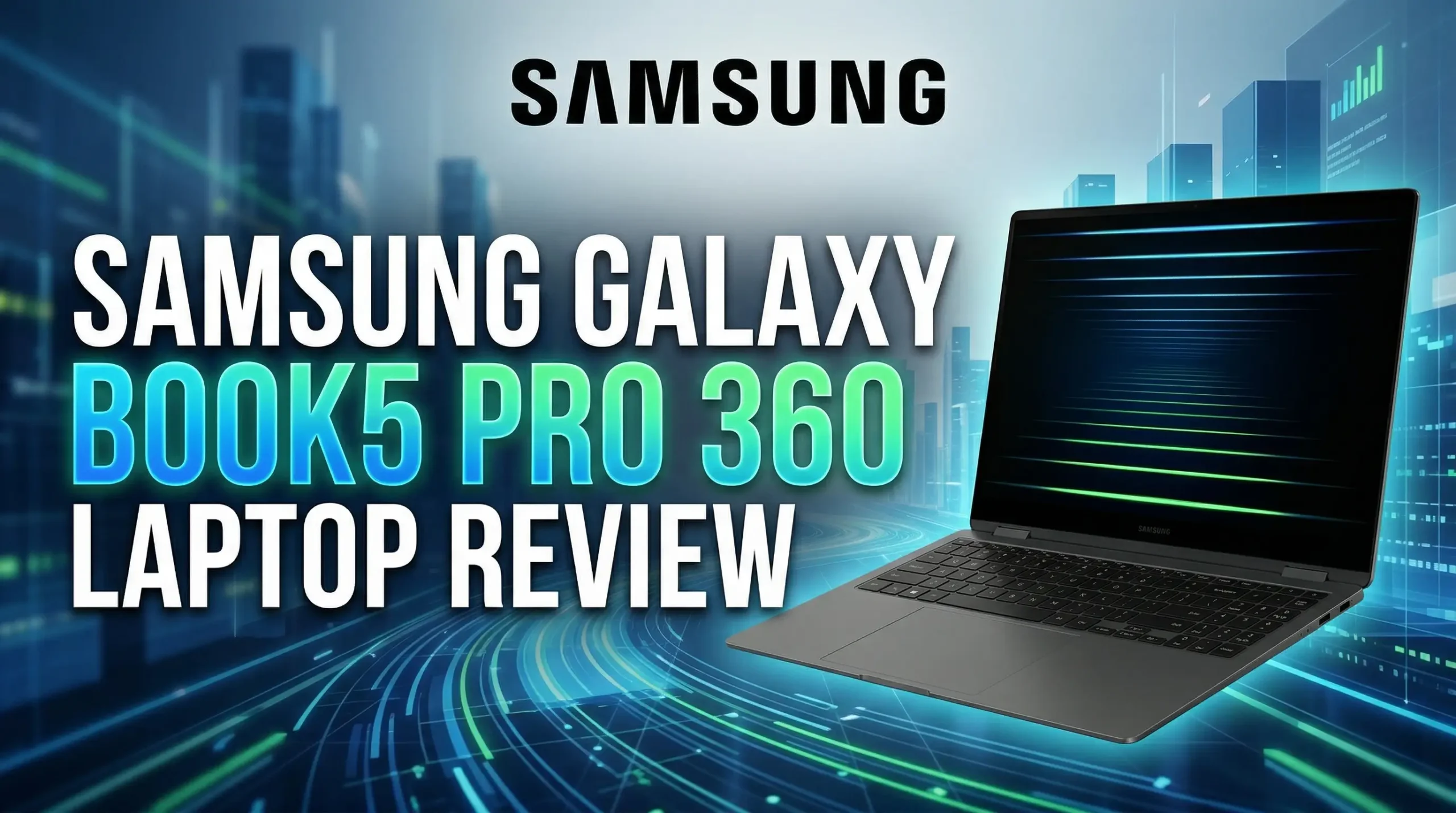
If you’re looking for a laptop that can handle work, chill time, and a bit of creativity without feeling like a compromise, this Samsung Galaxy Book5 Pro 360 Laptop Review will help you decide if the device is exactly the kind you’ll come across. It’s slim, flexible, powerful enough for daily use, and honestly… that screen alone might sell you.
But is it really worth the price? Let’s break it down in a way that actually helps.
Purchase on Amazon or check availabilityQuick Overview
| Feature | Samsung Galaxy Book5 Pro 360 |
|---|---|
| Display | 14″ / 16″ 3K AMOLED Touchscreen |
| Processor | Intel Core Ultra 7 (Series 2) |
| Graphics | Intel Arc (integrated) |
| RAM | 16GB / 32GB |
| Storage | Up to 1TB SSD |
| Battery | Up to 25 hours (claimed) |
| Weight | ~3.7 lbs (16″) |
| Extras | S Pen included, 360° hinge, Dolby Atmos speakers |
First Impressions: Clean, Premium, No Drama
Right out of the box, this laptop feels expensive—in a good way. No flashy nonsense, no weird design choices. Just a clean aluminum body that looks professional and modern.
It’s thin, light enough to carry around all day, and the hinge feels solid. You can flip it all the way back into tablet mode without worrying about it snapping or feeling loose.
And yes, the S Pen comes in the box, which is a huge win. No extra spending, no hunting for accessories.
Display: This Is Where It Shines
Let’s be real—this is the main reason people buy this laptop.
The AMOLED display is just gorgeous. Colors pop, blacks are deep, and everything looks sharp thanks to the 3K resolution. Whether you’re watching Netflix, editing photos, or just scrolling, it feels premium.
A few things you’ll notice immediately:
- Bright and vibrant visuals
- Great contrast (perfect for dark mode lovers)
- Smooth touch response
- Works beautifully with the S Pen
If screen quality matters to you even a little bit, this one hits hard.
Performance: Smooth for Daily Work (and Then Some)
This isn’t a gaming beast, and it’s not trying to be. What it does do is handle real-life tasks smoothly.
With the Intel Core Ultra 7 and integrated Arc graphics, you can:
- Run multiple tabs without lag
- Work on Office, coding, or light design
- Edit photos or light video
- Use AI tools and modern apps comfortably
It feels fast in everyday use. No weird slowdowns, no frustrating hiccups.
But yeah—if you’re planning heavy 3D rendering or hardcore gaming, look elsewhere.
Battery Life: One of Its Biggest Strengths
Battery life is surprisingly strong here.
In real use, you can expect:
- A full workday without stress
- Even longer if you’re just browsing or watching content
Samsung claims up to 25 hours, which is optimistic (as always), but even realistic numbers are impressive.
For a thin laptop with an OLED display, that’s not easy to pull off.
Keyboard & Trackpad: Good, But Not Perfect
Let’s keep it honest.
- The trackpad is great—smooth, responsive, no issues
- The keyboard is okay, but a bit shallow
It’s not bad. You can type comfortably. But if you’re someone who loves deep, clicky keys, you might need a bit of time to adjust.
Ports: Finally, Something Practical
Samsung didn’t go overboard with removing ports, and that’s refreshing.
You get:
- 2x Thunderbolt 4
- HDMI 2.1
- USB-A (yes, still here)
- microSD slot
- Headphone jack
That’s actually a very usable setup for a thin laptop.
No need to carry a dongle for every little thing.
Who Should Buy This?
This laptop makes a lot of sense if you are:
✔ A student taking notes, drawing, or multitasking
✔ A professional who travels and needs flexibility
✔ Someone who watches a lot of content (that screen…)
✔ A creative who does light design or editing
It might not be for you if:
✘ You want a gaming machine
✘ You need heavy GPU power
✘ You’re on a tight budget
Pros & Cons
✅ Pros
- Stunning AMOLED display
- Premium build quality
- Lightweight and portable
- S Pen included
- Strong battery life
- Versatile 2-in-1 design
❌ Cons
- Expensive
- Keyboard could be better
- Not built for heavy gaming
Final Thoughts: Worth It or Not?
The Samsung Galaxy Book5 Pro 360 is one of those laptops that doesn’t try to do everything—but what it does, it does really well.
It’s stylish, practical, flexible, and genuinely enjoyable to use day to day. The combination of that AMOLED screen, solid battery life, and 2-in-1 design makes it a strong choice for a lot of people.
Is it cheap? Not even close.
Is it worth it? For the right user—absolutely.
Now I’m curious:
Would you actually use the 360° feature and S Pen regularly, or would it just end up being something you never touch?
How to Decide if the Samsung Galaxy Book5 Pro 360 Is Right for You
Time needed: 5 minutes
Not sure if this 2-in-1 fits your needs? Follow these simple steps to figure it out without overthinking.
- Think about how you’ll actually use it
Are you mostly browsing, working, watching content, or taking notes? If you like the idea of switching between laptop and tablet, this device already makes a strong case for itself.
- Decide if the display and S Pen matter to you
The AMOLED screen and included S Pen are big highlights. If you care about visuals or plan to draw, annotate, or take handwritten notes, this is where the laptop really earns its price.
- Be honest about your performance needs and budget
This laptop is great for everyday work and light creative tasks, but it’s not built for heavy gaming or intense workloads. If that’s not your focus and the price feels reasonable, you’re likely making the right choice.
FAQs
Yeah, it actually fits student life really well. It’s light, lasts long on battery, and the S Pen makes note-taking or sketching super easy. If you’re moving between classes a lot, this kind of flexibility helps.
For casual gaming and everyday apps, you’ll be fine. But if you’re into serious gaming or heavy 3D work, this isn’t really built for that. It’s more about smooth daily use than raw power.
That depends on you. If you like watching content, taking notes, or presenting things in different ways, you’ll probably use it a lot. If not, it might just feel like a nice extra rather than a must-have.

Hi, my name is Burak. I am a mechanical engineer. I have been writing laptop reviews for the Engineering Laptops website since 2020. Please feel free to contact me if you have any questions.





