Estimated reading time: 8 minutes
Key Takeaways
- Finding the best laptops for Autodesk products in 2026 involves understanding your specific workload and requirements.
- Key specifications include strong CPU performance, a dedicated GPU, ample RAM, fast storage, and Windows OS.
- Top laptops include the Lenovo ThinkPad P1 Gen 8 for balance, Dell Precision 7780 for stability, and HP ZBook Fury for power.
- Users should prioritize performance and portability based on their unique projects and budget constraints.
- Laptops vary in specifications to suit architects, engineers, and designers, catering to different needs and preferences.
Table of contents
Running Autodesk software smoothly isn’t just about having a “fast laptop.” If you work with AutoCAD, Revit, 3ds Max, Fusion 360, or Civil 3D, you already know how demanding these programs can be. That’s why finding the Best Laptops for Autodesk Products is crucial. A weak system means laggy viewports, slow renders, and constant frustration. A good one? It disappears into the background and lets you focus on your work.
In this guide, we’ll break down the best laptops for Autodesk products in 2026, explain why they work so well, and help you choose the right machine based on real-world usage — not marketing buzzwords.
Whether you’re an architect, engineer, designer, or student, this list is built for people who actually use Autodesk tools every day.
What Autodesk Software Really Needs (Plain and Simple)
Before jumping into laptop recommendations, it’s important to understand what matters most when running Autodesk applications.
The essentials
- CPU: Strong single-core performance is crucial for AutoCAD and Revit. Multi-core power helps with rendering and exports.
- GPU: Dedicated graphics are a must for 3D modeling, real-time visualization, and large assemblies.
- RAM: 16 GB is the minimum. 32 GB is the comfort zone. 64 GB is ideal for large projects.
- Storage: Fast NVMe SSDs make a huge difference when loading large files and linked models.
- Operating system: Most Autodesk products run best on Windows.
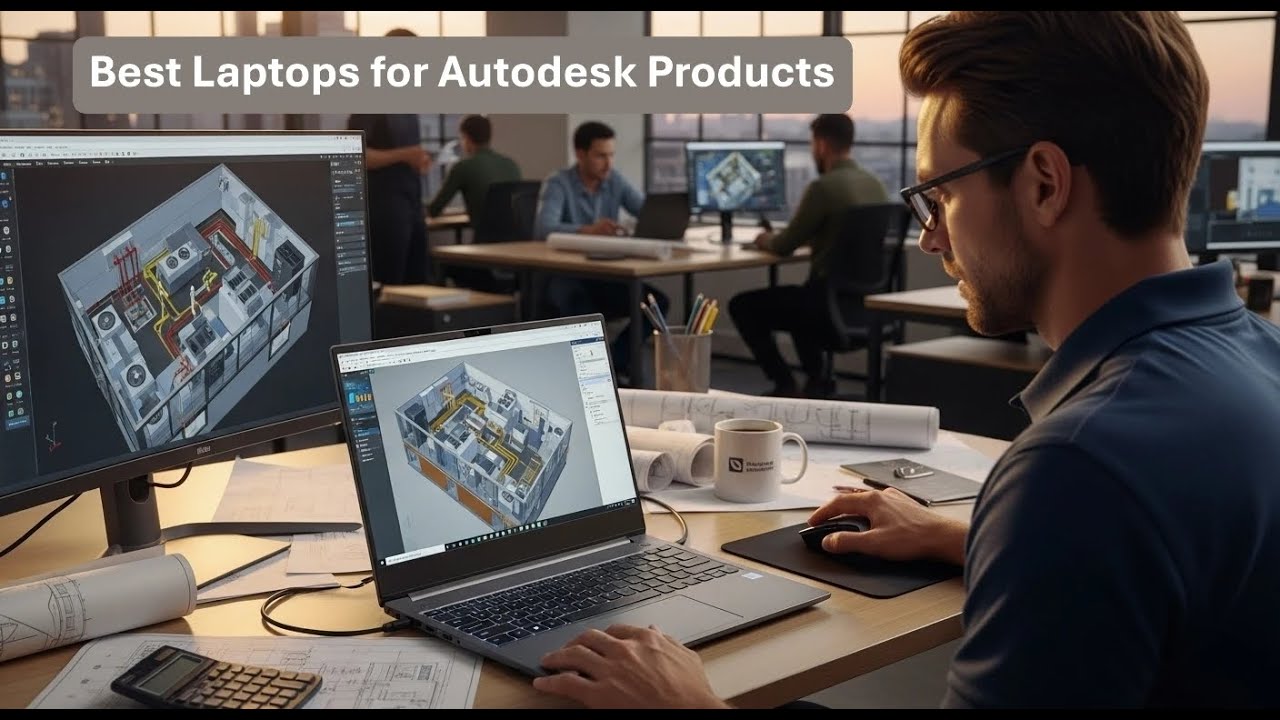
Best Laptops for Autodesk Products in 2026
1. Lenovo ThinkPad P1 Gen 8 (2026 Model)
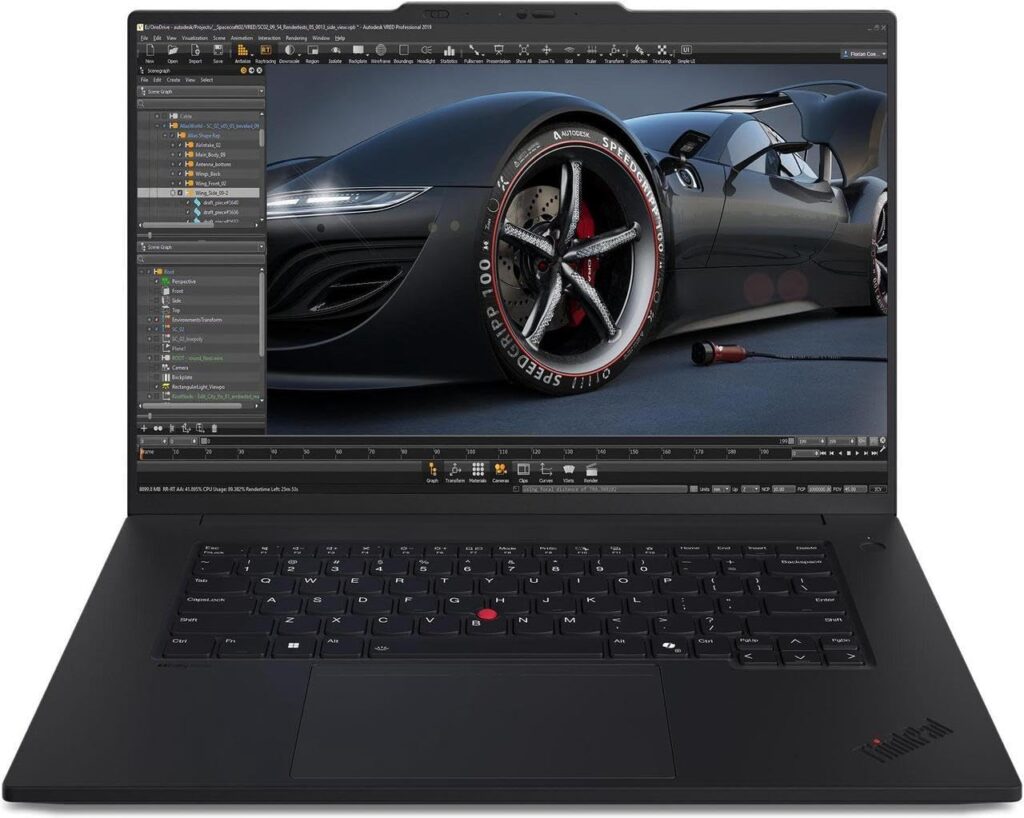
Best overall balance of power and portability
The ThinkPad P1 Gen 8 is a favorite among professionals for a reason. It delivers workstation-level performance in a surprisingly slim body, without sacrificing stability or build quality.
Key specifications
- CPU: Intel Core i7 / i9 H-series
- GPU: NVIDIA RTX A-series or RTX 40/50-series
- RAM: 32–64 GB
- Storage: 1–2 TB NVMe SSD
- Display: 16″ OLED or 4K IPS
Pros
- Excellent keyboard for long work sessions
- Reliable thermals and solid performance
- Professional-grade display options
Cons
- Premium pricing
- Battery life drops under heavy loads
Best for: Architects and engineers who need power but still move around a lot.
2. Dell Precision 7780
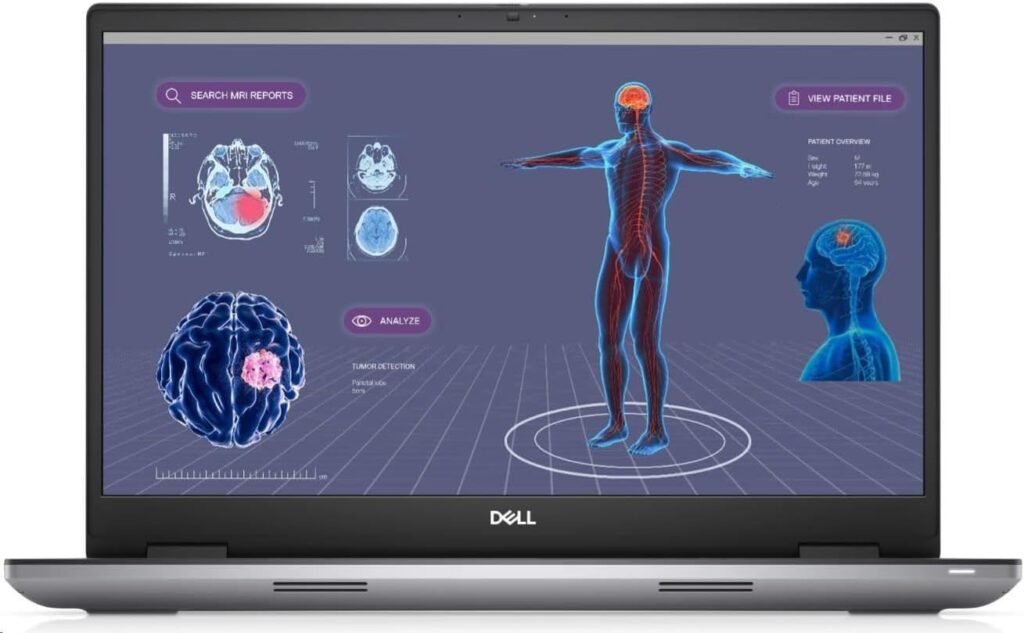
Best choice for certified workstation stability
The Dell Precision series is built for professionals who want zero surprises. These machines are designed to run heavy Autodesk workloads day in and day out.
Key specifications
- CPU: Intel Core i9 or Xeon
- GPU: NVIDIA RTX A-series
- RAM: 32–128 GB
- Storage: Multiple NVMe SSD slots
- Display: 17″ high-resolution panels
Pros
- Rock-solid performance with large models
- Excellent upgrade options
- Designed for long-term professional use
Cons
- Heavy and bulky
- Expensive when fully configured
Best for: Firms and professionals working with large BIM or CAD projects.
3. HP ZBook Fury G1i (18″)
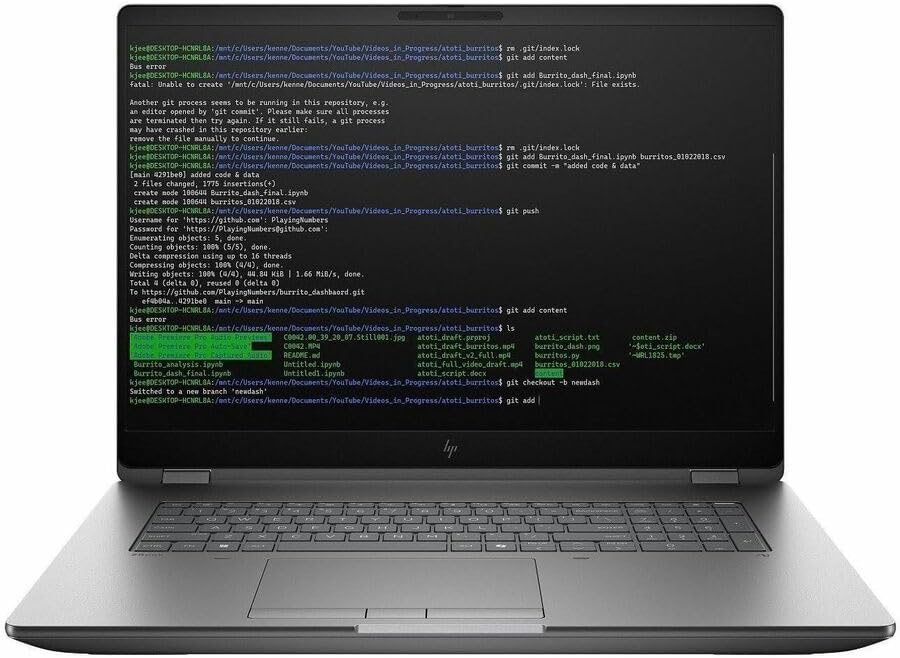
Best desktop replacement for massive projects
If portability isn’t your top priority and you want raw power, the ZBook Fury is a monster. It’s essentially a mobile workstation that thinks it’s a desktop.
Key specifications
- CPU: Intel H-series or Xeon
- GPU: NVIDIA RTX Pro / RTX A-series
- RAM: 64–128 GB
- Storage: Up to four NVMe SSDs
- Display: 18″ high-resolution panel
Pros
- Handles extremely large models with ease
- Excellent cooling system
- Massive expandability
Cons
- Very heavy
- Short battery life
Best for: Power users dealing with complex models, rendering, or point clouds.
4. ASUS ProArt P16
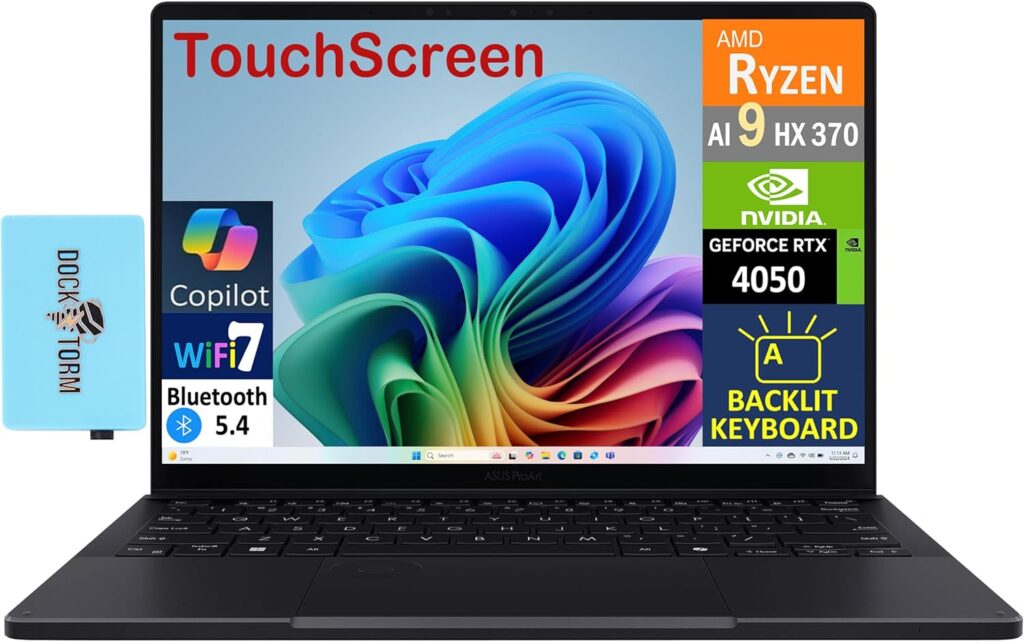
Best for designers who care about visuals
The ProArt P16 blends performance with stunning display quality. It’s a great fit for architects and designers who work heavily with visuals and presentations.
Key specifications
- CPU: AMD Ryzen 9 HX or Intel H-series
- GPU: NVIDIA RTX 4070 / 4080
- RAM: 32 GB
- Storage: 1–2 TB NVMe SSD
- Display: 16″ 4K or OLED, factory-calibrated
Pros
- Beautiful, color-accurate screen
- Lighter than most workstations
- Strong GPU performance
Cons
- Limited internal upgrades
- Can throttle under sustained heavy loads
Best for: Designers who want performance without giving up display quality.
5. MSI Titan 18 HX
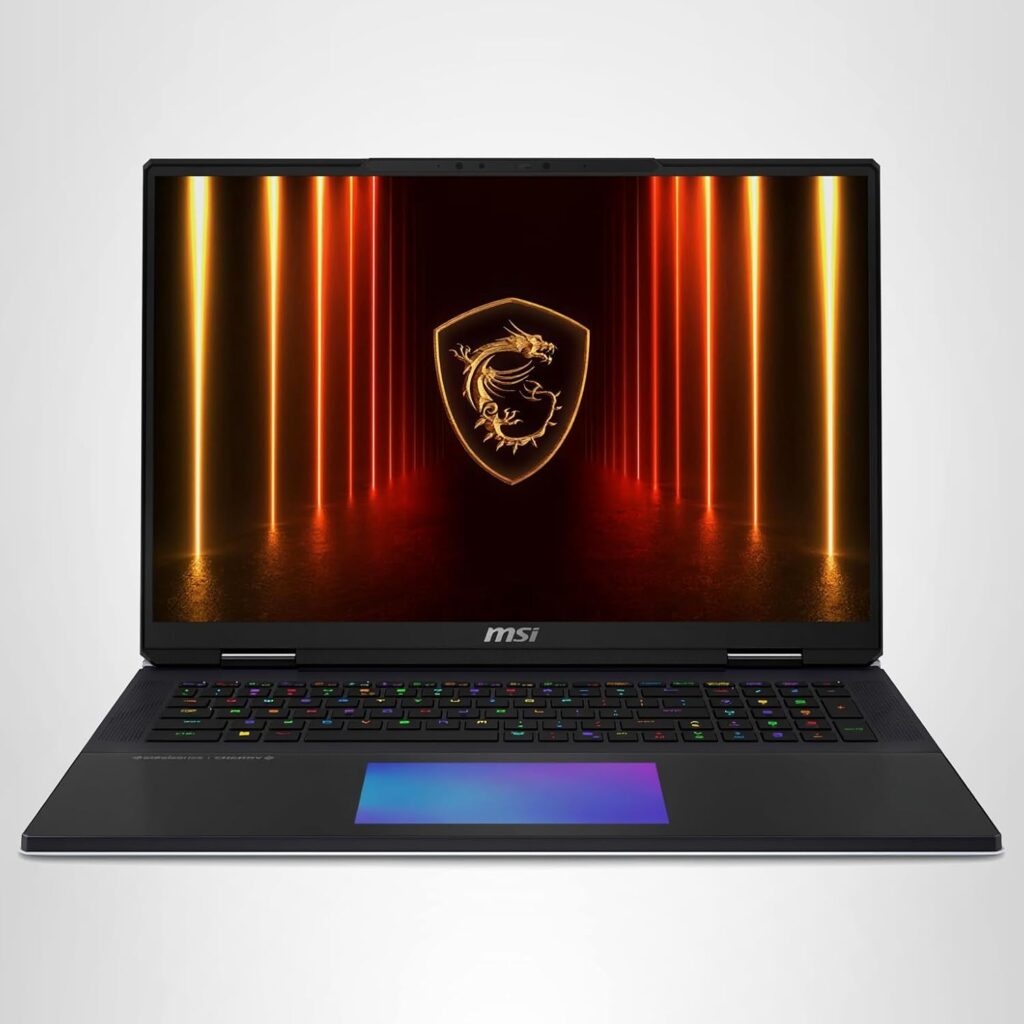
Best for GPU-heavy rendering and visualization
The MSI Titan series is all about brute force. If your Autodesk workflow includes heavy rendering, real-time visualization, or GPU-based tasks, this laptop delivers.
Key specifications
- CPU: Intel high-end H-series
- GPU: NVIDIA RTX 4080 / 4090 mobile
- RAM: 32–64 GB
- Storage: 1–2 TB NVMe SSD
- Display: 18″ high refresh-rate panel
Pros
- Exceptional GPU performance
- Handles rendering extremely well
- Aggressive cooling
Cons
- Loud fans
- Very heavy
Best for: Users focused on rendering, animation, and visualization.
6. Lenovo Legion 5i
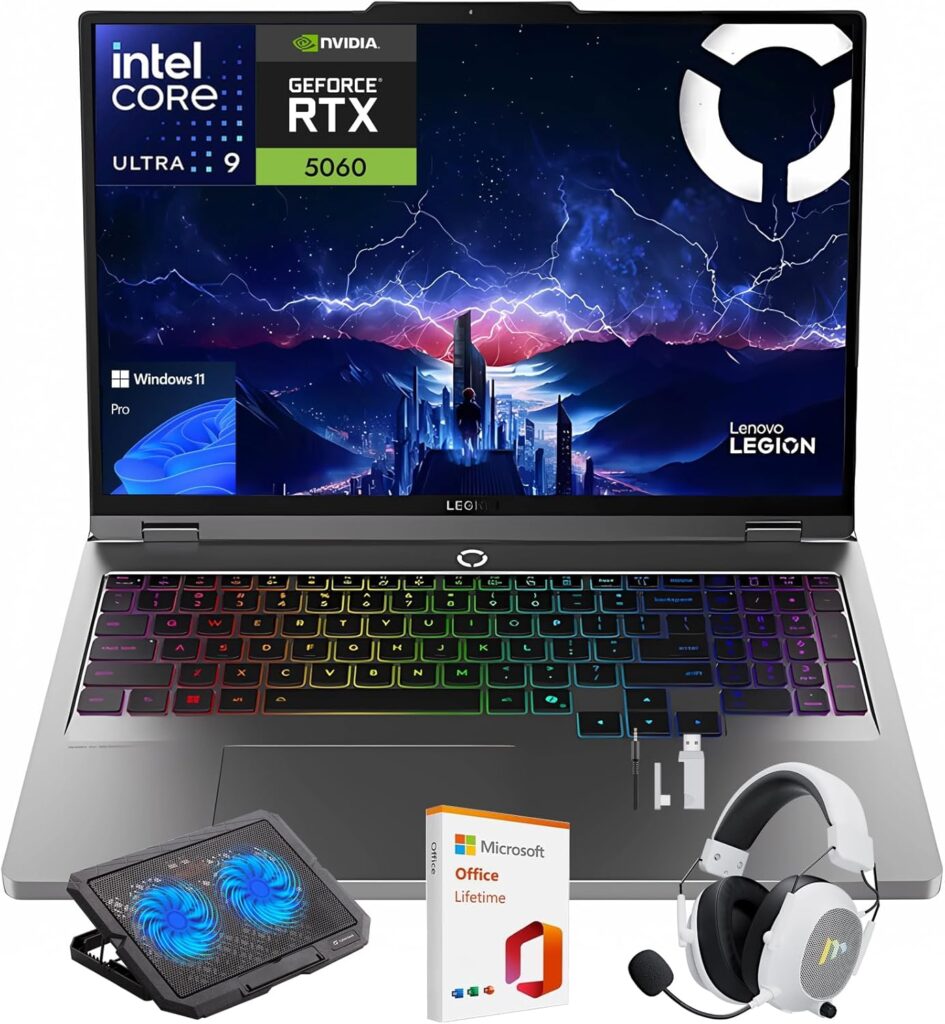
Best value option for Autodesk users
Not everyone needs a full workstation. The Legion 5i offers excellent performance at a much more reasonable price, making it a smart choice for students and freelancers.
Key specifications
- CPU: Intel Core i7 HX
- GPU: NVIDIA RTX 4060 / 4070
- RAM: 16–32 GB
- Storage: 1 TB NVMe SSD
- Display: 15–16″ OLED or IPS
Pros
- Great price-to-performance ratio
- Upgradeable RAM and storage
- Strong GPU for the money
Cons
- No professional certifications
- Gaming-style design
Best for: Budget-conscious professionals and students.
Quick Comparison Table
| Laptop Model | CPU | GPU | RAM | Best Use Case |
|---|---|---|---|---|
| ThinkPad P1 Gen 8 | Intel i7/i9 | RTX A / RTX 40+ | 32–64 GB | Balanced professional use |
| Dell Precision 7780 | Intel i9/Xeon | RTX A-series | 32–128 GB | Large BIM projects |
| HP ZBook Fury 18″ | Intel/Xeon | RTX Pro | 64–128 GB | Desktop-level workloads |
| ASUS ProArt P16 | Ryzen 9 / Intel | RTX 4070/4080 | 32 GB | Design & visualization |
| MSI Titan 18 HX | Intel H-series | RTX 4080/4090 | 32–64 GB | Rendering & GPU tasks |
| Lenovo Legion 5i | Intel i7 HX | RTX 4060/4070 | 16–32 GB | Best value option |
Final Thoughts
Choosing the right laptop for Autodesk products in 2026 comes down to knowing your workload. If you deal with massive models and complex workflows, workstation-class machines are worth every penny. If your work is lighter or you’re just starting out, a powerful consumer laptop can still do an excellent job.
The good news? Today’s laptops are more capable than ever. With the right configuration, you can enjoy smooth modeling, fast renders, and a system that keeps up with your creativity — not one that slows it down.
How to Choose the Right Laptop for Autodesk Software in 2026
Time needed: 5 minutes
Choosing a laptop for Autodesk programs doesn’t have to be complicated. Follow these simple steps to find a system that fits your work style, project size, and budget — without overpaying or running into performance issues later.
- Understand Your Autodesk Workload
Before buying anything, take a moment to think about how you actually use Autodesk software. Light AutoCAD drawings don’t need the same hardware as large Revit models or 3D rendering. The size of your projects, the complexity of your models, and whether you render often will directly affect the kind of laptop you should choose.
- Match the Hardware to Your Needs
Once you know your workload, focus on the essentials: a strong processor, a dedicated graphics card, enough RAM to handle large files, and fast SSD storage. For demanding projects, workstation-class laptops offer better long-term stability, while high-performance consumer laptops can be a smart choice for lighter or mixed use.
- Balance Performance, Portability, and Budget
The most powerful laptop isn’t always the best one for you. Consider how often you travel, how long you work unplugged, and how important screen quality is for your daily tasks. A well-balanced system that fits your routine will serve you better than raw power alone.
FAQs
Revit, 3ds Max, and Civil 3D tend to push hardware the hardest. They rely heavily on CPU speed, RAM, and a capable graphics card, especially when working with large or complex models.
For basic 2D work, 16 GB can still get the job done. However, if you’re working on 3D models or large projects, 32 GB makes a noticeable difference and keeps things running much smoother.
Not always. If you work with large BIM projects every day or need maximum stability, a workstation is worth it. For freelancers, students, or lighter workloads, a high-performance consumer laptop can be perfectly fine.