Estimated reading time: 6 minutes
Key Takeaways
- The Apple MacBook Air M5 offers the same sleek design but features a powerful M5 chip that enhances performance and AI capabilities.
- Its Liquid Retina display provides vibrant colors and sharp text, making it ideal for various uses.
- The laptop features a fanless design, ensuring silent operation and excellent battery life of up to 18 hours.
- While it remains lightweight and portable, it has limited ports, but meets the needs of most users effectively.
- Overall, the MacBook Air M5 is a reliable choice for students, remote workers, and travelers in 2026.
Table of contents
- First Impressions: Same Air, Smarter Core
- Design & Build Quality: Still One of the Best
- Display: Simple, Bright, and Easy on the Eyes
- Performance: M5 Makes It Feel Effortless
- Storage & Memory: Finally More Practical
- Battery Life: One Less Thing to Worry About
- Keyboard, Trackpad & Daily Use
- Ports & Connectivity: Minimal but Enough
- Pros and Cons
- MacBook Air M5: Who Should Buy It?
- Final Verdict: Simple, Powerful, and Easy to Recommend
- Quick Summary Table
- Let’s Hear From You
- How to Choose the Right MacBook Air M5 for Your Needs
- FAQs
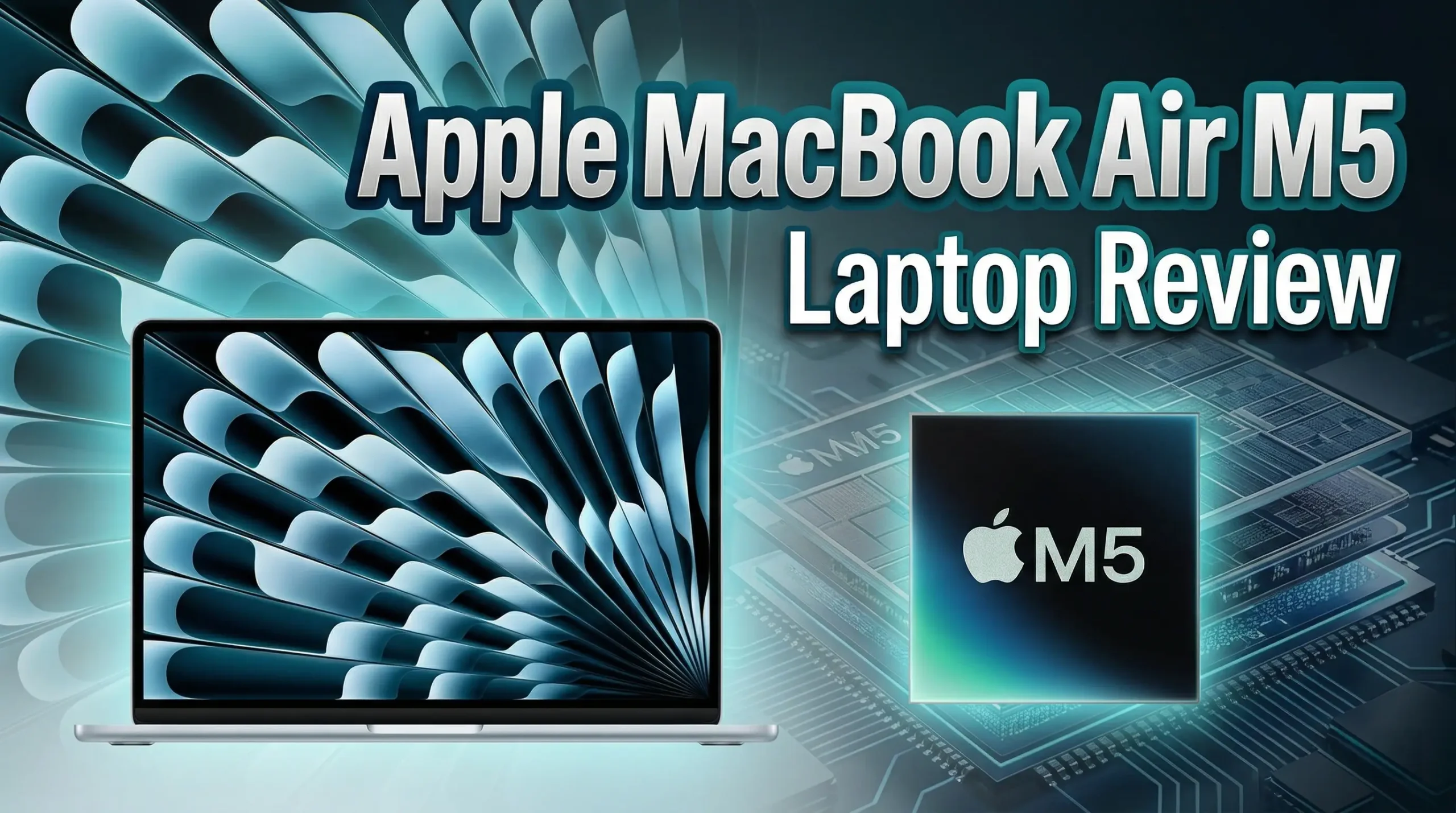
Thinking about the Apple MacBook Air M5? Here’s a detailed, real-world Apple MacBook Air M5 Laptop Review covering performance, battery life, design, and whether it’s worth your money in 2026.
First Impressions: Same Air, Smarter Core
At first glance, the MacBook Air M5 doesn’t try to shock you. And honestly, that’s a good thing. Apple didn’t mess with what already works. It still looks clean, feels premium, and slips into your bag like it’s not even there.
But under the hood? That’s where things get interesting.
The new M5 chip brings more power, better graphics, and noticeably stronger AI performance. It’s not about flashy numbers—it’s about how smooth everything feels when you’re actually using it.
Purchase on Amazon or check availabilityDesign & Build Quality: Still One of the Best
Apple didn’t reinvent the design—and they didn’t need to.
- Ultra-thin aluminum body
- Lightweight and easy to carry
- Minimal, clean aesthetic
- Premium feel in every detail
Whether you go for the 13-inch or 15-inch, both models feel solid and well-balanced. No flex, no cheap materials, no weird compromises.
Real talk: This is still one of the best-looking laptops you can buy today.
Display: Simple, Bright, and Easy on the Eyes
The Liquid Retina display continues to deliver exactly what most people need:
| Feature | 13-inch Model | 15-inch Model |
|---|---|---|
| Resolution | 2560 x 1664 | 2880 x 1864 |
| Brightness | 500 nits | 500 nits |
| Color Support | P3 Wide Color | P3 Wide Color |
Colors look natural, text is sharp, and brightness is more than enough for indoor and outdoor use.
Is it OLED? No.
Will most people care? Also no.
Performance: M5 Makes It Feel Effortless
This is where the MacBook Air M5 quietly levels up.
What you get:
- 10-core CPU
- Up to 10-core GPU
- Faster unified memory
- Stronger AI performance
In daily use, everything feels instant:
- Apps open fast
- Multitasking is smooth
- Browsers with 20+ tabs don’t slow down
- Editing photos or light videos feels easy
Even better, it does all this without a fan. No noise, no heat spikes, no distractions.
Real-world usage:
- Students → more than enough
- Office work → effortless
- Content creation → surprisingly capable
- Coding → smooth and stable
If you’re coming from an older Intel Mac or even an M1, the jump is very noticeable.
Storage & Memory: Finally More Practical
Apple finally made smarter choices here.
| Option | Details |
|---|---|
| Base Storage | 512GB SSD |
| Max Storage | Up to 4TB |
| RAM (Unified) | 16GB (configurable higher) |
The faster SSD speeds also help with large files and app loading times.
Good news: The base model finally feels usable without upgrades.
Battery Life: One Less Thing to Worry About
Battery life is one of the biggest reasons people love the Air—and the M5 keeps that reputation strong.
- Up to 18 hours video playback
- All-day real-world usage
- Fast charging support
You can leave home without your charger and not stress about it. That’s something you don’t fully appreciate until you have it.
Keyboard, Trackpad & Daily Use
This is where Apple still dominates.
- Keyboard is comfortable and quiet
- Trackpad is large and extremely precise
- macOS runs smooth with zero friction
Everything just feels… natural. You don’t fight the laptop. You just use it.
Ports & Connectivity: Minimal but Enough
Here’s what you get:
- 2x Thunderbolt / USB-C ports
- MagSafe charging
- Headphone jack
- Wi-Fi 7 + Bluetooth 6
Is it a lot? No.
Is it enough for most users? Yes.
If you need more, a small hub solves the problem.
Pros and Cons
👍 What’s Great
- Extremely light and portable
- Strong everyday performance
- Silent (fanless design)
- Excellent battery life
- Premium build quality
👎 What Could Be Better
- Limited ports
- Not built for heavy pro workloads
- Upgrades can get expensive
MacBook Air M5: Who Should Buy It?
This laptop makes the most sense if you are:
- A student
- A remote worker
- A traveler
- Someone who wants a fast, reliable everyday laptop
It’s not trying to replace a workstation. It’s built to be your go-to laptop for everything else.
Final Verdict: Simple, Powerful, and Easy to Recommend
The MacBook Air M5 doesn’t try to be dramatic. It doesn’t need to.
It’s fast, quiet, lightweight, and lasts all day. That combination alone makes it one of the easiest laptops to recommend in 2026.
If you want a machine that just works—without noise, without stress, without overthinking—this is it.
Quick Summary Table
| Category | Rating (Out of 10) |
|---|---|
| Design | 9.5 |
| Display | 9.0 |
| Performance | 9.2 |
| Battery | 9.5 |
| Portability | 10 |
| Value | 8.8 |
Let’s Hear From You
Would you go for the 13-inch for portability or the 15-inch for a bigger screen?
Or are you thinking about skipping the Air and going straight for a MacBook Pro?
How to Choose the Right MacBook Air M5 for Your Needs
Time needed: 5 minutes
- Figure Out What You’ll Actually Use It For
Before anything else, be honest about your daily usage. If it’s mostly browsing, office work, streaming, and light editing, the base model will do just fine. But if you’re planning to edit videos, code heavily, or multitask like inexplicable, it’s worth considering higher RAM and storage options.
- Pick the Right Size (13-inch vs 15-inch)
This really comes down to your lifestyle. If you’re always on the move, the 13-inch model feels easier to carry around. If you work a lot with multiple windows or just prefer a bigger screen, the 15-inch version gives you that extra comfort without going full “bulky laptop.”
- Think Long-Term, Not Just Today
Try not to buy just for your current needs. A laptop like this is something you’ll use for years. Spending a bit more now for extra storage or memory can save you from upgrading too soon later. It’s about finding that balance between budget and future-proofing.
FAQs
More than enough. For things like browsing, office work, streaming, and even light editing, it feels fast and smooth. Most people won’t even push it to its limits.
If you’re always on the move, the 13-inch is easier to carry. If you spend long hours working or like having more screen space, the 15-inch feels more comfortable.
If you plan to keep the laptop for a few years, it’s a smart move. A bit of extra RAM or storage now can make a big difference down the line.

Hi, my name is Burak. I am a mechanical engineer. I have been writing laptop reviews for the Engineering Laptops website since 2020. Please feel free to contact me if you have any questions.





