Estimated reading time: 7 minutes
Key Takeaways
- Choosing the best laptop for computer engineering students requires balancing power, portability, and battery life.
- Recommended specs include a high-end processor, at least 16GB of RAM, and a minimum 512GB SSD.
- Top laptops include Lenovo ThinkPad P16 for heavy engineering work, MacBook Pro 14 for programming, and Dell XPS 15 for balance.
- Consider the specific needs of your coursework when selecting a laptop, including potential software requirements and portability.
- Plan for long-term use; choose a laptop that can handle increased workloads in later studies.
Table of contents
Choosing the best laptop for computer engineering students isn’t just about buying the most expensive machine on the shelf. It’s about finding the right balance between power, portability, battery life, and long-term reliability.
As a computer engineering student, your laptop becomes your lab partner. You’ll code for hours, run virtual machines, simulate circuits, maybe train small AI models, and sometimes even dive into CAD or embedded systems work. So yes — you need something serious. But you also need something practical.
Let’s break it down properly.
What Computer Engineering Students Really Need
Before jumping into specific models, here’s what actually matters in daily university life:
Recommended Specifications (2026 Standard)
- Processor (CPU):
Intel Core Ultra 7 / Ultra 9, Intel i7/i9 H-series, AMD Ryzen 7 / Ryzen 9, or Apple M5 - RAM:
16GB minimum (32GB ideal if you run virtual machines or heavy simulations) - Storage:
512GB SSD minimum (1TB preferred) - Graphics (GPU):
Integrated graphics is fine for programming
NVIDIA RTX 4050/4060+ if you use CAD, 3D modeling, or ML - Display:
14″–16″, Full HD or higher - Battery Life:
At least 8 hours real-world usage - Ports:
USB-C / Thunderbolt, USB-A, HDMI (Ethernet is a bonus)
Now let’s talk about the laptops that actually deliver.
Top Laptops for Computer Engineering Students
1. Lenovo ThinkPad P16 Gen 3
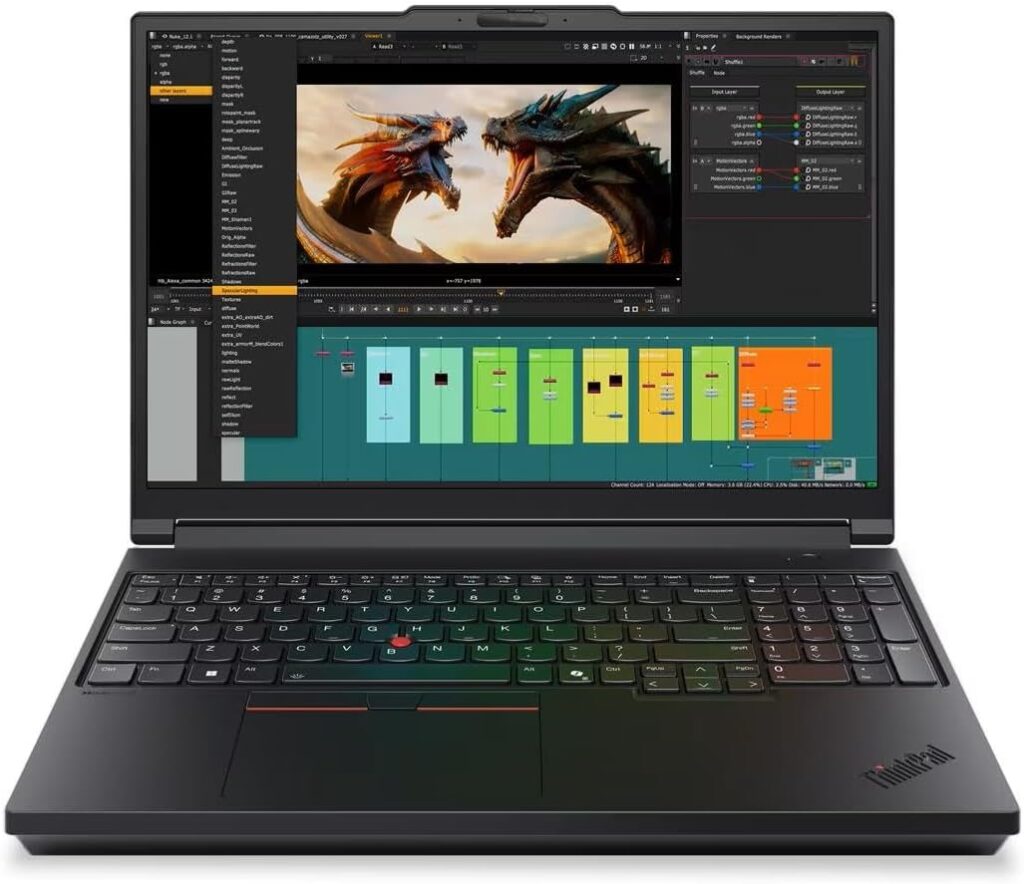
Best for Heavy Engineering Work & Simulations
If you’re serious about CAD, simulations, or running large computational models, this is a powerhouse.
Key Specs
- Intel Core Ultra HX-series processors
- NVIDIA RTX PRO GPUs
- Up to 192GB RAM (configuration dependent)
- 16” 3.2K OLED display option
- Multiple Thunderbolt ports
- Enterprise-grade cooling
Pros
✔ Extremely powerful
✔ Built for professional engineering workloads
✔ Upgrade-friendly configurations
✔ Excellent keyboard
Cons
✖ Heavy (not ultra-portable)
✖ Expensive at higher configurations
✖ Battery drains faster under full load
Best for: Final-year students, simulation-heavy coursework, CAD-focused programs.
2. Apple MacBook Pro 14-inch
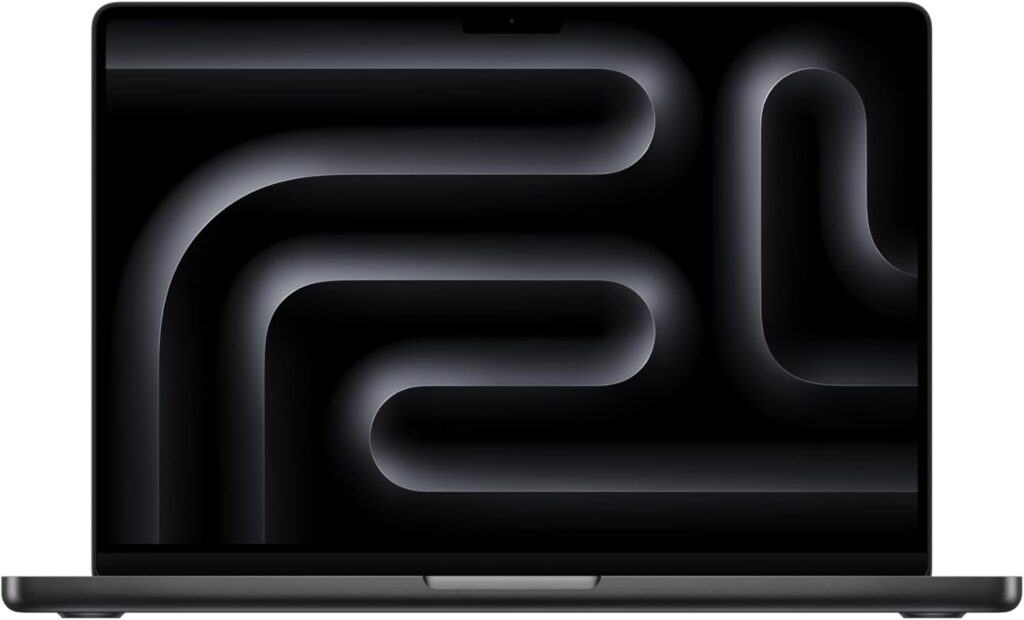
Best for Programming & Battery Life
If most of your work is software development, embedded programming, or AI coursework, this machine feels effortless.
Key Specs
- Apple M5 chip
- 16GB–36GB unified memory
- 512GB–2TB SSD
- Liquid Retina XDR display
- Exceptional battery efficiency
Pros
✔ Incredible battery life
✔ Silent performance
✔ Premium build quality
✔ Perfect for coding environments
Cons
✖ Some Windows-only engineering tools require workarounds
✖ RAM is not upgradeable later
Best for: Students focused on programming, system design, and software engineering.
3. Dell XPS 15
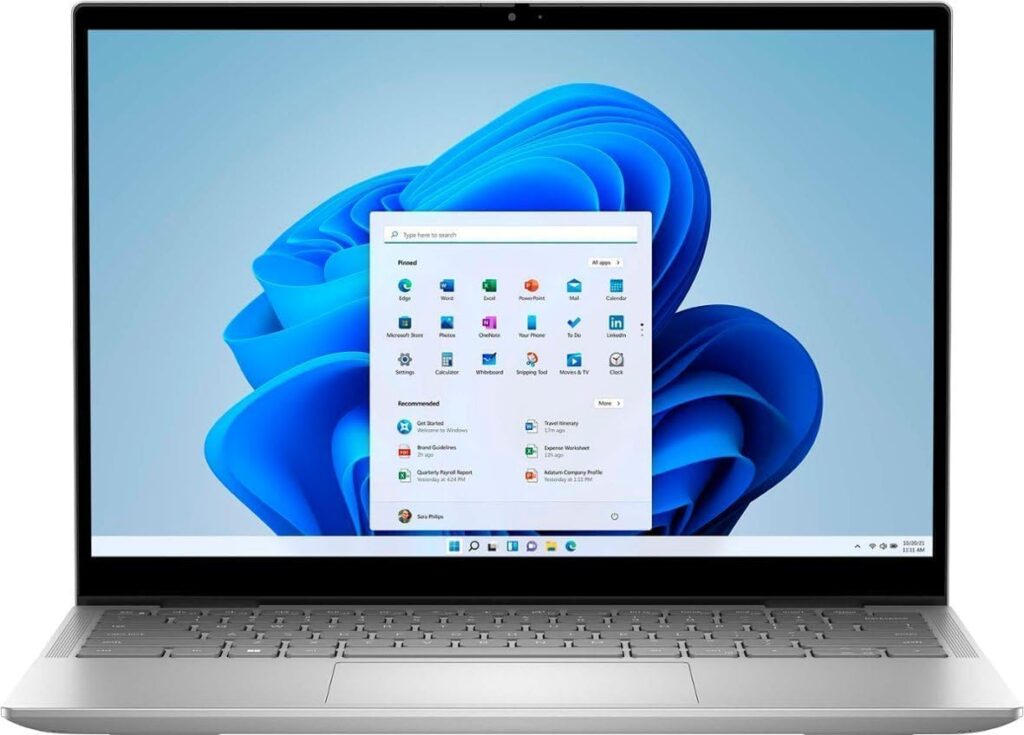
Best Balanced Choice
This is the “safe” choice. It looks premium, performs strongly, and handles both coding and light CAD work without problems.
Key Specs
- Intel Core i7 / i9 H-series
- NVIDIA RTX 4050 / 4060 options
- 16GB–64GB RAM
- 15.6” OLED or IPS display
- Slim aluminum chassis
Pros
✔ Strong all-round performance
✔ Beautiful display options
✔ Professional design
✔ Good portability for its size
Cons
✖ Can get expensive fast
✖ Gets warm under heavy load
Best for: Students who want performance and portability in one clean package.
4. ASUS ROG Zephyrus G14
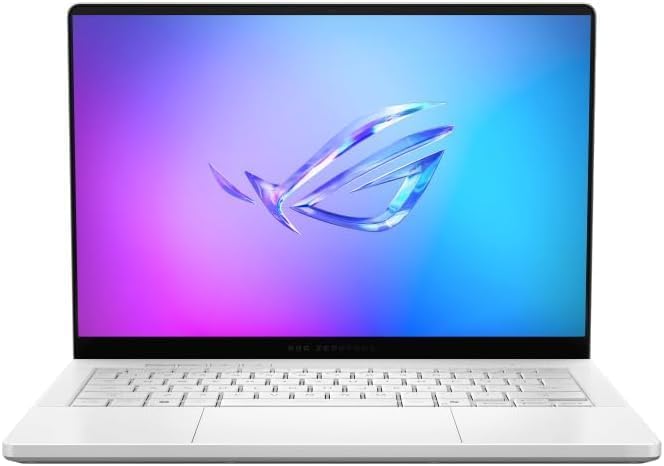
Best Portable Power Machine
Need GPU acceleration for AI or simulations but don’t want to carry a brick? The G14 hits that sweet spot.
Key Specs
- AMD Ryzen 9 processor
- NVIDIA RTX 4060/4070
- 16GB–32GB RAM
- 14” OLED high refresh display
- Compact and lightweight design
Pros
✔ Excellent performance-to-size ratio
✔ Great for GPU workloads
✔ Still portable for campus life
Cons
✖ Smaller screen for long design sessions
✖ Battery drains quickly under GPU load
Best for: Students mixing engineering and gaming, or doing ML projects.
5. Razer Blade 16
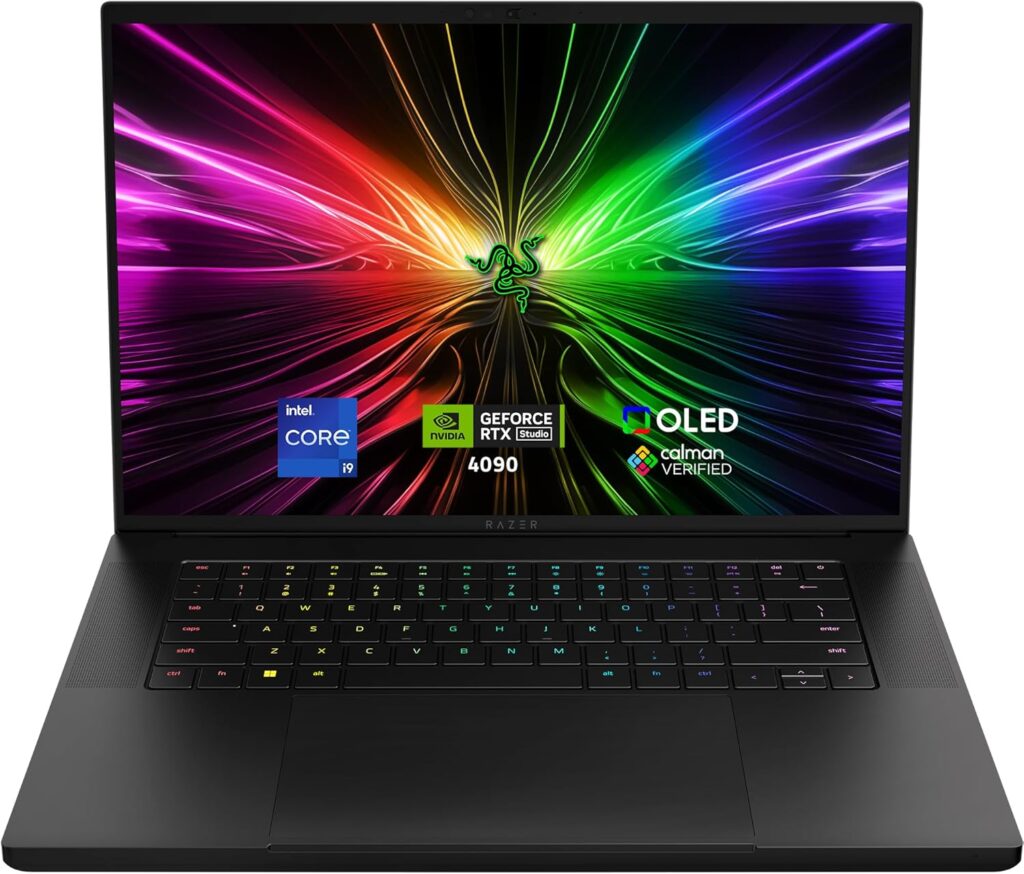
Best High-End Performance Option
If budget isn’t your main concern and you want desktop-class power in a sleek body, this one stands out.
Key Specs
- Intel H-series processor
- NVIDIA RTX 4070/4080/4090
- 16GB–64GB RAM
- 16” high refresh display
- Premium aluminum build
Pros
✔ Serious GPU performance
✔ Clean, professional look
✔ Strong cooling system
Cons
✖ Expensive
✖ Battery life not impressive
✖ Runs warm under full load
Best for: Students doing advanced GPU-heavy research or 3D workloads.
Quick Comparison Table
| Laptop | Best For | Performance | Portability | Battery |
|---|---|---|---|---|
| ThinkPad P16 Gen 3 | Simulations & CAD | ★★★★★ | ★★☆☆☆ | ★★★☆☆ |
| MacBook Pro 14 | Programming | ★★★★☆ | ★★★★★ | ★★★★★ |
| Dell XPS 15 | Balanced Use | ★★★★☆ | ★★★★☆ | ★★★★☆ |
| Zephyrus G14 | Portable Power | ★★★★☆ | ★★★★☆ | ★★★☆☆ |
| Razer Blade 16 | GPU Work | ★★★★★ | ★★★☆☆ | ★★☆☆☆ |
What Should You Actually Buy?
Here’s the honest answer.
- If you mainly code → MacBook Pro 14
- If you do heavy CAD/simulations → ThinkPad P16
- If you want balance → Dell XPS 15
- If you want GPU + portability → Zephyrus G14
- If money isn’t a problem → Razer Blade 16
There’s no single “perfect” laptop. There’s only the one that fits your workload.
Final Advice for Computer Engineering Students
- Don’t buy 8GB RAM in 2026.
- Don’t ignore thermals — engineering software pushes systems hard.
- Invest in an external monitor for productivity.
- Check if your university software requires Windows.
- Always think 3–4 years ahead.
Your laptop will be with you through late-night debugging, lab reports, coding marathons, and probably a few stressful deadlines. Pick something reliable. Pick something powerful. And most importantly, pick something that won’t slow you down when it matters most.
How to Choose the Best Laptop for Computer Engineering Students
Time needed: 5 minutes
A simple three-step process to help computer engineering students pick a laptop that can handle coding, simulations, and real-world university workloads without overspending.
- Define Your Engineering Workload
Before looking at brands, think about what you’ll actually do. Mostly coding? Running virtual machines? Heavy CAD or simulations? Your daily workload determines whether you need strong multi-core performance, extra RAM, or a dedicated GPU.
- Prioritize Core Hardware Specs
Choose at least 16GB RAM (32GB if possible), a fast SSD (minimum 512GB), and a modern Intel Core Ultra, Ryzen 7/9, or Apple M-series processor. If your coursework includes 3D design or machine learning, make sure you select a model with an NVIDIA RTX GPU.
- Balance Portability, Battery, and Budget
Engineering laptops can get heavy and expensive. Make sure your choice is comfortable to carry around campus and lasts through long study sessions. Don’t just buy the most powerful machine — buy the one that fits your real student life.
FAQs
If you’re just coding and doing light projects, 16GB is perfectly fine. But if you’re running virtual machines, simulations, or working with large datasets, 32GB will make your life much easier. Think long term — your workload usually gets heavier in the final years.
Not always. For pure programming and most coursework, integrated graphics are enough. But if you plan to use CAD software, 3D modeling tools, or experiment with machine learning, a dedicated GPU can save you a lot of waiting time.
Yes — especially for programming and software-focused paths. Just double-check whether your university uses Windows-only tools. If that’s the case, make sure you’re comfortable using virtualization or remote lab systems before deciding.

Hi, my name is Burak. I am a mechanical engineer. I have been writing laptop reviews for the Engineering Laptops website since 2020. Please feel free to contact me if you have any questions.