Estimated reading time: 12 minutes
Key Takeaways
- Engineering laptops under $1000 now offer powerful performance due to advancements in AI chips and dedicated GPUs.
- Top picks include Lenovo LOQ 15, Acer Nitro V 16 AI, ASUS Zenbook A14 OLED, HP Victus 16, and Apple MacBook Air (M3).
- Key specifications to consider are RAM, CPU, and dedicated GPU for 3D modeling and simulations.
- Prioritize features that align with your major, whether it’s CAD-intensive or software-focused work.
- You don’t need to overspend; solid performance is available without exceeding the $1000 budget.
Table of contents
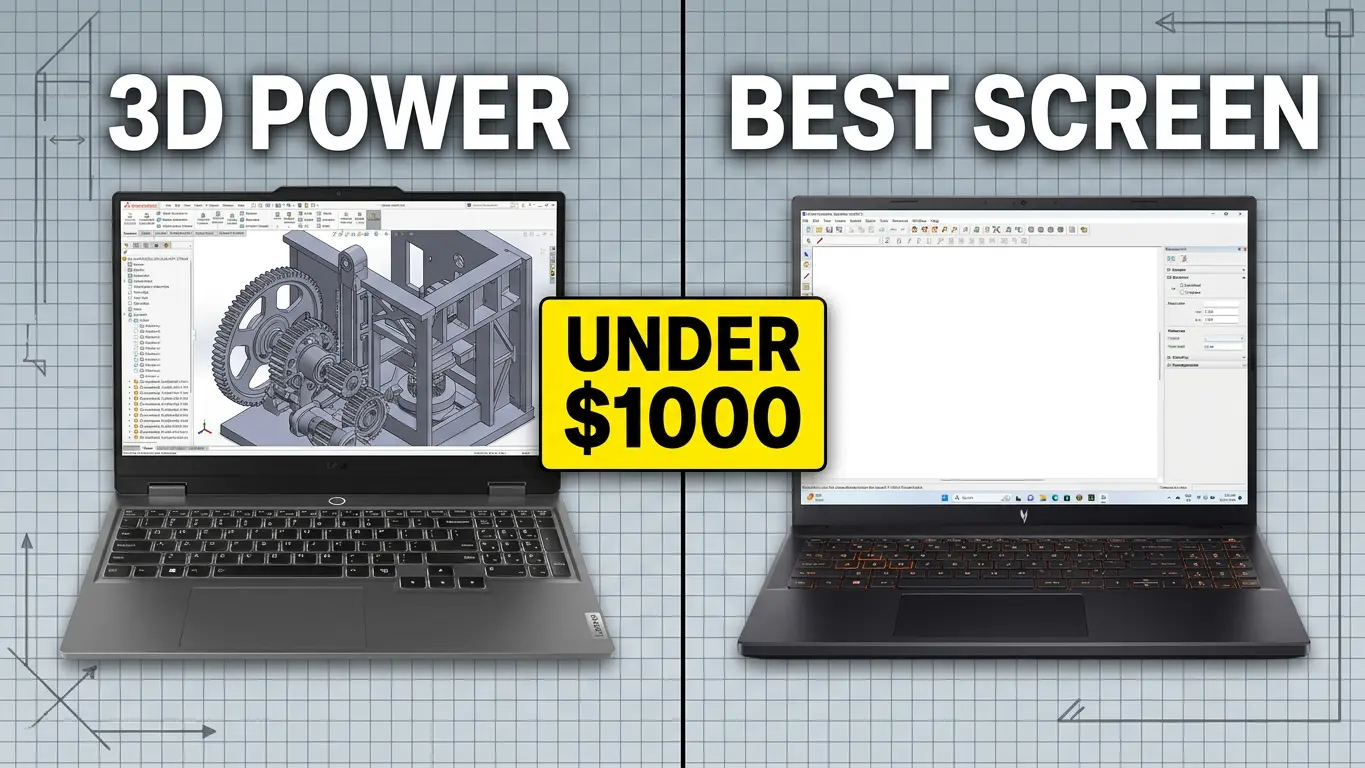
Look, let’s be totally honest here: engineering school or jumping into your first junior engineering gig is exhausting. Between running massive simulations in MATLAB, spinning up 3D models in SolidWorks, and compiling thousands of lines of code, your laptop takes a massive beating. That’s why finding the Best Engineering Laptops Under $1000 is so important for students and entry-level pros alike.
A few years ago, if you told someone you wanted a powerful engineering laptop for under $1000, they would have laughed and pointed you toward a $2,500 mobile workstation that weighs as much as a cinder block.
But it’s 2026, and things have completely changed. Thanks to hyper-efficient AI chips, entry-level dedicated GPUs that pack a massive punch, and competitive pricing wars, you can grab an absolute beast of a machine without draining your savings account.
Whether you are into mechanical, civil, electrical, or software engineering, here are the 5 best engineering laptops under $1000 that you can buy right now.
Quick Comparison: The Best Picks At A Glance
Before we dive into the gritty details, here is a quick breakdown of our top contenders to help you spot your match instantly.
| Laptop Model | Best For | Core Specs (Under $1000 Config) | Standout Feature |
| Lenovo LOQ 15 Gen 10 | Heavy 3D Modeling & CAD | Ryzen 7, RTX 4060/5050, 16GB RAM | Bulletproof cooling systems |
| Acer Nitro V 16 AI | All-Round Raw Performance | Ryzen 7 AI, RTX 4060, 16GB RAM | Brilliant 16:10 display real estate |
| ASUS Zenbook A14 OLED | Coding & Software Engineering | Core Ultra 7 / Ryzen 7, Integrated Graphics, 16GB RAM | 15+ hour battery & gorgeous OLED screen |
| HP Victus 16 | Stealth Classroom Style | Intel Core i7, RTX 4050/4060, 16GB RAM | Clean, non-gamer aesthetic |
| Apple MacBook Air (M3) | iOS/Web Dev & Portability | Apple M3, 16GB Unified Memory, 512GB SSD | Incredible Unix ecosystem & feather-light |
Deep Dive: The Top 5 Engineering Laptops Under $1000
1. Lenovo LOQ 15 Gen 10 (AMD) — The Undisputed Budget Heavy-Lifter
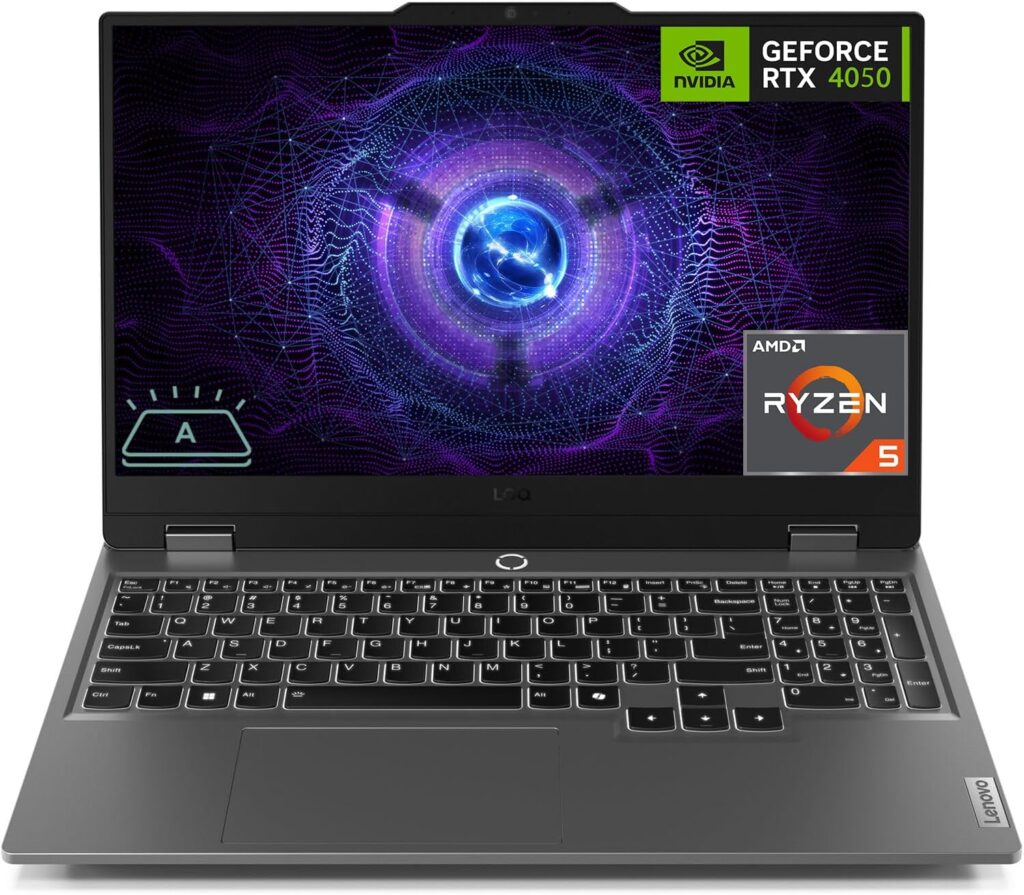
If your daily workload involves rendering assemblies, running structural analyses, or anything that makes a laptop fan scream, the Lenovo LOQ 15 is your best bet. Lenovo took everything that makes their premium Legion lineup incredible and stripped away the expensive bells and whistles to give you raw, unfiltered performance for under a grand.
Key Specifications
- Processor: AMD Ryzen 7 8845HS (or latest Ryzen AI equivalent)
- Graphics: NVIDIA GeForce RTX 4060 / RTX 5050 (8GB/6GB VRAM)
- Memory: 16GB DDR5 RAM (Upgradable)
- Storage: 512GB / 1TB NVMe PCIe SSD
- Display: 15.6-inch FHD (1920×1080) 144Hz IPS
The Good:
- Thermal King: It stays surprisingly cool under heavy simulation stress thanks to its dual-fan rear-vent layout. No thermal throttling here.
- GPU Power: Getting a proper RTX card with dedicated VRAM at this price means your CAD viewports will render smoothly without stuttering.
- Upgradability: Unlike thin laptops, you can easily pop the back cover off later to add more RAM or a second SSD when your projects get bigger.
The Bad:
- Chunky Brick: It feels heavy in a backpack, and the power brick is quite large.
- Battery Life: Don’t expect to sit away from an outlet for more than 4–5 hours of regular use.
2. Acer Nitro V 16 AI — The Best Value Screen Real Estate
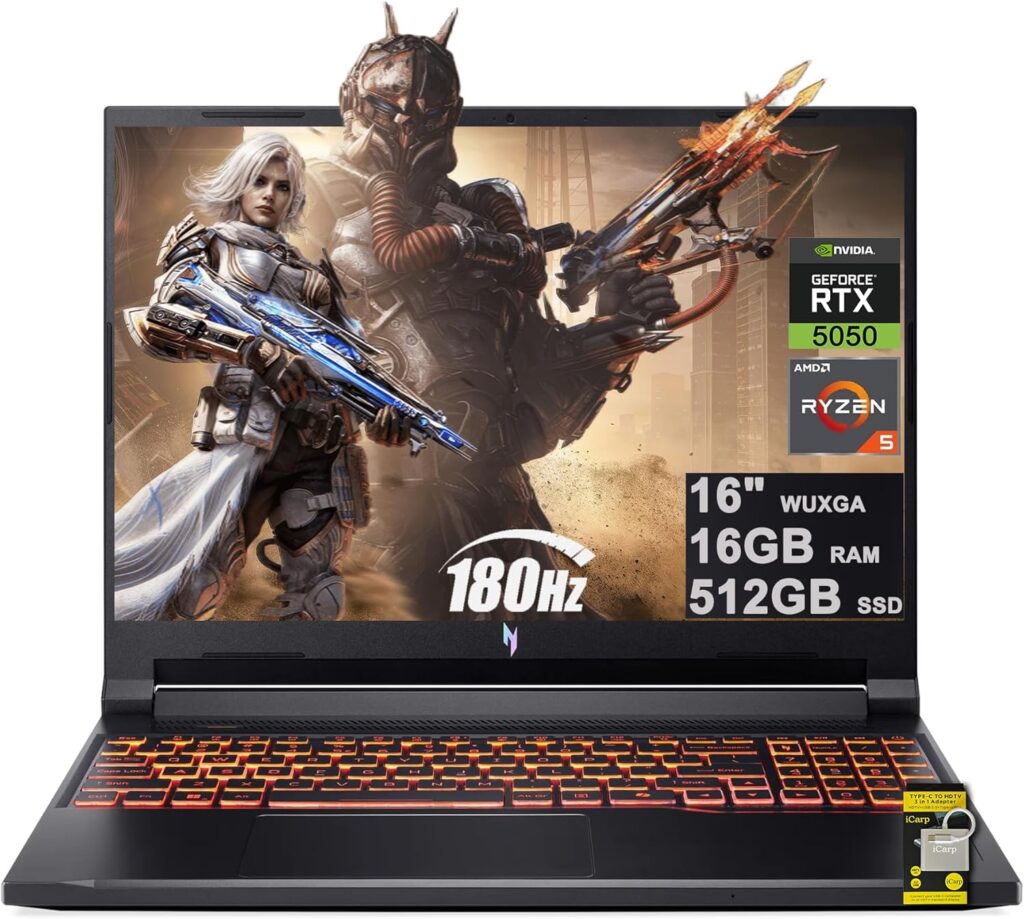
Coding or designing structures on a cramped screen is a one-way ticket to an eye strain headache. The Acer Nitro V 16 fixes this by packing a gorgeous 16:10 aspect ratio display. This extra vertical space means you can see more lines of code or a larger canvas in AutoCAD without constantly scrolling.
Key Specifications
- Processor: AMD Ryzen 7 AI-enabled processor
- Graphics: NVIDIA GeForce RTX 4060 (8GB VRAM)
- Memory: 16GB DDR5 RAM
- Storage: 1TB NVMe SSD
- Display: 16-inch WUXGA (1920×1200) 165Hz (16:10 Ratio)
The Good:
- The 16:10 Screen: Seriously, the extra vertical room is a game-changer for reading schematics and datasheets.
- Generous Storage: Comes out of the box with 1TB of fast storage, leaving plenty of room for heavy software packages like Ansys, MATLAB, and IDEs.
- Loads of Ports: Features an excellent selection of Type-C, HDMI, and ethernet ports—no dongles required in the lab.
The Bad:
- Plastic Build: The chassis is entirely plastic. It’s sturdy enough, but it doesn’t give you that premium aluminum feel.
- Pre-installed Bloatware: You’ll need to spend about 20 minutes deleting random pre-installed apps when you first boot it up.
3. ASUS Zenbook A14 OLED — The Dream Machine for Software Engineers
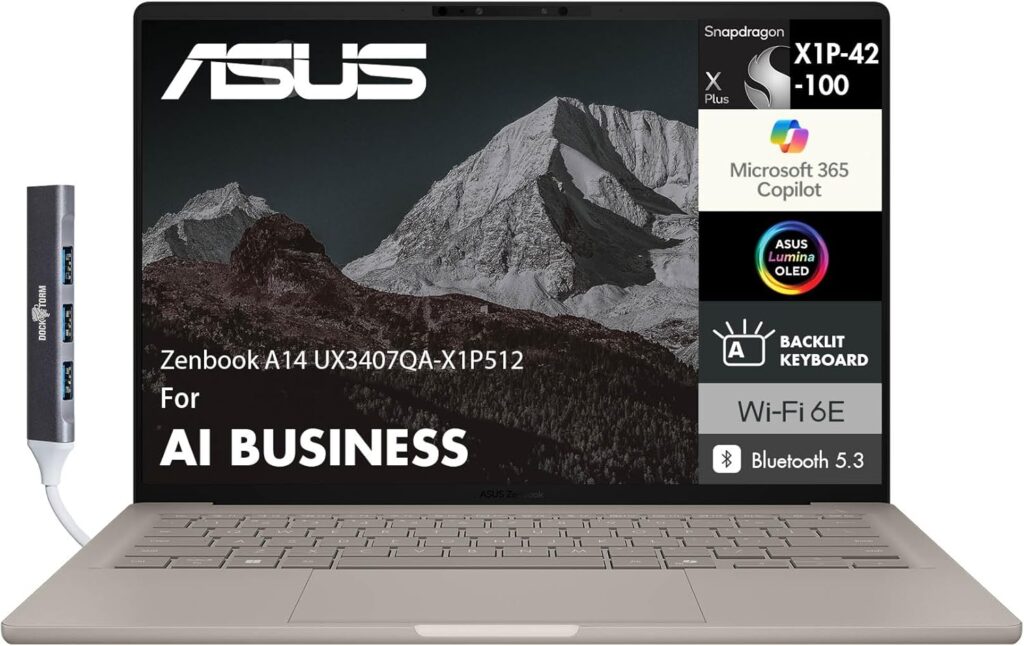
Are you a computer science major or a software engineering student? Skip the bulky gaming rigs. You don’t need a massive graphics card to compile Python or Java. Instead, prioritize battery life, a stellar keyboard, and a display that won’t ruin your eyes during 3 AM debugging marathons. The Zenbook A14 is an absolute masterpiece for this.
Key Specifications
- Processor: Intel Core Ultra 7 or AMD Ryzen 7 8840HS
- Graphics: Intel Arc / AMD Radeon 780M (Integrated)
- Memory: 16GB LPDDR5X
- Storage: 1TB NVMe SSD
- Display: 14-inch 2.8K (2880×1800) 120Hz OLED Touchscreen
The Good:
- Mind-Blowing Display: The 2.8K OLED screen is shockingly crisp. Text looks razor-sharp, which reduces eye fatigue when coding for hours.
- Battery for Days: It easily lasts 12 to 15 hours on a single charge. You can leave the charger in your dorm room or home office all day.
- Ultra-Premium Portability: Aluminum lid, thin profile, and weighs under 3 pounds. It slides into any bag effortlessly.
The Bad:
- Integrated Graphics Only: It will struggle with intense 3D rendering or complex mechanical modeling. If you’re Mech-E or Civil, this isn’t for you.
- Soldered RAM: You cannot upgrade the memory down the road, so make sure you purchase the 16GB configuration.
4. HP Victus 16 — The Sleek & Stealthy Professional
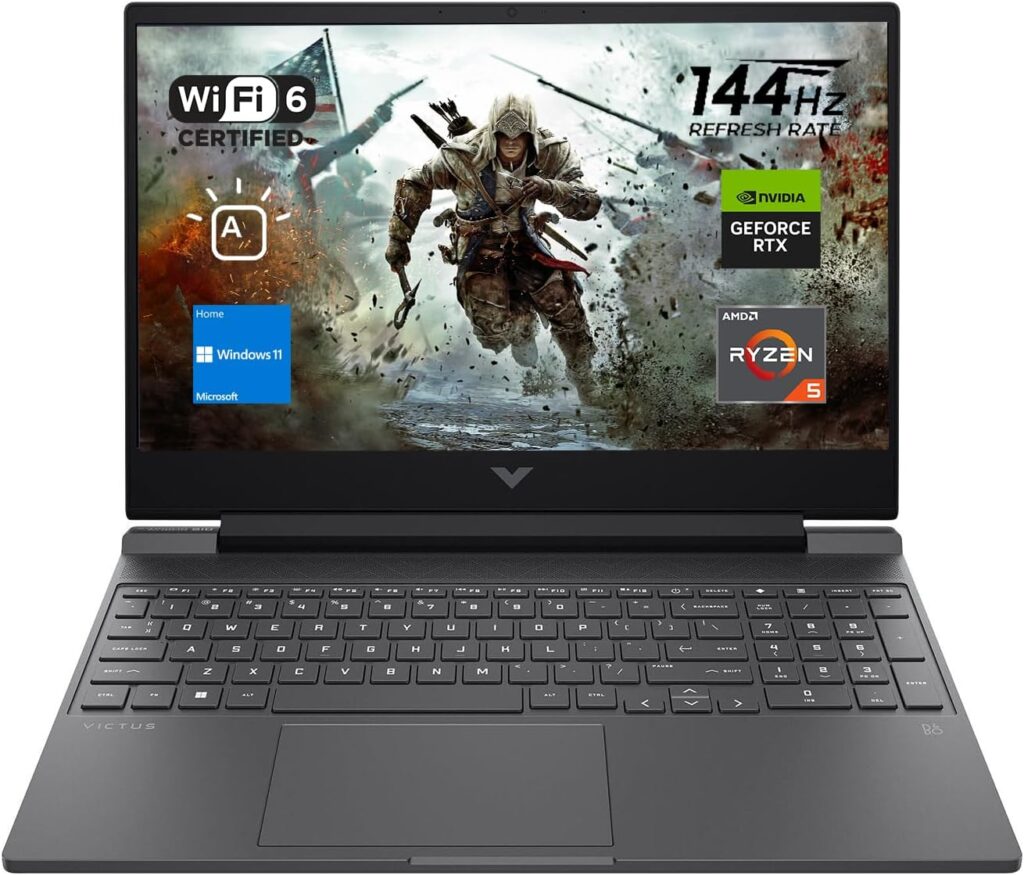
If you want the raw power of a gaming machine but don’t want to walk into a professional engineering firm or a lecture hall with a laptop flashing bright neon RGB lights, the HP Victus 16 is your answer. It looks like a high-end business ultrabook but hides serious hardware under the hood.
Key Specifications
- Processor: Intel Core i7-13650HX or newer Intel Core Ultra 5
- Graphics: NVIDIA GeForce RTX 4050 / 4060
- Memory: 16GB DDR5 RAM
- Storage: 512GB PCIe Gen4 NVMe SSD
- Display: 16.1-inch FHD (1920×1080) 144Hz IPS
The Good:
- Clean Design: Minimalist lines, clean branding, and a subtle white keyboard backlight. It fits right into any corporate setting.
- Excellent Keyboard: Features a full number pad, which is incredibly useful for entering coordinate data or crunching numbers in Excel.
- Quiet Mode: The cooling software has a fantastic quiet preset that keeps the fans silent during simple tasks like web browsing or writing documentation.
The Bad:
- Screen Flex: The display lid has a bit of wobble if you type aggressively or work on an unstable surface.
- Average Battery: Expect around 5 hours of moderate use before needing a plug.
5. Apple MacBook Air (M3) — The Flawless Unix Workhorse
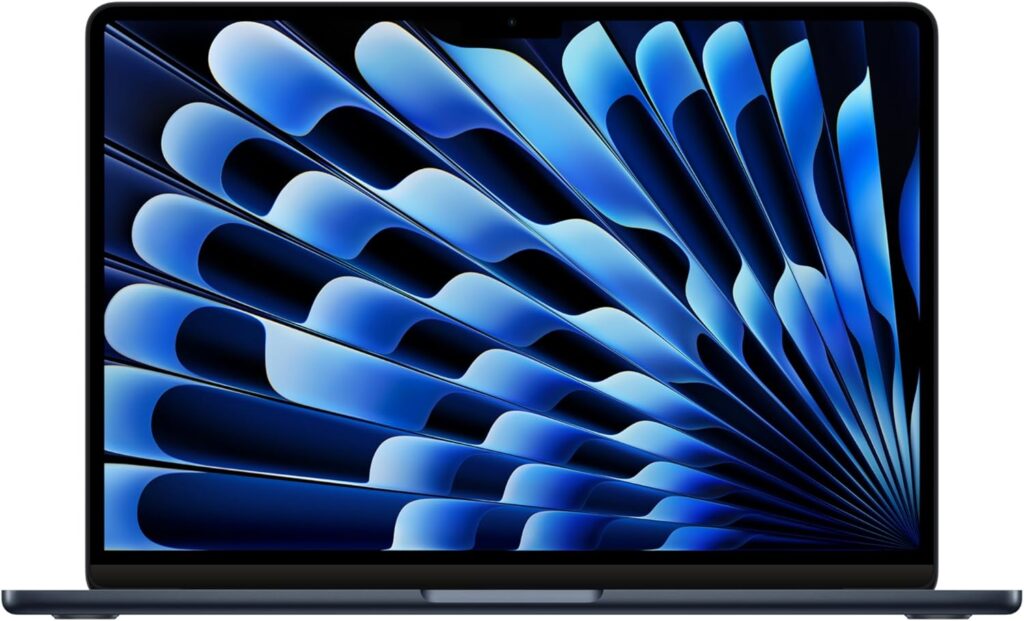
Yes, a Mac can absolutely be an engineering laptop—with a huge catch. If you are focused on software engineering, web development, data science, or mobile app development (especially iOS apps), the MacBook Air with the M3 chip is a golden standard. Just make sure to look for deals or student discounts that drop the 16GB RAM configuration under $1000.
Key Specifications
- Processor: Apple M3 Chip (8-core CPU / 10-core GPU)
- Graphics: Integrated 10-core Apple GPU
- Memory: 16GB Unified Memory (Do not buy the 8GB version!)
- Storage: 512GB SSD
- Display: 13.6-inch Liquid Retina Display
The Good:
- The Unix Ecosystem: macOS is built on Unix, meaning setting up developer environments, local servers, and terminal workflows is incredibly smooth.
- Build Quality: The trackpad, keyboard, and aluminum unibody build are miles ahead of any budget Windows laptop.
- Silent & Cool: It is completely fanless. It runs 100% silently, no matter how hard you push it, and never gets hot on your lap.
The Bad:
- Software Incompatibility: Major engineering software like SolidWorks, Autodesk Inventor, and Revit do not run natively on macOS. If your course requires these, stick to Windows.
- Zero Upgrades: What you buy is what you keep forever. No swapping components.
Engineering Laptop Buying Guide: What Actually Matters?
Don’t get blinded by marketing jargon or glowing RGB lights. When shopping around the $1000 mark, focus heavily on these three pillars:
- RAM is King: Never buy a laptop with 8GB of RAM for engineering in 2026. 16GB is the absolute bare minimum for multitasking across CAD tools, IDEs, and 50 open Chrome tabs of documentation.
- Know Your Major: * Mechanical/Civil/Aerospace: You need a dedicated GPU (NVIDIA RTX or AMD Radeon discrete) for heavy 3D viewports.
- Software/Electrical/Chemical: You can prioritize a lighter chassis, longer battery life, and a better CPU over a heavy graphics card.
- Don’t Cheap Out on the CPU: Look for AMD Ryzen 7 (HS or HX series) or Intel Core i7 / Core Ultra 7. Avoid low-power variants (like Intel’s U-series or entry-level i3/Ryzen 3 chips) because they will choke during heavy calculations.
The Final Verdict
If you want the absolute most power for your money to crush 3D models and simulations, grab the Lenovo LOQ 15. It’s a bulletproof workhorse that won’t let you down.
If you are a coder who values mobility, thin profiles, and jaw-dropping battery life, go for the ASUS Zenbook A14 OLED or the MacBook Air M3 (provided you don’t need Windows-exclusive CAD software).
Whichever you choose, every single machine on this list proves you don’t need to spend a fortune to get top-tier engineering performance. Find the one that matches your workflow, grab that student discount if you can, and get to creating!
How to Choose Your Perfect Engineering Laptop Under $1000
Time needed: 5 minutes
- Identify Your Core Engineering Software Requirements
Take a quick look at your syllabus or project list before spending a single dollar. If your work relies heavily on 3D modeling and stress-testing simulations (like SolidWorks, AutoCAD, or Ansys), you absolutely must prioritize a laptop with a dedicated graphics card like an NVIDIA RTX. If you are mostly writing code, compiling programs, or working with web tools, you can skip the heavy graphics card entirely and focus on getting the fastest processor and best battery life possible.
- Lock Down Your Hardware Minimums (RAM & CPU)
Do not compromise on the internals just to save fifty bucks. Make sure the configuration you add to your cart has at least 16GB of RAM—8GB will choke and lag the moment you open a CAD tool alongside a dozen browser tabs. For the processor, look for an AMD Ryzen 7 or Intel Core i7 (or Core Ultra 7) from the last two generations so your machine has the processing muscle to handle heavy computational loads without crashing.
- Balance Portability Against Desktop Power
Be realistic about your daily routine. If you plan to carry your laptop around campus or between client meetings all day, look for a slim, lightweight option like an ultrabook that offers over 10 hours of battery life so you aren’t tethered to a wall outlet. On the other hand, if you don’t mind a heavier backpack and want a machine that acts as a true desktop replacement for heavy rendering, go for a slightly thicker budget gaming chassis that features robust cooling fans.
Got Questions? We’ve Got Answers!
Choosing a laptop for engineering can feel like a high-stakes decision, and it’s completely normal to have a few lingering doubts. Here are three of the most common questions we get from readers trying to get the best bang for their buck.
For most students and junior engineers, 16GB is still the sweet spot and will handle your CAD models, coding environments, and daily multitasking beautifully. However, if your budget allows for a laptop with upgradeable memory (like the Lenovo LOQ or HP Victus), you can comfortably buy the 16GB version now and cheaply pop in another 16GB stick a year or two down the road if you start running massive, complex simulations.
Absolutely! In fact, at the under-$1000 price point, budget gaming laptops are usually your best option for heavy engineering work. Gaming laptops are purposely built to handle intense graphic rendering and heavy processing loads, and they come with robust internal cooling systems. The only real downside is that they look a bit flashy and their battery life tends to be shorter than a standard office laptop.
This is a super common headache. If you end up needing Windows-exclusive software like SolidWorks or Revit, running them on a modern Apple Silicon Mac can be incredibly frustrating. While tools like Parallels Desktop allow you to run Windows inside macOS, it can drain your battery and slow down your system. If your engineering department explicitly states you’ll be using Windows-based CAD programs, we strongly recommend sticking to a Windows machine to save yourself the tech-support stress.

Hi, my name is Burak. I am a mechanical engineer. I have been writing laptop reviews for the Engineering Laptops website since 2020. Please feel free to contact me if you have any questions.