Estimated reading time: 7 minutes
Key Takeaways
- Choosing the best laptops for PLC programming in 2026 requires reliable performance and Windows compatibility.
- Key specifications include a powerful CPU, at least 16GB RAM, 1TB NVMe SSD, and solid port options.
- Top models for PLC programming include the Dell XPS 15, Lenovo ThinkPad P16, and HP ZBook Fury for different needs.
- Engineers should consider factors like upgradeability, power, and portability based on their specific workload.
- Strong RAM and suitable GPUs are crucial for running simulation and multiple PLC software smoothly.
Table of contents
Choosing the best laptop for PLC programming in 2026 isn’t just about picking the fastest machine on the shelf. As automation engineers, we need reliability, Windows compatibility, strong multi-core performance, solid port selection, and enough RAM to handle heavy software like TIA Portal, Studio 5000, Codesys, and large simulation environments.
If your laptop freezes while you’re online with a production line, that’s not just annoying — it’s expensive.
In this guide, I’ll walk you through the best laptops for PLC programming this year, explain what really matters, and help you choose the right machine based on your workload and budget.
What Makes a Laptop Good for PLC Programming?
Before jumping into specific models, let’s get clear on what actually matters.
Minimum Requirements (Realistically)
- CPU: Modern Intel Core Ultra / Core i7 or AMD Ryzen 7
- RAM: 16GB (32GB recommended for heavy users)
- Storage: 1TB NVMe SSD preferred
- OS: Windows 11 Pro
- Ports: USB-A + USB-C + Ethernet (or reliable adapter)
PLC software is heavy. Siemens TIA Portal and Rockwell Studio 5000 can easily consume 20GB+ of disk space and large amounts of RAM, especially when running simulations or virtual machines.
If you use multiple PLC platforms, 32GB RAM is not overkill — it’s peace of mind.
Top 6 Best Laptops for PLC Programming
1. Dell XPS 15 (2026 Model)
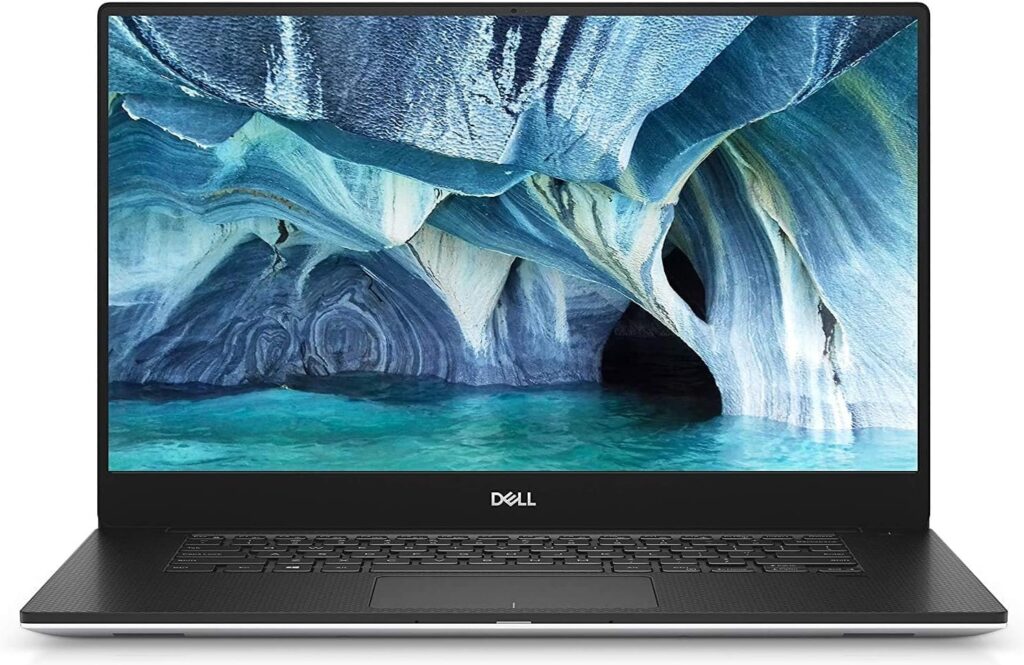
A clean, powerful, professional machine that balances portability and performance beautifully.
Key Specifications
- Intel Core Ultra 7 / i7 H-Series
- 16GB – 64GB RAM
- 1TB – 2TB NVMe SSD
- 15.6” FHD+ or OLED display
- Thunderbolt 4 / USB-C / SD reader
Pros
✔ Excellent performance for PLC and VMs
✔ Premium build quality
✔ Great display for HMI and SCADA work
✔ Strong thermal performance
Cons
✖ No built-in Ethernet (adapter required)
✖ High price when fully configured
Best For: Engineers who want power in a sleek form factor.
2. Lenovo ThinkPad P16
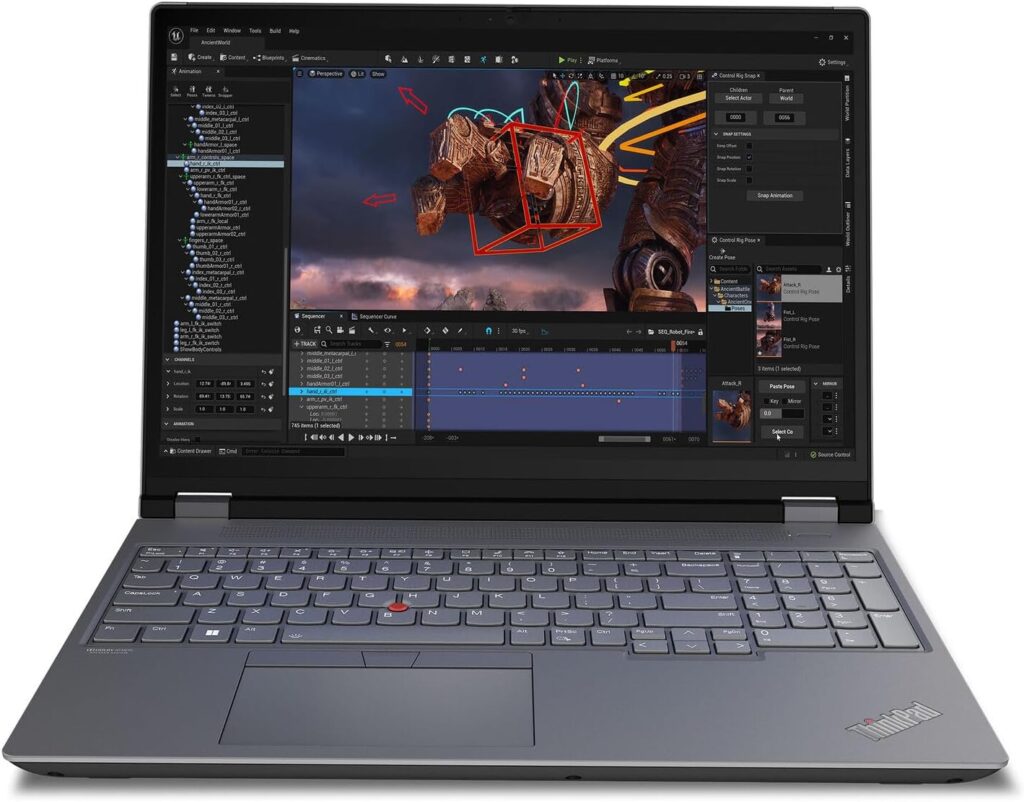
This is a true mobile workstation. Built for engineers. Built for heavy work.
Key Specifications
- Intel H-Series or AMD Ryzen Pro processors
- Up to 64GB+ RAM
- Multiple NVMe storage slots
- Dedicated RTX professional GPU options
- Built-in Ethernet
Pros
✔ Workstation-grade reliability
✔ ISV certifications
✔ Plenty of ports
✔ Upgrade-friendly
Cons
✖ Heavier than ultrabooks
✖ Expensive at high configurations
Best For: Automation engineers running simulations, multiple VMs, and large industrial projects.
3. HP ZBook Fury 16 G11
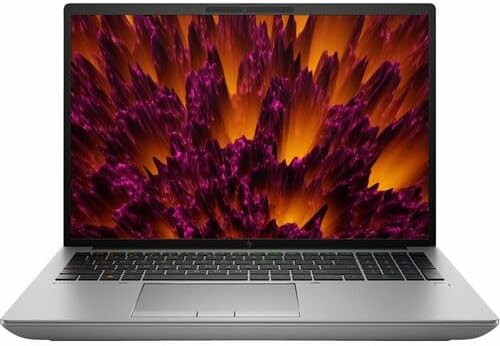
If you want desktop-level power in a laptop body, this is it.
Key Specifications
- Intel HX-class processors
- Up to 128GB+ RAM (depending on config)
- Multiple SSD slots
- RTX professional graphics
- RJ45 Ethernet port
Pros
✔ Massive upgrade potential
✔ Excellent for heavy simulation
✔ Industrial-grade durability
Cons
✖ Heavy
✖ Battery life not amazing
Best For: Engineers working with large factories, SCADA systems, or digital twins.
4. ASUS ExpertBook PM3
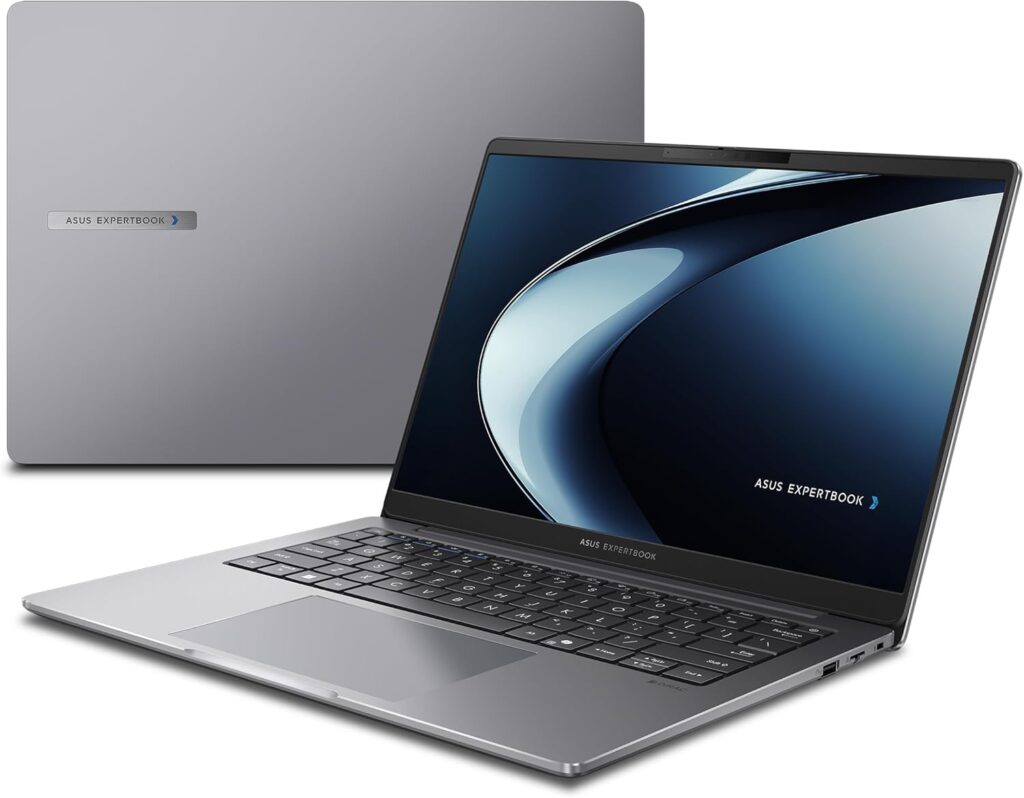
A lighter business-focused option that still handles PLC work comfortably.
Key Specifications
- Intel Core Ultra processors
- Up to 64GB RAM
- 1TB+ SSD options
- Lightweight chassis
- Strong battery life
Pros
✔ Portable
✔ Business security features
✔ Good value
Cons
✖ Not ideal for heavy 3D simulation
✖ May require Ethernet adapter
Best For: Field technicians and traveling engineers.
5. Framework Laptop 16
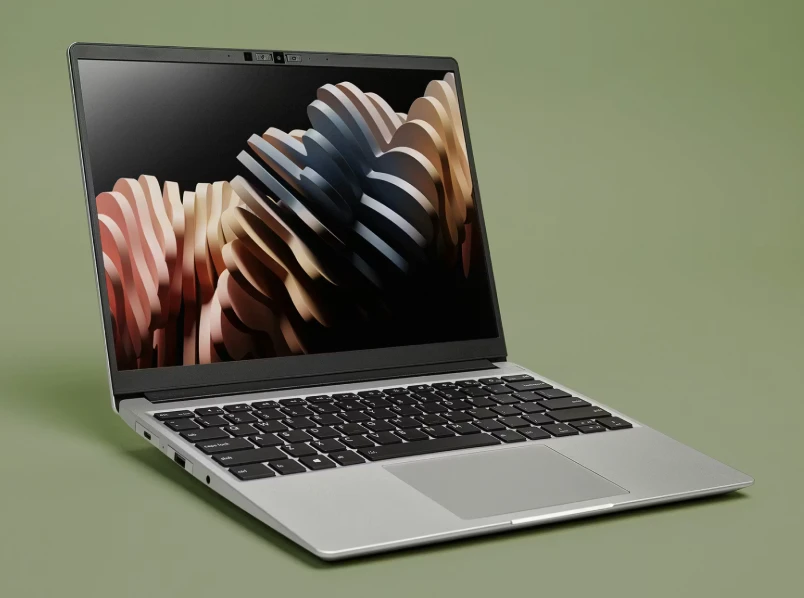
Modular, repairable, and upgradeable — something rare today.
Key Specifications
- AMD Ryzen AI 300 series
- User-upgradeable RAM
- Replaceable SSD
- Modular ports (choose Ethernet, HDMI, USB-A, etc.)
Pros
✔ Future-proof
✔ Easy repairs
✔ Customizable ports
Cons
✖ Not a traditional workstation
✖ Availability can vary
Best For: Engineers who want long-term flexibility.
6. Apple MacBook Pro 16 (M4 Pro / M4 Max)
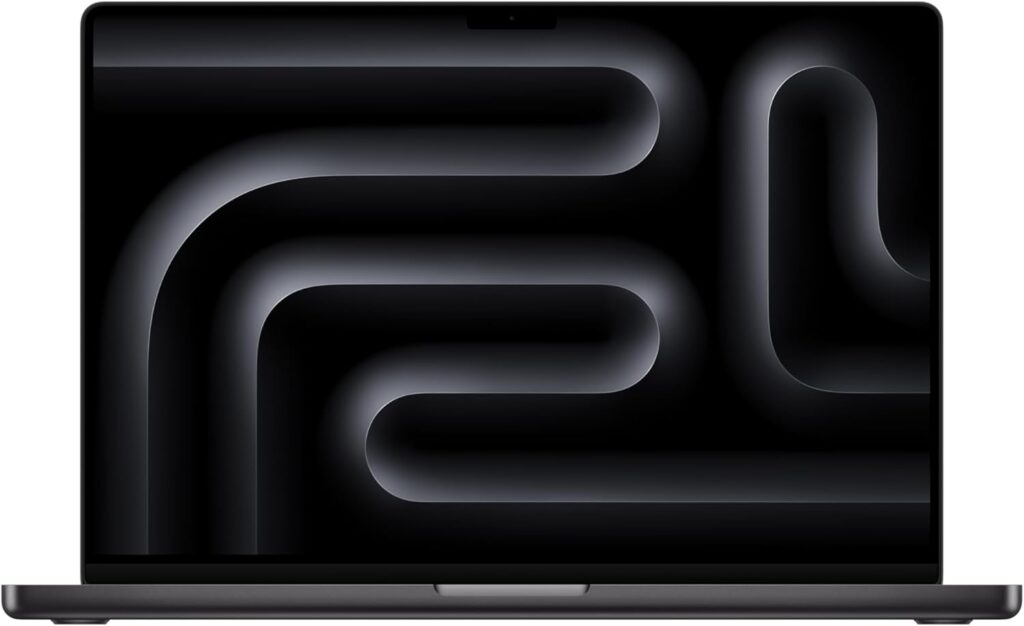
Powerful? Absolutely.
Ideal for PLC? Depends.
Key Specifications
- Apple M4 Pro / M4 Max
- 16GB – 96GB unified memory
- Incredible battery life
- Thunderbolt ports
Pros
✔ Outstanding performance
✔ Excellent battery life
✔ Silent operation
Cons
✖ Most PLC software is Windows-native
✖ Requires virtualization
Best For: Engineers who use Windows via VM and want a premium ecosystem.
Quick Comparison Table
| Laptop | Best For | RAM Options | Ethernet | Portability | Power Level |
|---|---|---|---|---|---|
| Dell XPS 15 | Balanced Performance | Up to 64GB | Adapter | Medium | High |
| ThinkPad P16 | Workstation Use | 64GB+ | Yes | Low | Very High |
| HP ZBook Fury | Heavy Industry | 128GB+ | Yes | Low | Extreme |
| ASUS ExpertBook | Field Work | Up to 64GB | Adapter | High | Medium |
| Framework 16 | Upgradeability | User Configurable | Optional | Medium | Medium |
| MacBook Pro 16 | Premium Ecosystem | Up to 96GB | Adapter | Medium | Very High |
How Much RAM Do You Really Need?
- 16GB → Basic PLC programming
- 32GB → Recommended sweet spot
- 64GB+ → Heavy VMs, large plants, multi-platform engineers
If you work with Siemens + Rockwell + Mitsubishi together, go 32GB minimum.
Do You Need a Dedicated GPU?
For basic ladder logic — no.
For:
- 3D factory simulation
- Advanced HMI visualization
- Multi-display SCADA setups
- Digital twin environments
Then yes, a dedicated GPU helps.
Final Recommendations
If you want a balanced, premium Windows machine → Dell XPS 15
If you want industrial-grade workstation power → ThinkPad P16 or HP ZBook Fury
If you travel constantly → ASUS ExpertBook
If you value long-term upgradeability → Framework 16
For most PLC engineers in 2026, the sweet spot is:
Intel Core Ultra or Ryzen 7+ + 32GB RAM + 1TB NVMe SSD + Windows 11 Pro
That setup will comfortably handle TIA Portal, Studio 5000, Codesys, and virtual environments for years.
Get your laptop ready for PLC programming — fast
Time needed: 5 minutes
Three quick steps to pick, configure, and verify a laptop so you can program PLCs reliably on site.
- Pick the right laptop
Choose a Windows machine with at least 16–32GB RAM, an NVMe SSD (1TB preferred), and an Ethernet option or a trusted USB-C adapter.
- Configure for stability and speed
Update Windows and drivers, set power to high performance, enable virtualization if needed, and ensure plenty of free disk space for projects and backups.
- Test with your toolchain and cables
Install your PLC software, connect a test device or simulator, confirm cable drivers work, and run a small program to verify stable communication.
FAQs
Short answer: yes — but with extra steps. If you prefer macOS, you’ll usually run Windows tools inside a virtual machine or remote desktop; for the smoothest experience stick to a native Windows install from Microsoft when possible.
For basic ladder logic work 16GB will do, but 32GB is the sweet spot for most engineers who run simulators or virtual machines; go higher (64GB+) only if you’re juggling many VMs or massive projects.
Yes — both run fine on modern Windows laptops that meet the recommended specs. Check the software vendor’s minimums and test your exact setup; common vendor tools from Siemens and Rockwell Automation prefer native Windows environments and reliable Ethernet/USB connections.

Hi, my name is Burak. I am a mechanical engineer. I have been writing laptop reviews for the Engineering Laptops website since 2020. Please feel free to contact me if you have any questions.