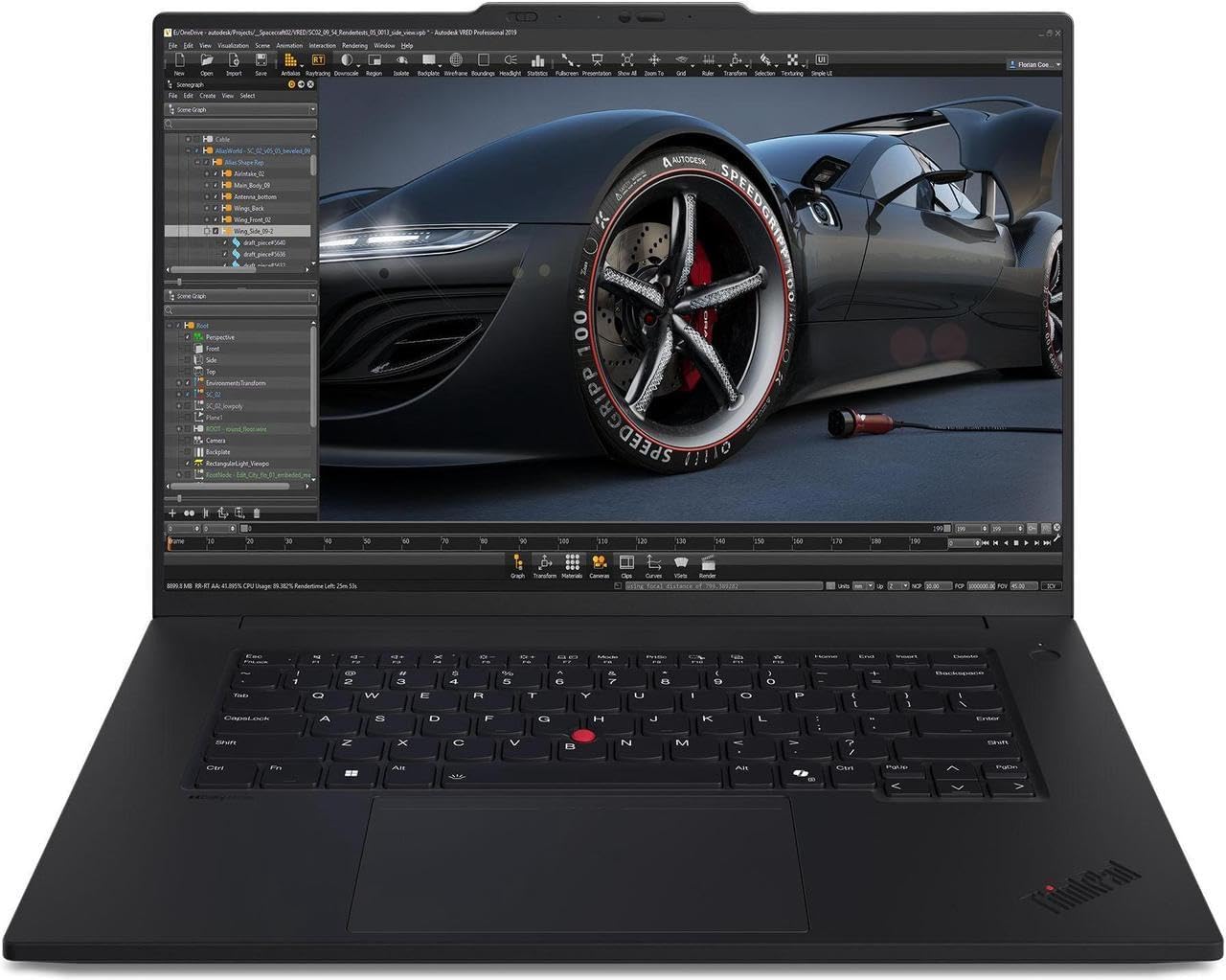
Looking for the best laptops to run Stable Diffusion in 2025? Here’s a complete guide with updated models, real-world performance notes, VRAM requirements, pros & cons, and buying tips to help you pick the right machine for AI image generation.
Why Your Laptop Choice Matters for Stable Diffusion
If you’ve tried running Stable Diffusion on an underpowered laptop, you already know the pain: slow generation times, constant VRAM errors, or models that simply won’t load.
Stable Diffusion — especially newer models like SDXL and SD3 — loves GPU VRAM. More VRAM means faster generations, larger resolutions, and smoother workflows with add-ons like ControlNet and LoRAs. RAM, CPU, and cooling matter too, but the GPU is king here.
In 2025, laptop makers finally started shipping RTX 50-series GPUs with 12–24GB VRAM, plus faster CPUs and better AI acceleration. That means you can now run even advanced models on the go without being tied to a desktop.
Also Read: Best Laptops for AI and ML
Quick Comparison Table
| Laptop | Best For | GPU / VRAM Options | CPU | RAM |
|---|---|---|---|---|
| MSI Titan 18 HX AI | Maximum performance, local training | RTX 5090 (24GB+) | Intel HX | 32–64GB |
| Razer Blade 18 (2025) | Travel + power | RTX 5090 / 5080 | Intel Core Ultra | 32GB |
| ASUS ProArt P16 | Creators & artists | RTX 5080/5090 | AMD Ryzen AI 9 HX | 32–64GB |
| ASUS ROG Flow Z13 (Ryzen AI Max) | Compact, AI experiments | Ryzen AI Max + dGPU | AMD Ryzen AI Max | 32GB |
| Lenovo Legion / ROG Strix | Balance of price & power | RTX 5070/5080 (12–16GB) | Intel/AMD HX | 32GB |
| MacBook Pro M3 / M4 | Apple ecosystem users | Apple GPU (Unified) | M3/M4 Pro | 16–64GB |
| HP Victus / Acer Nitro | Budget, hobby use | RTX 4050/4060 (6–12GB) | Intel/AMD mid-range | 16–32GB |
Best Laptops for Stable Diffusion (2025)
1. MSI Titan 18 HX AI — The Beast
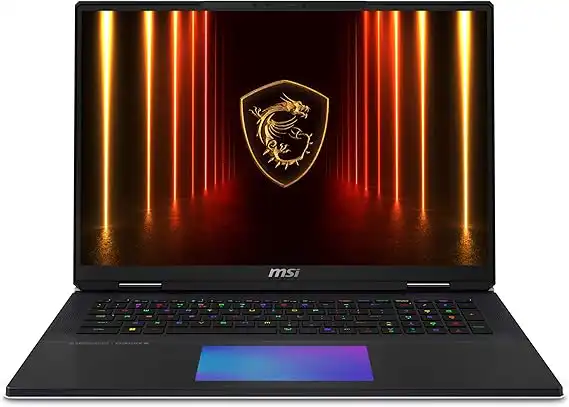
- GPU: Up to NVIDIA RTX 5090 mobile (24GB VRAM)
- CPU: Intel HX-series (top tier)
- RAM: 32–64GB DDR5
- Storage: Dual NVMe slots, up to 2TB
Pros:
✔ Massive VRAM for SDXL and finetuning
✔ Handles batch renders and large models with ease
✔ Great for local training
Cons:
✘ Heavy and bulky
✘ Very expensive
✘ Short battery life
👉 If you want desktop-level Stable Diffusion power in a laptop, this is the one.
2. Razer Blade 18 (2025) — Portable Powerhouse
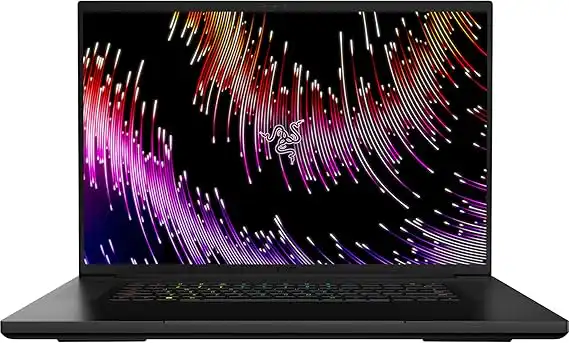
- GPU: NVIDIA RTX 5080 / 5090 mobile
- CPU: Intel Core Ultra / HX
- RAM: 32GB DDR5
- Screen: 18” QHD+ or 4K options
Pros:
✔ Sleek, premium build
✔ Plenty of GPU muscle
✔ Great for creators on the go
Cons:
✘ Can run hot under heavy loads
✘ More expensive than gaming-laptop competitors
Perfect for digital nomads and creative pros who need raw power without carrying a tank.
3. ASUS ProArt P16 — Creator’s Choice
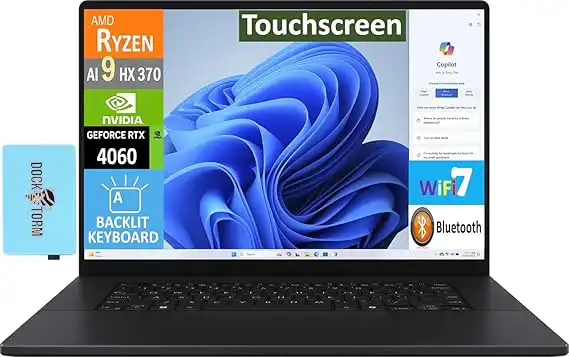
- GPU: RTX 5080 / 5090 options
- CPU: AMD Ryzen AI 9 HX
- RAM: Up to 64GB DDR5
- Display: Stunning 4K OLED
Pros:
✔ Excellent display for visual work
✔ Strong AI and GPU performance
✔ Built for creative workflows
Cons:
✘ Pricey
✘ Not as gaming-oriented as ROG laptops
For artists who care as much about screen quality as GPU horsepower, this is a sweet spot.
4. ASUS ROG Flow Z13 (Ryzen AI Max) — Small but Clever
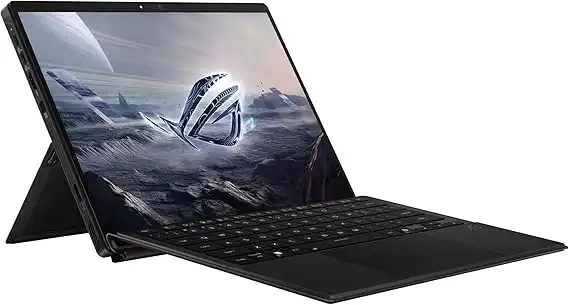
- CPU: AMD Ryzen AI Max
- RAM: 32GB
- GPU: Integrated AI chip + optional dGPU configs
- Form factor: Compact 2-in-1
Pros:
✔ Extremely portable
✔ Built-in AI acceleration
✔ Solid battery for size
Cons:
✘ Limited VRAM vs heavy GPUs
✘ Not for huge SDXL runs
Great if you want light AI inference and portability over raw CUDA grunt.
5. Lenovo Legion Pro / ASUS ROG Strix — Best Value Gaming Laptops
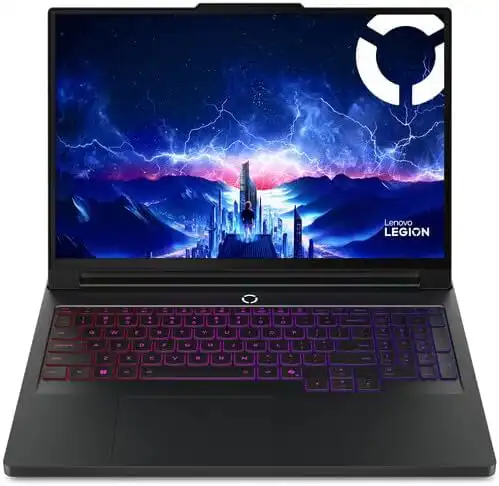
- GPU: RTX 5070 / 5080 (12–16GB VRAM)
- RAM: 32GB recommended
- Cooling: Strong thermal designs
Pros:
✔ Solid performance for most Stable Diffusion users
✔ Competitive pricing
✔ Better cooling than thin laptops
Cons:
✘ Bulkier than ultrabooks
✘ Fans can get loud
These strike the best balance of power and price for serious but not extreme SD users.
6. MacBook Pro (M3 / M4) — For Apple Fans
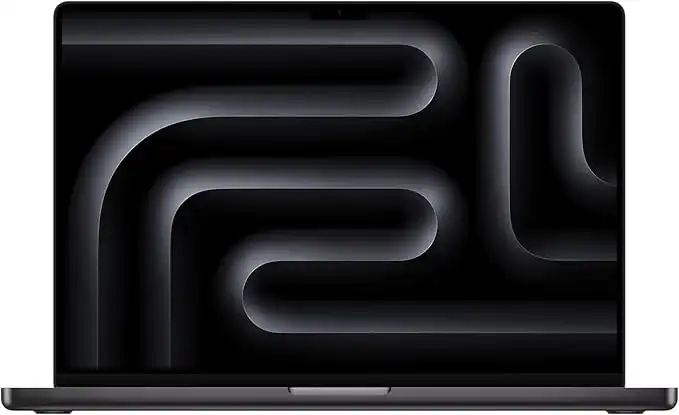
- Chip: M3 Pro / M4 Pro
- RAM (Unified): 16–64GB
- GPU: Apple GPU (not CUDA)
Pros:
✔ Excellent battery life
✔ Beautiful displays
✔ Quiet, efficient performance
Cons:
✘ No native CUDA (some SD tools limited)
✘ Higher cost for top specs
If you’re tied to the Apple ecosystem and don’t need all CUDA features, this is a smooth, premium choice.
7. Budget Pick — HP Victus / Acer Nitro
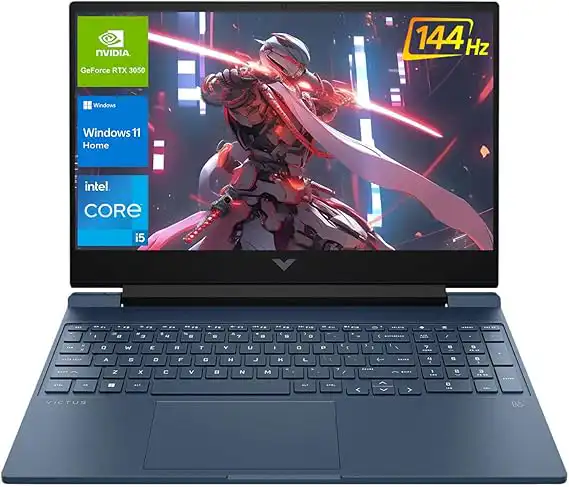
- GPU: RTX 4050 / 4060 (6–12GB VRAM)
- RAM: 16–32GB
- Price: $700–$1,200
Pros:
✔ Affordable entry point
✔ Decent for 512×512 generations
Cons:
✘ Limited for SDXL or multi-model setups
✘ Average build quality
Perfect if you’re just starting with Stable Diffusion and don’t want to drop thousands.
How Much VRAM Do You Really Need?
| Workflow | VRAM Needed |
|---|---|
| Basic generations (512×512) | 6–8GB |
| Comfortable everyday use | 12GB |
| SDXL / Multi-model / High-res | 16–24GB+ |
| Local training / Finetuning | 24GB+ |
👉 Bottom line: Aim for at least 12GB VRAM in 2025.
Also Read: Best Laptops for AI Development
Tips to Get the Most Out of Your Laptop
- Use half-precision (FP16) to cut VRAM usage
- Enable xFormers or memory-efficient attention in your SD WebUI
- Close heavy apps (like Chrome with 50 tabs) when generating
- Keep your NVIDIA/AMD drivers updated
- If you’re on Apple Silicon, use Metal-optimized builds for best results
FAQs
Yes — but it’s smoother with 16–24GB VRAM. You can run it on less with optimizations, but expect slower speeds.
It works fine for smaller models and inference, but many CUDA-only features won’t work. If you need maximum compatibility, stick with NVIDIA.
Not necessarily. 32GB is the sweet spot for most users. Upgrade to 64GB only if you’re multitasking heavily.
Final Thoughts
If Stable Diffusion is central to your creative workflow, your laptop is more than a workstation — it’s your creative partner.
- For uncompromised power, get the MSI Titan 18 HX AI.
- For performance with portability, the Razer Blade 18 or ProArt P16 are excellent.
- For balanced budgets, Lenovo Legion and ROG Strix models are winners.
- For Apple users, MacBook Pro M3/M4 is smooth (just watch CUDA limitations).
- For hobbyists, the HP Victus or Acer Nitro give you a safe start.
👉 The key takeaway? More VRAM = smoother Stable Diffusion. Build your choice around that, and you’ll avoid headaches later.