Estimated reading time: 7 minutes
Key Takeaways
- Choosing the Best Laptops for Biomedical Engineering Students requires focus on performance, battery life, and software compatibility.
- Key features include at least 16GB RAM, SSD storage of 512GB or more, and modern CPUs like Intel Core or AMD Ryzen.
- Top laptop recommendations include Dell XPS 14 for overall balance, MacBook Air M5 for portability, Lenovo ThinkPad P14s for heavy workloads, ASUS Zenbook 14 OLED for design, and Lenovo ThinkBook 14 G8 as a budget option.
- The Dell XPS 14 and MacBook Air M5 excel for students prioritizing power and battery life, respectively.
- Ultimately, select a laptop that aligns with your workflow and study requirements.
Table of contents
Choosing a laptop for biomedical engineering isn’t as simple as picking the fastest or the most expensive model. If you’re searching for the Best Laptops for Biomedical Engineering Students, you need something that can handle coding, simulations, data analysis, and sometimes even CAD work—without turning your backpack into a burden.
In this guide, I’ll walk you through five of the best laptops you can buy right now, based on real student needs: performance, battery life, portability, and long-term reliability. No fluff—just honest picks that actually make sense for daily university life.
What Really Matters for Biomedical Engineering Students?
Before jumping into the recommendations, here’s the quick reality check:
- RAM: 16GB minimum, 32GB if you want to be safe for the next few years
- Storage: SSD only, at least 512GB (1TB is ideal)
- CPU: Modern Intel Core Ultra, AMD Ryzen, or Apple Silicon
- GPU: Optional, but useful for simulations and 3D work
- Battery: You’ll thank yourself for anything above 10 hours
If your courses include tools like MATLAB, Python, or simulation software, your laptop needs to keep up without slowing you down halfway through a project.
Comparison Table
| Laptop | Best For | RAM (Max) | Battery | Weight | Key Strength |
|---|---|---|---|---|---|
| Dell XPS 14 | Overall balance | 64GB | ~10–12 hrs | 1.7 kg | Premium power |
| MacBook Air M5 | Battery & portability | 32GB | ~15–18 hrs | 1.2 kg | Silent + efficient |
| ThinkPad P14s Gen 5 | Heavy workloads | 96GB | ~8–10 hrs | 1.3 kg | Workstation-level |
| ASUS Zenbook 14 OLED | Lightweight premium | 32GB | ~12–14 hrs | 1.2 kg | Stunning display |
| Lenovo ThinkBook 14 G8 | Budget option | 64GB | ~8–10 hrs | 1.36 kg | Value for money |
Best Laptops for Biomedical Engineering Students in 2026
1. Dell XPS 14 — The Safe “Do-It-All” Choice
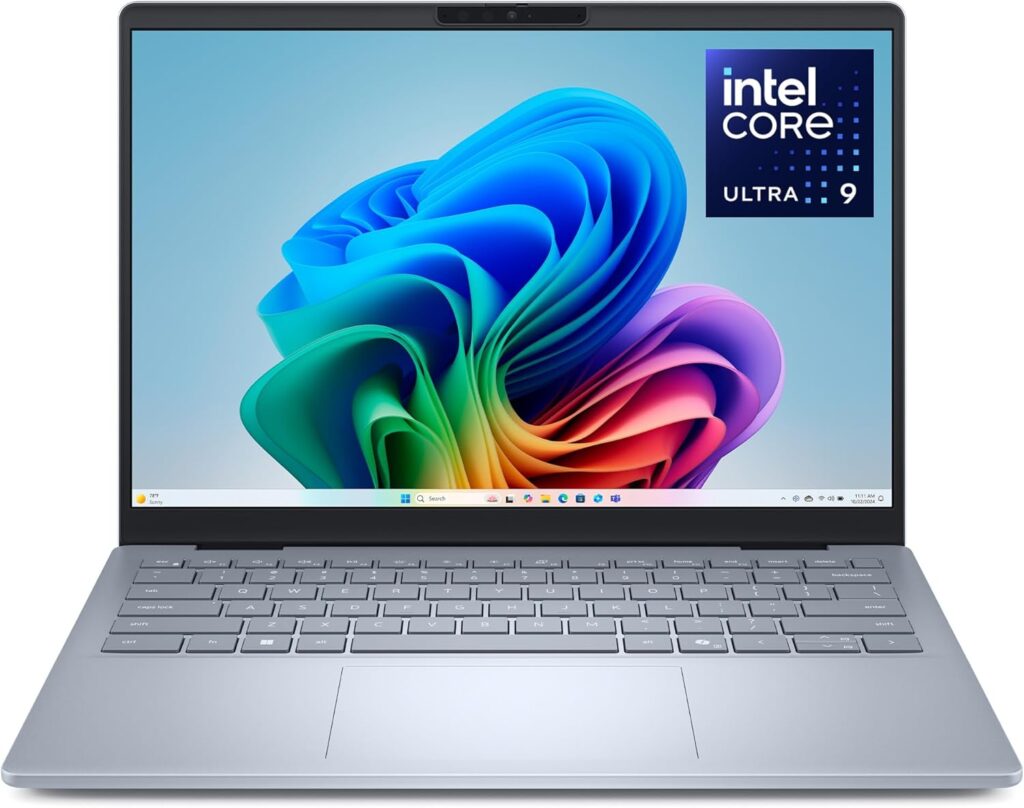
If you don’t want to overthink it, this is the one. The XPS 14 hits that sweet spot between power and portability.
Key Specs
- Intel Core Ultra 7 processor
- Up to 64GB RAM
- Up to RTX 4050 GPU
- 14.5” high-resolution display (OLED option)
- Thunderbolt 4 support
What You’ll Love
- Handles almost anything you throw at it
- Premium build and feel
- Strong performance for engineering software
What Could Be Better
- Price climbs quickly with upgrades
- Not the lightest option out there
👉 Best for: Students who want one powerful laptop that won’t hold them back later.
2. MacBook Air M5 — The “Carry It Everywhere” King
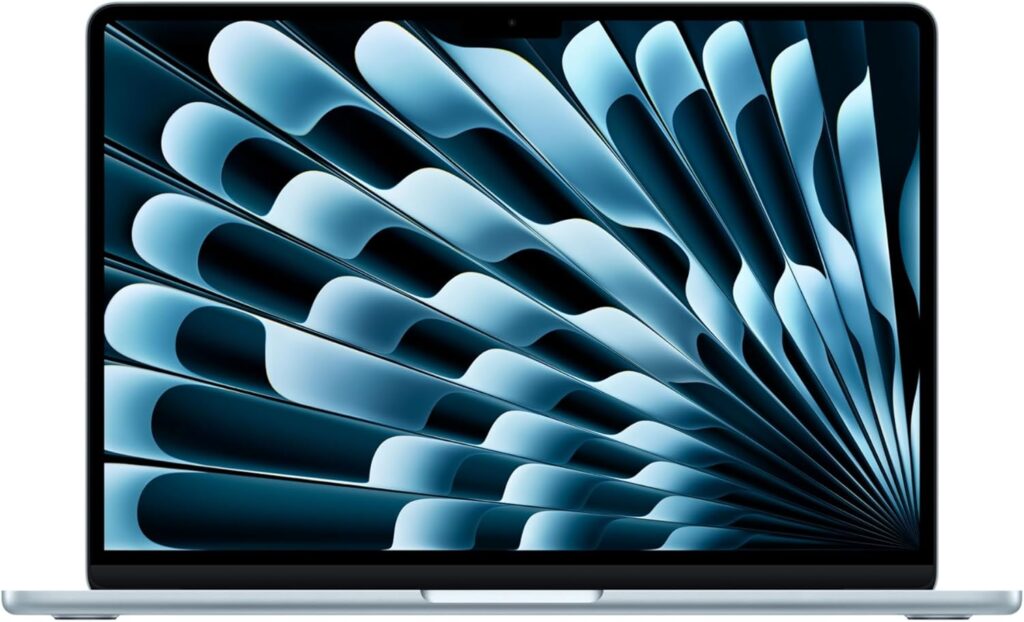
This is the laptop you forget is even in your bag. Light, silent, and insanely efficient.
Key Specs
- Apple M5 chip
- 16GB–32GB unified memory
- 13.6” Liquid Retina display
- Up to 18 hours battery life
What You’ll Love
- Battery life is honestly ridiculous
- No fan noise—ever
- Perfect for coding, notes, and daily use
What Could Be Better
- Some engineering software is still Windows-only
- Not built for heavy 3D or GPU workloads
👉 Best for: Students focused on coding, research, and portability.
3. Lenovo ThinkPad P14s Gen 5 — The “Serious Work” Machine
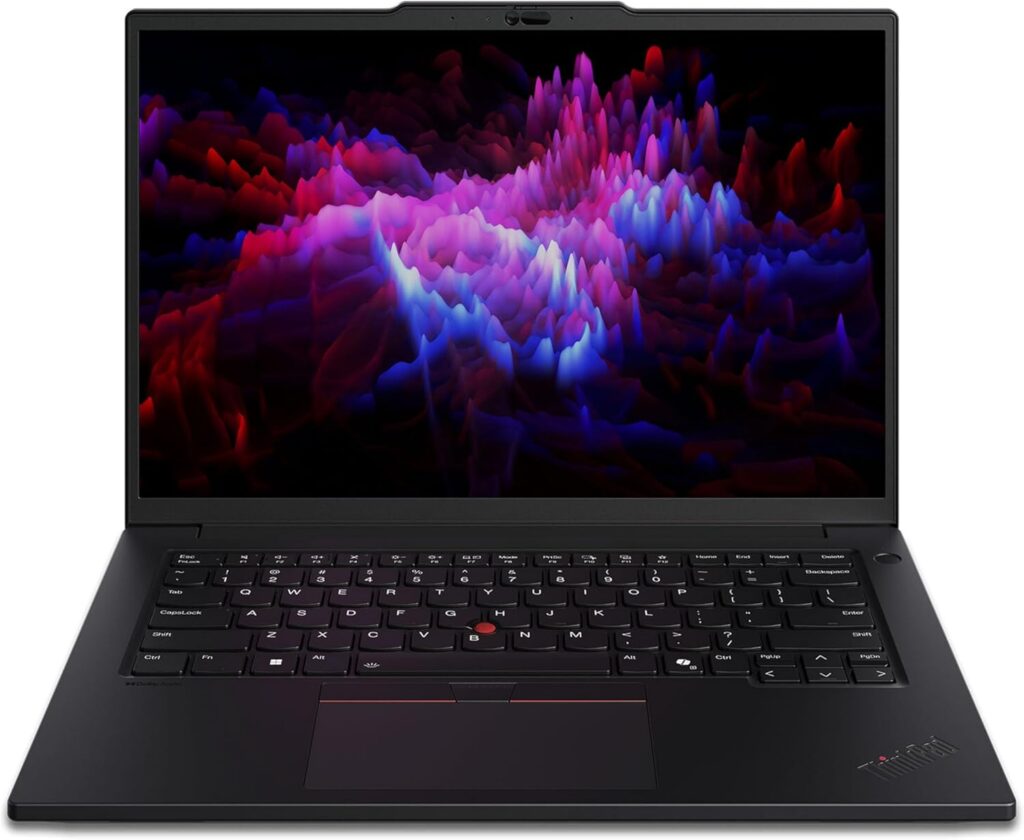
This one feels like it means business. If your coursework gets heavy, this laptop won’t flinch.
Key Specs
- AMD Ryzen PRO processors
- Up to 96GB RAM
- Up to 2TB SSD
- OLED display option
- Strong port selection (HDMI, Ethernet, USB-C)
What You’ll Love
- Massive RAM capacity
- Reliable and durable
- Great keyboard for long sessions
What Could Be Better
- Battery life is just okay
- Design is more “office” than “modern”
👉 Best for: Students dealing with simulations, large datasets, or advanced tools.
4. ASUS Zenbook 14 OLED — Lightweight but Powerful

This one is for people who want something sleek but still capable.
Key Specs
- Intel Core Ultra / AMD Ryzen AI options
- Up to 32GB RAM
- 3K OLED display (120Hz)
- Ultra-light design (~1.2 kg)
What You’ll Love
- Gorgeous screen (seriously, it stands out)
- Easy to carry all day
- Strong everyday performance
What Could Be Better
- Not ideal for GPU-heavy tasks
- Build isn’t as rugged as business laptops
👉 Best for: Students who care about design, display, and portability.
5. Lenovo ThinkBook 14 G8 — Budget-Friendly Workhorse
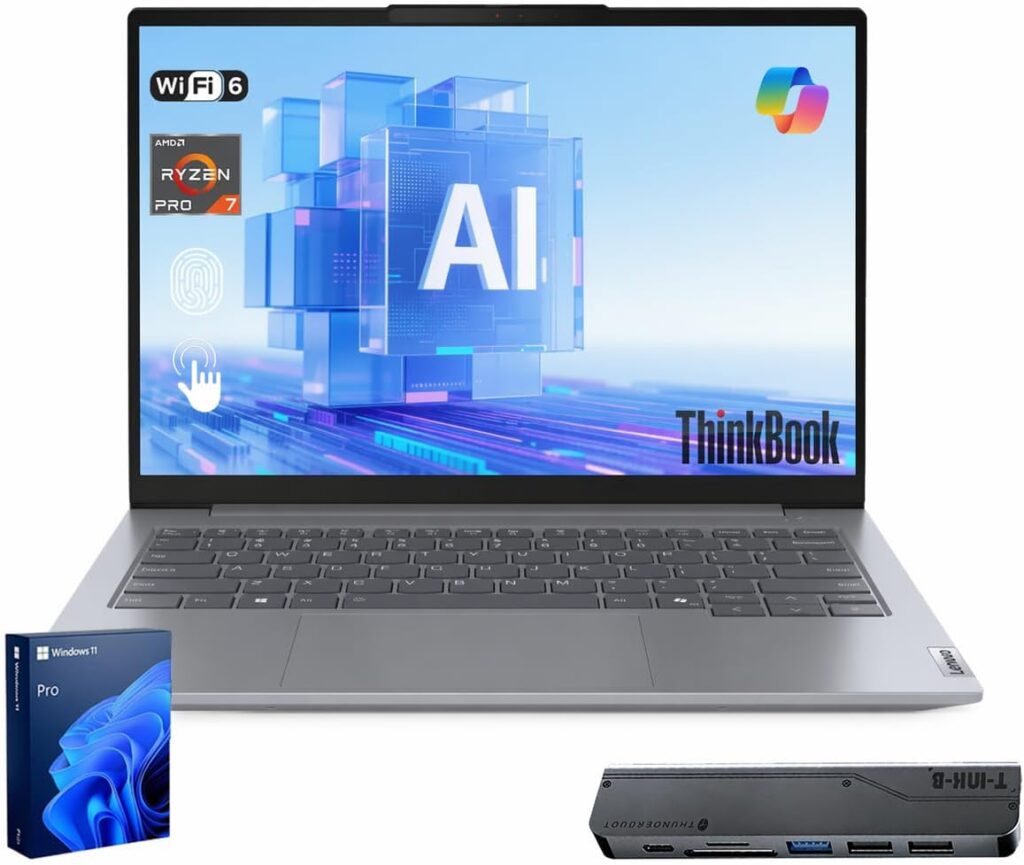
Not everyone wants to spend a fortune—and honestly, you don’t have to.
Key Specs
- Intel Core i5/i7 options
- Up to 64GB RAM
- Dual SSD slots
- 14” Full HD display
- Solid port selection
What You’ll Love
- Great price-to-performance ratio
- Upgrade-friendly
- Gets the job done without drama
What Could Be Better
- Display is pretty average
- Not a “premium” feel
👉 Best for: Students who want solid performance without overspending.
Final Thoughts
Here’s the honest truth: there’s no “perfect” laptop for everyone.
- Want zero headaches and strong performance? Go with the Dell XPS 14
- Want insane battery life and portability? Pick the MacBook Air M5
- Need serious power for demanding tasks? Choose the ThinkPad P14s
- Care about design and portability? The Zenbook 14 OLED is a great fit
- On a budget? The ThinkBook 14 G8 won’t disappoint
At the end of the day, the best laptop is the one that fits your workflow—not just the spec sheet.
One Last Question
If you had to choose right now…
Would you go for raw power that handles everything, or a lightweight machine you’ll actually enjoy carrying every single day?
How to Choose the Best Laptop for Biomedical Engineering Students
Time needed: 5 minutes
Picking the right laptop for biomedical engineering doesn’t have to be confusing. Focus on what actually matters—performance, battery life, and compatibility with your coursework.
- Understand Your Software Needs
Before anything else, check what programs your courses require. If you’ll be using tools like MATLAB, CAD, or simulation software, make sure your laptop can run them smoothly—especially on Windows if needed.
- Choose the Right Hardware
Go for at least 16GB RAM (32GB if possible), a fast SSD, and a modern processor. These three will make the biggest difference in day-to-day performance.
- Balance Power and Portability
Don’t just chase specs. A slightly lighter laptop with solid battery life can make your daily routine much easier, especially if you’re carrying it around campus all day.
FAQs
Not always “super powerful,” but it shouldn’t be basic either. If you’re mainly coding, taking notes, and doing light analysis, a solid mid-range laptop is enough. But if your courses involve simulations or CAD, having extra RAM and a stronger processor will save you a lot of frustration later.
It can be, especially if you value battery life and portability. MacBooks are great for coding and everyday tasks. The only catch is that some engineering software works better (or only) on Windows, so it really depends on your course requirements.
Ideally, your laptop should comfortably last 4–5 years. That’s why it’s smart to invest in at least 16GB RAM and a decent processor from the start—so you don’t feel the need to upgrade halfway through your studies.

Hi, my name is Burak. I am a mechanical engineer. I have been writing laptop reviews for the Engineering Laptops website since 2020. Please feel free to contact me if you have any questions.