Estimated reading time: 10 minutes
Key Takeaways
- CFD simulations require powerful laptops with strong multi-core CPUs, dedicated GPUs, ample RAM, and fast SSD storage.
- In 2026, top choices for laptops include the Lenovo ThinkPad P16, Dell Precision Workstations, HP ZBook Fury, and MSI Titan, among others.
- Recommended specifications for CFD laptops involve Intel Core i9/Ryzen 9, NVIDIA RTX 4070 or higher, and at least 32GB RAM.
- Cooling and thermal performance are crucial, as sustained workloads can lead to overheating in less capable machines.
- Modern gaming laptops can also perform well for CFD workloads, especially with good GPU support and adequate cooling.
Table of contents
Top portable workstations for ANSYS, OpenFOAM, and serious engineering workloads If you’re searching for the best laptops for CFD, this guide will help you choose the right machine for your needs.
Computational Fluid Dynamics (CFD) is not the kind of workload you throw at an average laptop. Running simulations in tools like ANSYS Fluent, OpenFOAM, or STAR-CCM+ demands serious computing power — strong multi-core CPUs, lots of RAM, fast storage, and ideally a powerful NVIDIA GPU.
The good news? Modern mobile workstations and high-end laptops have reached a point where engineers, researchers, and students can run complex simulations without being tied to a desktop workstation.
In this guide, we’ll look at the best laptops for CFD simulations in 2026, explain what really matters in hardware, and highlight machines that can handle demanding engineering workloads.
What Makes a Laptop Good for CFD Simulations?
Before jumping into the laptops themselves, let’s quickly talk about what matters most when choosing a machine for CFD work.
1. CPU Power
CFD solvers rely heavily on CPU performance, especially when solving large meshes. High-core CPUs with strong single-core speed are ideal.
2. Dedicated GPU
Many CFD tools support GPU acceleration. NVIDIA GPUs are usually preferred because they support CUDA, which many engineering applications rely on.
3. RAM Capacity
Memory is critical when dealing with large simulation datasets.
Recommended minimums:
| Usage Level | Recommended RAM |
|---|---|
| Students / small simulations | 16-32 GB |
| Engineers / medium workloads | 32-64 GB |
| Large simulations | 64-128 GB |
4. Fast SSD Storage
Simulation data can get huge. NVMe SSDs dramatically reduce load times and improve performance when working with large files. A 1TB SSD should be considered the minimum.
5. Cooling & Power
Sustained workloads matter more than benchmark numbers. Laptops with better cooling can maintain high performance for long simulations without thermal throttling.
Quick Comparison: Best Laptops for CFD Simulations
| Laptop | CPU Options | GPU Options | Max RAM | Best For |
|---|---|---|---|---|
| Lenovo ThinkPad P16 Gen 3 | Intel Core Ultra 9 HX | RTX Pro 5000 | up to 192GB | Serious engineering work |
| Dell Precision / Pro Max | Intel Core Ultra | RTX Pro series | up to 64GB+ | Reliable workstation |
| HP ZBook Fury | Intel Core i9 HX | RTX A / RTX Pro | up to 128GB | Enterprise simulations |
| ASUS ProArt P16 | Ryzen AI 9 HX | RTX 5070-5090 | 64GB | Creators + engineers |
| MSI Titan | Intel i9 HX | RTX 4090/50 | 64GB+ | GPU-accelerated workloads |
| MacBook Pro 16 | Apple M-series | Integrated Apple GPU | up to 96GB | Lightweight simulations |
Best Laptops for CFD Simulations (Detailed Reviews)
1. Lenovo ThinkPad P16 Gen 3
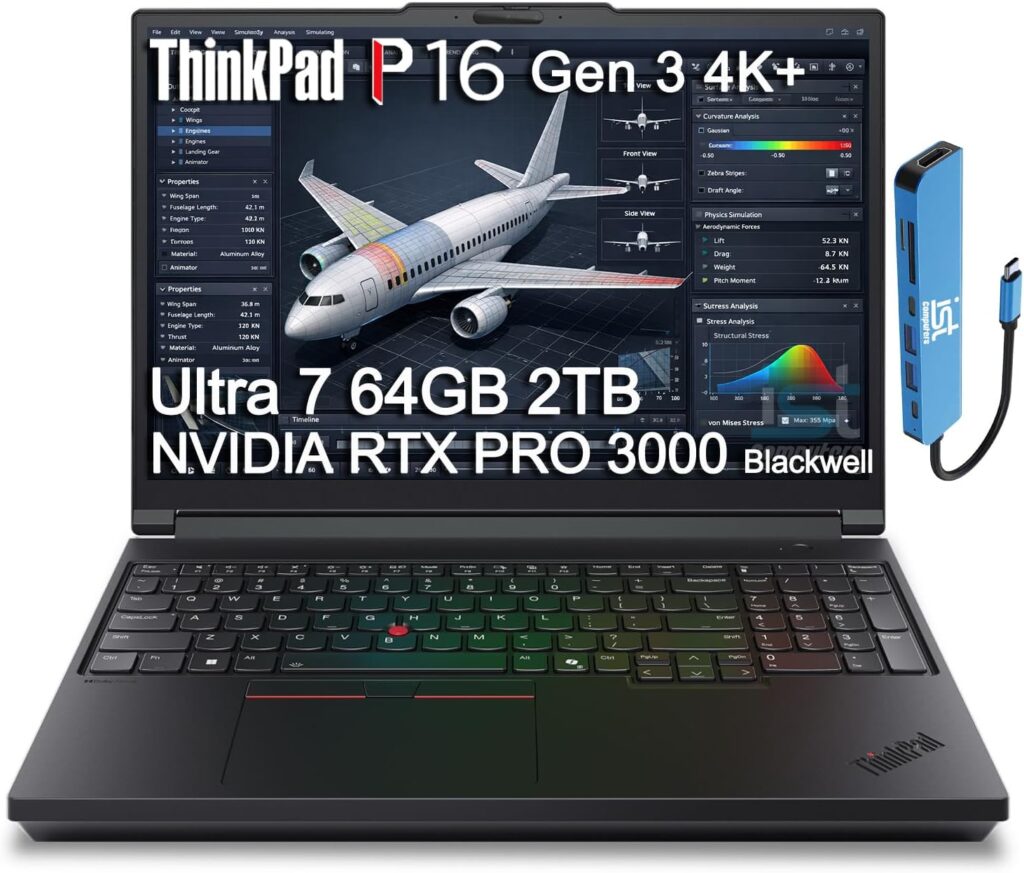
One of the most powerful mobile workstations available
If you need a laptop that feels like a portable desktop workstation, the ThinkPad P16 is easily one of the best choices on the market.
It’s designed specifically for engineers and professionals running heavy simulations, rendering workloads, and complex modeling tasks.
The newest generation supports Intel Core Ultra 9 HX processors and NVIDIA RTX Pro GPUs, making it capable of handling extremely demanding workloads.
Key Specifications
- Intel Core Ultra 9 HX processor
- NVIDIA RTX Pro 5000 GPU (24GB VRAM options)
- Up to 192GB DDR5 RAM
- Up to 12TB PCIe Gen5 SSD storage
- 16-inch OLED display
- Thunderbolt 5 connectivity
Pros
- Incredible CPU and GPU power
- Massive RAM support
- Built specifically for engineering workflows
- Excellent keyboard and build quality
Cons
- Heavy compared to normal laptops
- Expensive configurations
Best for: Engineers and researchers who run serious CFD workloads.
2. Dell Precision / Pro Max Workstations
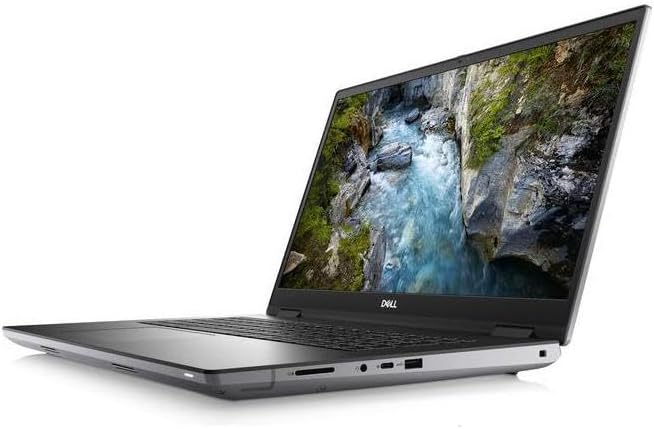
Reliable engineering laptops trusted by professionals
Dell’s Precision lineup has long been a favorite among engineers, data scientists, and designers.
These laptops focus on stability, professional GPUs, and optimized drivers for engineering software.
Modern models feature Intel Core Ultra processors and NVIDIA RTX Pro GPUs, delivering strong compute performance while maintaining workstation reliability.
Key Specifications
- Intel Core Ultra processors
- NVIDIA RTX Pro graphics
- Up to 64GB DDR5 RAM
- Up to 4TB NVMe storage
- 16-inch QHD display
Pros
- Professional workstation reliability
- Excellent build quality
- Great support and service options
- Strong thermals
Cons
- Very expensive when fully configured
- Battery life is average
Best for: Engineering firms and professionals needing a dependable mobile workstation.
3. HP ZBook Fury
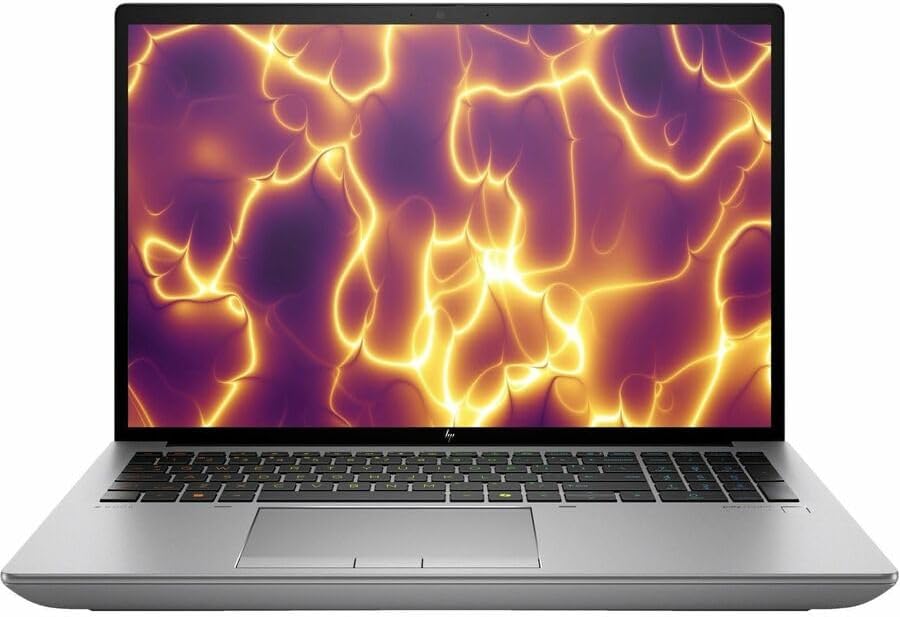
A powerful laptop built for heavy technical workloads
HP’s ZBook series is another strong contender in the mobile workstation category. The ZBook Fury is designed for professionals working with complex simulations, AI models, and large engineering datasets.
These machines often ship with high-performance CPUs and professional GPUs built for engineering workloads.
Key Specifications
- Intel Core i9 HX processors
- NVIDIA RTX workstation GPUs
- Up to 128GB RAM
- Multiple SSD slots
- DreamColor high-accuracy displays
Pros
- Strong workstation-grade performance
- Excellent displays for visualization
- Highly upgradeable
Cons
- Bulky design
- Premium price
Best for: Professional engineers working with large datasets.
4. ASUS ProArt P16
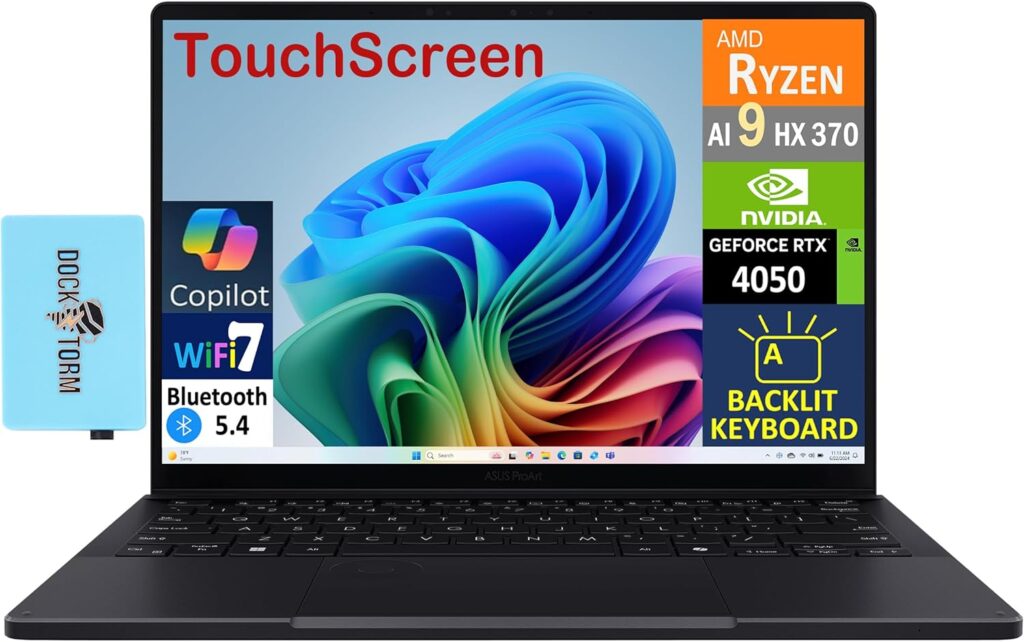
A powerful creator laptop that works surprisingly well for CFD
ASUS ProArt laptops are technically built for creators, but their hardware makes them very capable engineering machines too.
Newer models include Ryzen AI processors and RTX 5090 mobile GPUs, which provide plenty of compute power for simulations and modeling workloads.
Key Specifications
- AMD Ryzen AI 9 HX processor
- NVIDIA RTX 5070 / 5080 / 5090 GPU
- Up to 64GB RAM
- Dual NVMe SSD storage
- 16-inch 4K OLED display
Pros
- Excellent display
- Very powerful GPU options
- More portable than many workstations
Cons
- Can throttle during extremely heavy workloads
- RAM upgrades may be limited
Best for: Engineers who also do visualization or creative work.
5. MSI Titan
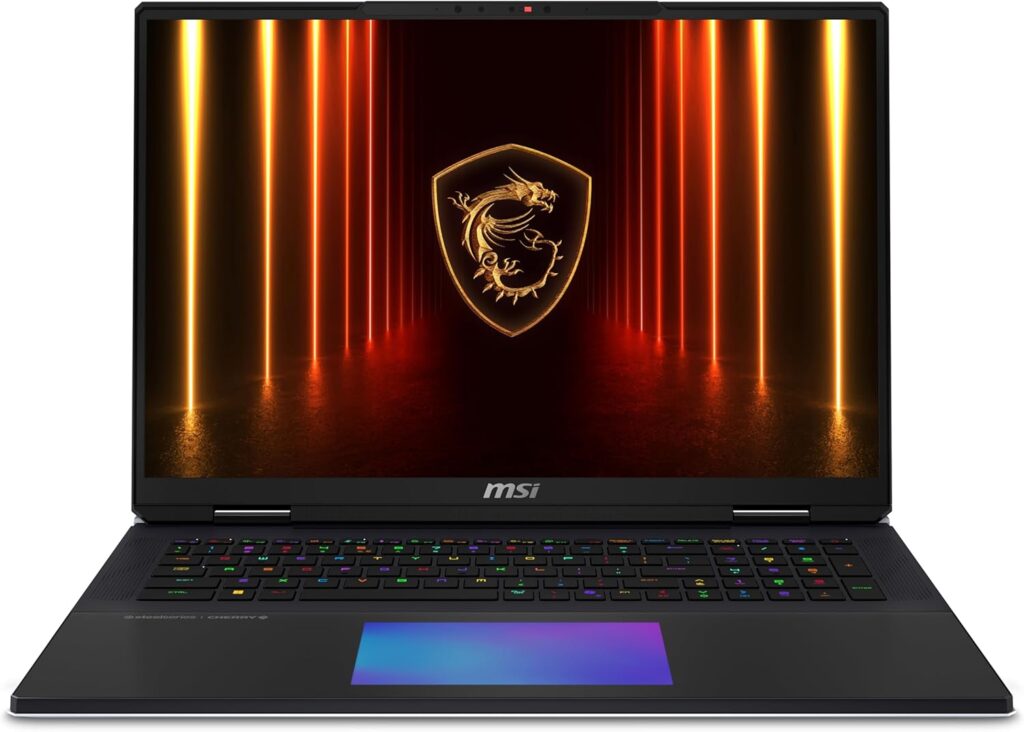
Extreme GPU performance in a laptop
Gaming laptops often deliver amazing performance for CFD simulations, especially when GPU acceleration is involved.
The MSI Titan is a good example. These machines typically include top-tier Intel processors and high-TGP NVIDIA GPUs.
Key Specifications
- Intel Core i9 HX processors
- NVIDIA RTX 4090 / RTX 50-series GPUs
- 32-64GB RAM
- 2TB+ NVMe storage
- High-refresh 18-inch display
Pros
- Extremely powerful GPU performance
- Better price-to-performance than workstations
- Good cooling systems
Cons
- Gaming design may not appeal to professionals
- Drivers may not be optimized for some engineering tools
Best for: Engineers running GPU-accelerated simulations.
6. MacBook Pro 16 M5
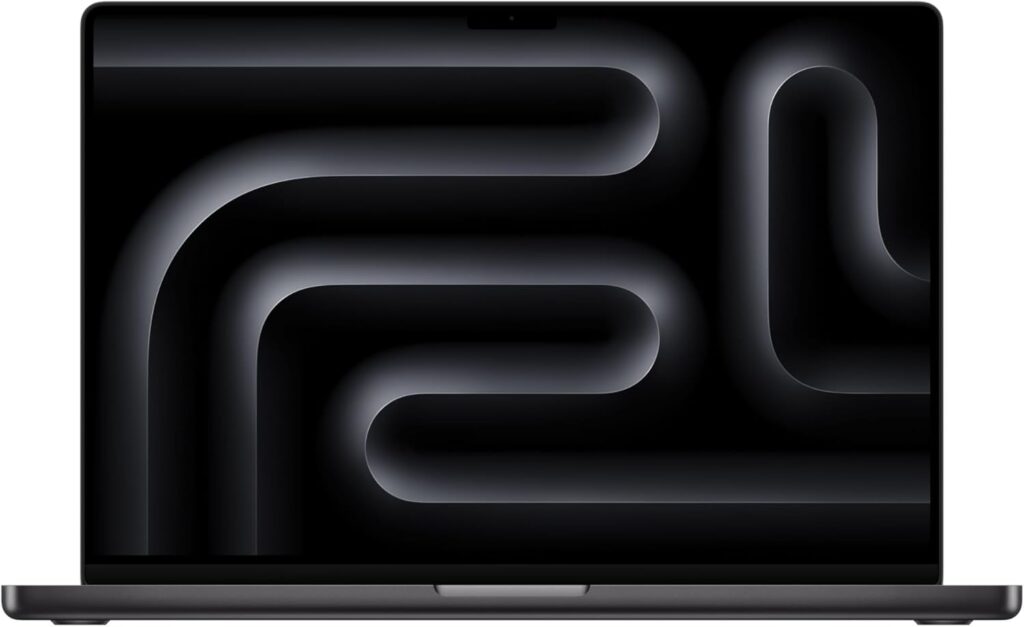
Great for mobility and lighter simulation workloads
While macOS machines are not typically the first choice for CFD, the latest MacBook Pro models with Apple Silicon processors offer impressive performance and battery life.
They are particularly good for pre-processing, coding, and data visualization, though many CFD tools still work best with NVIDIA GPUs and CUDA support.
Key Specifications
- Apple M-series processors
- Up to 96GB unified memory
- Extremely fast SSD storage
- 16-inch Liquid Retina display
Pros
- Outstanding battery life
- Quiet and efficient
- Premium build quality
Cons
- Limited support for CUDA-based software
- Expensive
Best for: Engineers who need portability and long battery life.
Recommended Laptop Configuration for CFD
If you’re buying a new laptop specifically for CFD, aim for something close to this configuration:
| Component | Recommended Spec |
|---|---|
| CPU | Intel Core i9 / Core Ultra 9 or Ryzen 9 |
| GPU | NVIDIA RTX 4070 or higher |
| RAM | 32GB minimum (64GB ideal) |
| Storage | 1TB NVMe SSD or larger |
| Display | 16-inch high-resolution |
This kind of setup will comfortably handle most CFD workloads, especially for students and professional engineers working on medium-to-large simulations.
Final Thoughts
CFD simulations are some of the most demanding workloads you can run on a laptop. While desktops and HPC clusters will always outperform portable machines, modern laptops have become incredibly capable.
If raw performance is your priority, a mobile workstation like the ThinkPad P16 or Dell Precision is the safest bet.
If you want maximum GPU performance for the price, high-end gaming laptops like the MSI Titan can deliver incredible compute power.
And if mobility matters most, machines like the MacBook Pro or ASUS ProArt series offer a good balance between portability and performance.
The key is choosing a laptop that matches the size and complexity of the simulations you plan to run.
A well-chosen machine can easily serve as a portable CFD workstation for years to come.
How to Choose the Right Laptop for CFD Simulations
Time needed: 5 minutes
- Start with the Right CPU and GPU
CFD simulations rely heavily on processor power. Look for a laptop with a high-performance CPU such as an Intel Core i9, Core Ultra 9, or AMD Ryzen 9. If your simulation software supports GPU acceleration, choose a laptop with a strong NVIDIA RTX GPU. A powerful processor and GPU combination will dramatically reduce simulation times and make your workflow much smoother.
- Make Sure You Have Enough RAM
Memory is one of the most important factors for CFD workloads. Small simulations may run on 16GB or 32GB of RAM, but most engineers will benefit from at least 32GB. If you regularly work with complex models or large meshes, 64GB or more will make a noticeable difference in stability and performance.
- Choose Fast Storage and Good Cooling
Large simulations generate huge data files, so fast NVMe SSD storage is essential. A 1TB drive should be the minimum, and many professionals prefer 2TB or more. At the same time, make sure the laptop has strong cooling. CFD workloads can run for hours, and good thermal design ensures the system maintains peak performance without slowing down.
FAQs
Yes, it can—especially modern high-performance laptops. A powerful mobile workstation with a strong CPU, plenty of RAM, and a dedicated GPU can comfortably run many CFD simulations. For extremely large projects or research-level workloads, though, desktops or HPC clusters will still have the advantage.
For most engineers and students, 32GB of RAM is a good starting point. If you’re working with larger meshes or running multiple simulations, 64GB or more will make things smoother and help avoid memory bottlenecks.
Surprisingly, yes. High-end gaming laptops often include powerful CPUs and NVIDIA RTX GPUs, which can be great for CFD—especially if your software supports GPU acceleration. Just make sure the laptop has good cooling and enough RAM for your workloads.

Hi, my name is Burak. I am a mechanical engineer. I have been writing laptop reviews for the Engineering Laptops website since 2020. Please feel free to contact me if you have any questions.