Estimated reading time: 8 minutes
Key Takeaways
- In 2026, finding the best thin and light laptops under $1000 is realistic thanks to efficient processors and better designs.
- This guide features laptops that are lightweight, portable, and reliable, perfect for students and remote workers.
- The Acer Swift 3 stands out as the best overall choice for its performance and build quality.
- The ASUS ZenBook 14 offers a premium feel, while the MacBook Air is ideal for macOS users.
- Choose the right model based on your specific needs, like battery life and performance, to avoid overspending.
Table of contents
- What “Thin and Light” Really Means in 2026
- Quick Comparison Table
- 1. Acer Swift 3 (2025) – Best Overall Thin & Light Laptop Under $1000
- 2. ASUS ZenBook 14 (2025) – Premium Feel Without the Premium Price
- 3. MacBook Air 13-inch (M4) – Best Thin Laptop for macOS Users
- 4. Lenovo IdeaPad Slim 5 – Best Budget-Friendly Performer
- 5. Acer Swift Go 14 – Best Ultra-Portable Option
- How to Choose the Best Thin and Light Laptop Under $1000 in 2026
- Final Thoughts
- FAQs
Finding the best thin and light laptops under $1000 that are thin, light, fast, and affordable used to feel impossible. In 2026, it’s finally realistic. Thanks to more efficient processors, better displays, and smarter designs, you no longer need to spend a fortune to get a laptop that feels modern and premium.
This guide focuses on thin and light laptops under $1000 that are actually worth buying. These are machines you can comfortably carry all day, rely on for work or school, and enjoy using — without cutting too many corners.
Whether you’re a student, remote worker, traveler, or just someone tired of bulky laptops, this list is for you.
What “Thin and Light” Really Means in 2026
Not every slim laptop is created equal. For this list, we focused on models that offer:
- Lightweight design (generally under 1.5 kg / 3.3 lbs)
- Good battery life (real-world, not marketing numbers)
- Modern processors that feel fast in daily use
- Comfortable keyboards and trackpads
- Solid build quality, not flimsy plastic
- Good value under $1000, not just cheap pricing
Gaming laptops and bulky workstations didn’t make the cut. This is about portability and everyday performance.
Quick Comparison Table
| Laptop Model | Screen Size | Processor Options | Weight | Battery Life (Real Use) | Best For |
|---|---|---|---|---|---|
| Acer Swift 3 (2025) | 14″ | AMD Ryzen / Intel U | ~1.3 kg | 10–12 hours | Best overall balance |
| ASUS ZenBook 14 (2025) | 14″ | Intel Ultra / Ryzen AI | ~1.4 kg | 9–11 hours | Premium feel |
| MacBook Air 13 (M4) | 13.6″ | Apple M4 | ~1.24 kg | 14–16 hours | macOS users |
| Lenovo IdeaPad Slim 5 | 14″ | AMD Ryzen / Intel | ~1.5 kg | 9–10 hours | Best value |
| Acer Swift Go 14 | 14″ | Intel Meteor Lake | ~1.25 kg | 8–10 hours | Ultra-portable |
1. Acer Swift 3 (2025) – Best Overall Thin & Light Laptop Under $1000
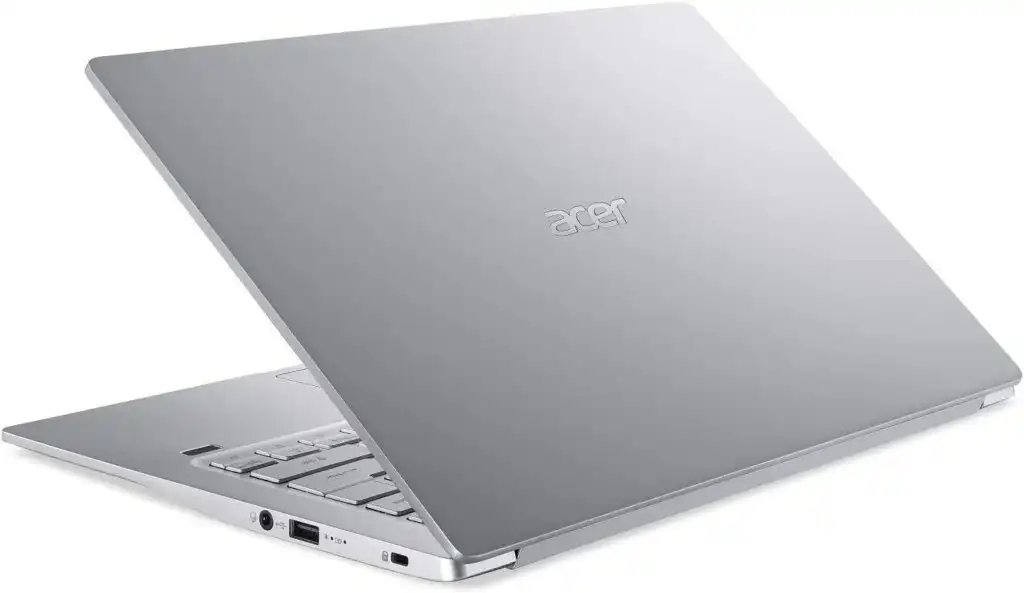
The Acer Swift 3 continues to be one of the smartest laptop choices year after year — and the 2025/2026 models are no exception.
It’s light, fast, and surprisingly well-built for the price. Whether you choose an AMD Ryzen or Intel configuration, everyday tasks feel smooth and responsive.
Key Features
- 14-inch Full HD or OLED display options
- AMD Ryzen 5/7 or Intel Core U-series CPUs
- 8GB or 16GB RAM
- 256GB or 512GB NVMe SSD
- All-day battery for normal use
Pros
- Excellent performance for the price
- Lightweight and easy to carry
- Reliable battery life
- Comfortable keyboard
Cons
- Speakers are average
- Base display models aren’t very bright
Who should buy it?
If you want the safest, most balanced option under $1000, the Swift 3 is hard to beat.
2. ASUS ZenBook 14 (2025) – Premium Feel Without the Premium Price
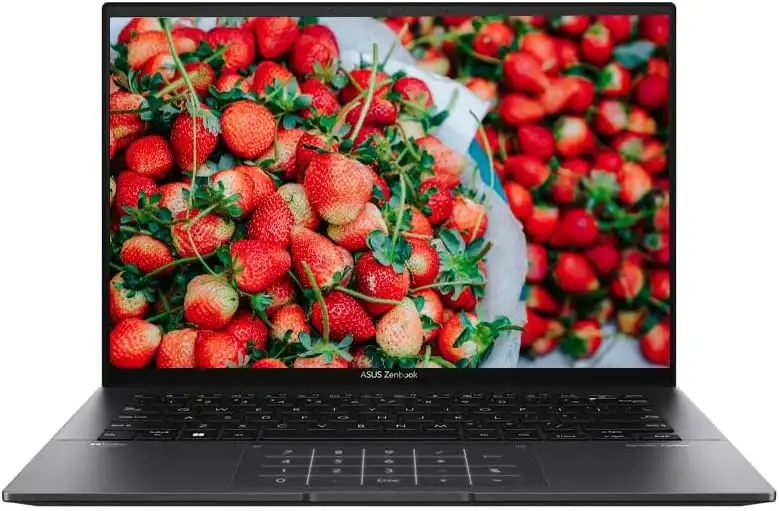
The ZenBook 14 feels like a laptop that should cost more than it does. ASUS has done a great job refining the design, improving the display, and keeping things lightweight.
OLED display options make a huge difference if you care about visuals.
Key Features
- 14-inch OLED or high-quality IPS display
- Intel Core Ultra or AMD Ryzen AI processors
- Thin aluminum chassis
- Excellent trackpad and keyboard
Pros
- Gorgeous display options
- Sleek, premium design
- Strong everyday performance
Cons
- Some configurations get close to $1000
- RAM often not upgradeable
Who should buy it?
Great for professionals, creatives, and anyone who wants a premium-looking laptop without overspending.
3. MacBook Air 13-inch (M4) – Best Thin Laptop for macOS Users
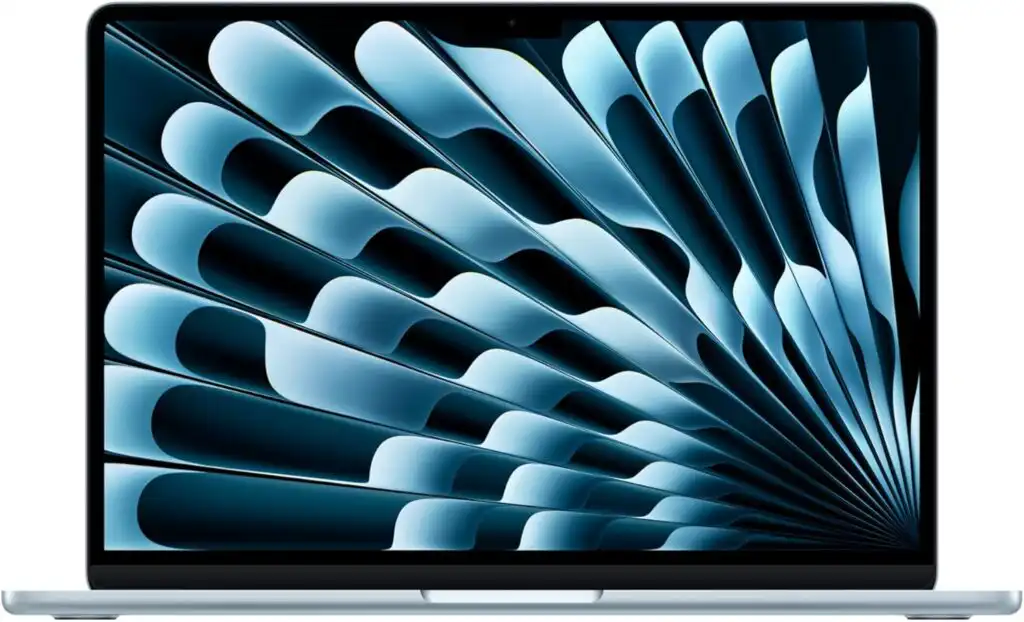
Apple’s MacBook Air remains one of the best ultraportable laptops ever made. The M4 version keeps everything people love: silent operation, long battery life, and excellent performance for everyday work.
The base model now fits just under the $1000 mark, making it more accessible than ever.
Key Features
- Apple M4 chip
- 13.6-inch Retina display
- Fanless, silent design
- Exceptional battery life
Pros
- Outstanding efficiency and battery life
- Excellent build quality
- Best trackpad in the industry
Cons
- Limited ports
- Storage upgrades are expensive
Who should buy it?
Perfect for writers, students, and professionals already invested in the Apple ecosystem.
4. Lenovo IdeaPad Slim 5 – Best Budget-Friendly Performer
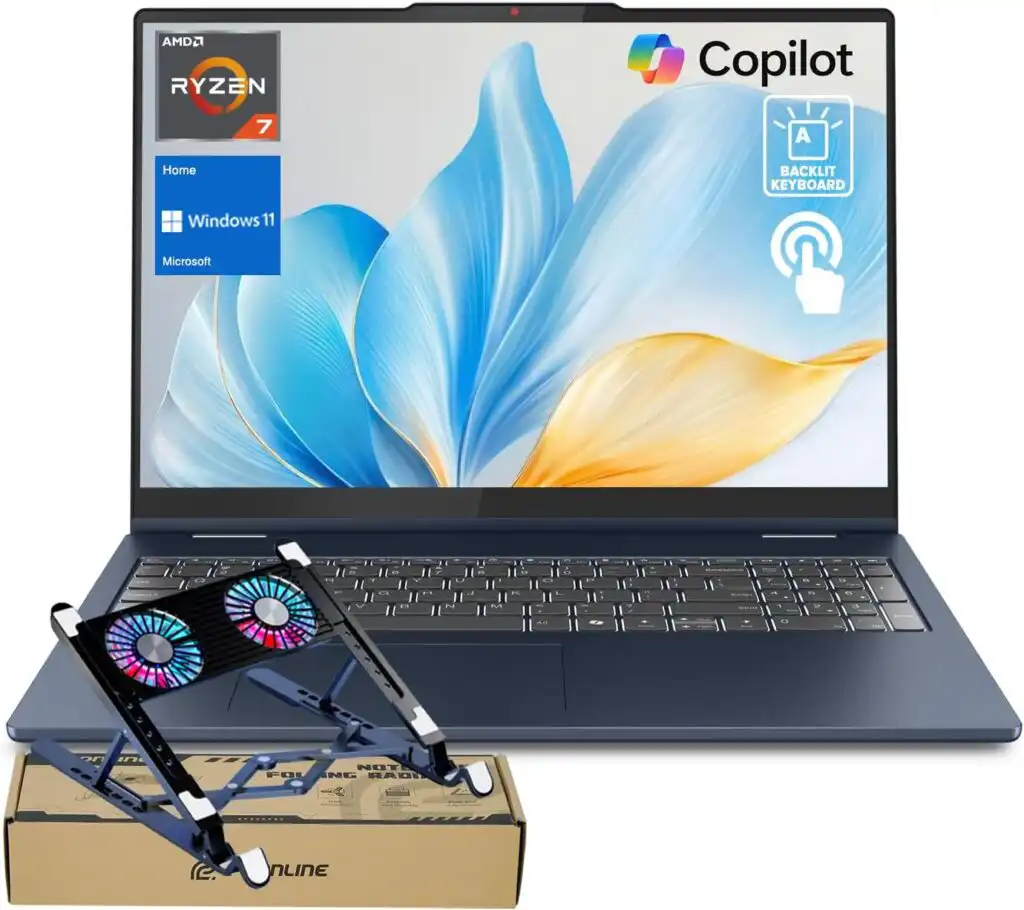
The IdeaPad Slim 5 doesn’t try to be flashy — and that’s exactly why it works. It delivers solid performance, a comfortable keyboard, and dependable build quality at a very competitive price.
Key Features
- 14-inch Full HD display
- AMD Ryzen or Intel processors
- Practical, no-nonsense design
- Good port selection
Pros
- Excellent value for money
- Reliable everyday performance
- Comfortable typing experience
Cons
- Design is plain
- Display quality varies by model
Who should buy it?
Ideal for students and professionals who want performance and reliability at the lowest possible price.
5. Acer Swift Go 14 – Best Ultra-Portable Option
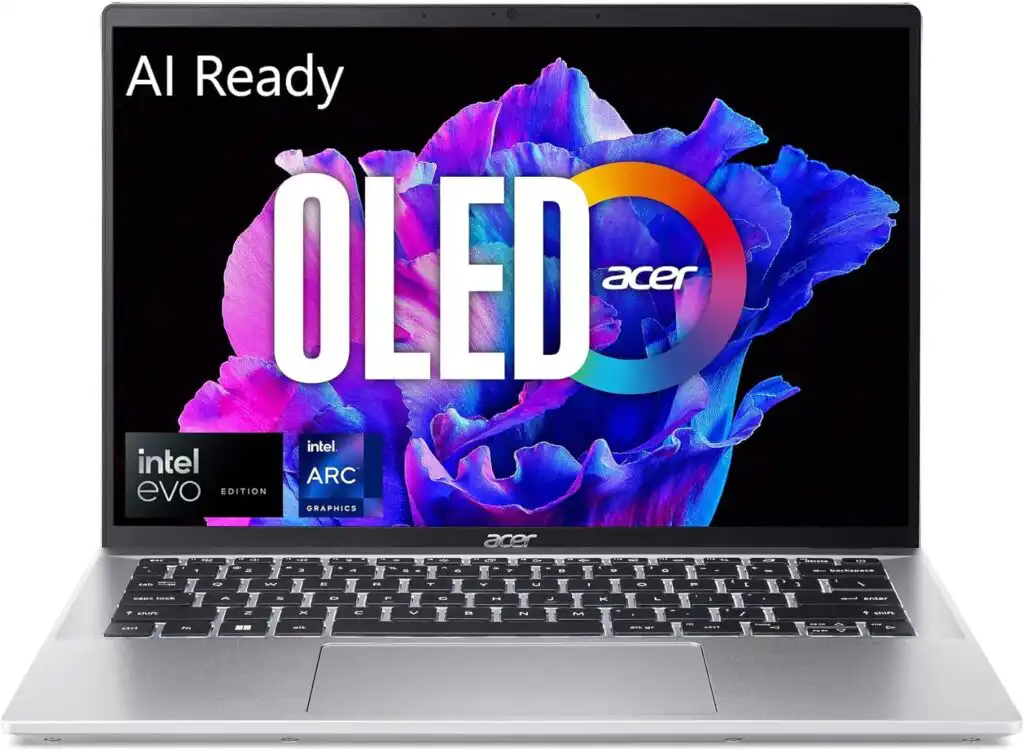
If portability is your top priority, the Swift Go 14 deserves attention. It’s incredibly easy to carry and still powerful enough for daily tasks.
Key Features
- Thin and lightweight design
- Intel Meteor Lake processors
- Compact 14-inch chassis
Pros
- Very easy to travel with
- Modern CPU efficiency
- Clean, minimal design
Cons
- Battery life isn’t class-leading
- Limited upgrade options
Who should buy it?
Frequent travelers and commuters who want the lightest possible setup.
How to Choose the Best Thin and Light Laptop Under $1000 in 2026
Time needed: 5 minutes
- Decide What You’ll Use the Laptop For
Before looking at brands or specs, think about your daily needs.
If you mostly browse the web, write, attend online meetings, or study, a modern mid-range processor and 8–16GB RAM will be more than enough. If you edit photos, work with multiple apps, or keep dozens of tabs open, lean toward 16GB RAM and a stronger CPU. - Focus on Weight, Battery Life, and Screen Quality
A thin and light laptop should actually feel easy to carry. Aim for a weight under 1.5 kg and a battery that lasts at least a full workday.
Also, don’t ignore the screen — a brighter Full HD or OLED display makes a big difference if you stare at it for hours. - Compare Value, Not Just the Price Tag
Two laptops can cost the same but feel very different in daily use.
Compare build quality, keyboard comfort, ports, and long-term usability. Sometimes spending a little more within your budget gets you a laptop that stays fast and enjoyable for years.
Final Thoughts
In 2026, you don’t need to overspend to get a laptop that feels modern, fast, and enjoyable to use. The models listed above prove that thin and light laptops under $1000 can handle real work, long days, and constant travel.
If you want one safe recommendation, the Acer Swift 3 is still the best all-rounder.
If you want style and screen quality, go ZenBook 14.
If you love macOS, the MacBook Air M4 is a no-brainer.
Choose based on how you actually use your laptop — and you won’t regret it.
FAQs
Yes, it is. Today’s mid-range processors are very efficient, and many laptops under $1000 are fast enough for work, school, browsing, streaming, and light creative tasks. You don’t have to spend more unless you need heavy-duty power.
Absolutely. With a modern processor and at least 8GB of RAM, everyday multitasking like working with documents, browsing with multiple tabs, video calls, and media playback runs smoothly on these machines.
8GB works fine for basic use, but if you plan to keep the laptop for several years, 16GB is a smarter choice. It makes a noticeable difference if you multitask a lot or use heavier apps.
Related links