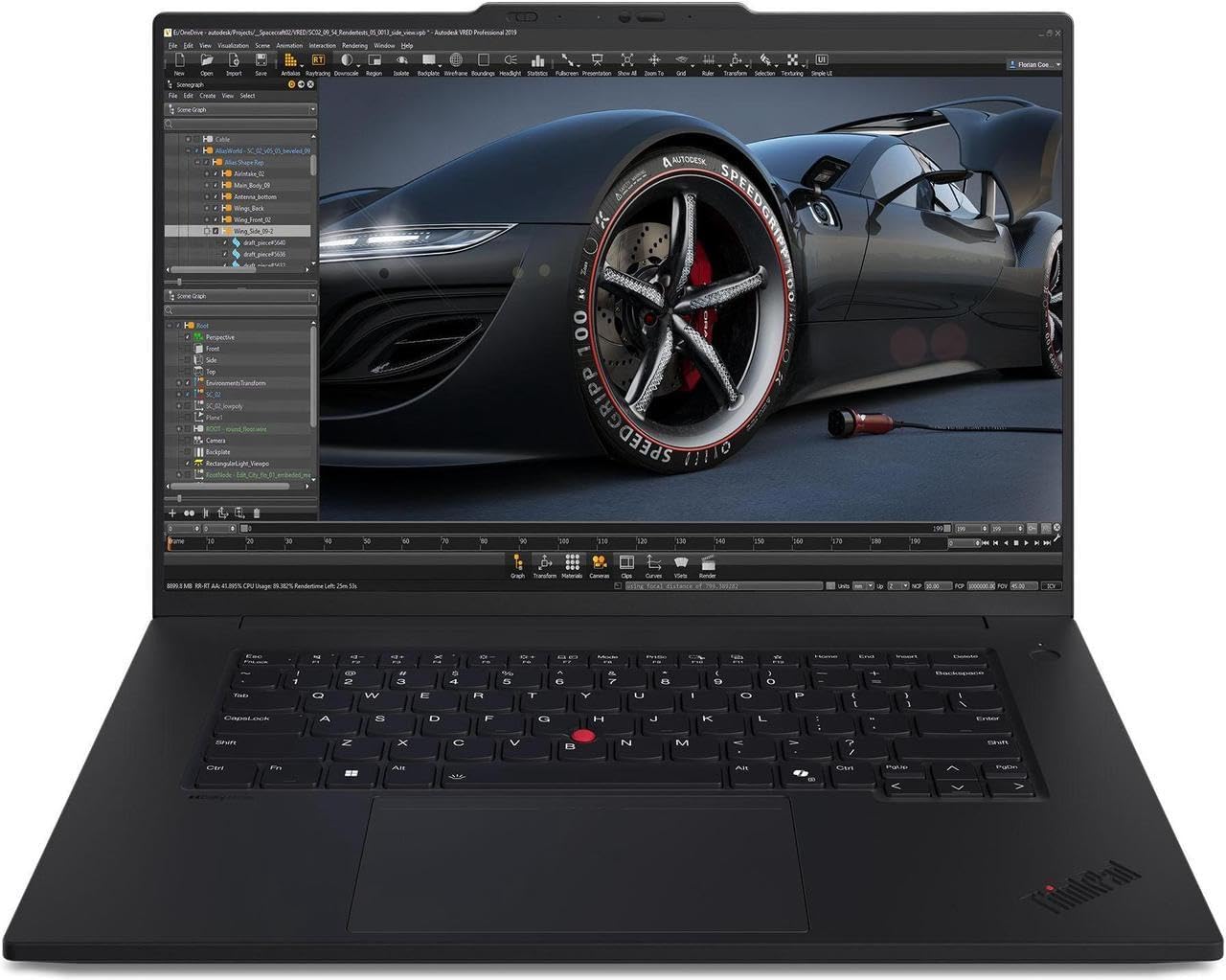
Estimated reading time: 8 minutes
Key Takeaways
- The article reviews the best laptops for Solid Edge in 2026, focusing on performance and reliability.
- Key factors for Solid Edge performance include strong CPU speed, powerful GPUs, high memory capacity, and fast NVMe storage.
- Top laptop choices include Dell Precision 7780, HP ZBook Fury 16 G11, Lenovo ThinkPad P1 Gen 6, ASUS ProArt P16, and MSI Prestige.
- For engineers, the article emphasizes balancing performance with portability based on project needs.
- Selecting the right laptop involves matching hardware specifications to Solid Edge requirements, ensuring a smooth workflow.
If you work with Solid Edge day in and day out, you already know how demanding it can get—especially when assemblies grow, simulation loads increase, or you’re bouncing between multiple parts and drawings. That’s why choosing the best laptops for Solid Edge is crucial. A good laptop doesn’t just make things “faster”; it makes your workflow feel smoother, more predictable, and less frustrating.
To help you make the right choice, this guide breaks down the best laptops for Solid Edge going into 2026. These models deliver the kind of performance, stability, and long-term reliability professionals need—whether you’re designing in the office, presenting on-site, or traveling between projects.
Table of contents
What Really Matters for Solid Edge Performance
Before we dive into the laptops, here’s a quick, practical look at the components that make the biggest difference:
- Strong single-core CPU speed: Solid Edge relies heavily on high single-thread performance while modeling.
- Powerful GPU (preferably workstation-grade): Professional GPUs handle CAD drivers better and stay stable with large assemblies.
- High memory capacity: 32 GB is comfortable for engineers; 64 GB is ideal for complex designs.
- Fast NVMe storage: Faster loading times, faster saves, smoother multitasking.
- A high-resolution screen: More workspace makes a noticeable difference when working with detailed part geometry.
With those points in mind, let’s look at the best laptops that truly shine with Solid Edge.
Also Read: Solid Edge system requirements

Top Laptops for Solid Edge in 2026
These models were selected for their reliability, performance under heavy loads, build quality, and long-term workstation value.
1. Dell Precision 7780

A powerhouse workstation for engineers who need absolute performance
The Precision 7780 is the kind of machine you buy when you want desktop-level strength in a portable package. It runs Solid Edge incredibly smoothly, even with complex assemblies and rendering workloads.
Key Specifications
- Latest Intel high-performance H-series processors
- NVIDIA RTX Professional GPUs
- Up to 128 GB DDR5 RAM
- Up to 4 TB NVMe SSD
- 17.3″ 2K or 4K panel options
Pros
- Handles large assemblies without breaking a sweat
- Excellent thermal design for sustained performance
- Workstation-grade stability and build quality
- Superb upgrade potential
Cons
- Heavy and bulky
- Expensive in higher configurations
Who should buy it:
Engineers who prioritize raw power over portability and regularly work on large or detailed projects.
2. HP ZBook Fury 16 G11
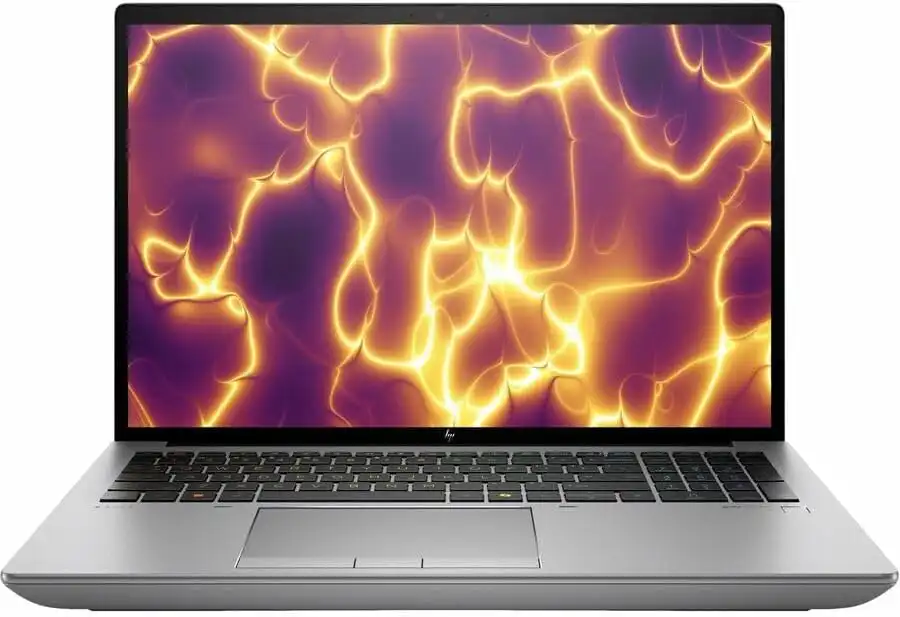
Big screen, big performance, big potential
If you want a laptop that feels almost like a desktop monitor thanks to its massive 16″ display, the ZBook Fury is a beast. It’s well-suited for engineering teams, design professionals, and users who need a reliable workstation for long-term use.
Key Specifications
- Intel’s latest HX-series processors
- NVIDIA RTX Pro (latest generation)
- Up to 128 GB RAM (ECC options available)
- Multiple NVMe storage bays
- 16″ 2560×1600 display
Pros
- Huge display is great for detailed assemblies
- ECC memory options offer extra reliability
- Very scalable hardware
- Excellent cooling
Cons
- Not very portable
- Premium price tag
Who should buy it:
Professionals who want the closest thing to a mobile workstation replacement without sacrificing a big viewing area.
3. Lenovo ThinkPad P1 Gen 6
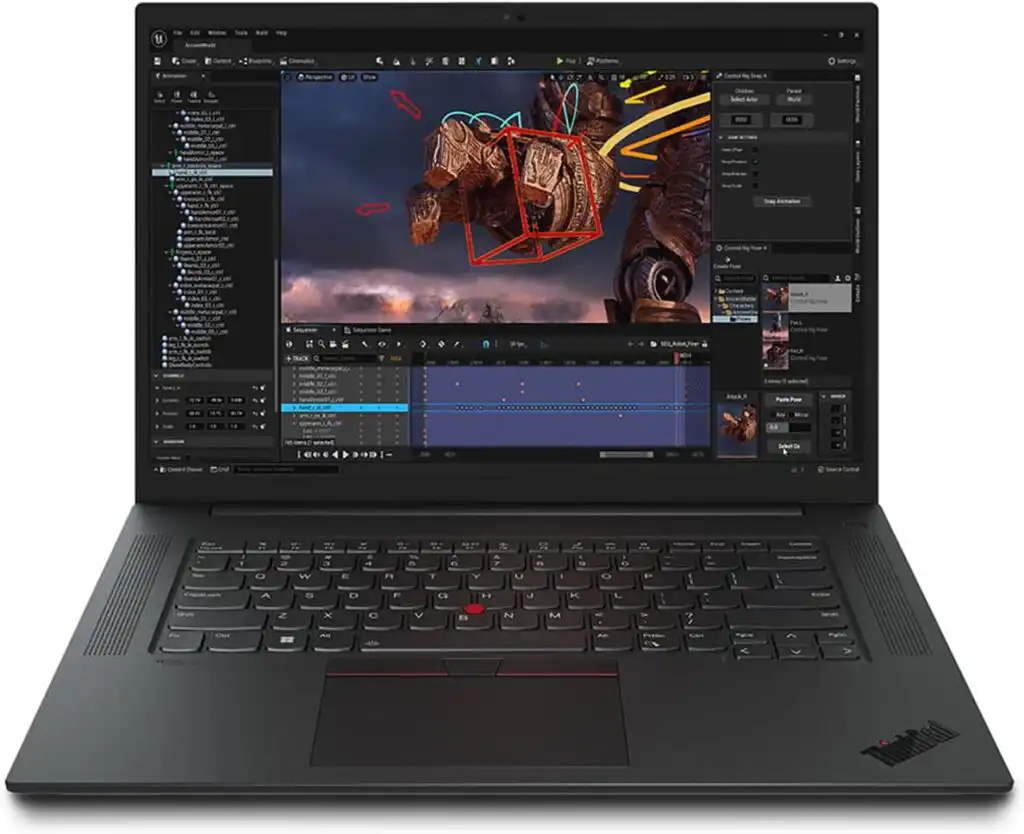
A perfect balance of portability and professional-grade power
The ThinkPad P1 is the ideal option for engineers who travel frequently. It’s light enough to carry daily but strong enough to handle assemblies, drawings, and rendering runs with confidence.
Key Specifications
- Intel H-series CPUs
- NVIDIA RTX or RTX Pro GPUs
- Up to 64 GB DDR5 RAM
- 1–2 TB NVMe SSD
- 16″ 4K or OLED display options
Pros
- Lightweight for a workstation
- Excellent keyboard and build quality
- Durable, reliable design
- High-quality display
Cons
- Can throttle slightly during long rendering sessions
- Upgrading memory is more limited
Who should buy it:
Engineers who move between job sites or travel often but still need workstation-level reliability.
4. ASUS ProArt Studiobook / ProArt P16
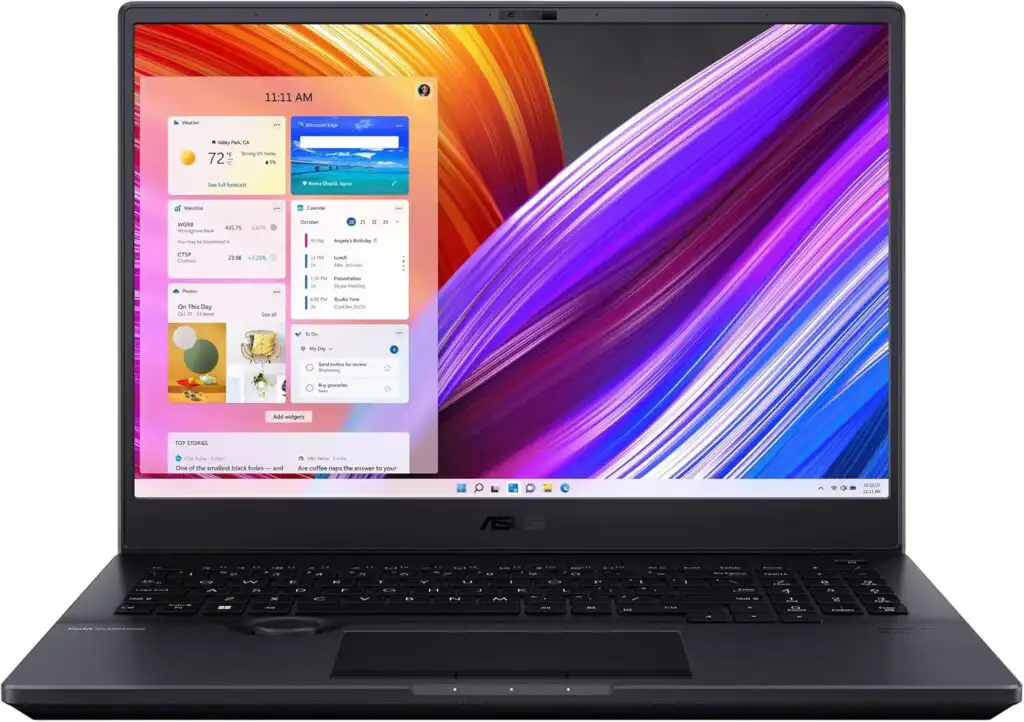
For engineers who also do creative or visual work
ASUS ProArt laptops are a fantastic choice if you not only use Solid Edge for engineering but also handle presentations, animations, or visual content. The OLED displays are among the best available.
Key Specifications
- Latest Intel or AMD high-performance processors
- NVIDIA RTX 40/50 series or Pro GPUs
- 32–64 GB RAM
- Up to 4 TB NVMe SSD
- 16″ 4K OLED or 3K screens
Pros
- Exceptional color-accurate displays
- Strong CPU and GPU options
- Sleek, modern design
- Great for rendering, visuals, and presentations
Cons
- Not every configuration has workstation-certified GPUs
- Slightly more “creative-class” than pure workstation
Who should buy it:
Engineers who value a great display and sometimes work on visuals, product videos, or design reviews.
5. MSI Prestige / MSI Workstation Series
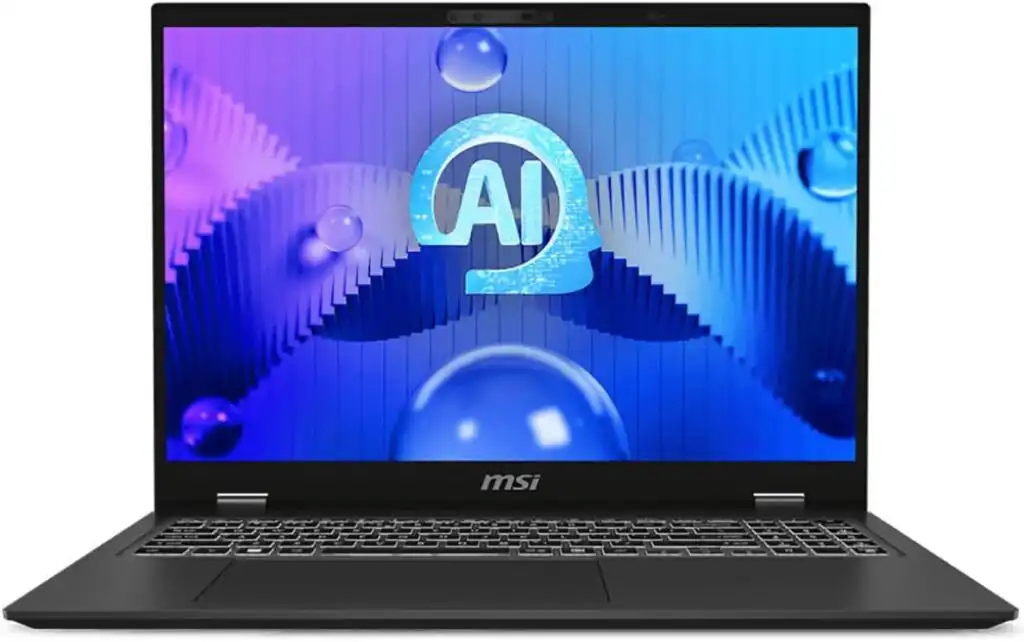
Lightweight and powerful enough for serious CAD work
MSI’s professional laptops deliver impressive performance without hitting workstation-class weight. Battery life is also better than most powerful CAD laptops.
Key Specifications
- AMD Ryzen AI or Intel H-series CPUs
- NVIDIA RTX GPU options
- 16–64 GB RAM
- 1 TB NVMe SSD
- 16″ 2.5K or high-resolution IPS/OLED displays
Pros
- Portable and lightweight
- Better battery life than most workstations
- Good value for the performance
- Fast displays
Cons
- Not all models carry workstation certifications
- High-load thermal performance is not as strong as bulkier laptops
Who should buy it:
Engineers who want a powerful laptop with better portability and battery life than full-size workstations.
Comparison Table: The Best Laptops for Solid Edge
| Laptop | Best For | CPU Options | GPU Options | RAM | Display |
|---|---|---|---|---|---|
| Dell Precision 7780 | Maximum performance | Intel H-series | RTX Pro | Up to 128 GB | 17.3″ 2K/4K |
| HP ZBook Fury 16 G11 | Large-screen workstation | Intel HX-series | RTX Pro | Up to 128 GB (ECC) | 16″ 1600p |
| Lenovo ThinkPad P1 Gen 6 | Portability + power | Intel H-series | RTX / RTX Pro | Up to 64 GB | 16″ 4K/OLED |
| ASUS ProArt P16/Studiobook | Engineering + visuals | Intel/AMD | RTX / RTX Pro | Up to 64 GB | 16″ 4K OLED |
| MSI Prestige/Workstation | Travel-friendly CAD | Intel/AMD | RTX series | Up to 64 GB | 16″ 2.5K+ |
Final Thoughts
Choosing the right laptop for Solid Edge isn’t just about raw performance—it’s about finding a machine that fits how you work. Whether you need a portable engineering partner, a massive desktop-replacement workstation, or a sleek machine with a great display for client presentations, there’s a 2026 model that perfectly fits your workflow.
FAQs
For Solid Edge, the sweet spot is a processor with strong single-core performance. Intel’s newer H-series and HX-series chips usually deliver the smoothest modeling experience, especially when working with sketches, features, and assemblies. AMD’s high-end mobile processors are also great, but most engineers still lean toward Intel because many CAD tools are optimized around their architecture.
For heavy 3D modeling, a workstation-class laptop like the Dell Precision 7780 or HP ZBook Fury tends to offer the most consistent performance. Both come with professional GPUs, plenty of RAM, and cooling systems designed to handle long sessions without slowing down. If you want something lighter, the Lenovo ThinkPad P1 is an excellent balance between power and portability.
The “best” laptop depends on your workflow, but in general, models with workstation GPUs, fast processors, and at least 32 GB of RAM deliver the most reliable CAD performance. The Dell Precision, HP ZBook, and Lenovo ThinkPad P-Series are all strong choices because they’re built specifically for engineering work and handle large assemblies and detailed projects without hiccups.
How to Choose the Best Solid Edge Laptop for 2026?
Time needed: 10 minutes
A simple 3-step guide to help engineers pick the right laptop for smooth and reliable Solid Edge performance in 2026.
- Identify Your Project Requirements
Think about the size of your assemblies, the types of simulations you run, and whether you need portability. This helps you know whether you need a full workstation or a lightweight performance laptop.
- Match Hardware to Solid Edge Needs
Focus on strong single-core CPU performance, a capable NVIDIA RTX or RTX Pro GPU, at least 32 GB RAM, and fast NVMe storage. These components make the biggest difference in modeling and rendering workloads.
- Compare Reliable Workstation Models
Look at trusted engineering laptops such as the Dell Precision, HP ZBook, Lenovo ThinkPad P Series, ASUS ProArt, or MSI Workstation models. Choose the one that fits your workflow, budget, and mobility needs.
Related links