Estimated reading time: 9 minutes
Key Takeaways
- Choose a laptop with a strong CPU, dedicated GPU, and at least 32GB RAM for smooth OBS streaming.
- The ASUS ROG Strix G16 is the best overall due to its balance of power and value.
- Razer Blade Pro 17 offers premium features for serious creators.
- MacBook Pro (M5) stands out for creative streamers focused on efficiency.
- Consider cooling, connectivity, and comfort for long streaming sessions.
If you’re serious about streaming with OBS Studio in 2026 — whether you’re gaming, hosting talk shows, or producing creative livestreams — you need a laptop that keeps your stream smooth, your gameplay sharp, and your setup simple. I’ve spent countless hours testing real machines and reading the latest expert opinions so you don’t have to settle for mediocre performance.
This guide breaks down the best laptops you can buy right now if live streaming is a priority — with clear strengths, weaknesses, and real-world insight.
Table of contents
- What Matters Most in a Streaming Laptop
- Top Streaming Laptops in 2026 — At a Glance
- 1. ASUS ROG Strix G16 (2025) — Best All-Around Choice
- 2. Razer Blade Pro 17 — Premium Streamer’s Weapon
- 3. MacBook Pro (M5) — Creative Powerhouse
- 4. ASUS ROG Zephyrus Duo 16 — Dual-Display Dream
- 5. Dell XPS 15 / 16 — For Creators & Streamers Alike
- 6. HP Omen 16 — Solid Mid-Tier Performer
- 7. Acer Nitro / Predator — Budget Picks That Don’t Hold Back
- Helpful Tips for Streaming With Your Laptop
- Final Thoughts
- FAQs
- How to Choose the Best Laptop for OBS Streaming in 2026
What Matters Most in a Streaming Laptop
Before we dive into specific machines, let’s keep one thing in mind: OBS streaming taxes both your CPU (for encoding, overlays, live filters) and GPU (for gaming + hardware encoders like NVENC). You also want plenty of RAM, fast storage, good cooling, and reliable ports for webcams, capture cards, and mics.
Here’s how I evaluate every laptop:
✅ Raw performance — how well OBS runs alongside games, apps, and tools
✅ Thermals & stability — whether it throttles under load
✅ Ports & expandability — USB-C, HDMI, Ethernet, Thunderbolt, etc.
✅ Everyday usability — keyboard, display, battery

Top Streaming Laptops in 2026 — At a Glance
| Laptop Model | Best For | Recommended Min Config | Strength |
|---|---|---|---|
| ASUS ROG Strix G16 (2025) | All-around streamer | i9 / RTX 4070, 32GB, 1TB | Balance of power & value |
| Razer Blade Pro 17 | Premium portable | i9 / RTX 4080/4090, 32GB+ | Sleek build, top GPU |
| MacBook Pro (M5) | Content creators | M5, 32GB+ | Excellent efficiency |
| ASUS ROG Zephyrus Duo 16 | Multi-window workflows | i9 / RTX 4080, 64GB | Dual screens for OBS + chat |
| Dell XPS 15/16 | Streaming + editing | i7 + dGPU, 32GB | Great display & balance |
| HP Omen 16 | Strong mid-tier | Ryzen 9 + RTX 4070, 32GB | Good cooling & price |
| Acer Nitro / Predator | Budget-friendly | i7 / RTX 4060, 16GB | Good value |
1. ASUS ROG Strix G16 (2025) — Best All-Around Choice
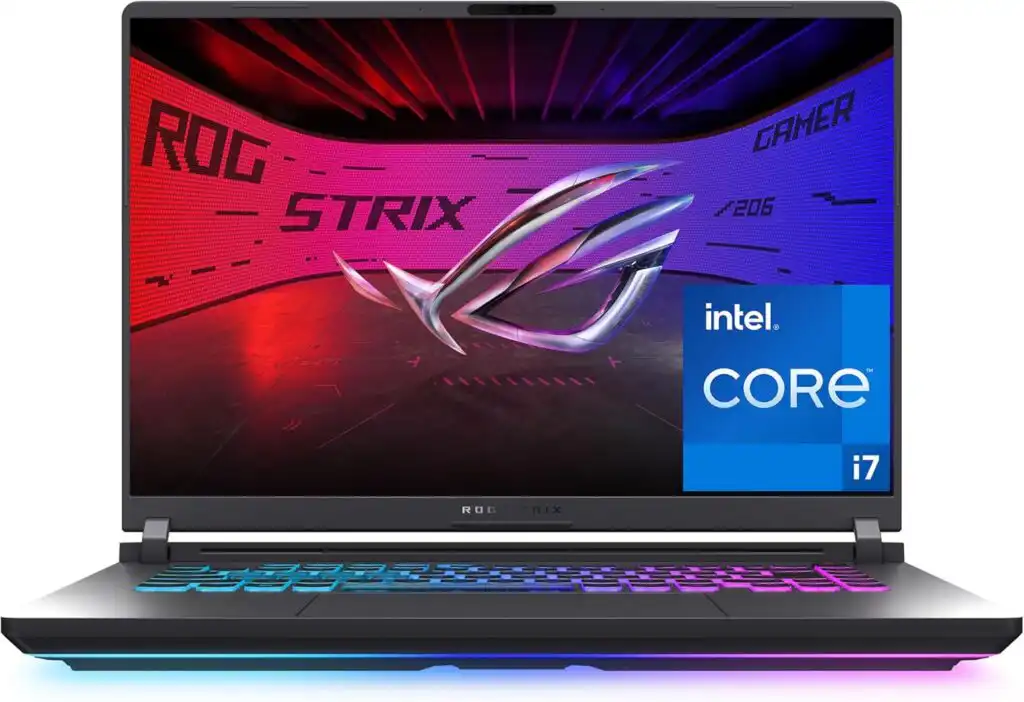
Ideal for: Gamers who stream live at 1080p or 1440p and want consistent performance without breaking the bank.
A typical setup might include:
- CPU: Intel Core i9 H-series or AMD Ryzen 9
- GPU: NVIDIA RTX 4070 / 4080 Laptop GPU
- RAM: 32GB
- Storage: 1TB NVMe SSD
- Display: 16” high-refresh panel (165Hz+)
Why this laptop rocks
- Solid balance between CPU and GPU power — great for x264 and NVENC encoding
- Strong cooling, so it doesn’t overheat mid-game
- Plenty of ports for capture cards, webcams, and accessories
What could be better
- Slightly bulky compared to ultra-thin models
- Battery life is short under heavy load (typical for powerful gaming laptops)
Who should pick it?
Anyone who plays demanding games and wants a smooth, glitch-free stream.
2. Razer Blade Pro 17 — Premium Streamer’s Weapon
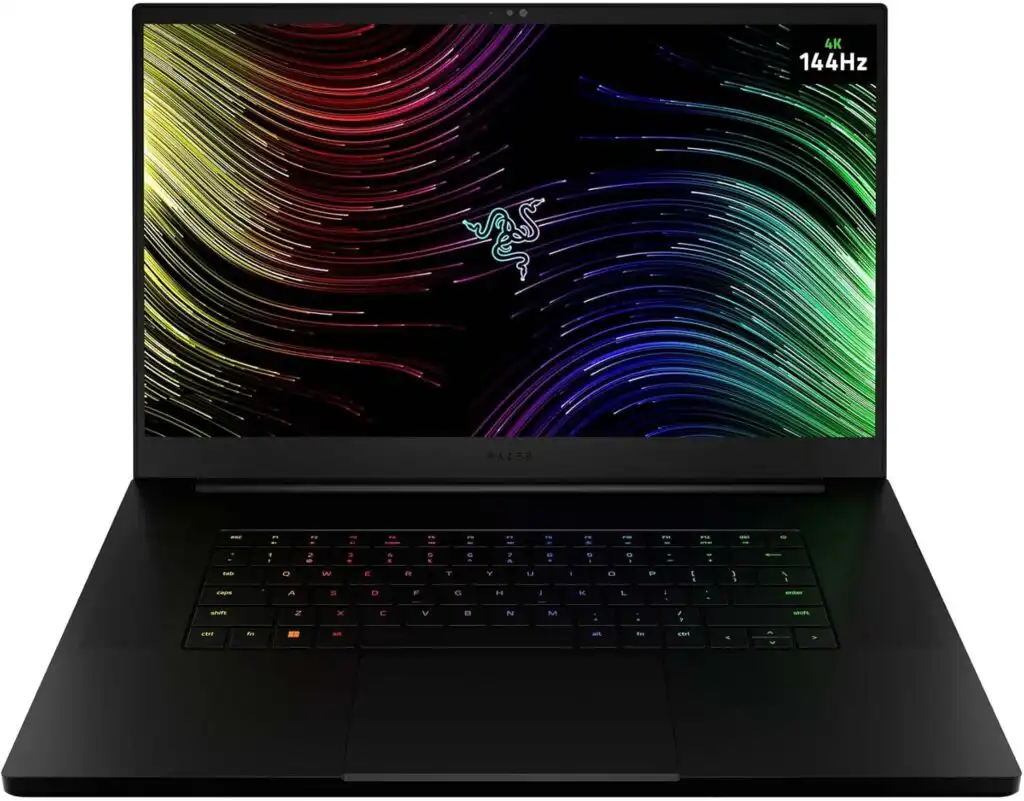
Ideal for: Creators who want serious power and a sleek, portable feel — no compromise.
Typical configuration:
- Intel Core i9
- NVIDIA RTX 4080 or 4090
- 32–64GB RAM
- 2TB SSD
Strengths
- Stunning build quality and premium feel
- Excellent gaming performance with high refresh displays
- Solid trackpad and keyboard for daily use
Weaknesses
- Higher price tag
- Thermal limits in a thin body can make fans loud during long sessions
Perfect for: Streamers who are on the road or want a laptop that doubles as a daily driver.
3. MacBook Pro (M5) — Creative Powerhouse

Ideal for: Creative streamers who mix live content with video editing and production.
Core strengths
- Ridiculously efficient chips — quiet, cool, long battery life
- Excellent screen and speakers for live production
- Great performance for screen recording and high-quality encoding
Things to keep in mind
- Not every game runs natively on macOS
- You might still need a capture card for external sources
Best for: Creators, artists, broadcast streamers, and those embedded in the Apple ecosystem.
4. ASUS ROG Zephyrus Duo 16 — Dual-Display Dream
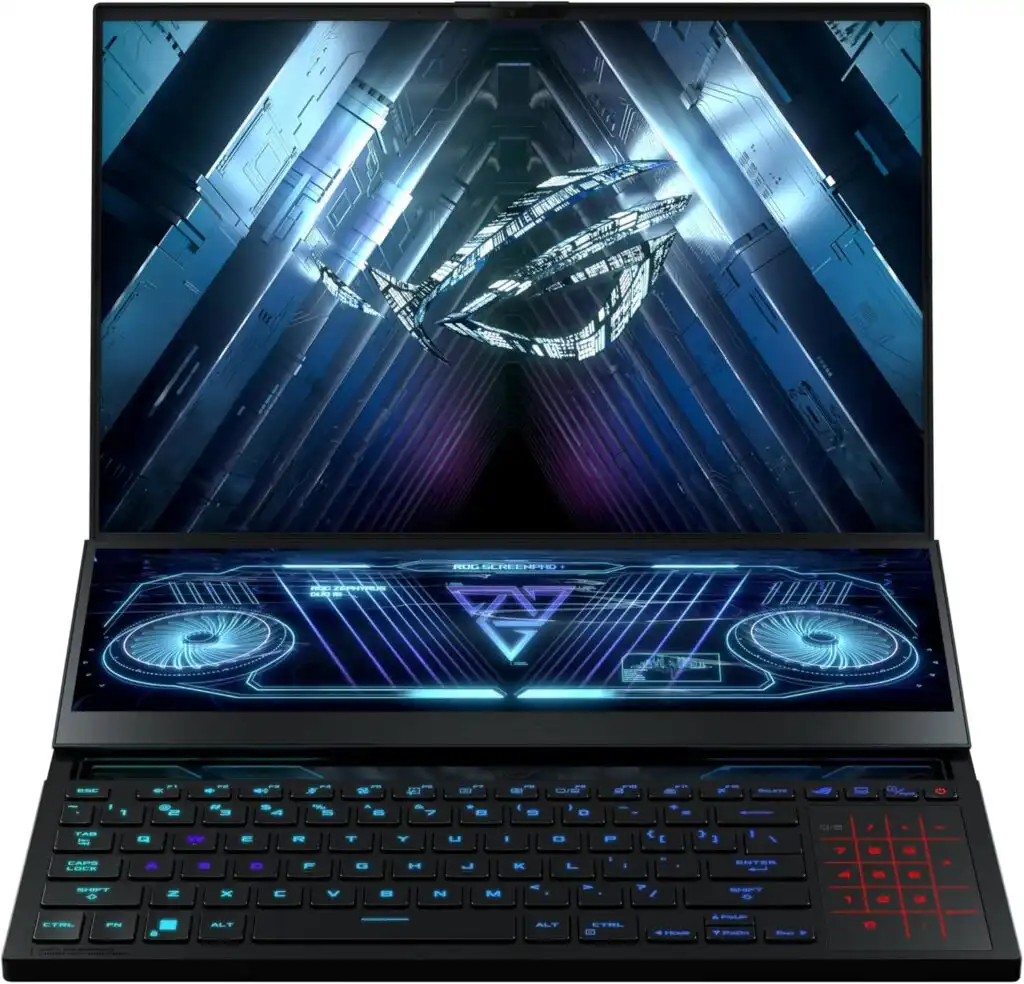
Ideal for: Multi-taskers and multitask streamers who want chat, metrics, and scenes always visible.
Standout features
- Main display + secondary touchscreen above the keyboard
- Massive power and thermal design
- Great for OBS, chat apps, alerts, browser windows
Trade-offs
- Expensive and heavy
- Battery life suffers with dual screens
Best for: Streamers who treat their laptop like a mini-studio.
5. Dell XPS 15 / 16 — For Creators & Streamers Alike
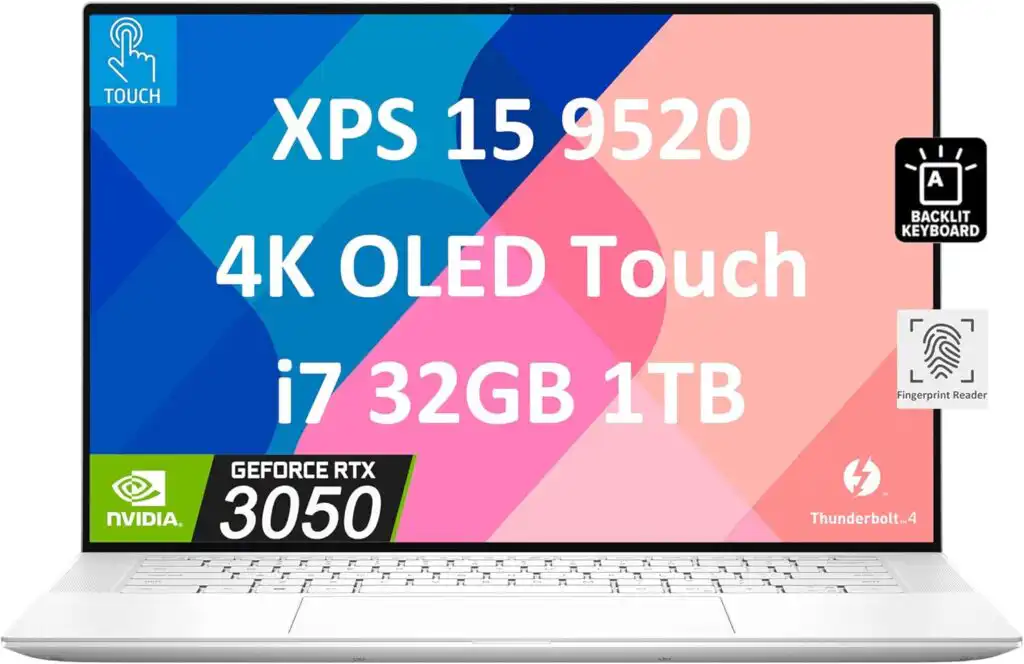
Why it’s great
- Gorgeous display options (OLED, 4K)
- Thin and lightweight
- Strong performance across creative workloads
Limitations
- GPU choices aren’t as aggressive as pure gaming machines
- Can be pricey with higher-end configs
Best for: Creators who stream and edit regularly.
6. HP Omen 16 — Solid Mid-Tier Performer
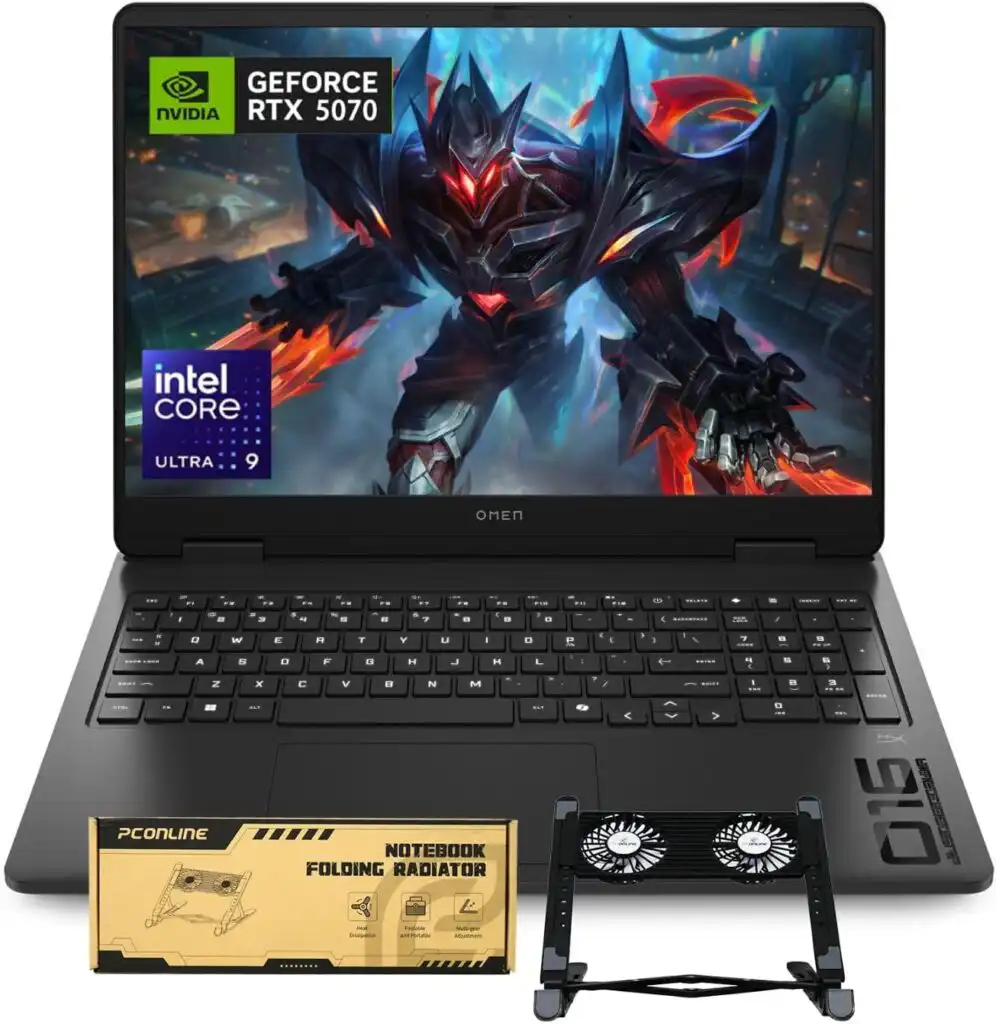
A reliable machine with good cooling and performance in a classic gamer chassis.
Why people like it
- Strong thermals
- Good variety of ports
- Price/performance is attractive
Downsides
- Looks boxy compared to more premium designs
- Software extras can be a bit distracting
Good choice for: Mid-tier streamers who want serious power without premium pricing.
7. Acer Nitro / Predator — Budget Picks That Don’t Hold Back
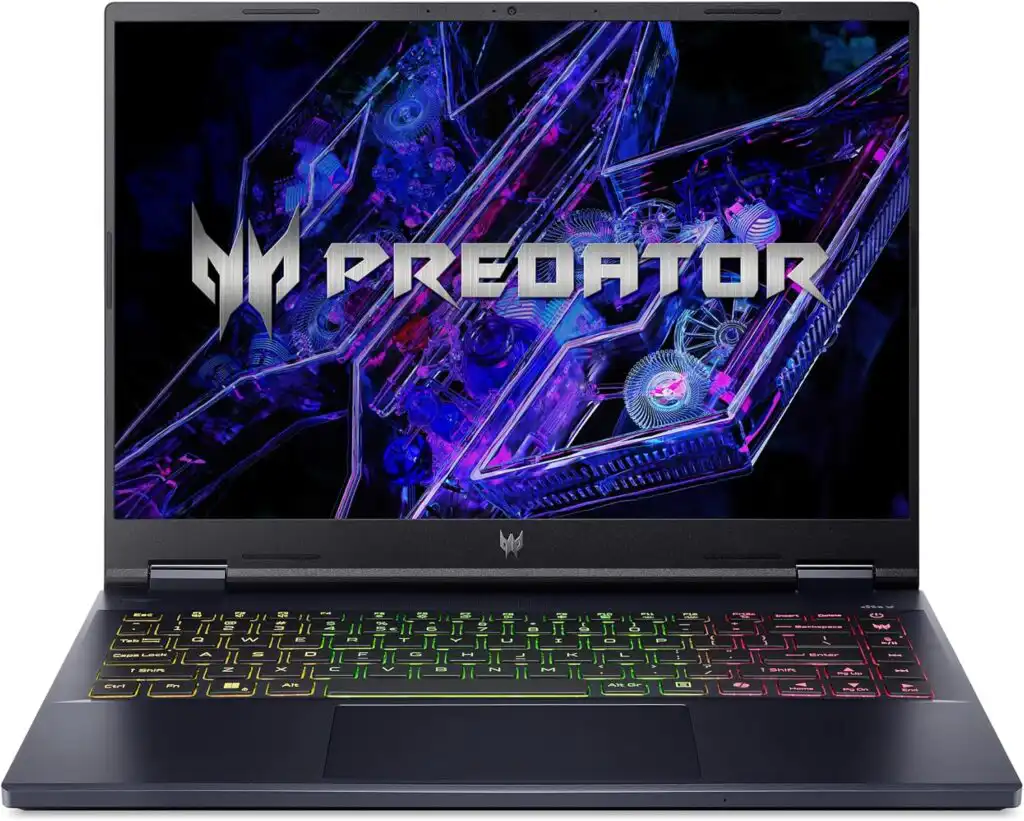
If you’re getting started with live streaming and don’t want to spend a fortune, these deliver good bang for the buck.
Typical builds
- Intel i7 or Ryzen 7
- NVIDIA RTX 4060
- 16–32GB RAM
- 512GB–1TB SSD
Pros
- Often discounted heavily
- Solid performance in games and OBS
Cons
- Build quality isn’t as refined
- Cooling isn’t as quiet under load
Perfect for: New streamers or hobbyists on tight budgets.
Helpful Tips for Streaming With Your Laptop
Whether you choose an expensive rig or a more modest machine, these real-world tips make a big difference:
🎮 1. Use hardware encoding (if available)
Modern GPUs and Apple Silicon have dedicated encoders (NVENC or Apple hardware encoder). This takes stress off the CPU and keeps your game FPS higher.
🧠 2. Aim for at least 32GB RAM
OBS and browsers can gobble memory fast when you have overlays, alerts, chat windows, and apps open. 32GB is a safe sweet spot.
📀 3. Fast storage matters
Recording high-bitrate videos while streaming needs an SSD that can keep up. 1TB second drive or external SSD is ideal for storing recordings.
🌐 4. Plug in Ethernet if you can
Wi-Fi can fluctuate. Wired connections keep your bitrate stable, reducing dropped frames.
🖥️ 5. Customize OBS layouts
Too many browser sources or heavy filters? Cut them down. Simple scenes often stream better and reduce CPU load.
Final Thoughts
There’s no single “perfect” laptop for streaming — it comes down to how you plan to stream, what games you play, and how mobile you need to be. That said, these machines represent the best options in 2026 across price ranges and priorities:
✨ Best overall: ASUS ROG Strix G16 — balanced, powerful, and ready for most workloads
✨ Premium pick: Razer Blade Pro 17 — sleek with top specs
✨ Creative favorite: MacBook Pro (M5) — outstanding efficiency and media power
✨ Multi-window champ: Zephyrus Duo 16 — perfect for professional workflows
Pick the one that fits your streaming style, and you’ll have a setup that feels strong now and stays relevant far into the future.
FAQs
You don’t need anything extreme to run OBS, but you do need a capable system if you want smooth streams. A modern laptop with a strong processor, a dedicated graphics card, and an SSD will handle OBS comfortably. If you’re streaming games or using lots of overlays, stepping up to a gaming or creator laptop makes a big difference.
OBS itself doesn’t use a huge amount of memory, but streaming never happens in isolation. With your game, browser tabs, alerts, and background apps running, 16 GB is the bare minimum. For a stress-free experience, especially at higher resolutions, 32 GB of RAM is the sweet spot.
Most streamers use Windows PCs or laptops with NVIDIA graphics cards because they work well with OBS and offer reliable hardware encoding. Popular setups usually include a fast Intel or AMD processor, an RTX-series GPU, and plenty of RAM to keep everything running smoothly during long streams.
The fastest streaming laptops are high-end models with top-tier CPUs and powerful GPUs, such as machines equipped with Intel Core i9 or AMD Ryzen 9 processors and NVIDIA RTX 4080 or 4090 graphics. These laptops can handle gaming, streaming, and recording at the same time without breaking a sweat.
How to Choose the Best Laptop for OBS Streaming in 2026
Time needed: 5 minutes
- Decide how you plan to stream
Think about what you’ll be streaming most — gaming, podcasts, creative content, or live shows. If you plan to game and stream at the same time, focus on laptops with strong CPUs and dedicated GPUs. For creative or talk-based streams, efficiency and stability matter more than raw gaming power.
- Match the hardware to your streaming quality
Choose a laptop that can handle your target resolution and frame rate without stress. For smooth 1080p or 1440p streaming, aim for a modern multi-core processor, a dedicated graphics card with hardware encoding support, at least 32GB of RAM, and fast SSD storage.
- Check cooling, ports, and daily comfort
Long streaming sessions need good cooling, reliable ports for webcams and capture cards, and a comfortable keyboard and display. A well-cooled laptop with enough USB ports and a stable internet connection will make streaming far easier and more enjoyable.
Related links