Estimated reading time: 9 minutes
If you work with KeyShot, you already know one thing: rendering waits for no one. Whether you’re building polished product shots, animation sequences, or material-heavy scenes, you need a laptop that can keep up. Not something flashy for show — something that performs when the fans kick in and the viewport gets heavy.
This guide brings together the most reliable, powerful, and future-ready laptops you can buy in 2026 for KeyShot. No corporate talk, no unnecessary jargon — just honest recommendations backed by real-world performance, dependable hardware, and smart configuration choices.
Key Takeaways
- The best laptops for KeyShot in 2026 feature strong NVIDIA RTX GPUs, high-core CPUs, and at least 32–64 GB RAM.
- Top recommendations include ASUS ProArt Studiobook P16, Dell Precision 7780, Lenovo ThinkPad P1, Razer Blade 16, and MacBook Pro M4.
- KeyShot benefits from GPUs with high VRAM for rendering, while CPUs with high core counts excel in processing tasks.
- Choose laptops based on your specific rendering needs, considering factors like GPU vs CPU rendering and scene complexity.
- Prioritize color-accurate displays and fast NVMe storage to enhance your rendering workflow.
Table of contents
What KeyShot Actually Demands
KeyShot is unique because it scales beautifully with both CPU and GPU power.
Here’s the simple reality:
- GPU mode relies on NVIDIA RTX GPUs and performs best with higher VRAM (12–16 GB minimum for heavy scenes).
- CPU rendering loves high core counts and sustained clock speeds.
- Memory is crucial. Large scenes, high-resolution textures, and animation frames can easily chew through 32 GB — so 64 GB is the real sweet spot for professionals.
- Displays matter too. If you’re delivering client-ready visuals, color accuracy is part of the workflow, not a luxury.
With that in mind, here are the top machines worth buying in 2026.
Also Read: KeyShot System Requirements

Top Laptops for KeyShot in 2026
Discover the best laptops for KeyShot in 2026, featuring top performance, accurate displays, and reliable power for fast, smooth rendering.
1. ASUS ProArt Studiobook P16 / P16 Pro
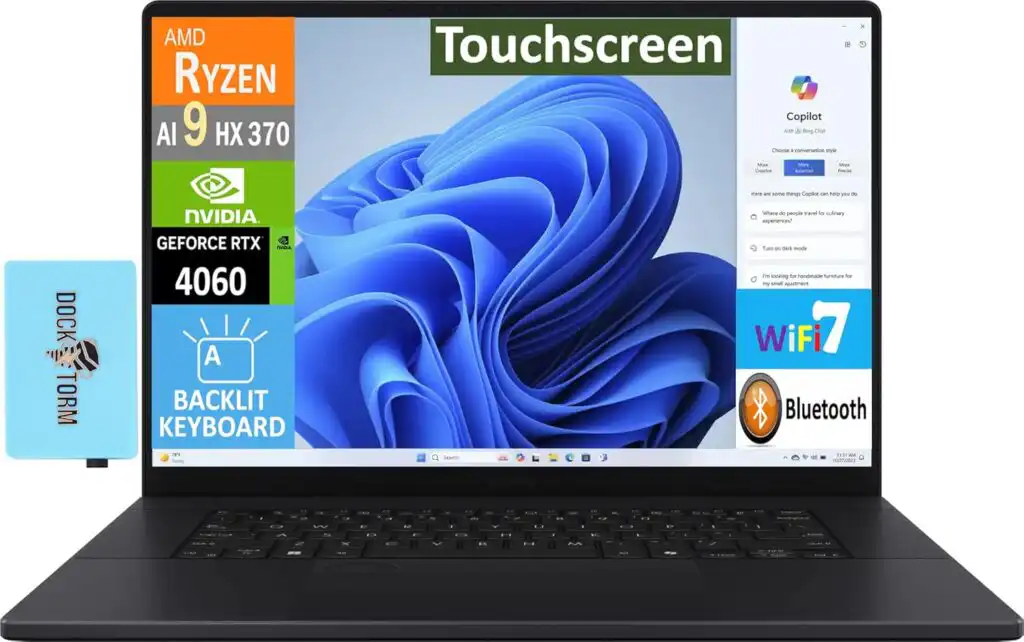
A creator powerhouse that hits a sweet balance of GPU muscle, color accuracy, and thermal stability.
If you need a laptop built specifically for design, 3D, and visual workflows, the ProArt Studiobook line continues to shine. Its combination of NVIDIA’s new-generation GPUs and the gorgeous 16-inch OLED panel makes it a fantastic mobile workstation for KeyShot users.
Key Specs
- CPU: AMD Ryzen AI 9 HX 370 or latest Intel Core i9 options
- GPU: NVIDIA GeForce RTX 5080 / 5090 (mobile)
- RAM: 32–64 GB
- Storage: Up to 4 TB NVMe
- Display: 16” OLED 3840×2400, wide color gamut
Pros
- Incredibly color-accurate OLED panel
- Strong GPU performance for fast GPU rendering
- Good thermals for long, uninterrupted workloads
- Creator-friendly tools (dial, hotkeys, color management)
Cons
- Premium configurations can get expensive
- OLED can consume more battery during high brightness work
2. Dell Precision 7780 (or latest 17-inch Precision Refresh)

The classic “workhorse” that studios love for stability, driver reliability, and upgrade flexibility.
If you prioritize long-term durability, predictable performance, and professional-grade components, Precision is still one of the safest bets. While bulkier than others, it delivers the kind of cooling and expansion options that matter for big KeyShot projects.
Key Specs
- CPU: Intel Core i9 HX or workstation-grade equivalents
- GPU: NVIDIA RTX A-series or RTX 40/50-series options
- RAM: Up to 128 GB
- Storage: Multi-drive configurations
- Display: 17” UHD or high-resolution IPS
Pros
- For studios: reliable drivers, excellent support, ISV-level stability
- Huge RAM ceiling (perfect for giant assemblies)
- Strong thermals for sustained rendering
Cons
- Bulky and heavy
- Price increases quickly with workstation GPU options
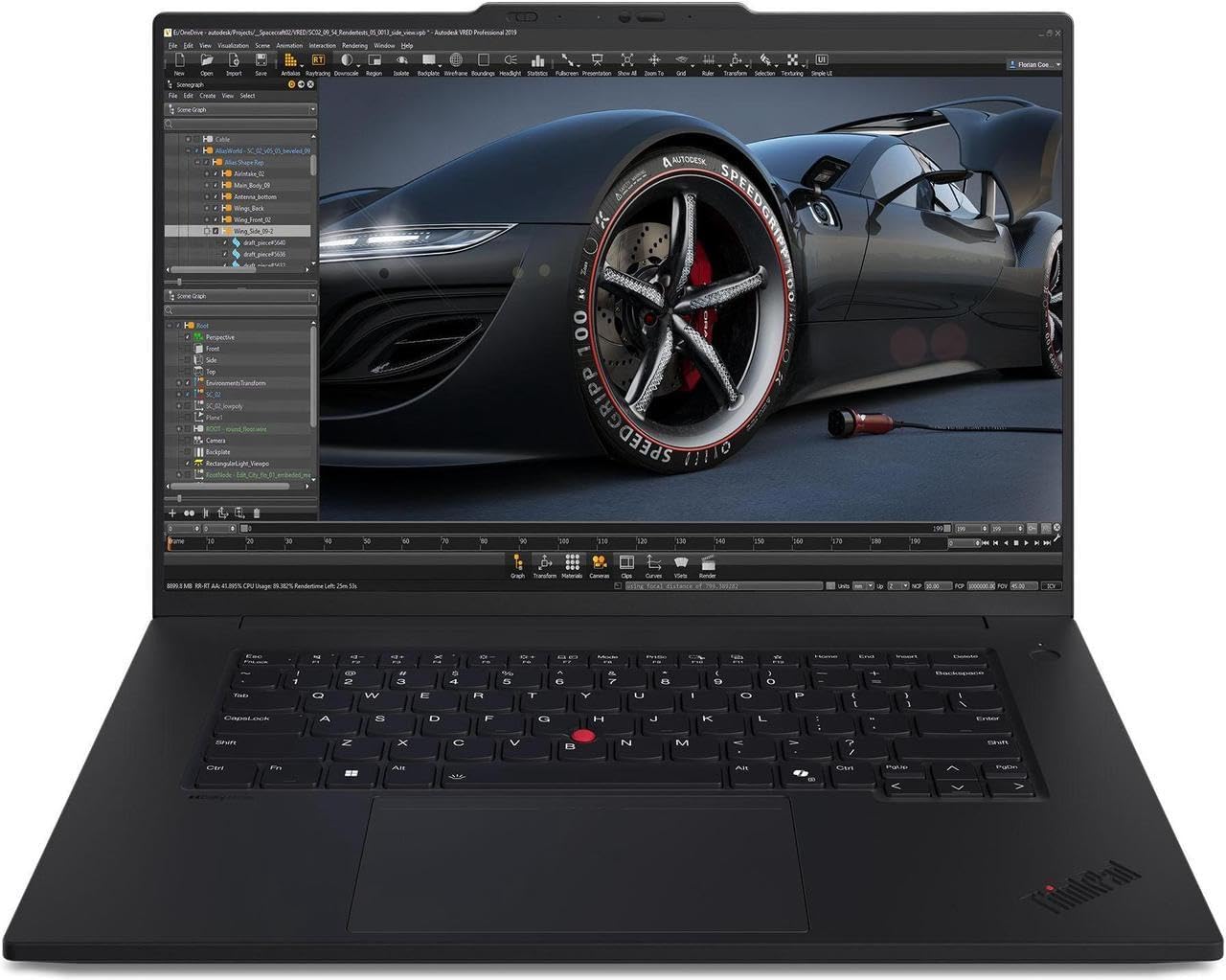
3. Lenovo ThinkPad P1 Gen 7
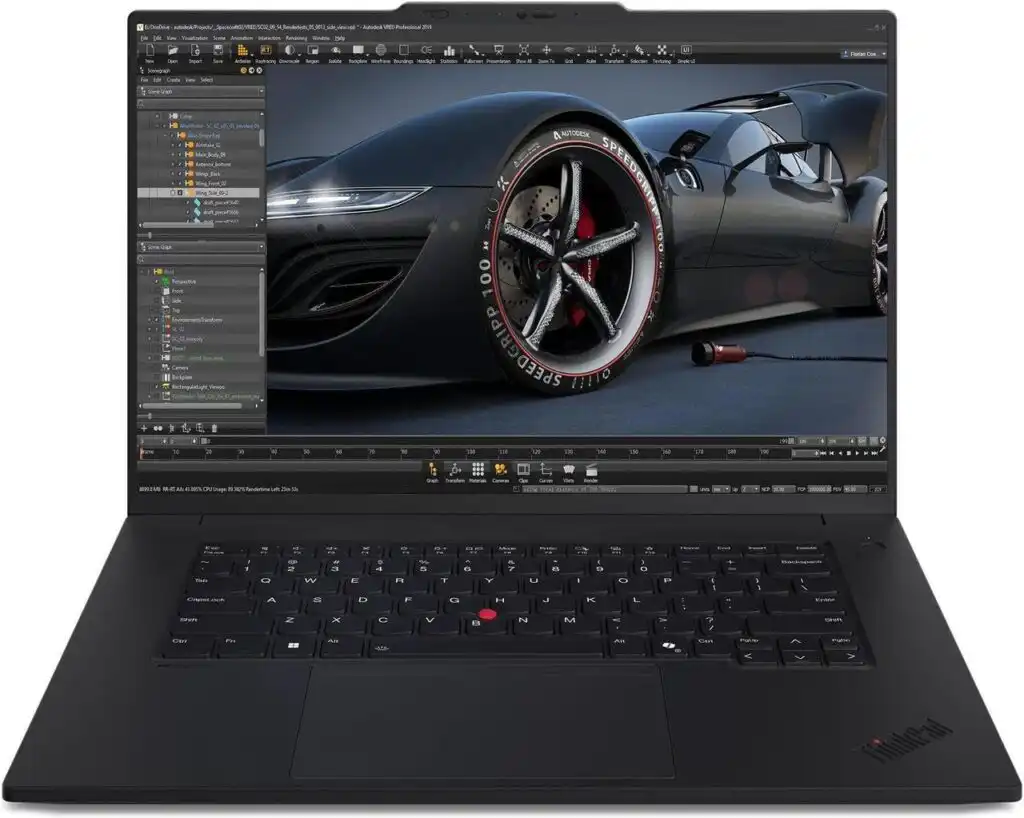
A mobile workstation that blends portability with real rendering strength.
The ThinkPad P1 has earned a loyal following for good reason: it’s powerful, lightweight for its class, and built like a tank. With RTX 4080/4090 options still dominating mid-2026 workflows, the P1 remains a balanced choice for frequent travelers or freelancers.
Key Specs
- CPU: Intel H-series processors
- GPU: NVIDIA RTX 4080 / 4090 (laptop)
- RAM: 32–64 GB
- Display: 16” 4K or WQXGA OLED
- Storage: Up to 4 TB
Pros
- Lightweight for a workstation
- Superb keyboard, hinges, and build longevity
- Great display options
Cons
- Slim design means slightly less cooling headroom
- Top-tier configs cost significantly more
4. Razer Blade 16 (2026 Edition)
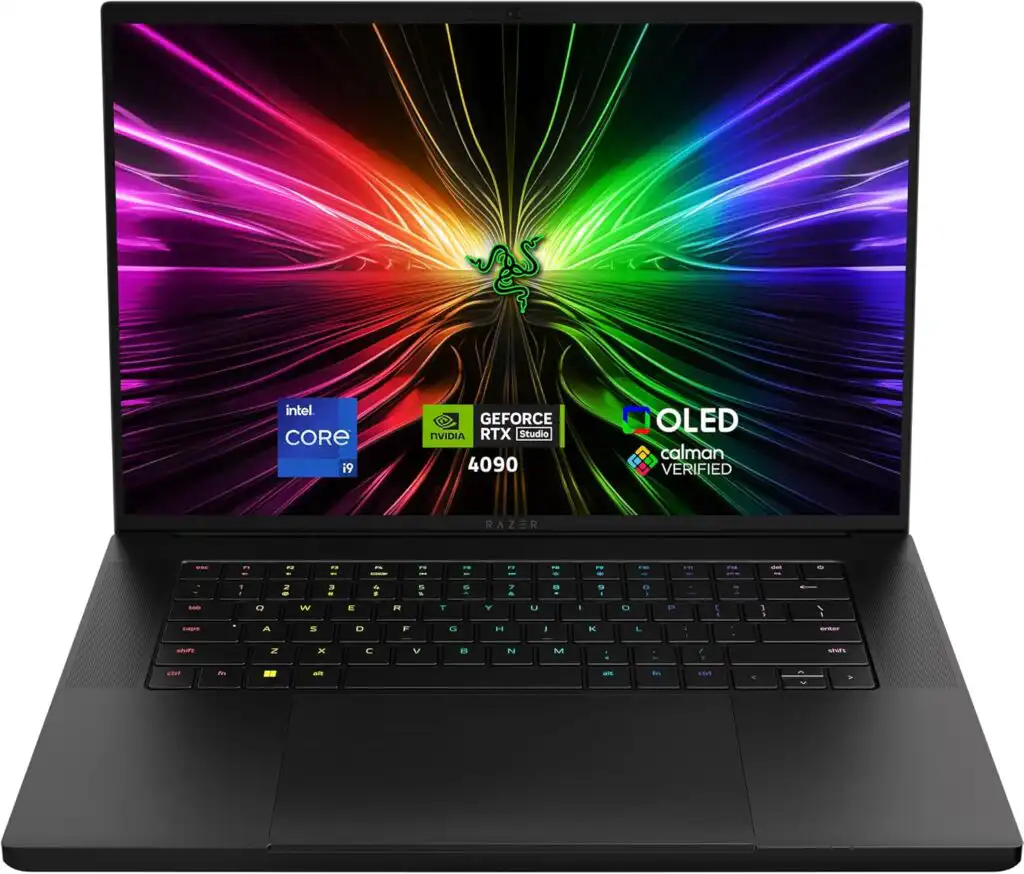
A stylish, powerful machine that gives you high-end rendering speed without carrying a “brick.”
Razer’s Blade line continues to offer some of the best GPU horsepower per kilogram. It’s not marketed as a workstation, but its performance says otherwise — especially with RTX 50-series GPUs.
Key Specs
- CPU: Intel Core i9 / Ryzen AI 9 HX
- GPU: NVIDIA RTX 5090 (mobile)
- RAM: 32–64 GB
- Storage: Up to 4 TB
- Display: Dual-mode high refresh or 4K options
Pros
- Slim, premium build
- Very strong GPU rendering performance
- Excellent display choices
Cons
- Can run hot under extended loads
- Fans are loud during full rendering sessions
- Battery life varies depending on GPU load
5. Apple MacBook Pro 16″ (M4 Pro / M4 Max)
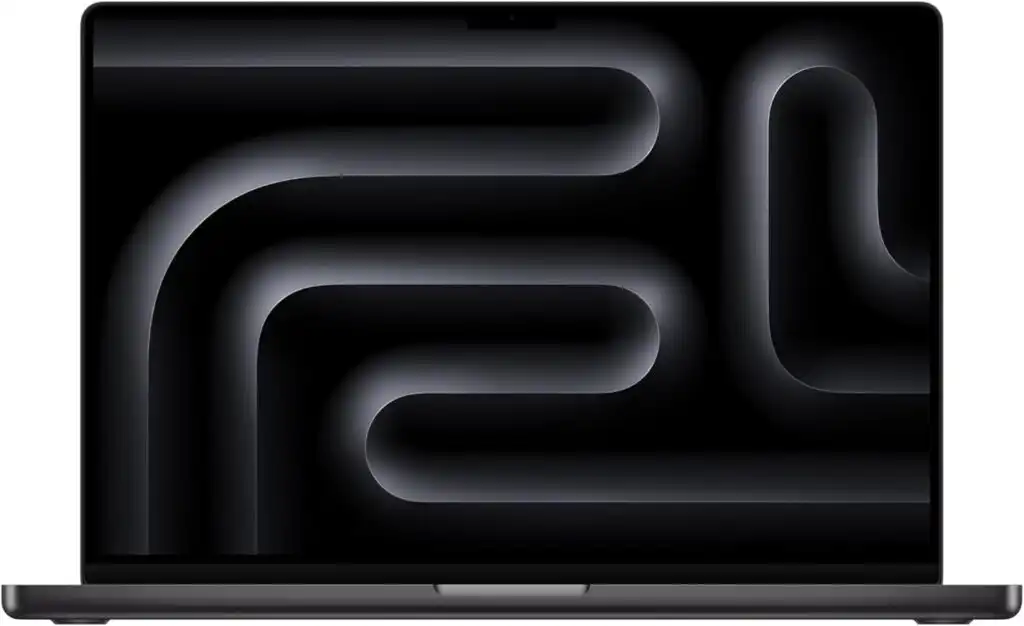
Best for users who prefer macOS and rely more on CPU performance, animation prep, and design workflows.
KeyShot supports Apple Silicon natively and performs extremely well on the CPU side. While GPU rendering features are more limited on macOS, the MacBook Pro remains unbeatable for portability, battery life, and display fidelity.
Key Specs
- Chip: M4 Pro or M4 Max
- RAM: 32–96 GB unified memory
- Storage: Up to 8 TB SSD
- Display: 16” mini-LED XDR
Pros
- Fantastic battery life and silent performance
- One of the best displays ever put in a laptop
- Super stable for long sessions
Cons
- Lacks NVIDIA GPUs, so GPU rendering features are limited
- Higher-tier RAM/storage options get very pricey
Comparison Table
| Model | GPU Strength | Display Quality | Max RAM | Who It’s Best For |
|---|---|---|---|---|
| ASUS ProArt P16 | ⭐⭐⭐⭐⭐ | ⭐⭐⭐⭐⭐ | 64 GB | Creators who value color accuracy + GPU power |
| Dell Precision 17 | ⭐⭐⭐⭐⭐ | ⭐⭐⭐⭐ | 128 GB | Studio workflows and long, heavy renders |
| ThinkPad P1 | ⭐⭐⭐⭐ | ⭐⭐⭐⭐ | 64 GB | Mobile professionals needing balance |
| Razer Blade 16 | ⭐⭐⭐⭐⭐ | ⭐⭐⭐⭐ | 64 GB | Users who want performance + sleek design |
| MacBook Pro (M4) | ⭐⭐⭐ | ⭐⭐⭐⭐⭐ | 96 GB | macOS creatives and CPU-focused workflows |
Suggested Configurations (Based on Workload)
For Light/Moderate Rendering
- CPU: Intel i7 / Ryzen 8-core
- GPU: RTX 4060 / 4070
- RAM: 32 GB
- Storage: 1 TB NVMe
For Daily Professional Rendering
- CPU: i9 HX / Ryzen AI HX
- GPU: RTX 4080 / 4090 / 5070 / 5080
- RAM: 64 GB
- Storage: 2 TB NVMe
For Heavy Production Scenes
- CPU: Top-end HX chips or workstation-class options
- GPU: RTX 5090 or RTX A-series (for studio reliability)
- RAM: 64–128 GB
- Storage: 2–4 TB NVMe (internal or external scratch)
Final Thoughts
Picking the right laptop for KeyShot comes down to your workflow. If you rely heavily on GPU mode, an NVIDIA-equipped workstation or creator laptop is the clear winner. If your work leans toward CPU rendering, animation prep, or cross-software design tasks — especially in macOS — the MacBook Pro remains an unbeatable all-in-one package.
No matter which route you take, any of the laptops above will serve you well for years, with enough horsepower to handle heavy materials, large scenes, and tight deadlines without slowing your creative flow.
FAQs
Not always. If you mostly work with small to medium-sized scenes, a mid-range laptop with a decent GPU and 32 GB of RAM can handle things surprisingly well. High-end machines shine only when you’re working with huge assemblies or tight client deadlines.
GPU rendering is usually faster, but it depends on your workflow. If you rely on NVIDIA RTX cards, you’ll see a big speed boost. CPU rendering still matters, especially on machines with high core counts or when using a MacBook.
For simple projects, 32 GB works fine. If you’re a professional, 64 GB offers far more breathing room. Very large scenes with many textures can push beyond that, especially in studio environments.
How to Choose the Best Laptop for KeyShot in 2026
Time needed: 10 minutes
A simple 3-step guide to help you pick the right laptop for smooth, fast, and reliable KeyShot rendering.
- Identify Your Rendering Workflow
Decide whether your KeyShot projects rely more on GPU rendering, CPU rendering, or a mix of both. If you mainly use GPU mode, focus on laptops with NVIDIA RTX GPUs and plenty of VRAM. If you prefer CPU rendering or use macOS, choose a machine with strong multi-core performance and generous memory.
- Match Your Laptop to Your Project Size
Smaller product shots and lighter scenes can run well on mid-range GPUs and 32 GB of RAM. Larger assemblies, complex materials, and animation sequences benefit from 64 GB or more, stronger cooling, and high-end GPUs like the RTX 4090/5090 or workstation-grade RTX A-series options.
- Choose a Model With a Color-Accurate Display and Fast Storage
Look for laptops with wide-gamut displays (DCI-P3 or AdobeRGB) so your rendered output matches what you see on screen. Pair that with fast NVMe storage — ideally 2 TB or more — for smooth scene loading, saving, and asset management.
Related links