Estimated reading time: 9 minutes
Key Takeaways
- Chemical engineering students need laptops with strong processors, at least 16 GB RAM, fast SSDs, and good displays.
- The article features the Best laptops for chemical engineering students in 2026, detailing pros and cons for each model.
- Recommended laptops include the MacBook Pro for performance, Lenovo ThinkPad for heavy simulations, and Dell XPS for everyday use.
- Consider workload needs, memory/storage, and screen size when choosing a laptop.
- These laptops enhance productivity and support demanding engineering tasks effectively.
Table of contents
Looking for practical, honest, and detailed guidance on choosing the best laptops for chemical engineering students? This guide will help you find the right laptop for a demanding major.
Choosing a laptop as a chemical engineering student isn’t always simple. One day you’re drafting lab reports, another day you’re running MATLAB scripts, then suddenly your professor wants a full COMSOL simulation by Monday. Your laptop becomes your main workstation — so picking the right one pays off for years.
This guide breaks down the best and most up-to-date laptops for chemical engineering students in 2026, with clear pros/cons, detailed specs, and easy-to-skim tables that help you find the perfect match for your workload and budget.
What Chemical Engineering Students Actually Need
Before jumping into the recommendations, here’s what truly matters for this major:
- A strong processor — because simulations, data modeling, and multi-tab research sessions eat CPU power.
- At least 16 GB RAM — realistically, 32 GB is the sweet spot for multi-tasking and engineering apps.
- Fast SSD storage — 512 GB minimum, 1 TB is ideal for projects, datasets, and software.
- A comfortable display — long hours reading graphs or reports demand good clarity and brightness.
- Solid thermals — the laptop must hold performance without overheating during simulation runs.
- Acceptable GPU — not always required, but helpful for CAD, COMSOL modules, CFD visualization, or Python-based ML tasks.
With these criteria in mind, let’s dive into the top picks.

Top Laptops for Chemical Engineering Students in 2026
Explore top laptops for chemical engineering students, optimized for software like Aspen Plus, MATLAB, and CAD tools in 2026.
1. MacBook Pro 14/16 (M5 / M4 Pro / M4 Max)
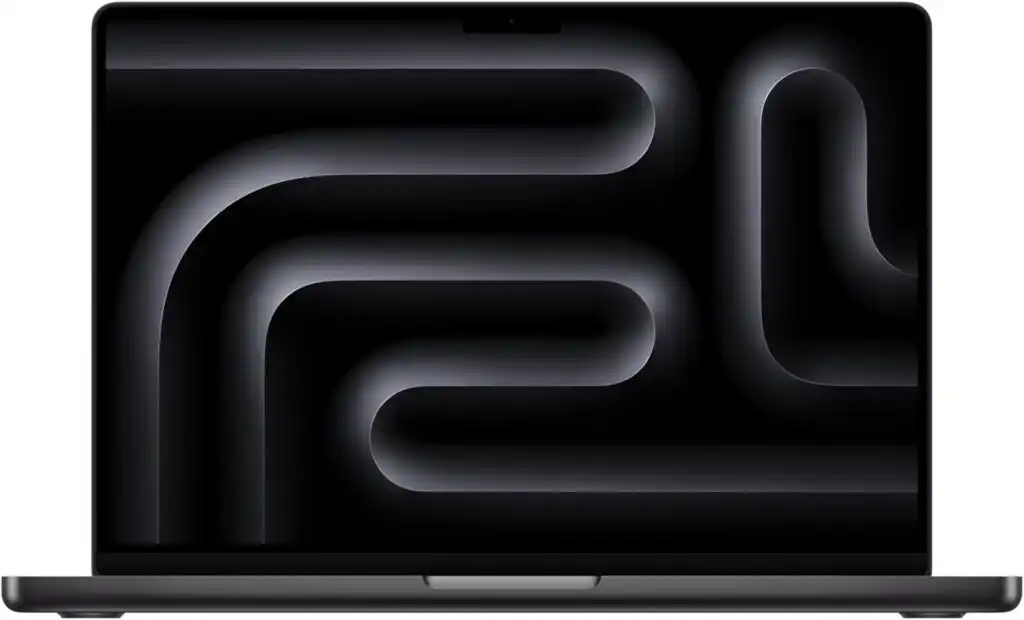
Best all-around choice for most students
Apple’s latest models continue to lead the pack in battery life and everyday performance. For long study sessions, coding, and research-heavy days, the M5 chips are incredibly efficient.
Recommended Specs
- M5, M4 Pro (or M4 Max if you want extra GPU power)
- 16–32 GB unified memory
- 512 GB – 1 TB SSD
Why it’s an excellent fit
- Runs MATLAB, Python, and COMSOL smoothly
- Incredibly long battery life
- Quiet, cool, and reliable — perfect for library work
- Stunning display for reports, graphs, and data analysis
Pros
- Best battery life on a performance laptop
- Fast and responsive for coding and simulations
- Exceptional display quality
- Lightweight but powerful
Cons
- Some Windows-only engineering software requires a VM
- RAM and storage cannot be upgraded
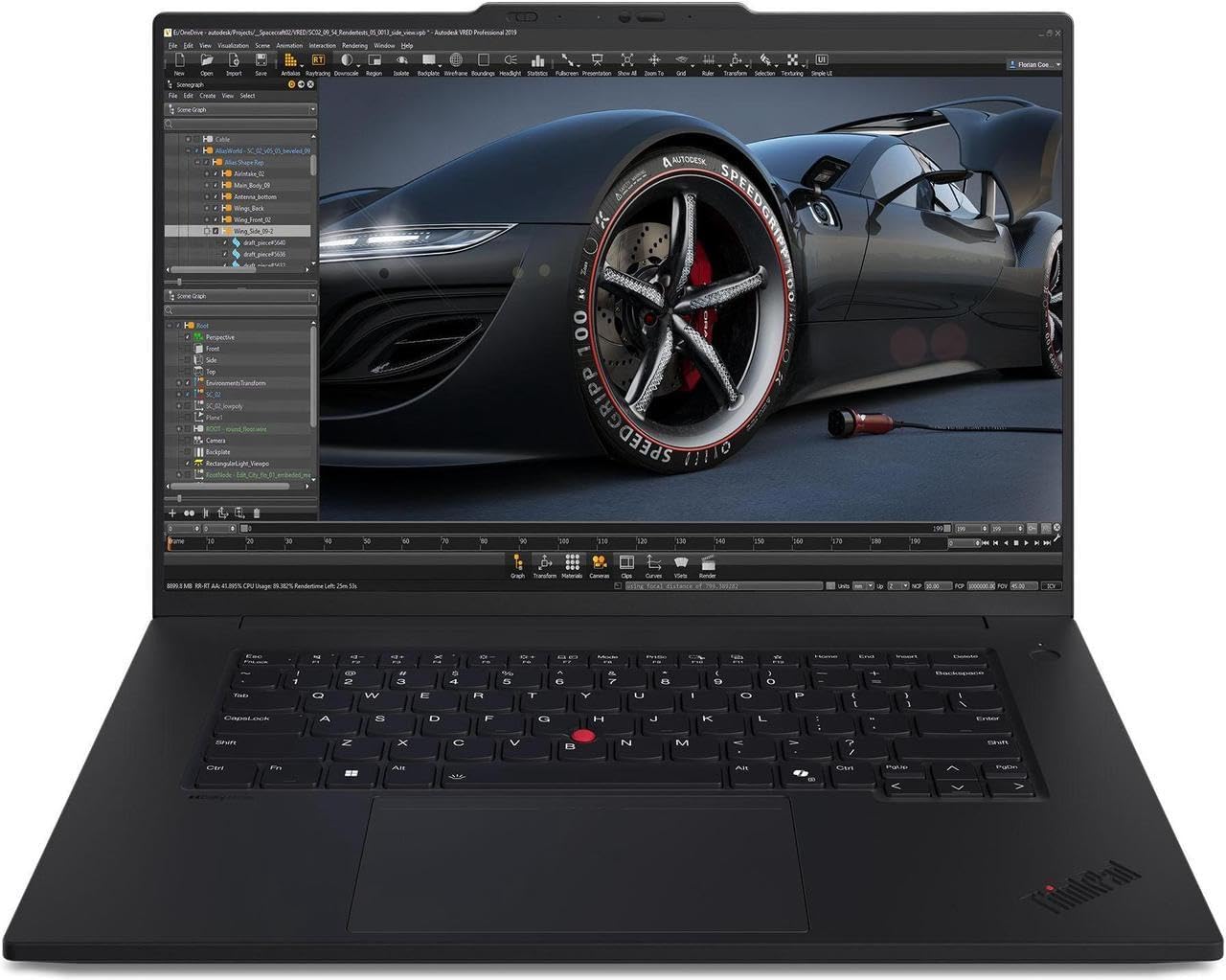
2. Lenovo ThinkPad P1 / P16 (Workstation Series)
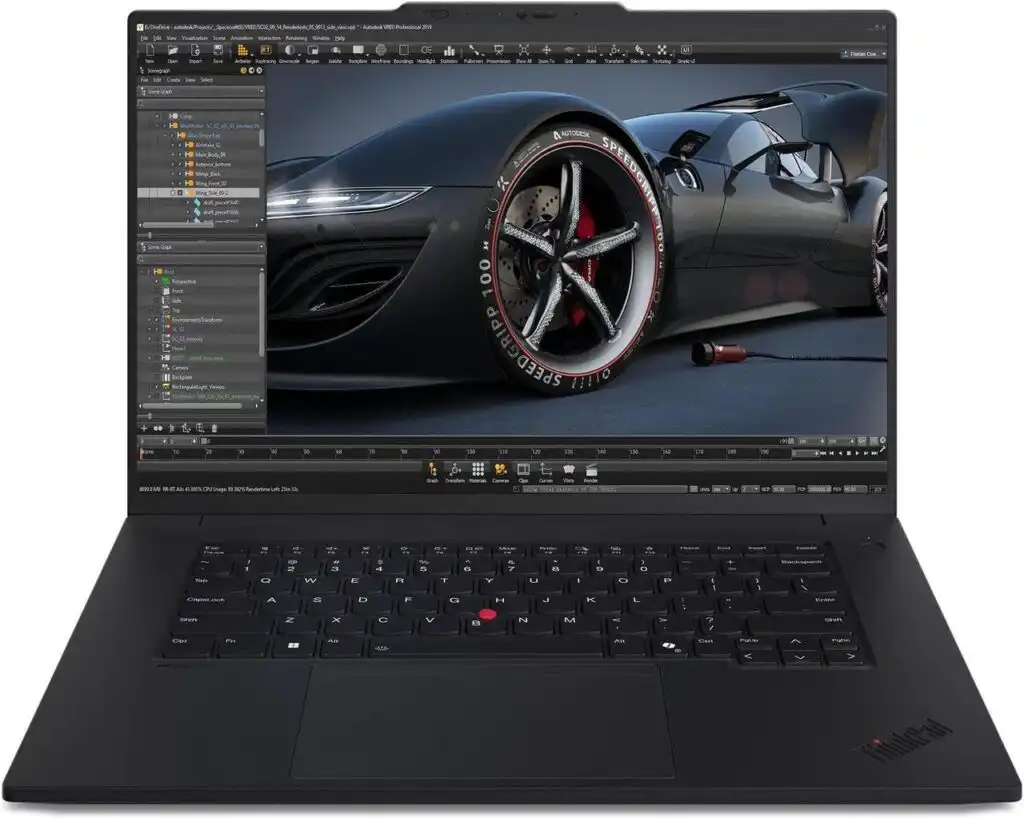
Best for heavy simulation workloads
If you’re planning to run large COMSOL models, CFD workloads, or any computation-heavy projects, a workstation-class laptop like the ThinkPad P-series is built for this.
Recommended Specs
- Intel/AMD high-core-count processor
- Nvidia RTX A-series or high-end RTX GPU
- 32–64 GB RAM
- 1 TB SSD
Why it’s an excellent fit
- Ideal for multi-physics simulations and large CAD assemblies
- Military-grade durability
- Upgrade-friendly (RAM + SSD)
- ISV-certified for engineering applications
Pros
- Amazing sustained performance
- Robust build and cooling
- Great keyboard
Cons
- Heavier than standard laptops
- Price rises quickly with higher specs
3. Dell XPS 15 / 16
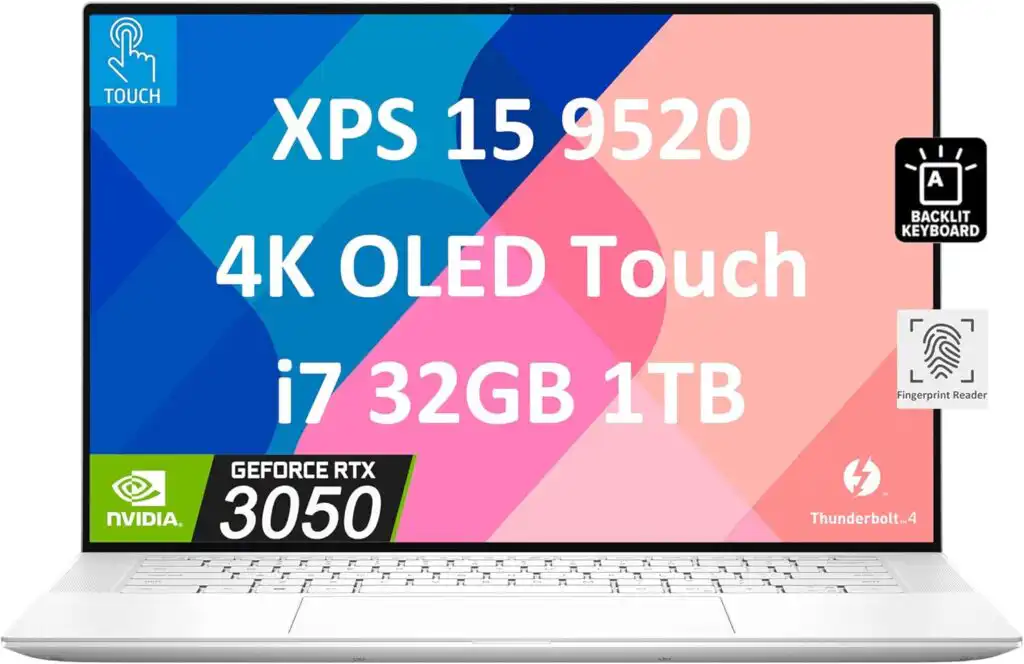
Best premium Windows laptop for everyday engineering work
Dell’s XPS line is perfect for students who want portability, style, and strong performance without stepping into workstation territory.
Recommended Specs
- Intel Core Ultra / H-series processor
- 32 GB RAM
- 1 TB SSD
- Optional RTX GPU
Why it’s an excellent fit
- Reliable daily performance for MATLAB, Aspen, Excel, and coding
- Beautiful color-accurate display
- Better battery life than most performance Windows laptops
Pros
- Sleek, professional design
- Bright, crisp display
- Strong all-around performance
Cons
- Not ideal for massive simulation tasks
- GPU options are limited on some models
4. ASUS ROG Zephyrus G14 (2025/2026)
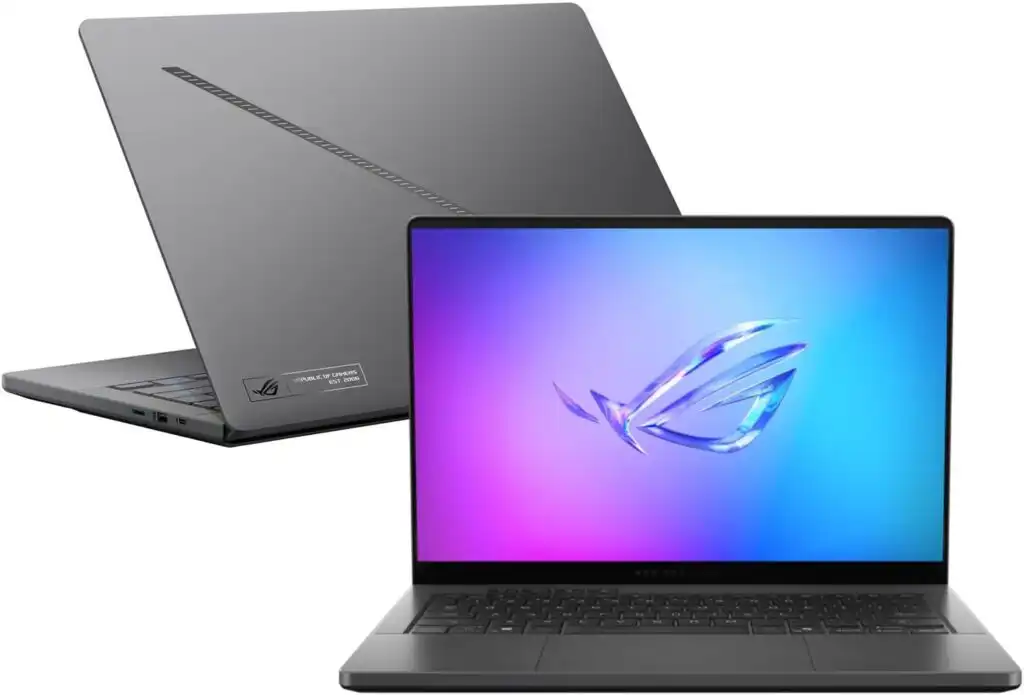
Best portable powerhouse
Don’t let the gaming label fool you — the Zephyrus G14 is one of the strongest compact laptops for engineering students who need performance and portability at once.
Recommended Specs
- AMD Ryzen AI 9 or Ryzen 9
- Nvidia RTX 40/50 series GPU
- 32 GB RAM
- 1 TB SSD
Why it’s an excellent fit
- Excellent for GPU-accelerated simulations
- Perfect balance of weight and performance
- Great thermals for its size
Pros
- Very powerful yet compact
- Smooth performance for modeling and coding
- Strong thermals
Cons
- Battery drains quickly under load
- 14-inch screen might feel small for long CAD sessions
5. Microsoft Surface Laptop Studio 2
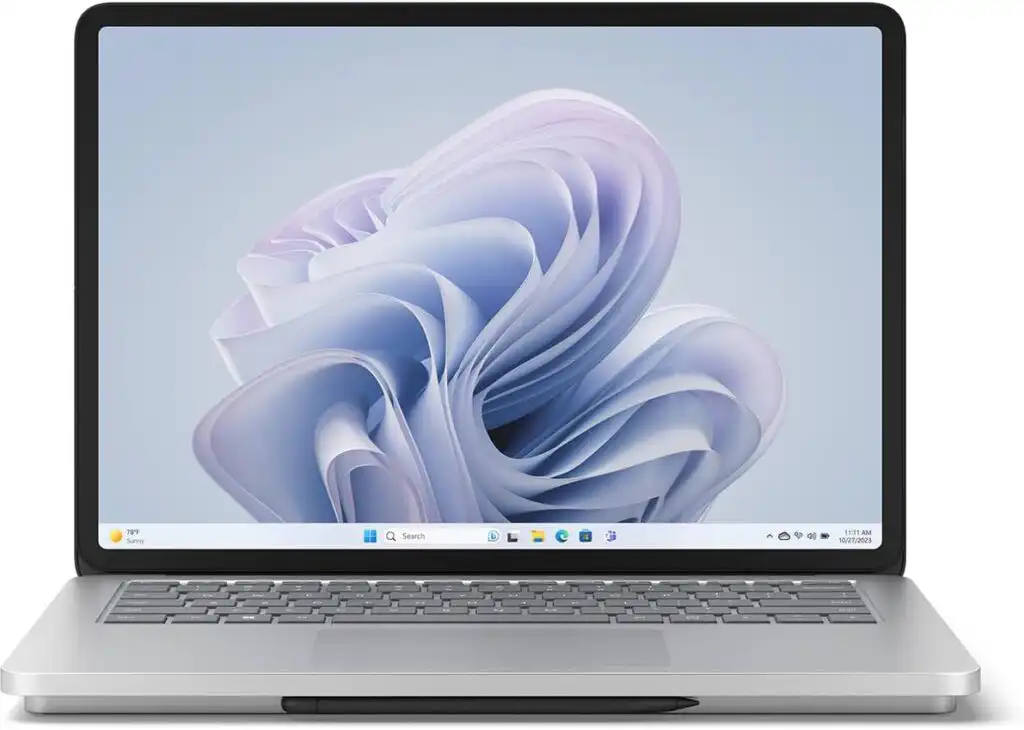
Best for note-taking, design, and engineering in one device
For students who like handwritten notes, sketching process diagrams, or 3D modeling, this flexible 2-in-1 laptop is a great match.
Recommended Specs
- Intel H-series processor
- RTX 4050/4060 GPU
- 32 GB RAM
- 1 TB SSD
Why it’s an excellent fit
- Unique pull-forward hinge
- Great for both engineering work and creative tasks
- Stylus support for handwritten notes
Pros
- Versatile form factor
- Excellent for diagrams, notes, and presentations
- Solid GPU options
Cons
- A bit heavier than it looks
- Upgrades are limited
6. Dell Precision / Lenovo Precision-Class Workstations
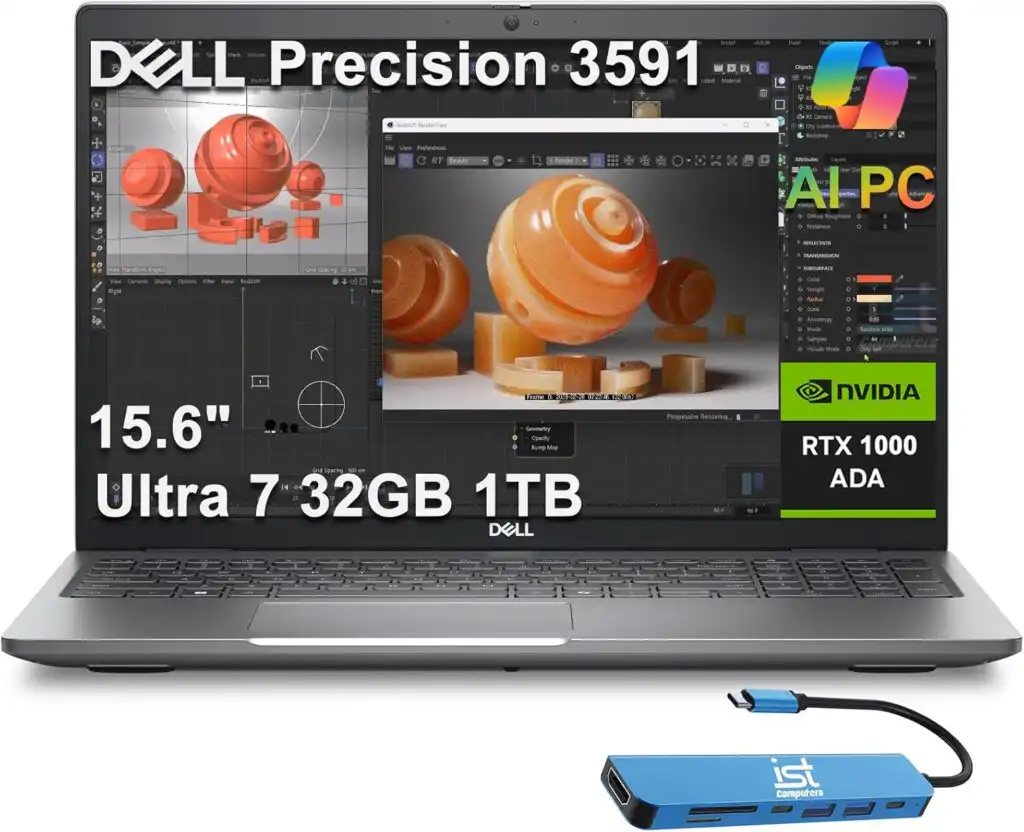
Best for students who need desktop-level power
These are for students handling large-scale simulations, thesis-level projects, or research-heavy tasks.
Recommended Specs
- High-core CPU (Intel H/Xeon or AMD Pro equivalent)
- Professional RTX GPU
- 64 GB RAM
- 1–2 TB SSD
Pros
- Outstanding performance for COMSOL/CFD
- Superb cooling
- Built for engineering software
Cons
- Heavy and expensive
- Shorter battery life
Quick Comparison Table
| Model | Performance | Portability | Best For | RAM Options | GPU Strength |
|---|---|---|---|---|---|
| MacBook Pro (M5, M4) | ★★★★★ | ★★★★★ | Everyday engineering, coding, reports | 16–64 GB | Medium–High |
| ThinkPad P1/P16 | ★★★★★ | ★★★☆☆ | Heavy simulations, CAD, research | 32–64 GB | Very High |
| Dell XPS 15/16 | ★★★★☆ | ★★★★☆ | General engineering workloads | 16–64 GB | Medium |
| ASUS Zephyrus G14 | ★★★★☆ | ★★★★★ | GPU tasks, portable power | 32 GB | High |
| Surface Laptop Studio 2 | ★★★★☆ | ★★★☆☆ | Notes + modeling | 32–64 GB | Medium–High |
| Dell/Lenovo Workstations | ★★★★★ | ★★☆☆☆ | Advanced simulations, thesis projects | 32–128 GB | Very High |
How to Choose the Best Laptop for Chemical Engineering Students
Time needed: 10 minutes
A simple three-step process to help chemical engineering students pick the right laptop for simulations, coursework, and everyday productivity.
- Identify Your Workload Needs
Decide whether you’ll mainly handle coding, reports, and light simulations, or if you expect heavy modeling such as COMSOL, CFD, or large CAD projects. This determines the level of CPU, GPU, and RAM you’ll need.
- Choose the Right Memory and Storage
Pick at least 16 GB RAM for basic use, but aim for 32 GB to comfortably run engineering software. Select a fast SSD with a minimum of 512 GB, though 1 TB offers more long-term flexibility for projects and datasets.
- Select a Screen Size and Build That Fits Your Routine
Consider how often you’ll carry your laptop. Go for a lightweight 14-inch model if portability is key, or choose a 15–16-inch laptop for better comfort when analyzing graphs, coding, and writing long reports.
Final Thoughts
Chemical engineering is one of the few majors where your laptop can make a real difference in your day-to-day work. Whether you want something light and long-lasting for lecture halls, or a workstation-class machine for advanced simulations, 2026 offers excellent options for every budget and workload.
FAQs
There isn’t a single “perfect” model for everyone, but most students do well with a laptop that has a strong processor, at least 16–32 GB of RAM, and enough storage for software and project files. Many students lean toward the MacBook Pro for its battery life and reliability, while others prefer Windows workstations like the ThinkPad P-series for heavier simulation work. It really comes down to how often you’ll be working with large models or running more demanding software.
Yes — for most students, a MacBook works perfectly fine. Tools like MATLAB, Python, and COMSOL run smoothly on macOS, and the battery life is hard to beat. That said, some programs used in certain classes might be Windows-only, so it’s worth checking what your department recommends. If you ever need Windows, running it through virtualization is usually an easy workaround.
Absolutely. Chemical engineering continues to open doors to well-paid and meaningful careers—whether it’s energy, sustainability, materials, biotechnology, or process design. The field is evolving quickly, and students graduating in 2026 will be stepping into an industry that values problem-solvers who can work across different technologies. If you enjoy tackling complex problems and want a degree that leads to a wide range of opportunities, it’s a strong choice.
Related links