If you work with ArcGIS Pro—whether you’re mapping city parcels, running spatial analysis, or handling heavy 3D scenes—you already know this software can push a laptop to its limits. Not every machine is built for big geodatabases, multithreaded tools, huge rasters, or GPU-accelerated rendering. And with so many laptops on the market, choosing the right one can feel overwhelming.
Don’t worry—this guide breaks everything down in plain language. No fluff. No confusing jargon. Just real-world advice and laptop recommendations that actually make sense for ArcGIS Pro in 2025.
Also Read: Best Engineering Laptops Under $1,000
TL;DR: Good Laptops for ArcGIS Pro
ArcGIS Pro runs best on laptops with a strong multi-core CPU, 32–64GB RAM, a fast NVMe SSD, and a dedicated NVIDIA RTX GPU for smooth 3D and heavy geoprocessing. Top 2025 picks include the Lenovo ThinkPad P1 Gen 7, Dell XPS 15, HP ZBook Studio, ASUS/MSI RTX-based laptops, and MacBook Pro M5/M4 (via VM). Choose based on workflow: workstation models for heavy GIS, gaming laptops for best value, and premium ultrabooks for balanced daily use.
Why ArcGIS Pro Needs a Strong Laptop
ArcGIS Pro is powerful, but it’s demanding. Here’s what really matters:
- CPU power: Most geoprocessing tasks love strong multi-core CPUs.
- RAM: ArcGIS eats memory fast—especially with big TIFFs, LiDAR, and complex maps.
- GPU: Not every task uses the GPU, but 3D scenes, animations, and certain rendering tasks rely heavily on it.
- Storage speed: An NVMe SSD is non-negotiable unless you enjoy waiting around.
- Thermals: Long analysis sessions get hot; good cooling avoids throttling.
Ideal target specs for 2025:
- CPU: Intel i7/i9 H-series or AMD Ryzen 7/9
- RAM: 32GB minimum (64GB if you handle heavy datasets)
- GPU: Dedicated NVIDIA RTX (consumer or Pro series)
- Storage: 1TB NVMe SSD
- Display: 15–16 inches, high resolution if you do detailed cartography
Also Read: ArcGIS Pro System Requirements
⭐ Top Laptops for ArcGIS Pro in 2025
Best laptops for ArcGIS Pro in 2025 with top performance, reliable GPUs, and smooth 3D mapping for GIS professionals.
| Laptop Model | CPU Options | GPU | RAM Options | Best For |
|---|---|---|---|---|
| Lenovo ThinkPad P1 Gen 7 | Intel i7/i9 / Core Ultra | NVIDIA RTX A/Pro | 32–64GB | Professional GIS & heavy analysis |
| Dell XPS 15 (2025) | Intel i7/i9 H-Series | NVIDIA RTX | 32–64GB | Balanced power + premium design |
| HP ZBook Studio / Power G10 | Intel i7/i9 | NVIDIA RTX A/Pro | 32–64GB | ISV-grade workloads & long sessions |
| ASUS ROG Strix / MSI WS Series | Ryzen 9 / Intel i9 | NVIDIA RTX 40/50 Series | 32–64GB | Best performance-per-dollar |
| MacBook Pro M5/M4 | Apple Silicone | Apple Integrated GPU | 24–96GB Unified | Mac users (via VM for ArcGIS Pro) |
1. Lenovo ThinkPad P1 Gen 7 — The Workstation That GIS Pros Trust
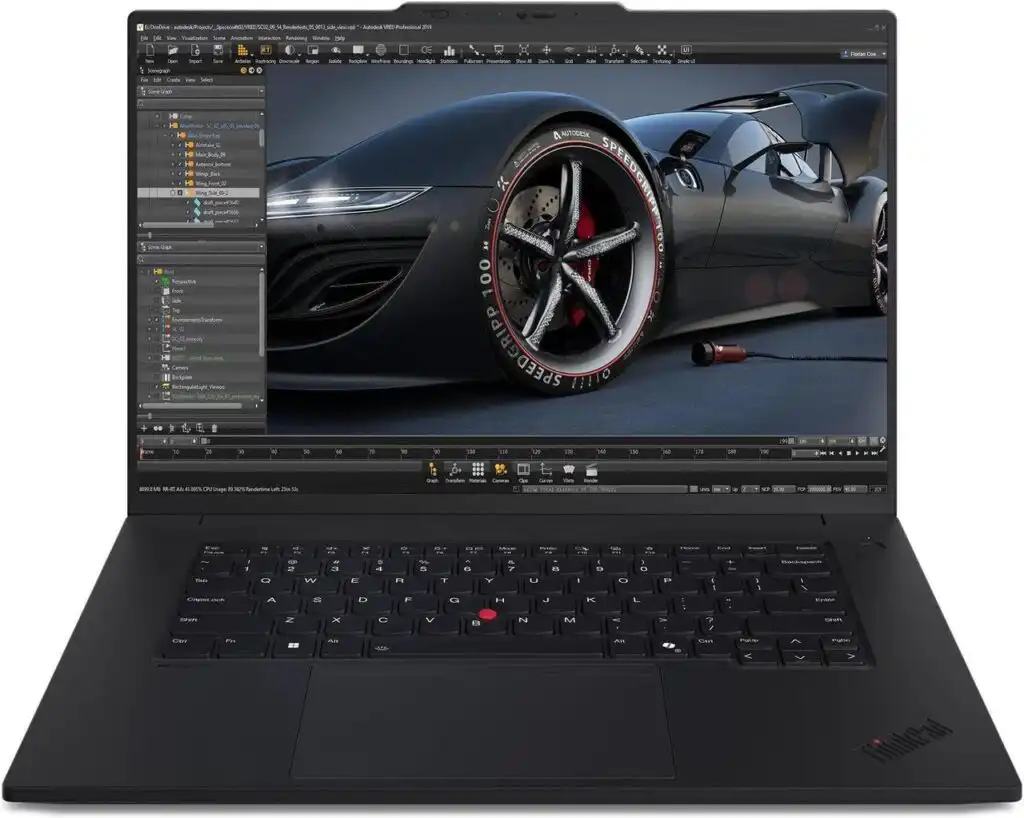
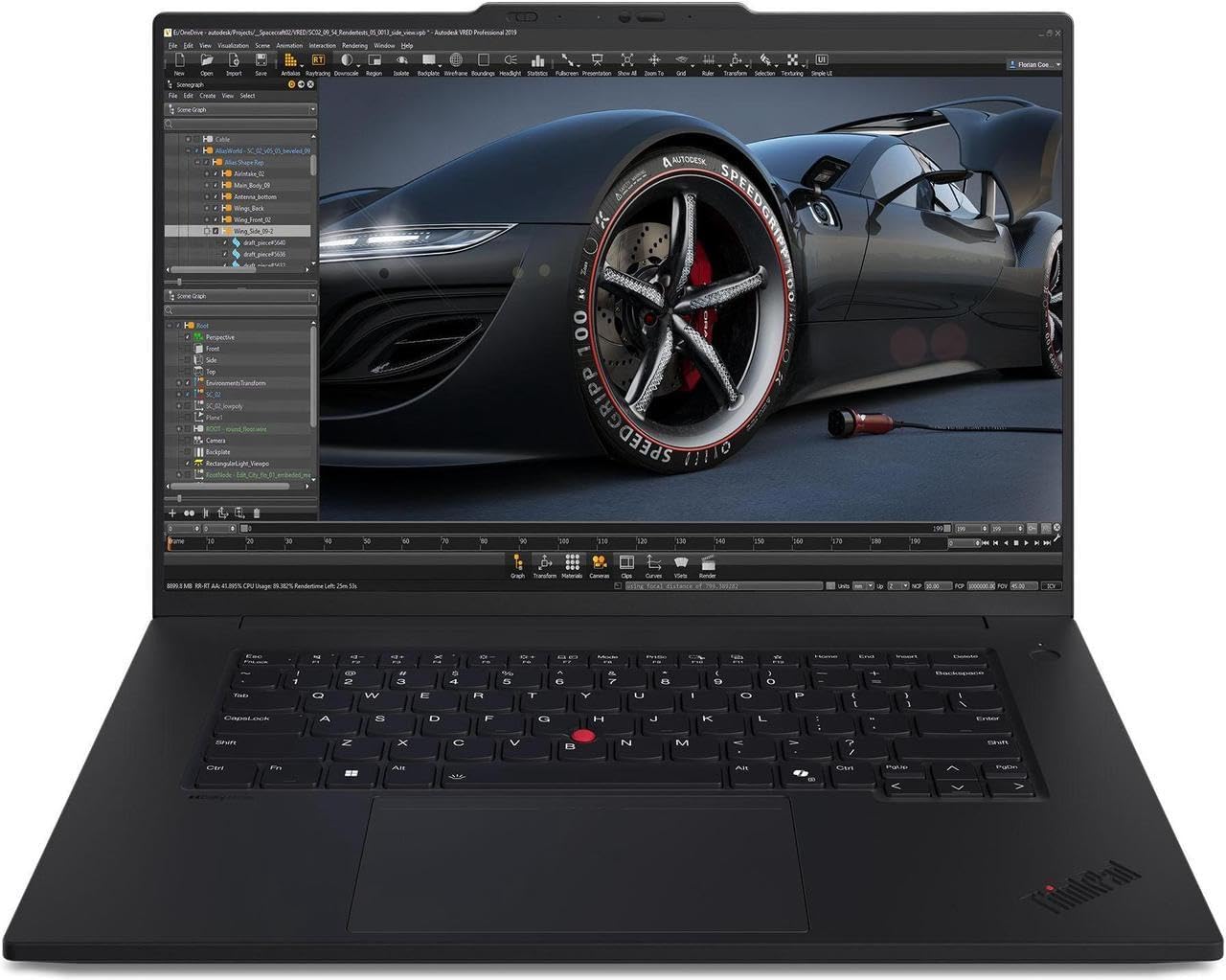
If you asked 100 GIS analysts which machine they trust the most, a big chunk would mention ThinkPad workstations. The P1 Gen 7 continues the tradition: rock-solid build quality, pro-grade GPUs, great keyboards, and thermal control that keeps performance steady even under heavy geoprocessing.
Why It’s Great for ArcGIS Pro
- NVIDIA RTX A-series GPUs handle 3D scenes effortlessly
- Up to 64GB RAM supports massive rasters and large projects
- Superb cooling means consistent processing speeds
- ISV certifications ensure driver stability
- Lightweight for a workstation (around 1.7–1.8kg)
Pros
- Professional-grade reliability
- Excellent keyboard and build
- Configurable for heavy GIS workflows
Cons
- Price climbs quickly with RTX A-class GPUs
- Battery life is good but not amazing under load
Best for: GIS analysts, surveyors, cartographers, consultants, and anyone who works with large datasets daily.
2. Dell XPS 15 (2025) — Stylish, Powerful, and Perfect for Everyday ArcGIS Users
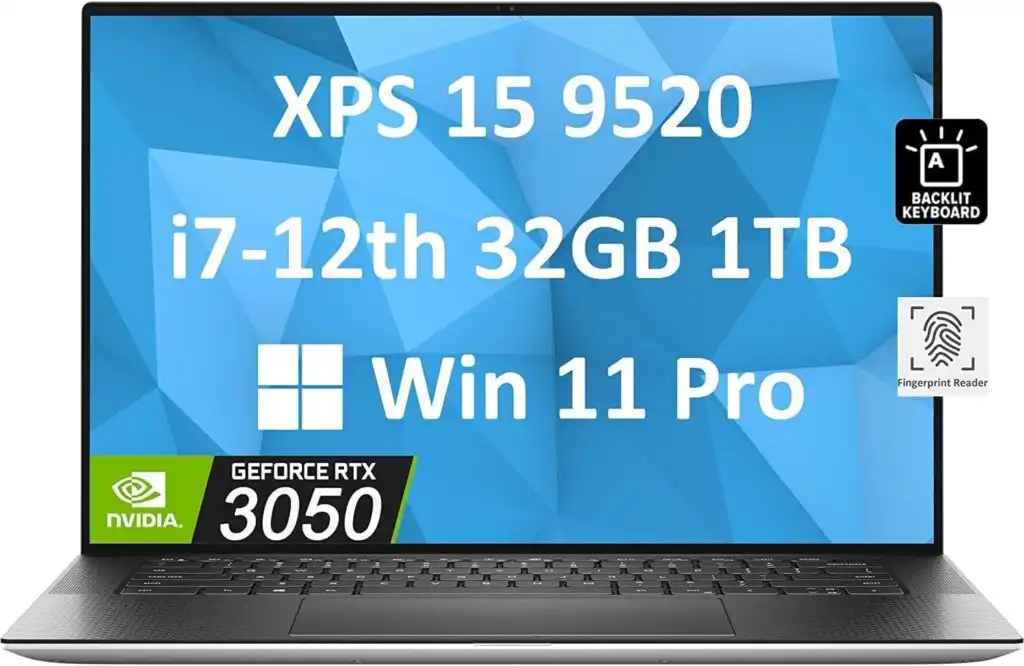
You want a laptop that looks premium, feels premium, and runs ArcGIS Pro without hiccups? The Dell XPS 15 hits a sweet spot between workstation-level power and everyday usability.
Why ArcGIS Users Love It
- Intel H-series processors give solid geoprocessing performance
- Dedicated NVIDIA RTX GPU handles 3D and rendering
- Gorgeous display options (great for map visualization)
- Lighter and sleeker than workstation competitors
Pros
- Clean, high-end design
- Powerful CPU/GPU combo
- Great screen accuracy for cartographic work
Cons
- GPU is strong but not workstation-grade
- Not as upgrade-friendly as ThinkPads or ZBooks
Best for: Students, analysts, urban planners, and researchers who want a balanced, modern machine.
3. HP ZBook Studio & ZBook Power G10 — Built for Big Projects
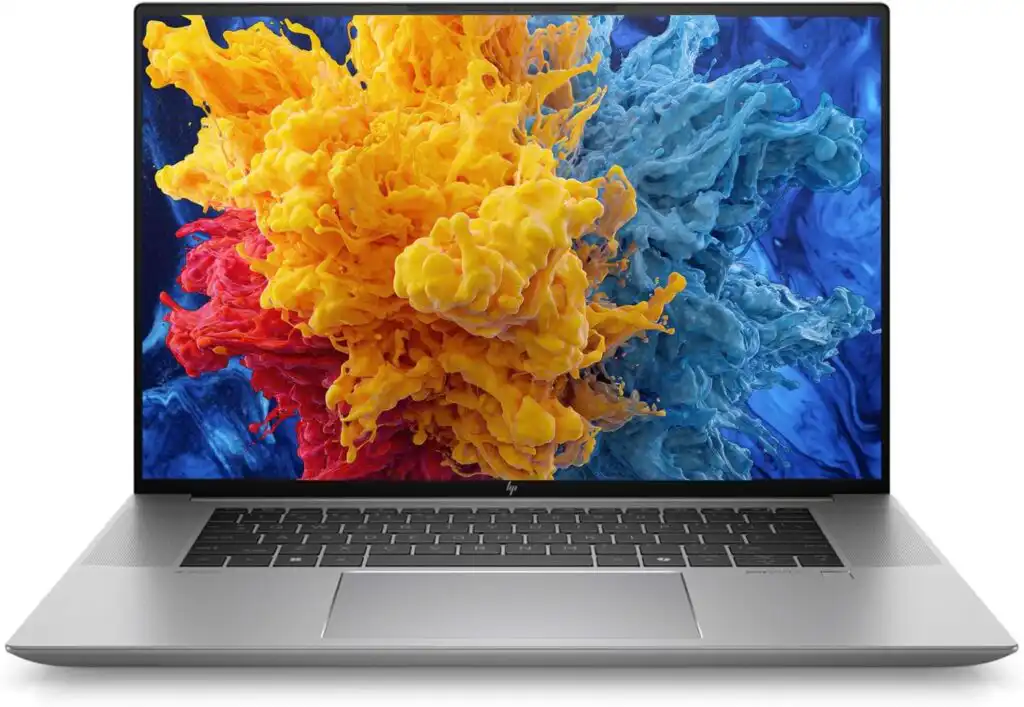
If you need a laptop that can survive long processing runs and handle enterprise-level GIS projects, the ZBook Studio and ZBook Power G10 are excellent choices.
Why They Stand Out
- ISV-certified for GIS and CAD
- Strong NVIDIA RTX A-series GPUs
- Durable chassis suitable for field + office
- Excellent RAM expansion
- Designed for professionals who need reliability
Pros
- Professional drivers and stability
- Great performance under sustained workloads
- Expandable storage and memory
Cons
- Bulkier than mainstream laptops
- High-end configs are pricey
Best for: Engineers, government agencies, large GIS departments, and long-term professional use.
4. ASUS ROG Strix / MSI Workstation Series — Maximum Power for the Money
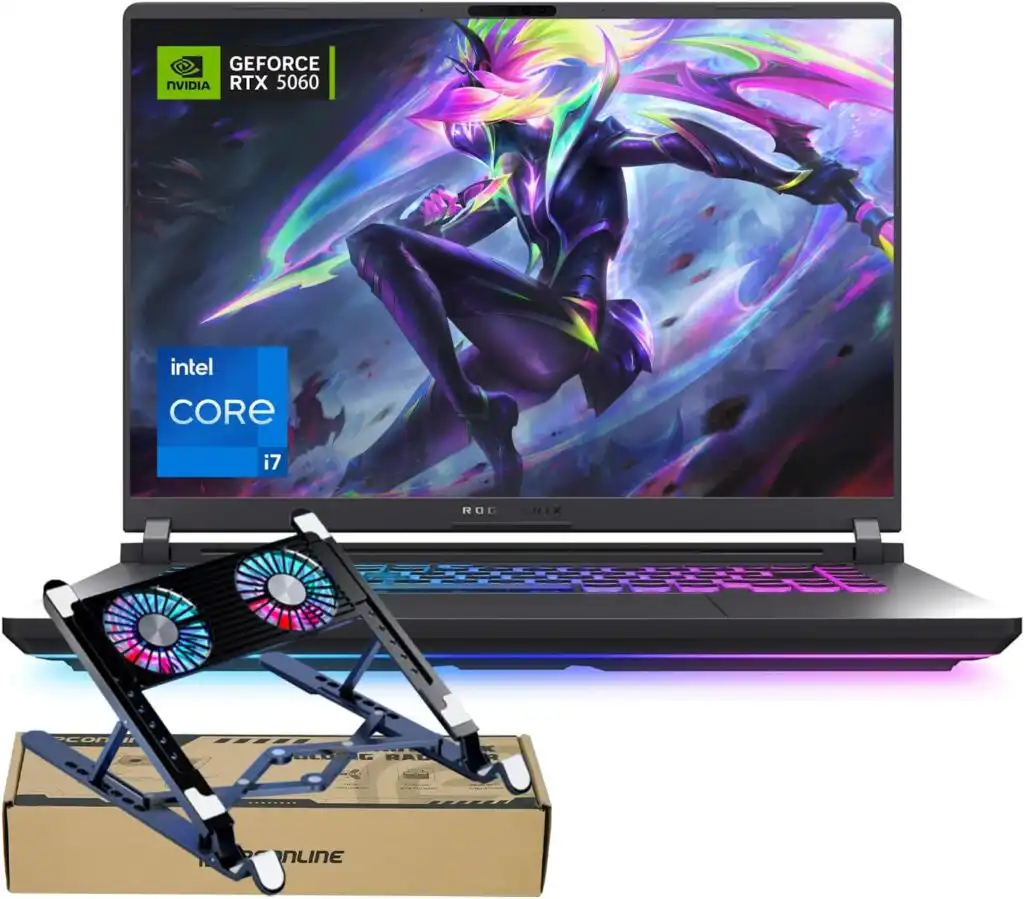
Let’s be honest: gaming laptops offer some of the best raw performance you can get for ArcGIS Pro—especially GPU performance. If you’re not concerned about ISV certifications, these laptops give you incredible value.
Why They’re Great for ArcGIS
- High-TGP NVIDIA RTX 40/50 GPUs ideal for 3D scenes
- Excellent cooling for sustained geoprocessing
- Often much cheaper than workstation models
- Easy to upgrade RAM/SSD
Pros
- Best performance-per-dollar
- Strong cooling systems
- Flexible configurations
Cons
- Heavier and louder under load
- A “gamer aesthetic” that not everyone loves
Best for: Power users, researchers, advanced analysts, students on a budget.
5. MacBook Pro M5/M4 — Great Hardware, With One Catch
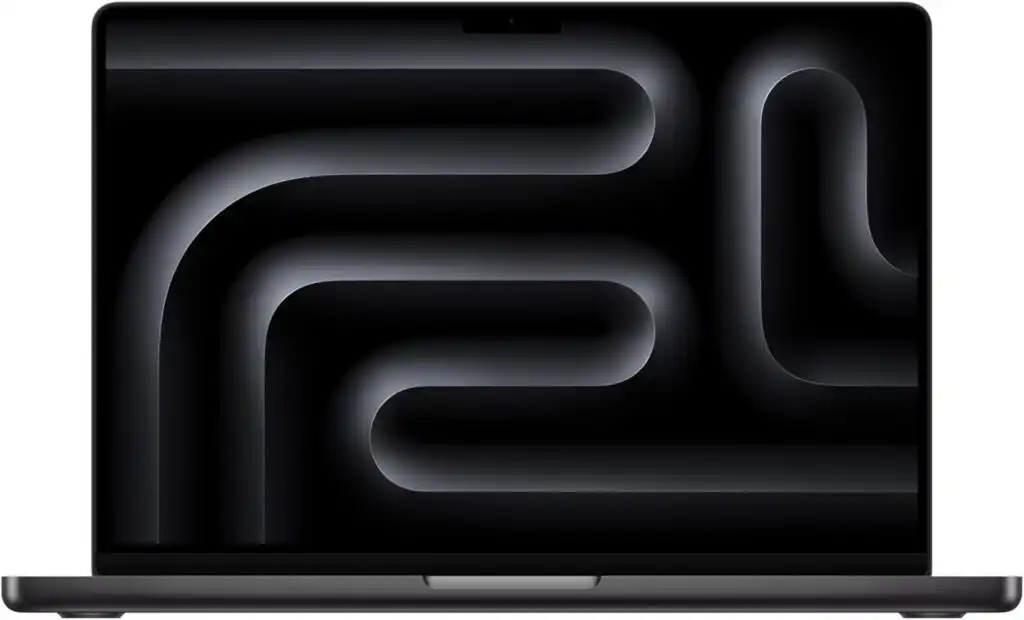
Yes, ArcGIS Pro can run on a Mac—but only through Parallels or another virtualized Windows environment. The performance is surprisingly strong thanks to Apple’s crazy-fast M-series chips, but GPU-dependent features are not as reliable.
Pros
- Incredible battery life
- Stunning display
- Silent and cool even under virtualization
Cons
- ArcGIS Pro doesn’t run natively on macOS
- Some GPU-heavy workflows won’t perform fully
Best for: Mac users who need ArcGIS Pro occasionally or want a dual-platform workflow.
Recommended Specs Cheat Sheet
Minimum (Not Ideal)
- 4-core CPU
- 16GB RAM
- Entry-level GPU
- 512GB SSD
Recommended (Realistic Sweet Spot)
- 6–8 core CPU
- 32GB RAM
- NVIDIA RTX 4060 / RTX A1000
- 1TB NVMe
Power Users (Heavy 3D, LiDAR, Huge Rasters)
- 8–14 core CPU
- 64GB RAM or more
- RTX 4070/4080/4090 or RTX A2000/A3000
- 2TB NVMe SSD
FAQs
There isn’t one “perfect” model for everyone, but laptops with strong multi-core CPUs, at least 32GB of RAM, and a dedicated NVIDIA GPU tend to handle GIS workloads the best. For most professionals, machines like the Lenovo ThinkPad P1, Dell XPS 15, or HP ZBook Studio hit the sweet spot between power, stability, and long-term reliability.
ArcGIS Pro runs smoothly on a laptop with an H-series Intel or AMD processor, a dedicated NVIDIA GPU, a fast NVMe SSD, and enough memory to comfortably handle your datasets. If you work with 3D scenes, LiDAR, or large imagery, aim for higher-end components so you’re not waiting on your machine during long processes.
For most users, 32GB is the realistic baseline. It gives you enough room for multiple layers, large geodatabases, and basic 3D work. If you handle big rasters, heavy analysis, or run other software at the same time, 64GB makes a noticeable difference.
It can work for simpler tasks or student projects, but you’ll hit limits quickly—especially with large datasets or advanced tools. If your budget allows, upgrading to 32GB will save you a lot of frustration and keep your workflow smooth.
Final Thoughts: Which Laptop Should You Buy?
If you want a short, honest answer:
- Best overall: Lenovo ThinkPad P1 Gen 7
- Best premium non-workstation: Dell XPS 15
- Best professional workstation: HP ZBook Studio
- Best performance for the money: ASUS ROG or MSI
- Best for Mac users: MacBook Pro M5/M4 (via VM)
Choosing the right laptop for ArcGIS Pro isn’t just about power—it’s about balance. Consider your workflow, dataset size, and how often you run heavy tools. Whatever your budget, there’s a perfect laptop above that will keep ArcGIS Pro running smoothly for years.
How to Choose the Best Laptop for ArcGIS Pro
Time needed: 10 minutes
A quick, practical 3-step guide to help you pick the right laptop for ArcGIS Pro based on performance needs, budget, and future-proofing.
- Identify Your ArcGIS Pro Workload
Decide what kinds of projects you handle—basic 2D mapping, geoprocessing, 3D scenes, LiDAR, or heavy raster analysis.
This determines whether you need a mid-range laptop or a full workstation with a powerful GPU and more RAM. - Match the Hardware to Your Needs
Use these recommended specs as your baseline:
*CPU: Intel i7/i9 or AMD Ryzen 7/9
*RAM: 32GB minimum (64GB for large datasets)
*GPU: Dedicated NVIDIA RTX (consumer or Pro series)
*Storage: 1TB NVMe SSD
Pick a machine that fits your workload from the suggested models—ThinkPad P1, Dell XPS 15, HP ZBook, MSI/ASUS, etc. - Choose a Future-Proof Configuration
GIS projects grow fast. To avoid upgrading early, choose expandable RAM, extra SSD slots, and a GPU strong enough for 3D workflows.
This ensures your laptop stays fast even as your ArcGIS Pro tasks become more complex.