Estimated reading time: 8 minutes
Key Takeaways
- Choosing the right laptop for aerospace engineering students involves balancing performance, portability, and value.
- Key requirements include strong CPU performance, a dedicated GPU, at least 16 GB of RAM, fast SSD storage, and thermal stability.
- Recommended laptops for 2026 include the MacBook Pro 16″ (M4 Max), Dell XPS 15, and Lenovo ThinkPad P16, each catering to different needs.
- For heavy CAD and simulations, a workstation-class laptop is ideal, while lighter models suit those on the move.
- Consider your coursework and software needs to choose the best laptops for aerospace engineering students.
Table of contents
Choosing the right laptop as an aerospace engineering student isn’t just about buying the most expensive machine on the shelf. It’s about finding a reliable partner that can handle long simulation hours, heavy CAD models, coding sessions that run late into the night, and still feel comfortable to carry across campus.
In 2026, laptop technology has reached a point where students no longer need a bulky desktop replacement to get serious work done. That said, aerospace engineering is still one of the most demanding fields when it comes to hardware. This guide focuses on laptops that actually make sense for aerospace students — machines that balance power, stability, portability, and long-term value.
Whether you’re modeling aircraft structures, running CFD simulations, working with MATLAB, or preparing presentations between classes, these are the laptops that truly deliver.
What Aerospace Engineering Students Really Need in a Laptop
Before diving into specific models, it’s important to understand what separates a good general-purpose laptop from one that’s truly suitable for aerospace engineering.
Key Requirements
- Strong CPU performance: Multi-core processors are essential for simulations, numerical analysis, and compiling code.
- Dedicated GPU (recommended): Especially useful for CAD software like SolidWorks, CATIA, and visualization tasks.
- Enough RAM: 16 GB is the minimum. 32 GB is strongly recommended for CFD, FEA, and large assemblies.
- Fast SSD storage: NVMe SSDs significantly reduce loading times for large project files.
- Thermal stability: Sustained performance matters more than short bursts of speed.
- Software compatibility: Many aerospace tools are optimized for Windows, though macOS can still work with the right setup.

Best Laptops for Aerospace Engineering Students – 2026 Picks
Quick Comparison Table
| Laptop Model | Best For | CPU & GPU | RAM Options | Weight |
|---|---|---|---|---|
| MacBook Pro 16″ (M4 Max) | macOS workflows & battery life | Apple M4 Max | Up to 48+ GB | ~2.1 kg |
| Dell XPS 15 (2026) | Balanced Windows power | Intel H-series + RTX | Up to 64 GB | ~1.9 kg |
| Lenovo ThinkPad P16 | Heavy CAD & simulations | Intel/AMD + RTX Pro | Up to 128 GB | ~2.9 kg |
| Razer Blade 16 | GPU-intensive work | Ryzen HX + RTX 50xx | Up to 32 GB | ~2.4 kg |
| ASUS ROG Zephyrus G14 | Portable performance | Ryzen AI + RTX | Up to 32 GB | ~1.6 kg |
| ASUS Zenbook 14 OLED | Budget-friendly study | Intel Ultra / Ryzen U | Up to 16 GB | ~1.4 kg |
1. Apple MacBook Pro 16-inch (M4 Max)
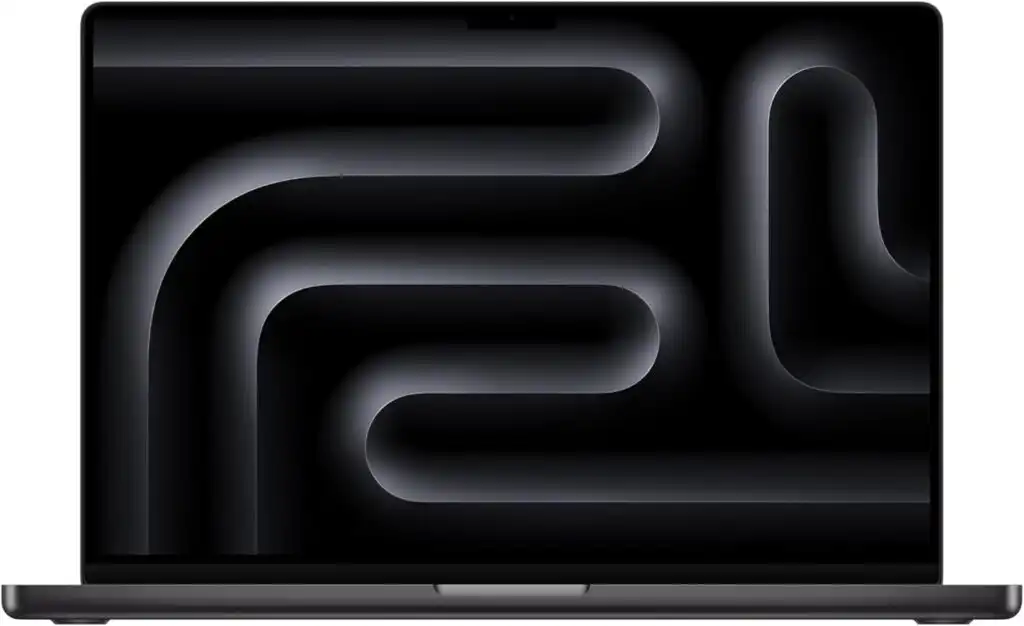
The MacBook Pro with M4 Max is a powerhouse wrapped in a clean, quiet, and incredibly efficient design. For students who enjoy macOS and rely on coding, simulations, data analysis, and long study sessions away from power outlets, this machine shines.
Key Highlights
- Extremely fast CPU and GPU performance per watt
- Stunning 16-inch XDR display
- Exceptional battery life
- Silent and cool under most workloads
Pros
- Best battery life in its class
- Outstanding screen quality
- Reliable build quality for long-term use
Cons
- Some aerospace software runs best on Windows
- High price at upper configurations
- No NVIDIA GPU for certain CAD optimizations
Best for: Students comfortable with macOS who use cloud labs, remote desktops, or cross-platform tools.
2. Dell XPS 15 (2026)

The Dell XPS 15 continues to be one of the most well-rounded laptops for engineering students. It combines serious performance with a slim, professional design that doesn’t scream “gaming laptop” in the classroom.
Key Highlights
- Intel high-performance CPUs
- NVIDIA RTX graphics options
- Gorgeous OLED display
- Premium build quality
Pros
- Excellent balance of power and portability
- Runs most aerospace software natively on Windows
- Strong display options for design work
Cons
- Sustained heavy loads can push thermals
- Premium configurations get expensive
Best for: Students who want a clean-looking Windows laptop that can handle real engineering workloads.
3. Lenovo ThinkPad P16 (Mobile Workstation)
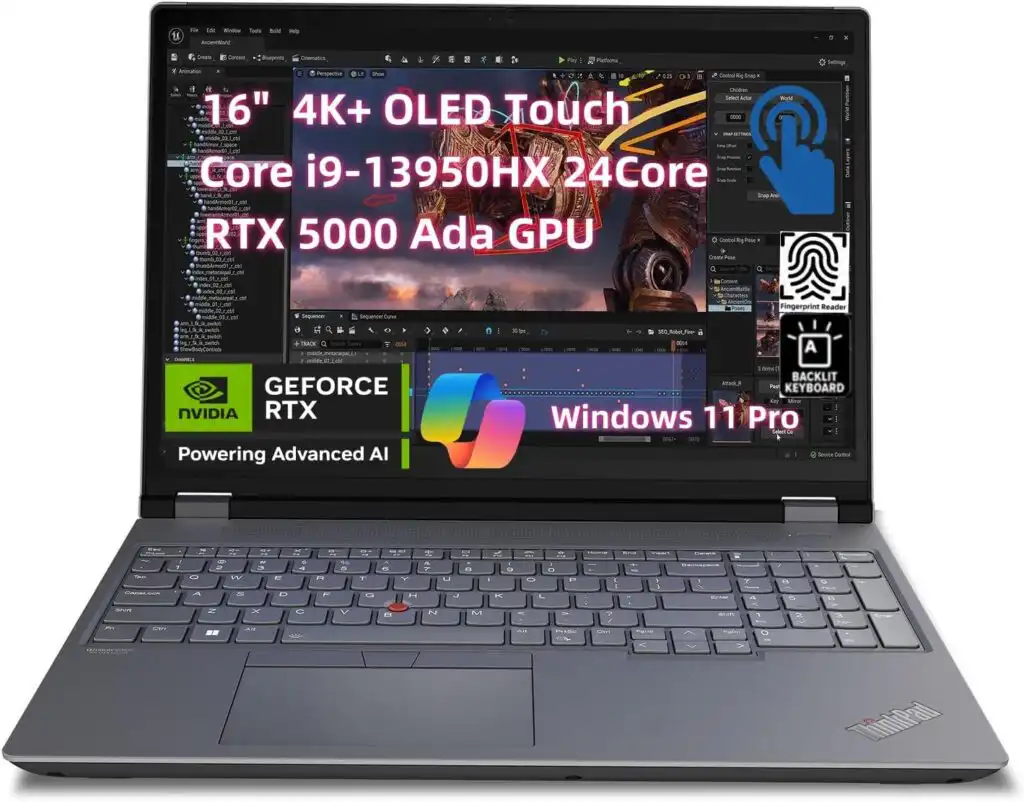
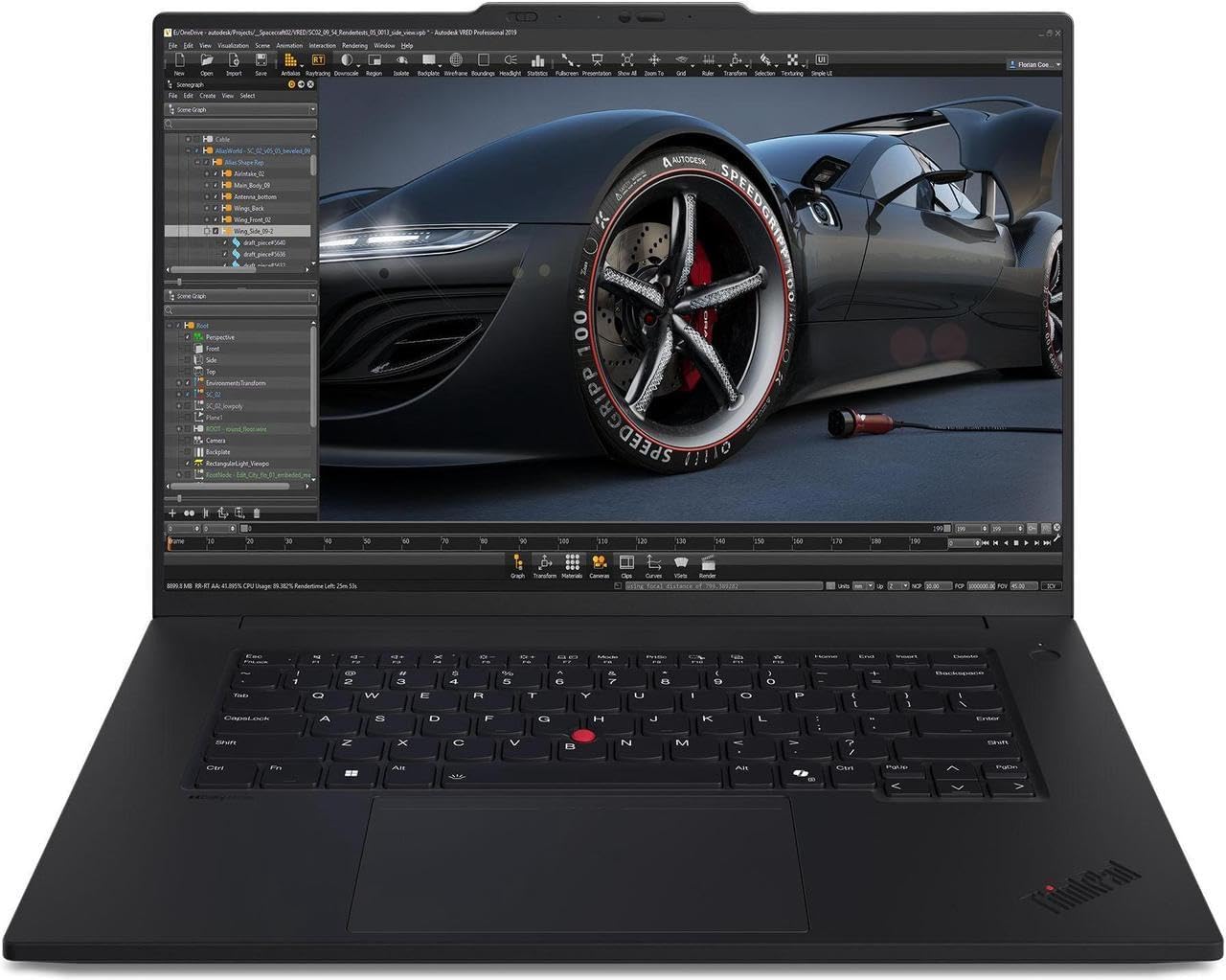
If your coursework involves large assemblies, complex simulations, or professional-grade CAD work, the ThinkPad P16 is in a different league. This is a true mobile workstation built for sustained performance.
Key Highlights
- Workstation-grade CPUs and GPUs
- Massive RAM and storage expandability
- Excellent keyboard and durability
- Certified for engineering applications
Pros
- Outstanding reliability and stability
- Handles long simulations without throttling
- Ideal for advanced aerospace workloads
Cons
- Heavy and bulky
- Shorter battery life
- Not ideal for daily commuting
Best for: Students who treat their laptop like a portable lab.
4. Razer Blade 16 (2025/2026)
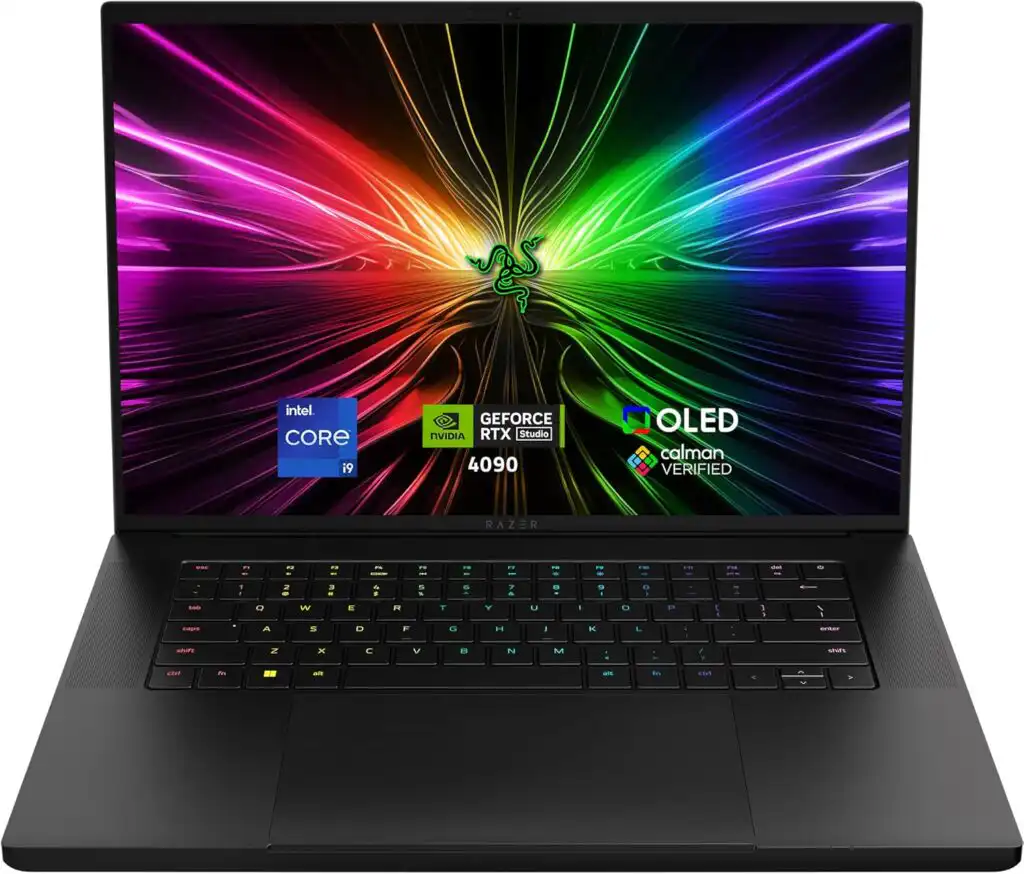
The Razer Blade 16 blends high-end GPU power with a sleek, premium design. It’s one of the few laptops that can handle demanding simulations and rendering while still looking professional.
Key Highlights
- Top-tier NVIDIA RTX graphics
- Powerful Ryzen HX processors
- High-refresh, color-accurate display
Pros
- Incredible GPU performance
- Premium build quality
- Excellent for visualization and rendering
Cons
- Expensive
- Fans can get loud
- Battery life drops under load
Best for: Students who need GPU power and also enjoy gaming or visualization work.
5. ASUS ROG Zephyrus G14 (2025)
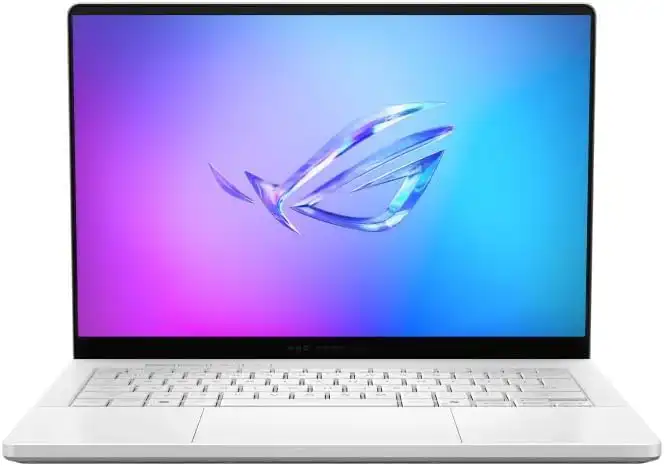
The Zephyrus G14 proves that power doesn’t have to come in a large package. It’s light, fast, and surprisingly capable for its size.
Key Highlights
- Compact 14-inch design
- Powerful Ryzen processors
- Discrete RTX graphics
- Long battery life for its class
Pros
- Extremely portable
- Great performance-to-weight ratio
- Competitive pricing
Cons
- Smaller screen
- Less thermal headroom than larger laptops
Best for: Students who move a lot and still need serious performance.
6. ASUS Zenbook 14 OLED

Not every aerospace student needs a monster workstation from day one. The Zenbook 14 OLED is a solid entry-level option for coursework, programming, and light CAD work.
Key Highlights
- Lightweight and affordable
- Beautiful OLED display
- Excellent battery life
Pros
- Easy to carry all day
- Budget-friendly
- Great for notes, coding, and reports
Cons
- Limited GPU power
- Not suitable for heavy simulations
Best for: Early-year students or those who rely on university labs for heavy work.
Final Thoughts
Aerospace engineering pushes both the mind and the machine. The best laptop is the one that fits your workflow, not just the one with the highest specs. Some students need raw power, others need portability, and many need a balance of both.
If you’re running serious simulations locally, a workstation-class laptop will save you time and frustration. If you’re often on the move, lighter high-performance laptops make life easier. And if you’re just starting out, a reliable mid-range machine paired with university resources can be more than enough.
Choose wisely, and your laptop won’t just survive your degree — it’ll support you through it.
FAQs
Yes, especially after the first year. Basic coursework may run on almost any modern laptop, but once you start working with CAD models, simulations, and analysis software, extra processing power and memory make a big difference in both speed and comfort.
It’s not mandatory for every student, but it’s highly recommended if you plan to run CAD software or simulations on your own machine. A dedicated GPU helps with smoother modeling, faster rendering, and overall stability in demanding applications.
Sixteen gigabytes is the minimum most students should aim for. It works fine for general coursework, programming, and light CAD. If you expect to run large simulations or work with complex assemblies, 32GB will feel much more comfortable.
How to Choose the Best Laptop for Aerospace Engineering Students in 2026
Time needed: 5 minutes
- Understand Your Coursework and Software Needs
Before choosing a laptop, identify the software you’ll use most often. Aerospace engineering programs typically rely on CAD tools, simulation software, programming environments, and data analysis platforms. Knowing whether your workload focuses on modeling, simulations, or general coursework helps narrow down the right hardware requirements.
- Match Performance With Portability
A powerful laptop is important, but so is portability. Consider how often you’ll carry your device across campus or work away from a desk. Balancing CPU and GPU power with weight, battery life, and thermal performance ensures your laptop can handle long study sessions without becoming a burden.
- Choose a Laptop That Fits Your Budget and Long-Term Goals
Think beyond the first year. A laptop that meets today’s needs may struggle later with advanced simulations or larger projects. Investing in sufficient RAM, fast storage, and a reliable build can extend the lifespan of your device and support you throughout your degree.
Related links