Estimated reading time: 9 minutes
Key Takeaways
- In 2026, you can find excellent options for the best home laptops under $1000, offering reliability and performance.
- Key models include the MacBook Air M4, ASUS Zenbook 14 OLED, and Acer Swift Go 14, catering to various needs.
- When choosing, focus on RAM, battery life, and display quality for a smooth user experience.
- Budget laptops now compete well with premium models, ensuring good value for everyday tasks and gaming.
- In summary, the MacBook Air M4 stands out, but there are also strong Windows contenders in this price range.
Table of contents
- Quick Comparison Table
- Top Home Laptops Under $1000 in 2026
- 1. Apple MacBook Air 13 (M4) – Best Overall Home Laptop
- 2. ASUS Zenbook 14 OLED – Best Display for the Money
- 3. Acer Swift Go 14 – Best Windows Ultraportable
- 4. Lenovo IdeaPad Slim 5 – Best Value Laptop
- 5. Dell Inspiron 14 – Dependable and Practical
- 6. Acer Nitro V / Nitro 17 – Best Budget Gaming Laptop
- 7. Samsung Galaxy Chromebook Plus – Best Chromebook for Home Use
- How to Choose the Right Home Laptop
- Final Thoughts
- FAQs
Buying a laptop for home use shouldn’t feel complicated. If you’re searching for the Best Home Laptops Under $1000, you’ll want something fast, reliable, easy to live with, and powerful enough for everyday tasks like browsing, watching Netflix, online meetings, schoolwork, and maybe a bit of photo editing or casual gaming.
The good news? In 2026, you don’t need to spend a fortune. There are genuinely excellent laptops under $1,000 that feel modern, run smoothly, and will last for years.
In this guide, we’ve carefully selected the best home laptops under $1000, focusing on real-world performance, display quality, battery life, and overall comfort. No overhyped specs, no gimmicks — just solid machines that make sense for everyday users.
Quick Comparison Table
| Laptop Model | Screen | Processor | RAM | Storage | Best For |
|---|---|---|---|---|---|
| MacBook Air 13 (M4) | 13.6″ Retina | Apple M4 | 16GB | 512GB | Best overall experience |
| ASUS Zenbook 14 OLED | 14″ OLED | Ryzen AI / Intel | 16GB | 512GB | Best display & battery |
| Acer Swift Go 14 | 14″ FHD | Intel Core Ultra | 16GB | 512GB–1TB | Best Windows alternative |
| Lenovo IdeaPad Slim 5 | 14–16″ IPS/OLED | Ryzen 5/7 | 8–16GB | 256–512GB | Best value pick |
| Dell Inspiron 14 | 14″ FHD/2K | Intel i5 / Ryzen 5 | 8–16GB | 256–512GB | Reliable everyday use |
| Acer Nitro V / Nitro 17 | 15–17″ 144Hz | Ryzen / Intel + RTX | 16GB | 512GB | Budget gaming |
| Samsung Galaxy Chromebook Plus | 15.6″ AMOLED | Intel / ARM | 8–16GB | 128–512GB | Best Chromebook |
Top Home Laptops Under $1000 in 2026
Discover the best home laptops under $1000 for everyday tasks, entertainment, and productivity—affordable, reliable options for work, study, and streaming.
1. Apple MacBook Air 13 (M4) – Best Overall Home Laptop
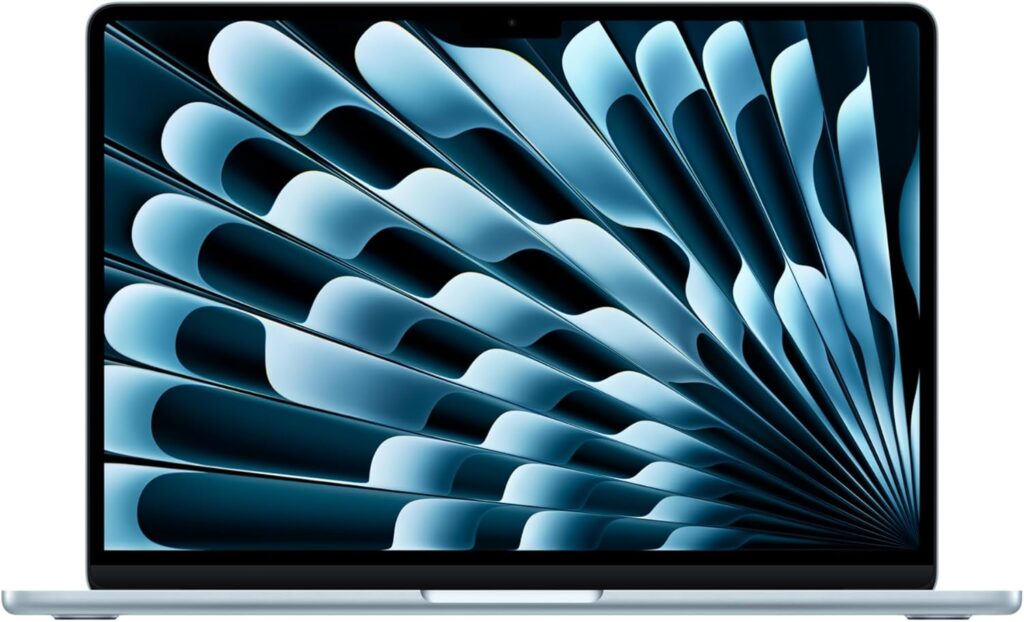
The MacBook Air continues to be the safest recommendation for most home users — and the M4 version takes it another step forward.
Key Specs
- Apple M4 processor
- 16GB unified memory
- 512GB SSD
- 13.6-inch Retina display
- Fanless, ultra-quiet design
Why It’s Great
It’s fast, silent, lightweight, and has outstanding battery life. Apps open instantly, multitasking feels effortless, and macOS remains one of the smoothest operating systems around.
Pros
- Excellent real-world performance
- All-day battery life
- Premium build quality
- Great speakers and webcam
Cons
- Limited ports
- Not ideal for Windows-only software
Bottom line: If you want a stress-free laptop that “just works,” this is the best all-round choice under $1000.
2. ASUS Zenbook 14 OLED – Best Display for the Money
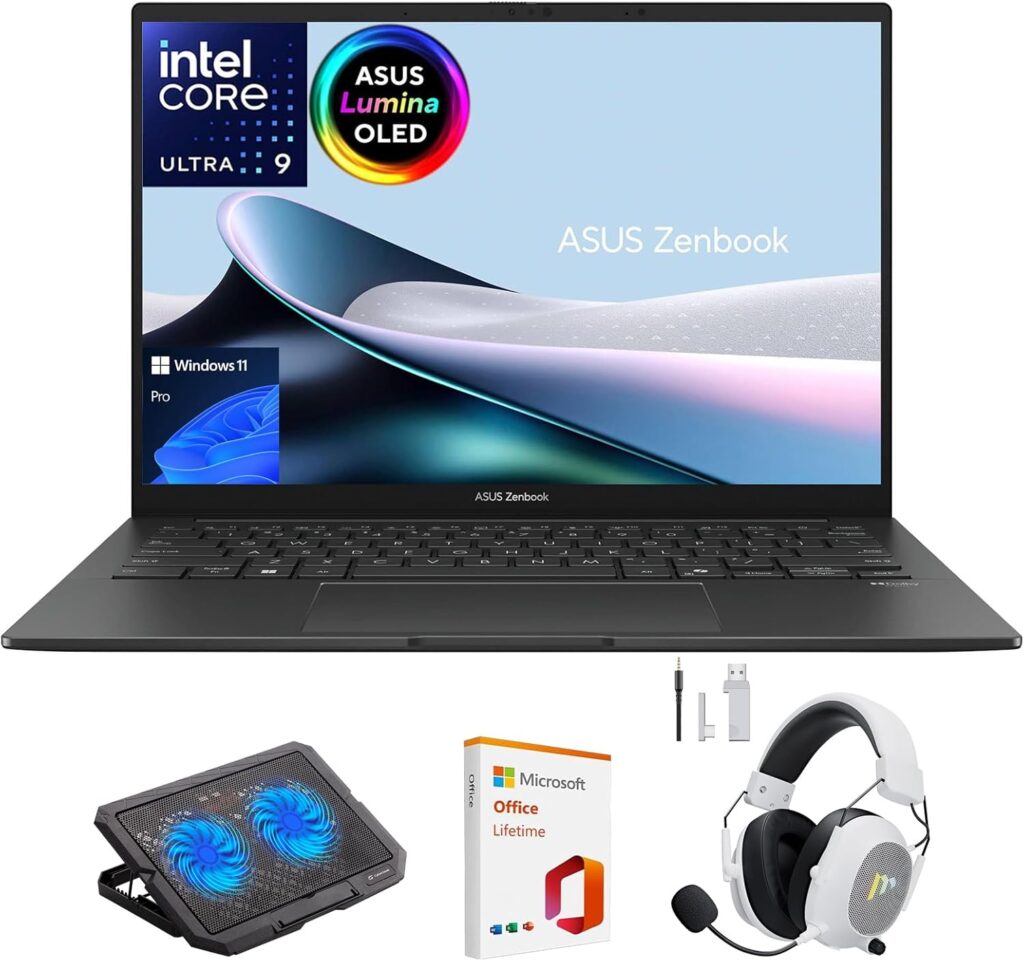
If screen quality matters to you, the Zenbook 14 OLED is hard to beat at this price.
Key Specs
- AMD Ryzen AI or Intel Core processor
- 16GB RAM
- 512GB SSD
- 14-inch OLED display
Why It’s Great
The OLED screen is stunning. Colors pop, blacks are deep, and it’s a joy for watching movies, editing photos, or simply browsing the web.
Pros
- Gorgeous OLED display
- Long battery life
- Lightweight and stylish
- Comfortable keyboard
Cons
- Speakers are average
- Limited upgrade options
Bottom line: A perfect home laptop for media lovers who want premium visuals without paying premium prices.
3. Acer Swift Go 14 – Best Windows Ultraportable
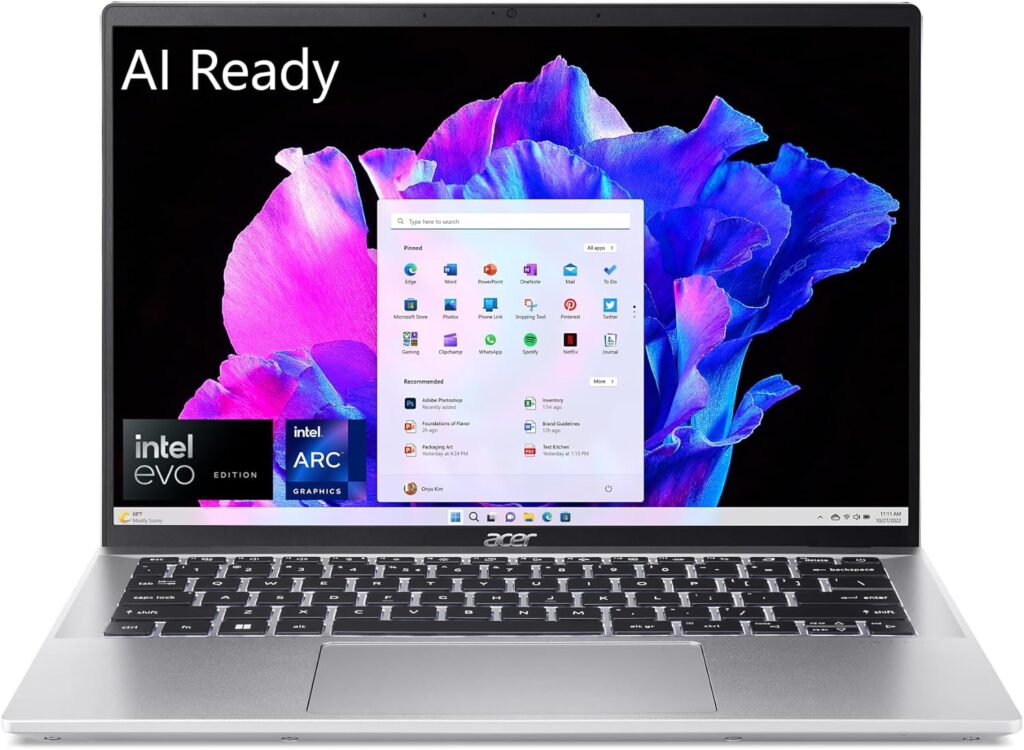
For those who prefer Windows but want something sleek and modern, the Swift Go 14 is a strong contender.
Key Specs
- Intel Core Ultra processor
- 16GB RAM
- Up to 1TB SSD
- 14-inch Full HD display
Why It’s Great
It offers a good balance of power, portability, and connectivity. You get useful ports without carrying around a heavy machine.
Pros
- Strong everyday performance
- Good port selection
- Lightweight metal body
Cons
- Display is good, not amazing
- Speakers are just okay
Bottom line: A clean, reliable Windows laptop that fits perfectly into everyday home use.
4. Lenovo IdeaPad Slim 5 – Best Value Laptop
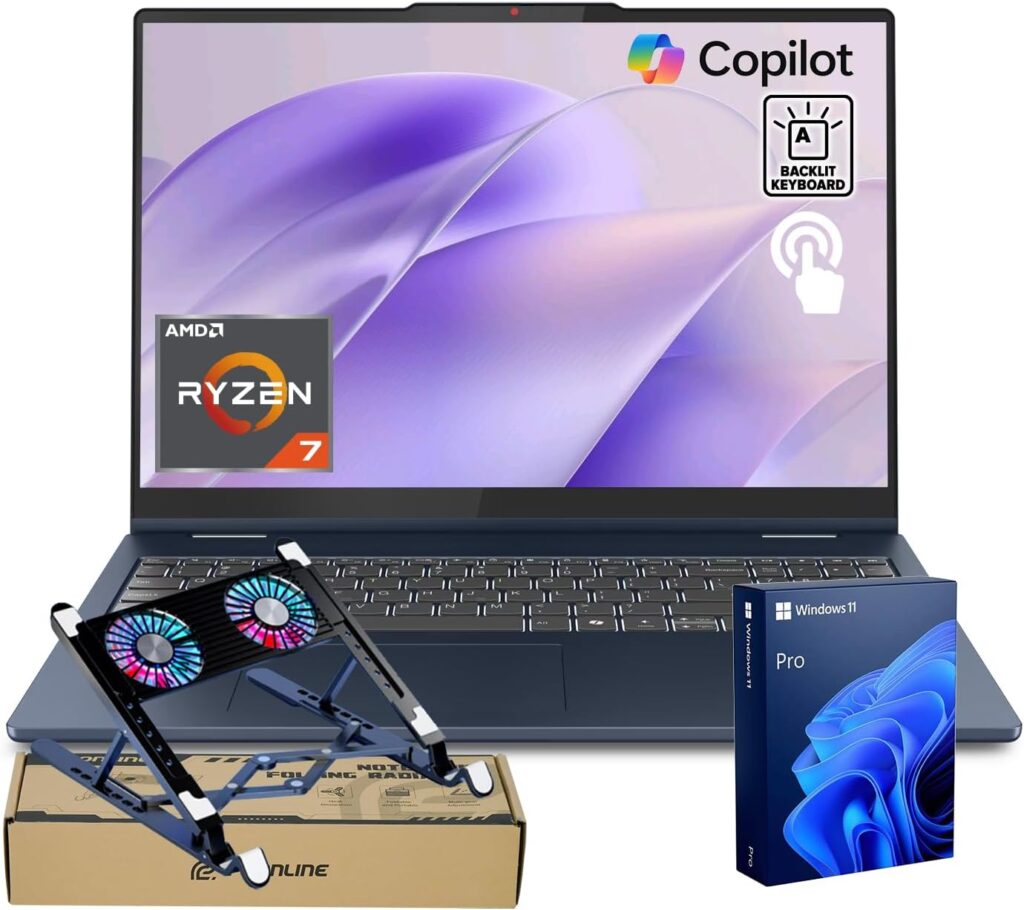
Lenovo’s IdeaPad series has always focused on value, and the Slim 5 continues that tradition.
Key Specs
- AMD Ryzen 5 or 7
- 8GB or 16GB RAM
- 256GB–512GB SSD
- Multiple screen size options
Why It’s Great
It’s comfortable to use, well-built, and priced fairly. The keyboard is especially good for typing, making it ideal for students and home offices.
Pros
- Excellent price-to-performance ratio
- Comfortable keyboard
- Reliable build quality
Cons
- Design is simple
- Base display models are basic
Bottom line: A smart choice if you want solid performance at the lowest possible price.
5. Dell Inspiron 14 – Dependable and Practical
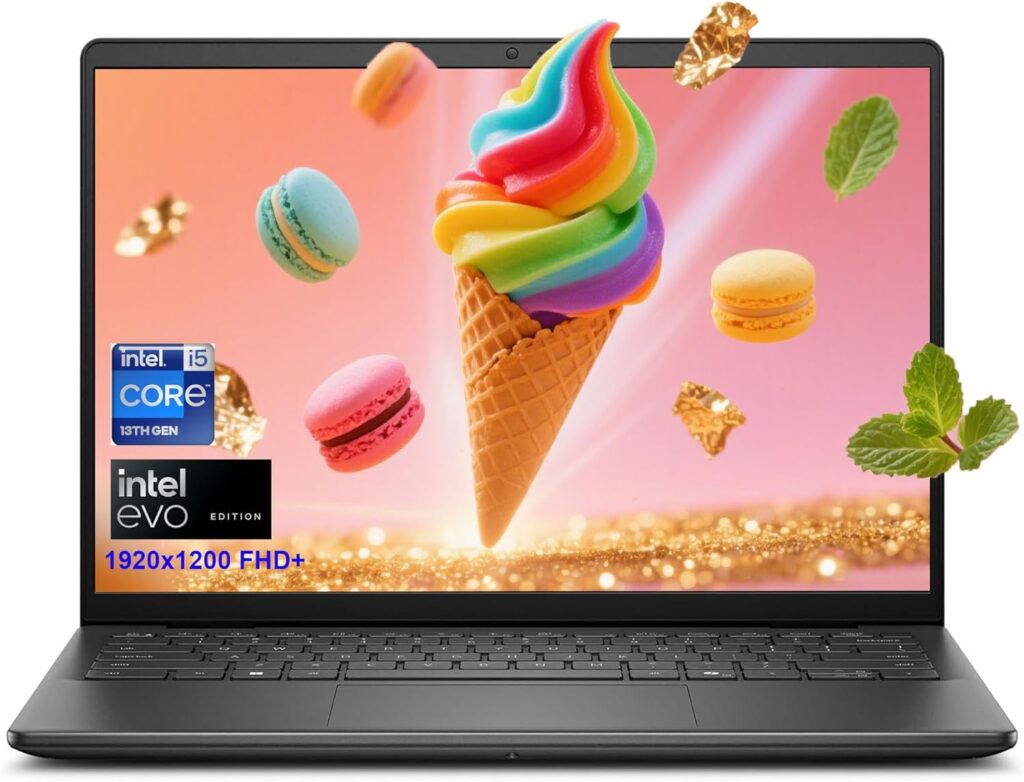
The Inspiron lineup focuses on reliability, and that’s exactly what this laptop delivers.
Key Specs
- Intel Core i5 or Ryzen 5
- Up to 16GB RAM
- 512GB SSD
- 14-inch Full HD or 2K display
Why It’s Great
It’s not flashy, but it’s dependable. Battery life is strong, build quality is good, and it handles everyday tasks without drama.
Pros
- Good battery life
- Solid construction
- Frequently discounted
Cons
- Conservative design
- Not the lightest option
Bottom line: A safe and practical home laptop that won’t disappoint.
6. Acer Nitro V / Nitro 17 – Best Budget Gaming Laptop
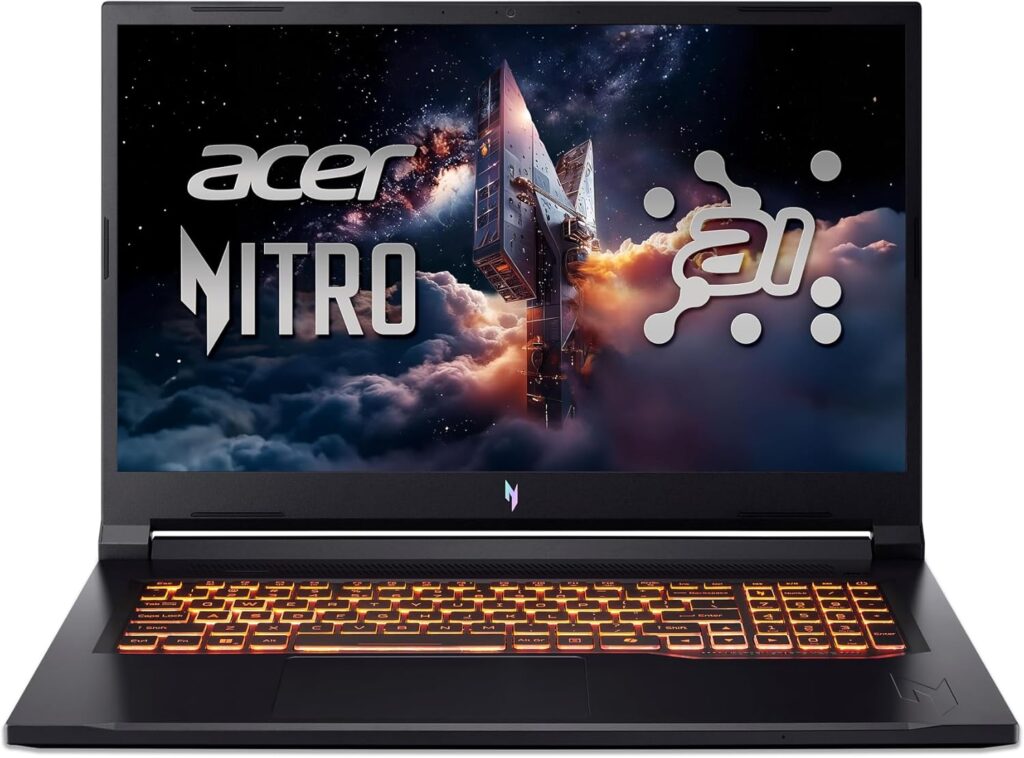
If gaming is part of your home setup, the Nitro series delivers serious power for the price.
Key Specs
- AMD or Intel CPU
- NVIDIA RTX graphics
- 16GB RAM
- High-refresh-rate display
Why It’s Great
It can run modern games smoothly while still handling everyday tasks. The larger screen options also make it great for movies and multitasking.
Pros
- Strong gaming performance
- High refresh rate display
- Good cooling system
Cons
- Heavy and bulky
- Shorter battery life
Bottom line: The best choice under $1000 if gaming matters to you.
7. Samsung Galaxy Chromebook Plus – Best Chromebook for Home Use
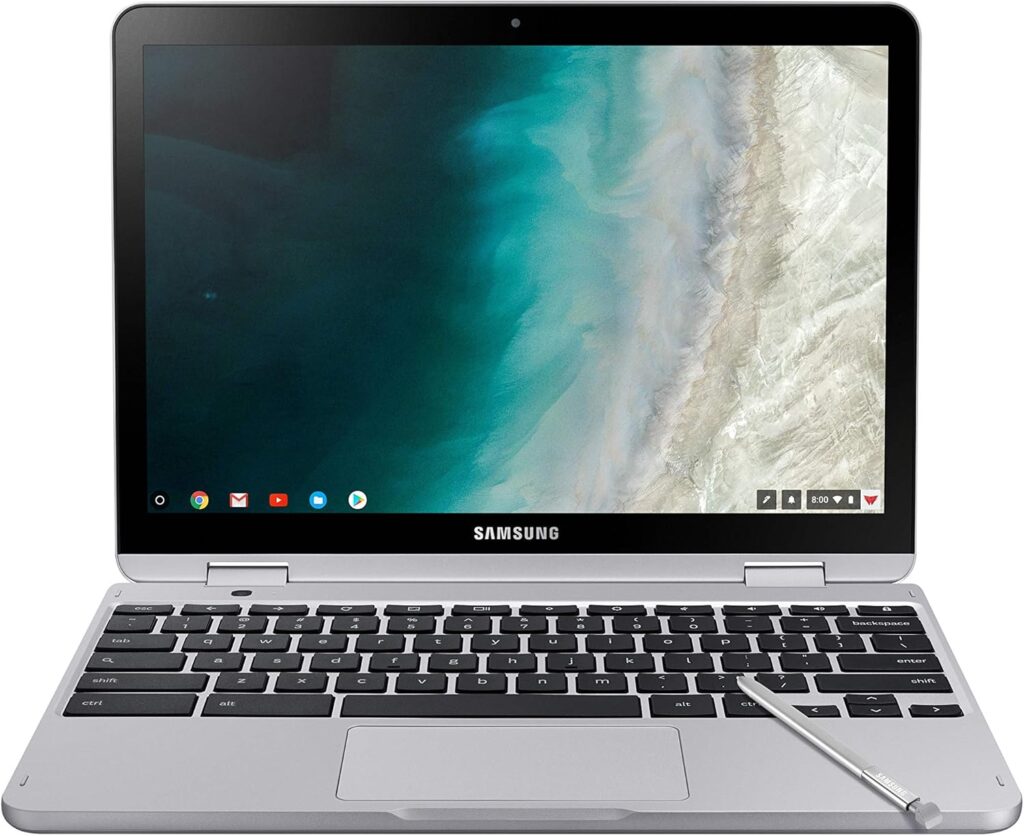
Chromebooks aren’t for everyone, but for web-based users, this one stands out.
Key Specs
- ChromeOS
- AMOLED display
- Fast boot and long battery life
Why It’s Great
It’s simple, fast, and great for browsing, streaming, and online work — with a beautiful screen to match.
Pros
- Stunning display
- Lightweight and quiet
- Very easy to use
Cons
- Limited offline software
- Not for heavy creative work
Bottom line: Ideal for families and casual users who live mostly online.
How to Choose the Right Home Laptop
Time needed: 5 minutes
Choosing a home laptop doesn’t have to be confusing. With a clear plan and a few smart checks, you can find a fast, reliable laptop under $1000 that fits your daily needs perfectly.
- Decide How You’ll Use the Laptop
Before looking at specs, think about what you actually do at home. Web browsing, streaming, online meetings, schoolwork, light photo editing, or casual gaming all need different levels of power. Being honest here saves money and avoids overbuying.
- Focus on the Essentials That Matter Daily
For smooth everyday use, look for a modern processor, enough memory for multitasking, a comfortable screen, and strong battery life. A good keyboard and quiet cooling also make a big difference when you’re using the laptop for hours at home.
- Compare Trusted Models and Pick the Best Value
Once you know your needs, compare well-reviewed laptops in your price range. Pay attention to real-world performance, build quality, and long-term comfort — not just big numbers on a spec sheet. The right choice is the one that feels effortless to use every day.
In summary, when shopping under $1000, focus on:
- At least 16GB RAM if possible
- 512GB storage for comfort
- Good display quality for long sessions
- Strong battery life (10+ hours is ideal)
Final Thoughts
In 2026, budget laptops are better than ever. Whether you want a premium everyday machine, a media powerhouse, or a budget gaming laptop, there’s something under $1000 that fits your lifestyle.
If you want one safe recommendation for most people, the MacBook Air M4 still leads the pack. But Windows users have excellent options, and value laptops have never been stronger.
FAQs
For most people, the MacBook Air M4 is the best all-around choice thanks to its speed, long battery life, and smooth everyday performance. If you prefer Windows, the ASUS Zenbook 14 OLED and Acer Swift Go 14 are excellent alternatives.
It can be, especially for light tasks like browsing, watching videos, and simple office work. That said, 16GB of RAM is a smarter choice if you plan to multitask, keep many tabs open, or want your laptop to stay fast for years.
Yes, especially if you mostly use web-based apps, streaming services, and email. Chromebooks are fast, simple, and secure, but they’re not ideal for heavy software like advanced photo or video editing.
Related links

Hi, my name is Burak. I am a mechanical engineer. I have been writing laptop reviews for the Engineering Laptops website since 2020. Please feel free to contact me if you have any questions.