Estimated reading time: 4 minutes
Key Takeaways
- 13th generation laptops offer benefits like more cores for multitasking, higher clock speeds, and better overall performance.
- For everyday tasks like browsing or video watching, 12 or 13 generation laptop differences may not be noticeable.
- Choose 13th generation for heavy workloads, while 12th generation can be a smart buy for budget-conscious users.
- When selecting between the two, consider workload, cooling, and long-term usage requirements.
- Both generations perform well, but 13th generation provides a future-proof edge for demanding applications.
Table of contents
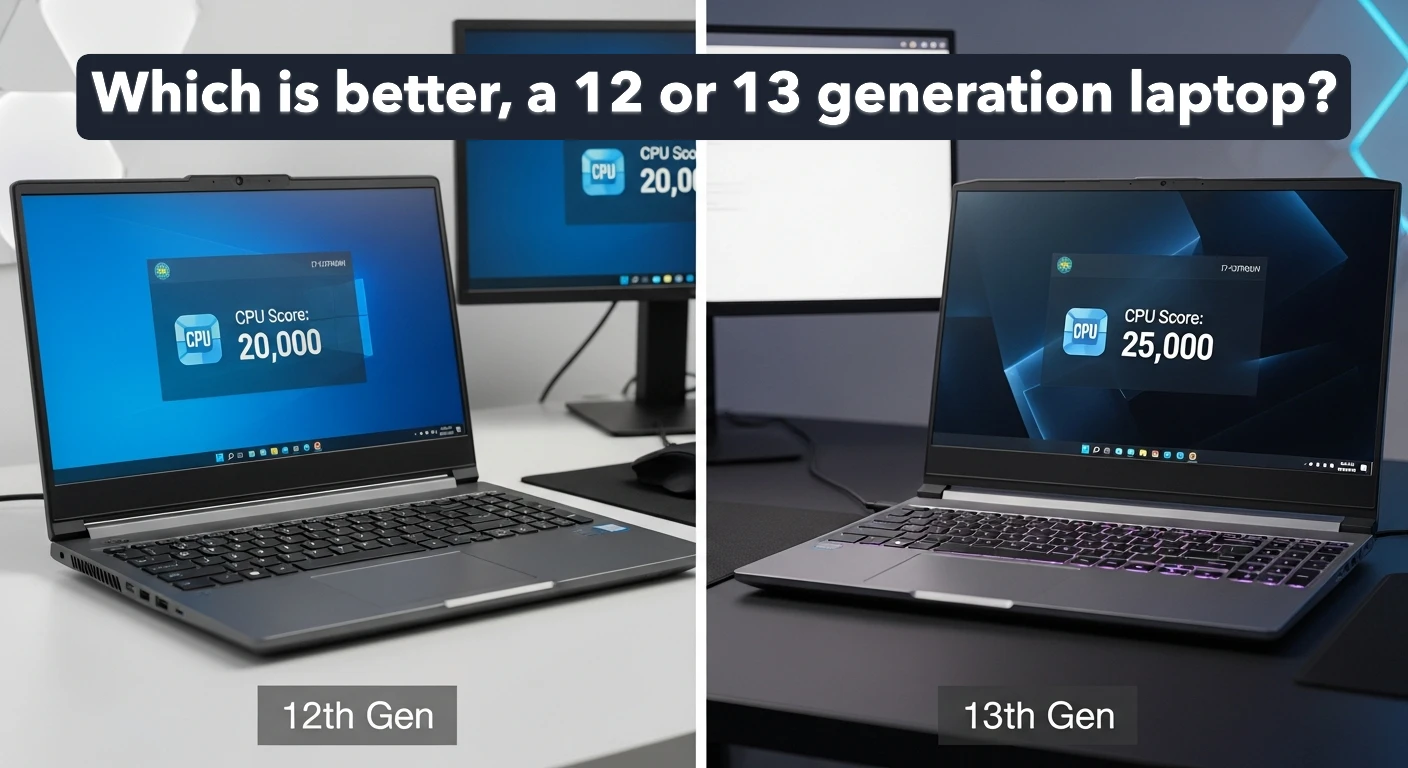
When shopping for a new laptop, it’s easy to get caught up in the model numbers—especially when you’re stuck between Intel’s 12th-gen and 13th-gen processors. The difference sounds small on paper, but in real life, the gap can matter more than you think. So, which one should you actually pick?
Let’s break it down in a simple and honest way.
What Makes 13th-Gen Laptops Better?
Intel’s 13th-gen processors build upon the hybrid design introduced in the 12th generation. That means you get the same mix of Performance cores (P-cores) and Efficiency cores (E-cores), but with noticeable improvements:
1. More Cores for Multitasking
13th-gen CPUs often come with additional E-cores, which help with background tasks, multitasking, and demanding workloads like video editing or running multiple programs at once.
2. Higher Clock Speeds
You’ll see slightly higher turbo frequencies, giving you a small but useful boost in everyday speed—think apps opening faster, smoother browsing, quicker exports.
3. Better Overall Performance
While the jump isn’t dramatic, it’s enough to feel the difference if you use heavy applications or keep many tabs open.
4. Improved Power Efficiency
Some 13th-gen chips handle power better, offering more performance per watt—especially on well-cooled laptops.
How Much Better Is It in Real Life?
To be fully honest:
If you use your laptop mostly for browsing, watching videos, emails, and simple office work, you may not notice a huge difference between the two generations.
But if you do things like:
- photo/video editing
- 3D rendering
- gaming
- running large spreadsheets
- multitasking with many apps
…then the 13th-gen option is the more comfortable and future-proof choice.
12th-Gen vs 13th-Gen at a Glance
Here’s a quick comparison table to help you see the differences clearly:
| Feature | 12th Gen Intel | 13th Gen Intel |
|---|---|---|
| Architecture | Hybrid (P-cores + E-cores) | Enhanced Hybrid with more efficient E-cores |
| Performance | Strong, first generation of hybrid design | Higher multicore performance & faster turbo speeds |
| Efficiency | Good | Slightly better depending on model |
| Multitasking | Very good | Excellent, especially on higher SKUs |
| Best for | General use, students, office work | Creators, heavy users, long-term buyers |
| Price | Usually cheaper | Usually a bit higher |
When a 12th-Gen Laptop Might Be the Smarter Buy
Even though 13th-gen chips are newer, a 12th-gen laptop can still be the better choice when:
- the price difference is big
- you find a model with better cooling or build quality
- you only need it for everyday tasks
- battery life is your top priority and the 12th-gen model performs better in reviews
Sometimes a well-optimized 12th-gen laptop can outperform a poorly cooled 13th-gen machine.
Which One Should You Pick?
If the price difference is small, go for a 13th-gen laptop. It gives you more headroom, better multitasking, and a longer usable lifespan.
But if you find a great deal on a 12th-gen model, don’t hesitate—these processors are still powerful, reliable, and perfect for most users.
Final Thoughts
Choosing between 12th-gen and 13th-gen laptops doesn’t need to be complicated. Think about your daily workload, how long you want the laptop to last, and your budget. Both generations are strong performers, but 13th-gen gives you a comfortable edge—especially if you use power-hungry applications or want future-ready performance.
How To Choose Between a 12th-Gen and 13th-Gen Laptop
Time needed: 5 minutes
A quick, practical guide to deciding whether a 12th-generation or 13th-generation laptop is the better choice for your needs.
- Identify Your Daily Workload
Think about what you actually do on a laptop—simple tasks, multitasking, or heavy creative work. Your workload determines whether the performance jump of 13th-gen matters.
- Compare Prices and Laptop Cooling
Check if the price difference between both generations is reasonable. Also compare cooling systems, because a well-cooled 12th-gen model can outperform a poorly cooled 13th-gen device.
- Choose Based on Long-Term Use
If you need long-term performance and multitasking power, go with 13th-gen. If your needs are basic and you find a great deal, a 12th-gen laptop is more than enough.
Related links