Estimated reading time: 7 minutes
Key Takeaways
- The Dell Precision Mobile Workstation is designed for heavy workloads, featuring robust build quality and reliable performance.
- Users can choose from several models, including the 5480, 5690, and 7780, tailored for various tasks like CAD, 3D rendering, and data simulations.
- The laptops offer excellent multi-core performance and professional-grade GPUs, but battery life may suffer during demanding tasks.
- Displays range from FHD to 4K, ensuring great visuals for detailed work, while the variety of ports and upgrade options enhance flexibility.
- Overall, the Dell Precision Mobile Workstation is ideal for professionals who prioritize stability and power over portability.
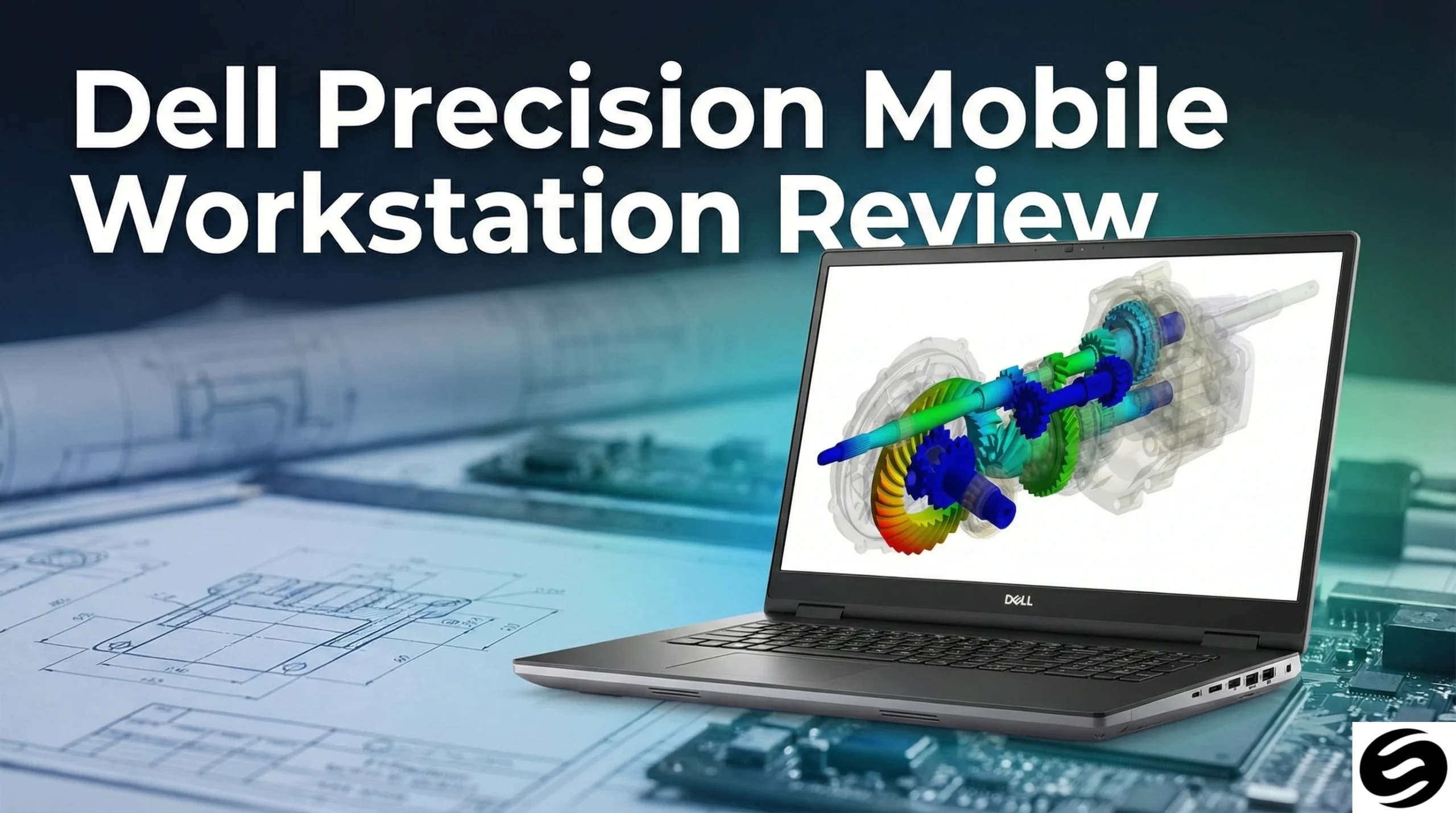
If you work with heavy 3D models, detailed CAD drawings, long video timelines or data-crunching simulations, you know one thing: not every laptop can keep up. That’s where Dell’s Precision Mobile Workstation series steps in. These machines are built for people who need reliability, speed, and the kind of stability that gets you through tough deadlines without breaking a sweat.
This review takes a straightforward, honest look at what the Precision lineup offers, how it feels to use daily, and who will get the most value out of it.
Table of contents
- First Impressions: Built for Serious Work
- Model-to-Model Comparison — Which Precision Should You Choose?
- Performance That Means Business
- Display Options That Fit Different Workflows
- Ports, Expandability & Repairability
- Battery Life: Good, But Not the Main Story
- Who Is This Laptop Actually For?
- Recommended Configurations by Use Case
- Pros & Cons (Simple and Honest)
- Final Thoughts: A Workhorse That Doesn’t Play Around
- FAQs
- How to Choose the Right Dell Precision Mobile Workstation
First Impressions: Built for Serious Work
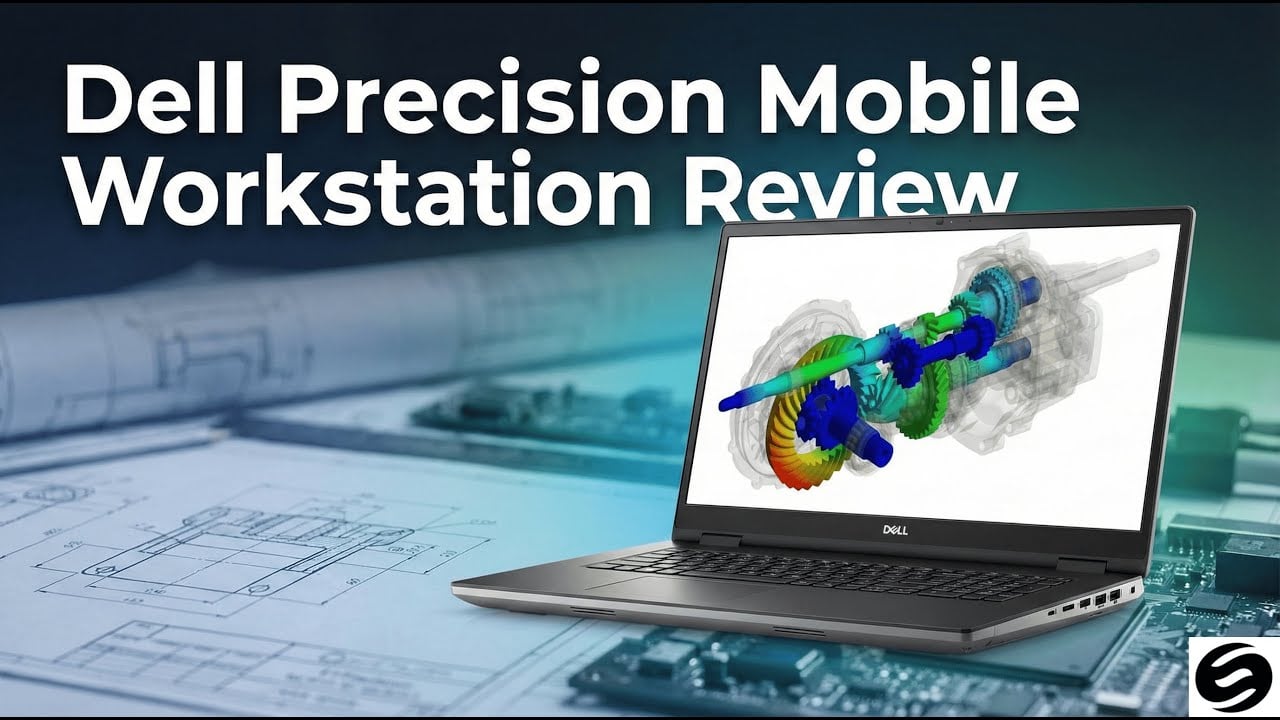
At first glance, the Precision feels like a laptop designed by people who actually understand real workloads. The chassis is sturdy, the hinges feel reassuring, and nothing about it comes off as fragile. This is a machine meant to travel, to be used, and to take long workdays on the chin.
The keyboard has a comfortable, grounded feel, perfect for long coding or drafting sessions. The trackpad is responsive and roomy enough for detailed work when you’re away from your desk. It’s a device that feels more “tool” than “toy,” and that’s exactly the point.
Model-to-Model Comparison — Which Precision Should You Choose?
Below is a simple comparison of three commonly chosen Precision models. These vary in size, performance, and upgrade potential, but all stay true to the lineup’s “work-first” philosophy.
Dell Precision Mobile Workstation Comparison Table
| Model | Best For | CPU Options | GPU Options | RAM Capacity | Storage | Display Options | Approx. Weight |
|---|---|---|---|---|---|---|---|
| Precision 5480 (14″) | Portability, field engineers, coding | Intel Core i5/i7/i9 | Integrated / entry-level RTX | Up to 64 GB | Up to 2 TB NVMe | FHD / QHD | ~1.5 kg |
| Precision 5690 (16″) | Balanced power, CAD, video editing | Intel Core Ultra / Core i7/i9 | NVIDIA RTX workstation GPUs | Up to 96 GB | Up to 4 TB NVMe | 2.5K / 4K / OLED | ~2.0 kg |
| Precision 7780 (17″) | Maximum performance, rendering, simulation | Intel i9 / Xeon | High-end NVIDIA RTX Ada GPUs | Up to 128 GB (or more) | Multiple NVMe slots | FHD / UHD | ~3.0 kg |
This table should help you quickly identify the right model for your workflow. If you need raw power and don’t mind the size, the 17-inch 7780 is unstoppable. If you prefer something more balanced and still powerful, the 5690 is the sweet spot for most professionals.
Performance That Means Business
The Precision lineup offers a range of CPU and GPU configurations, from powerful Intel Core processors to workstation-grade NVIDIA RTX GPUs. What stands out is how smoothly these machines handle professional applications — even when you’re juggling large files, multiple programs, and complex render jobs.
Whether you’re rendering a scene in Blender, working on a massive Revit project, or editing high-bitrate 4K footage, the Precision stays steady. It doesn’t panic under pressure; it just works.
Where It Shines
- Excellent multi-core performance
- GPU options built for professional workloads
- Smooth handling of simulation software, design tools, and deep multitasking
- Predictable thermals and consistent speed under long sessions
Where It Slows Down
- Lighter configurations may run warm during extended rendering
- Maximum performance models prefer being plugged in
- Not the most battery-friendly laptop when running heavy workloads
Display Options That Fit Different Workflows
Depending on the model, you can get everything from energy-efficient FHD screens to high-resolution 4K or OLED panels. The high-end displays offer deep contrast, sharp detail, and great color accuracy — perfect for editors, designers, and artists.
If you spend hours staring at detailed drawings or timelines, the 16-inch 2400p or 4K panel is a sweet spot. It offers enough room to work without feeling overwhelming.
Ports, Expandability & Repairability
One of the biggest reasons professionals stick with Precision laptops is flexibility. You get a healthy mix of ports — USB-A, USB-C/Thunderbolt, HDMI or mini-DisplayPort, SD card readers on some models, and strong support for docking setups.
Upgrading storage or memory varies by model, but higher-end Precisions allow you to swap SSDs and bump RAM without too much hassle. For a modern laptop, that’s a rare luxury.
Battery Life: Good, But Not the Main Story
These laptops focus on power first and battery life second. For light use (browsing, writing, spreadsheets), you’ll get respectable runtime, but heavy GPU work drains the battery fast. If you plan to work unplugged all day, you’ll want the largest battery configuration available — or a charger nearby.
Who Is This Laptop Actually For?
The Dell Precision shines when used for:
- CAD & Engineering
Large assemblies, simulations, mechanical design, architectural projects. - 3D Modeling & Animation
Blender, Maya, Houdini, Cinema 4D — this machine loves them all. - Post-Production & Creative Work
Video editing, color grading, motion graphics, audio engineering. - Data Science & Simulation
Heavy computations, visualizations, model training.
If your day revolves around professional software where reliability matters just as much as speed, the Precision is the kind of machine that pays for itself.
Recommended Configurations by Use Case
| Workload Type | Recommended Specs |
|---|---|
| CAD / Engineering | Intel i7/i9 or workstation CPU, 32–64 GB RAM, NVIDIA RTX workstation GPU |
| 3D Rendering | High-core-count CPU, 64–128 GB RAM, RTX A-series/Ada GPU, 1–2 TB NVMe |
| Video Editing / VFX | 32–64 GB RAM, fast NVMe storage, calibrated high-resolution panel |
| Data/Simulation | Powerful multi-core CPU, optional ECC RAM, large SSD for datasets |
Pros & Cons (Simple and Honest)
Pros
- Rock-solid performance under real workloads
- Professional-grade GPUs and certifications
- Strong build quality and long lifespan
- Great display options for visual work
- Reliable support and business features
Cons
- Gets expensive once you add high-end parts
- Battery life isn’t designed for all-day heavy use
- Some slim models warm up under long renders
- Not the lightest laptops on the market
Final Thoughts: A Workhorse That Doesn’t Play Around
The Dell Precision Mobile Workstation is not a casual laptop — and that’s its biggest strength. It’s built for people who need their machine to be stable, powerful, and dependable across long and demanding workdays.
If you’re a designer, engineer, architect, editor, or 3D artist who needs a reliable portable workstation, the Precision is an excellent long-term investment. It’s tough, fast, flexible, and capable of handling serious workloads without drama.
If performance and reliability matter more to you than a slim profile or battery life, the Precision stands out as one of the most trustworthy mobile workstations available today.
FAQs
Yes. The Precision lineup is built exactly for those tasks. Large assemblies, complex renders, simulations — it handles them without feeling unstable or overwhelmed.
For everyday engineering or design work, 32 GB is usually enough. If you work with huge projects, simulations, or serious 3D rendering, 64 GB or more makes a noticeable difference.
When you push the GPU or CPU hard, the fans do ramp up — that’s normal for a workstation. The good news is that the noise is consistent and not high-pitched or annoying.
How to Choose the Right Dell Precision Mobile Workstation
Time needed: 5 minutes
A simple 3-step guide to help you pick the best Dell Precision Mobile Workstation for your workflow, whether you’re focused on CAD, 3D rendering, or creative production.
- Define Your Workload
Think about the main software and tasks you use every day. Engineers, 3D artists, video editors, and data specialists all have different performance needs. Your workload determines your CPU, GPU, RAM, and display requirements.
- Match the Specifications to Your Needs
Choose the right model by comparing processor options, graphics performance, RAM capacity, storage, and screen quality. If you handle heavy files or complex projects, prioritize higher RAM and a workstation-grade GPU.
- Compare Models and Choose the Best Fit
Review key differences between Precision models such as the 5480, 5690, and 7780. Select the one that balances power, portability, and long-term reliability for your specific workflow.
Related links