Estimated reading time: 8 minutes
Key Takeaways
- Not every powerful-looking laptop is suitable for ZBrush; performance relies on CPU speed, RAM, stable GPU, and SSD storage.
- For ZBrush, prioritize a strong single-core CPU, at least 32GB of RAM, and a modern, stable GPU.
- The guide reviews top laptop choices for 2026, including Apple MacBook Pro 16, Razer Blade 16, and HP ZBook Studio 16 G10.
- Each recommended laptop excels in specific areas, like performance, portability, or display quality, tailored for different user needs.
- Choose a laptop based on actual performance for ZBrush, not just on paper specs, to enhance your sculpting experience.
If you’ve ever watched ZBrush slow to a crawl right in the middle of sculpting fine details, you already know this truth: not every powerful-looking laptop is actually good for ZBrush.
ZBrush is a very particular piece of software. It doesn’t care much about flashy specs on paper — it cares about real-world CPU speed, memory headroom, stable GPUs, and smooth viewport performance. In 2026, laptop options are better than ever, but choosing the wrong one can still lead to frustration, lag, and wasted time.
This guide is written for real sculptors, character artists, and 3D professionals who want a laptop that actually works well with ZBrush. No hype. No buzzwords. Just honest recommendations based on how ZBrush behaves in real projects.
Table of contents
What ZBrush Really Needs (Before We Talk Models)
Before jumping into laptop recommendations, it’s important to understand what actually matters for ZBrush performance.
ZBrush relies heavily on:
- Strong single-core CPU performance
- Large amounts of RAM
- A stable, modern GPU (not necessarily the most expensive one)
- Fast SSD storage
Unlike some 3D apps, ZBrush doesn’t scale perfectly across many CPU cores. That means a fast, efficient processor often feels better than one with a huge core count but lower clock speeds.
RAM matters a lot. If you work with high subdivision levels, multiple subtools, or detailed character sculpts, 32GB should be your starting point, and 64GB is ideal.
Best Laptops for ZBrush in 2026 (Reviewed)
1. Apple MacBook Pro 16 (M4 Pro / M4 Max)

Best overall choice for many ZBrush artists
Apple’s MacBook Pro continues to surprise even long-time Windows users. The M4 Pro and M4 Max chips deliver incredibly smooth sculpting performance, especially when handling dense meshes and high subdivision levels.
Key specs (typical configuration):
- Apple M4 Pro or M4 Max
- 32GB–64GB unified memory
- Ultra-fast NVMe SSD (1TB+ recommended)
- 16-inch Liquid Retina XDR display
Pros
- Extremely smooth sculpting performance
- Outstanding display quality and color accuracy
- Quiet operation and excellent battery life
- Very stable system for long sessions
Cons
- Limited upgradeability after purchase
- Some third-party plugins are still Windows-focused
Who it’s for:
Artists who want a reliable, quiet, and powerful machine with excellent portability and battery life.
2. Razer Blade 16 (2026)
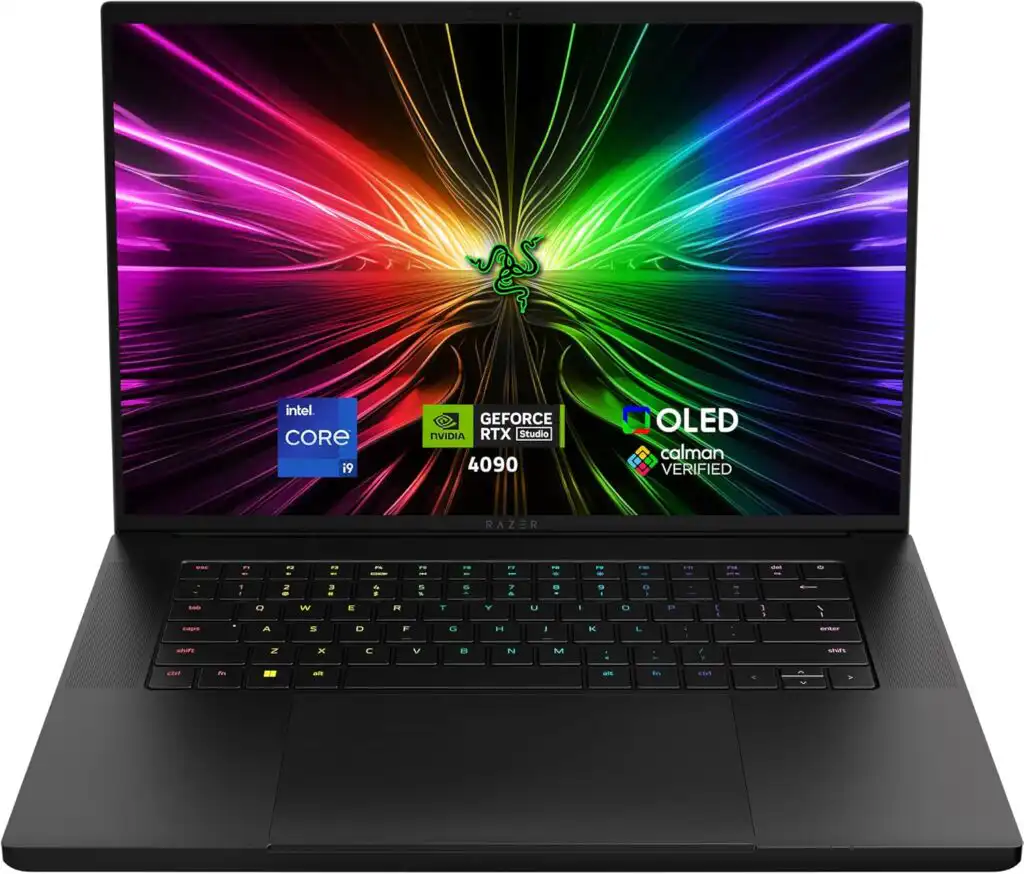
Best high-performance Windows laptop for ZBrush
The Razer Blade 16 is for artists who want serious power without carrying a bulky workstation. It combines strong CPUs with high-end NVIDIA GPUs in a clean, premium chassis.
Key specs:
- Intel Core i9 HX-series processor
- NVIDIA RTX 4080 / 4090 / 5090 (depending on configuration)
- 32GB–64GB RAM
- 16-inch high-resolution display
Pros
- Excellent viewport performance
- Strong GPU for multitasking and rendering
- Premium build quality
Cons
- Gets warm under heavy load
- Battery life is average at best
Who it’s for:
Windows users who want desktop-class performance in a portable form.
3. HP ZBook Studio 16 G10
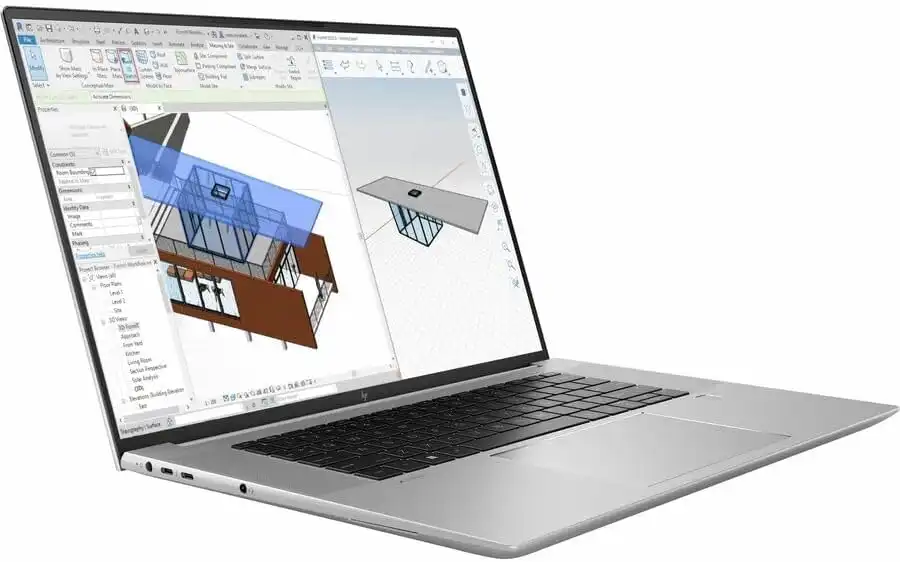
Best mobile workstation for professional pipelines
The ZBook Studio series is designed for professionals who need reliability above all else. It handles massive ZBrush projects with ease and stays stable during long work sessions.
Key specs:
- Intel Core i9 processor
- NVIDIA RTX A-series or RTX 40-series GPU
- Up to 128GB RAM
- 16-inch DreamColor display option
Pros
- Extremely stable performance
- Excellent cooling and sustained speeds
- High RAM ceiling
Cons
- Heavier than consumer laptops
- Premium pricing
Who it’s for:
Studio artists, freelancers, and professionals working on complex production assets.
4. ASUS ProArt Studiobook 16 OLED
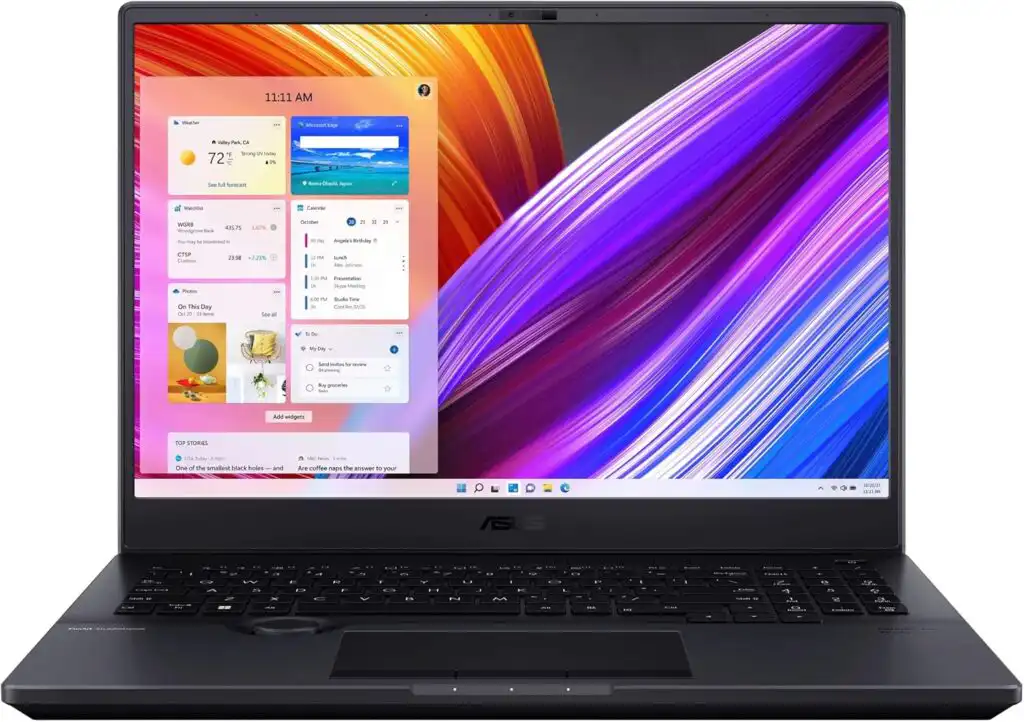
Best display for sculpting and texture work
The ProArt Studiobook is built specifically for creators. Its OLED screen is one of the best you can find on a laptop, making it ideal for artists who sculpt and texture on the same machine.
Key specs:
- Intel Core i9 or AMD Ryzen processor
- NVIDIA RTX 4070 / 4080
- 32GB–64GB RAM
- 16-inch OLED display
Pros
- Stunning screen quality
- Well-balanced performance
- Creator-focused design
Cons
- GPU power slightly lower than gaming-focused rivals
- Expensive in higher configurations
Who it’s for:
Artists who care deeply about visual accuracy and screen quality.
5. Lenovo Legion Pro 7i
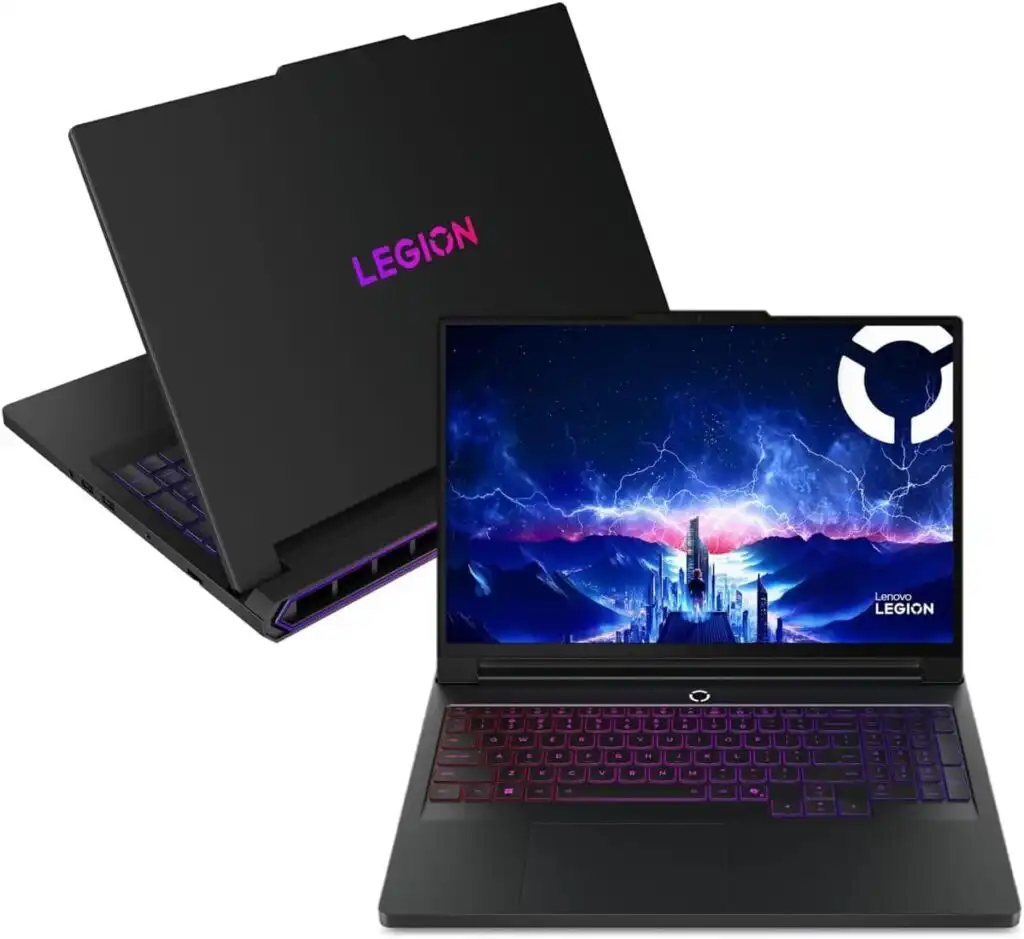
Best value for raw performance
If performance per dollar matters most, the Legion Pro 7i is hard to beat. It’s not the lightest laptop, but it delivers excellent sustained performance for ZBrush.
Key specs:
- Intel HX-series CPU
- NVIDIA RTX 4080 / 4090
- 32GB–64GB RAM
- 16-inch high-refresh display
Pros
- Excellent cooling
- Strong performance under long workloads
- Competitive pricing
Cons
- Heavy and bulky
- Short battery life
Who it’s for:
Artists who work mostly plugged in and want maximum performance for the money.
Quick Comparison Table
| Laptop Model | CPU Strength | GPU Power | Recommended RAM | Best For |
|---|---|---|---|---|
| MacBook Pro 16 | Excellent | Very Good | 32–64GB | Quiet, mobile sculpting |
| Razer Blade 16 | Excellent | Outstanding | 32–64GB | High-end Windows power |
| HP ZBook Studio | Very Strong | Professional-grade | 64GB+ | Large studio projects |
| ASUS ProArt 16 | Strong | Very Good | 32–64GB | Display-focused creators |
| Legion Pro 7i | Excellent | Outstanding | 32–64GB | Best performance value |
Recommended Minimum Specs for ZBrush (2026)
If you want a smooth experience:
- CPU: High-performance modern processor
- RAM: 32GB minimum (64GB preferred)
- GPU: Modern NVIDIA RTX or Apple GPU
- Storage: 1TB NVMe SSD or more
- Display: 16 inches or larger for comfort
Final Thoughts
A good ZBrush laptop doesn’t just look powerful — it feels powerful while you’re sculpting. The difference shows up when rotating a dense model, adding micro details, or switching subdivision levels without lag.
If you want the safest all-around choice, the MacBook Pro 16 stands out for its balance, efficiency, and polish.
If you prefer Windows and need raw power, the Razer Blade 16 or Lenovo Legion Pro 7i are excellent picks.
For studio-grade reliability, the HP ZBook Studio remains a strong professional favorite.
Choose based on how you actually work — not just specs on paper — and your ZBrush sessions will feel faster, smoother, and far more enjoyable.
How to Choose the Best Laptop for ZBrush in 2026
Time needed: 5 minutes
- Focus on CPU Speed and Memory First
ZBrush relies heavily on fast CPU performance and plenty of RAM. Choose a laptop with a modern high-performance processor and at least 32GB of memory to keep sculpting smooth, even with high subdivision levels.
- Pick a Stable GPU That Fits Your Workflow
A modern GPU helps with viewport responsiveness and multitasking. You don’t always need the most expensive option, but a recent NVIDIA RTX or Apple GPU with enough VRAM makes a noticeable difference in complex scenes.
- Don’t Ignore the Display and Cooling
A large, color-accurate screen makes long sculpting sessions more comfortable, while good cooling ensures your laptop stays fast during extended work. A well-balanced system always feels better than raw specs alone.
FAQs
Yes, absolutely. ZBrush runs very well on modern laptops as long as the hardware is up to the task. A fast processor, enough memory, and a stable GPU make a big difference. Many artists today work entirely on laptops, both in studios and on the move.
The best laptop for 3D modelling is one that balances CPU speed, RAM, and GPU performance. Models like the MacBook Pro 16, Razer Blade 16, and workstation-class laptops such as the HP ZBook Studio are popular because they stay smooth even with complex scenes and heavy assets.
For most artists, yes. 32GB of RAM is a solid starting point and works well for character sculpting, props, and medium-to-large projects. If you regularly work with very dense meshes or many subtools at once, upgrading to 64GB can make things more comfortable.
A modern high-performance CPU, at least 32GB of RAM, a dedicated GPU, and fast SSD storage are recommended. ZBrush benefits most from strong single-core CPU performance and plenty of memory, so those should be your top priorities when choosing a laptop.
Related links