Estimated reading time: 8 minutes
Key Takeaways
- Choosing the best laptops for COMSOL requires understanding CPU strength, RAM capacity, storage speed, and cooling efficiency.
- Top models for 2026 include Lenovo ThinkPad P1 Gen 8, Dell Precision 16, Apple MacBook Pro 16, MSI WS & Creator Series, and HP ZBook Studio.
- For optimal performance, aim for high single-core CPU speed, at least 32 GB RAM, and fast NVMe SSD storage.
- Identify your simulation workload to select a laptop that handles your specific needs without slowdowns or crashes.
Running COMSOL Multiphysics isn’t like running a casual app. It’s a serious simulation tool that pushes every part of your hardware — the processor, memory, storage, and sometimes even the GPU. Whether you’re handling thermal analysis, CFD, electromagnetics, structural mechanics, or complex coupled models, you need a machine that can keep up without freezing, throttling, or crashing in the middle of a long solve.
To help you choose confidently, I’ve put together a friendly, down-to-earth guide featuring the strongest laptops for COMSOL in 2026. These aren’t random picks — they’re the models engineers rely on because they stay fast, stable, and comfortable under heavy workloads.
Table of contents
What Really Matters When Running COMSOL
Before jumping into the laptops, here’s a quick reality check on the hardware that actually makes a difference:
- CPU strength: COMSOL lives and dies by CPU performance. Both high single-core speed and a healthy number of physical cores matter.
- RAM capacity: For moderate 3D models, 32 GB works. For big multiphysics projects, 64–128 GB becomes essential.
- Storage speed: NVMe SSDs are ideal. Simulations generate large temporary files, so fast read/write speeds save time.
- GPU (optional but helpful): COMSOL’s solvers rely on CPU, but a good GPU improves visualization and handling of large meshes.
- Cooling & stability: Long simulations can last hours. A well-cooled laptop prevents thermal throttling and keeps solves consistent.

Top Laptops for COMSOL in 2026
Below are the top-performing machines engineers, researchers, and simulation specialists can rely on this year.
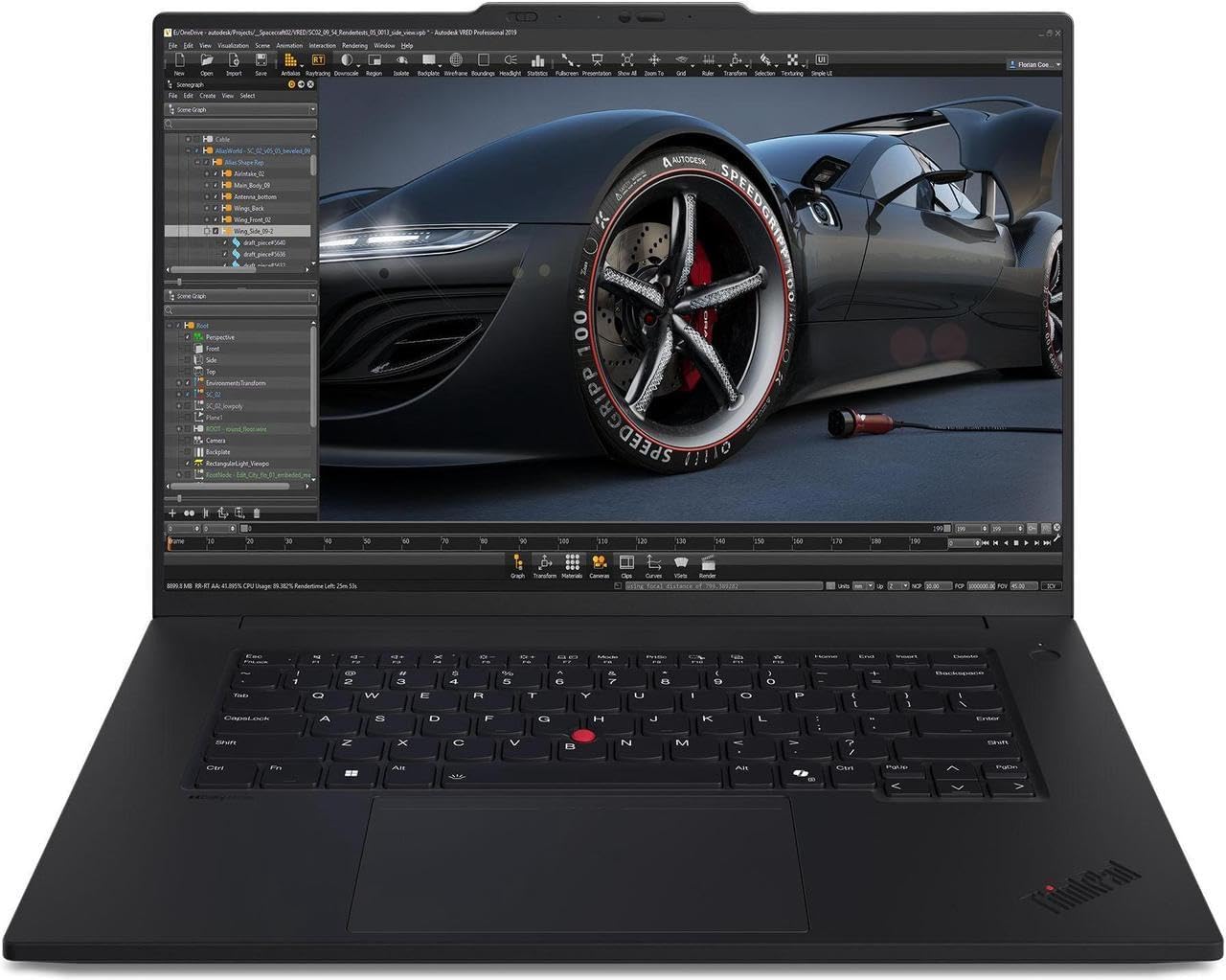
1. Lenovo ThinkPad P1 Gen 8 (16″)
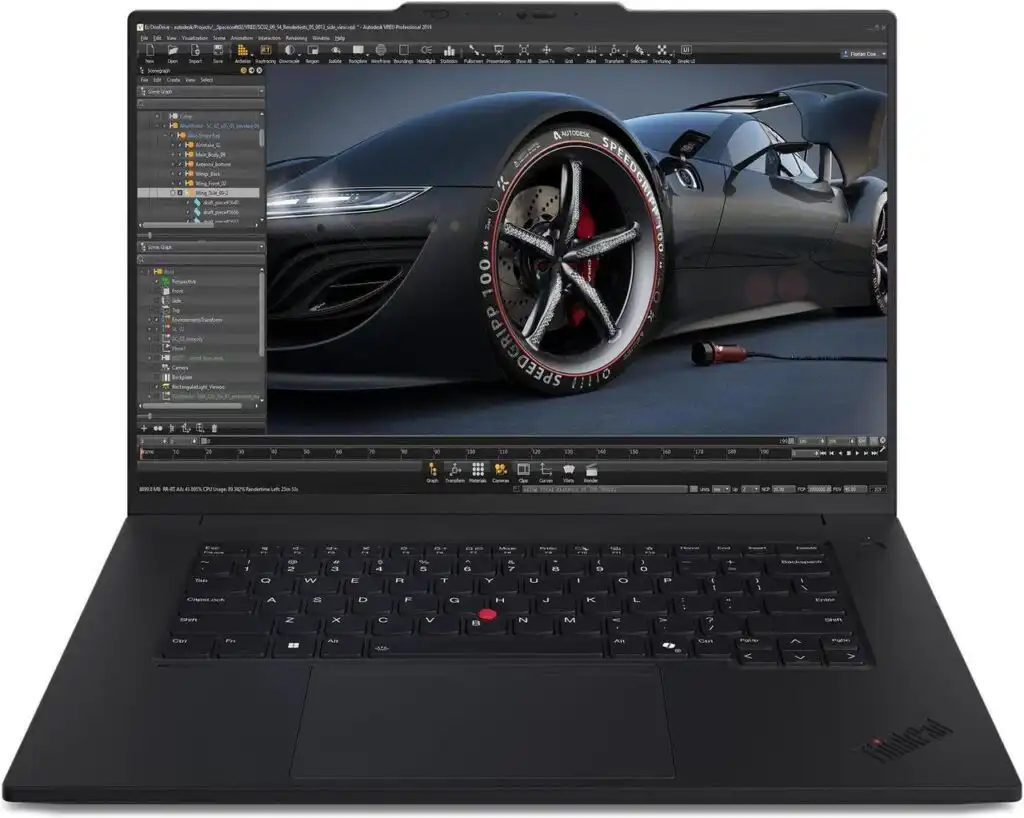
A near-perfect balance of portability, workstation-level power, and long-term reliability.
Recommended Specs
- Intel Core Ultra 7 / Ultra 9 or Xeon mobile
- NVIDIA RTX 3000/3500 Ada or RTX PRO
- 32–64 GB RAM
- 1 TB NVMe SSD (expandable)
- 16″ 16:10 display (QHD+ or UHD)
Why It Stands Out
The P1 Gen 8 offers workstation muscle without becoming overly bulky. Its cooling system handles long simulation sessions surprisingly well, and the build quality is genuinely top-tier.
Pros
- Strong performance for both single-core and multicore workloads
- Reliable under long simulation runs
- Excellent keyboard and build quality
- Upgradeable memory and storage
Cons
- Can get expensive at higher configurations
- Battery life takes a hit under heavy loads
2. Dell Precision 16 / Pro Series (2026)
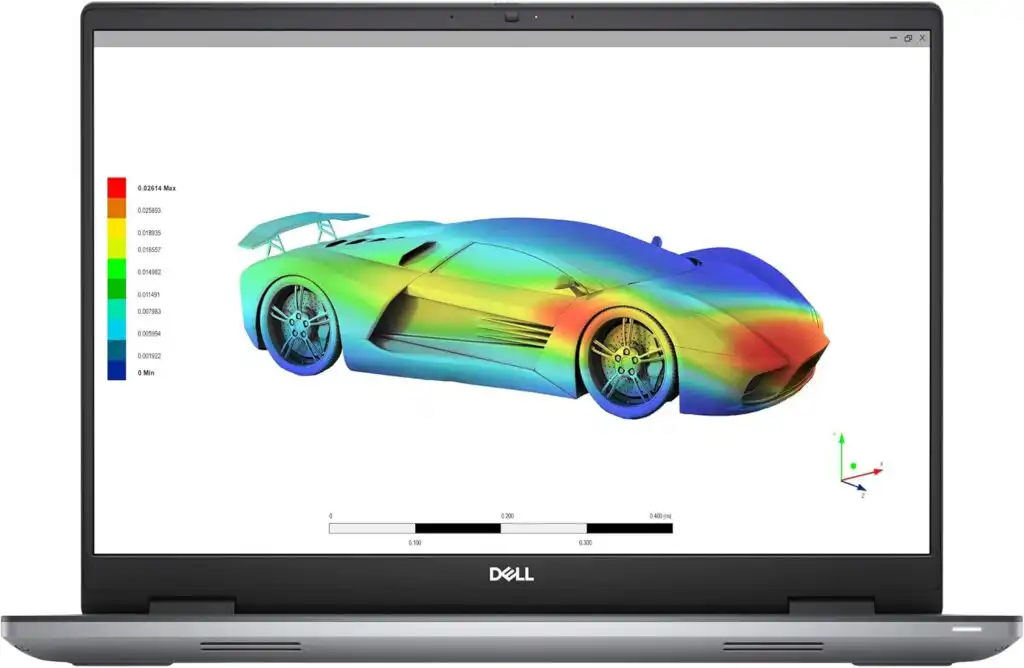
The go-to laptop when you want maximum stability, maximum cooling, and maximum performance.
Recommended Specs
- Intel Core Ultra or Xeon mobile
- NVIDIA RTX 3500/4500/5000 Ada or Blackwell series
- 32–128 GB RAM (ECC options available)
- Dual NVMe storage options
- 16″ display with wide color gamut
Why It Stands Out
These machines are made for simulation engineers. They’re powerful, cool efficiently, and handle large COMSOL models without breaking a sweat. If your work involves giant assemblies, multi-branch studies, or massive meshes, this is a safe bet.
Pros
- Superior thermal design for long simulations
- Extremely configurable
- High RAM ceiling (up to 128 GB)
- Professional GPUs with stable drivers
Cons
- Heavy and not very portable
- Pricey, especially with high-end GPUs
3. Apple MacBook Pro 16″ (M4 Pro / M4 Max)

Ideal for users who love macOS and prefer a quiet, cool, and stable environment.
Recommended Specs
- Apple M4 Pro or M4 Max
- 32–64 GB unified memory
- 1–4 TB SSD
Why It Stands Out
Apple Silicon continues to impress with superb single-core speed and exceptional thermal efficiency. For preprocessing, post-processing, scripting, graphics, plotting, parameter studies, and mid-size models, the M4 MacBook Pro feels incredibly smooth.
Pros
- Extremely quiet and cool
- Brilliant display for visualization
- Battery life that beats almost every workstation
- Strong single-core performance
Cons
- Not ideal for very large, CPU-heavy COMSOL solves
- No workstation-grade GPUs
- Limited upgradeability
4. MSI WS & Creator Series (2026)
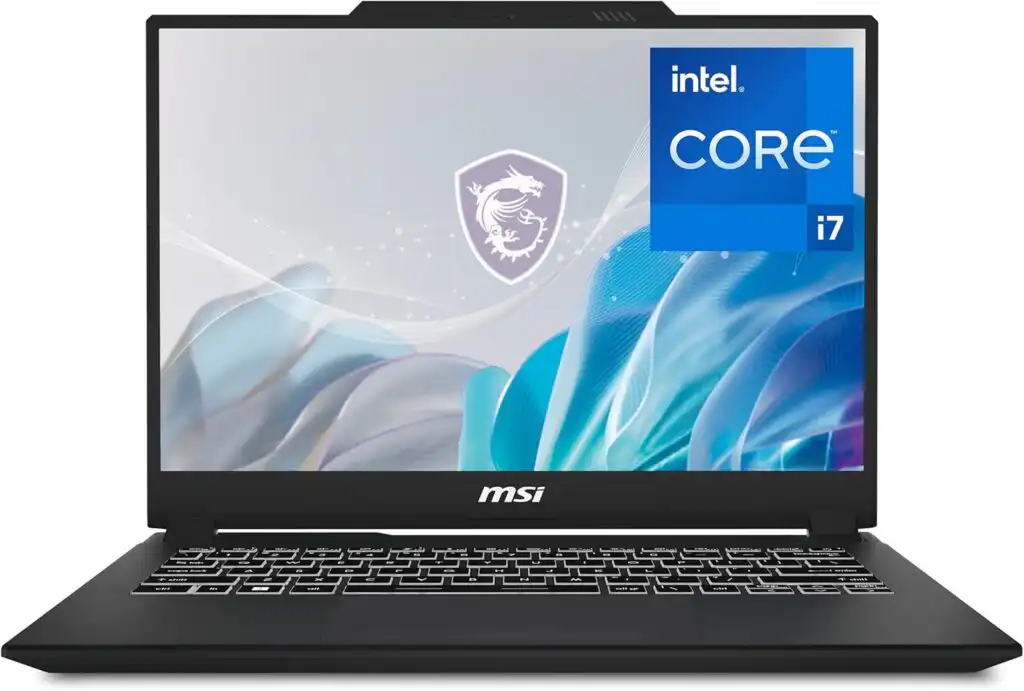
Great for those who want workstation-grade power with a more modern, creator-focused design.
Recommended Specs
- AMD Ryzen HX 9 or Intel i9 H-series
- NVIDIA RTX 4080/4090 or RTX PRO equivalents
- 32–64 GB RAM
- 1–2 TB NVMe SSD
Why It Stands Out
MSI’s WS series delivers strong GPU performance and good thermals. If you do a lot of visualization, animation, or combine COMSOL with rendering apps, this lineup offers great value.
Pros
- High GPU power for large graphics workloads
- Strong cooling and performance consistency
- Good balance between workstation and creator features
Cons
- Heavier than ordinary laptops
- Design leans toward “gamer” aesthetics
5. HP ZBook Studio / ASUS ProArt Series
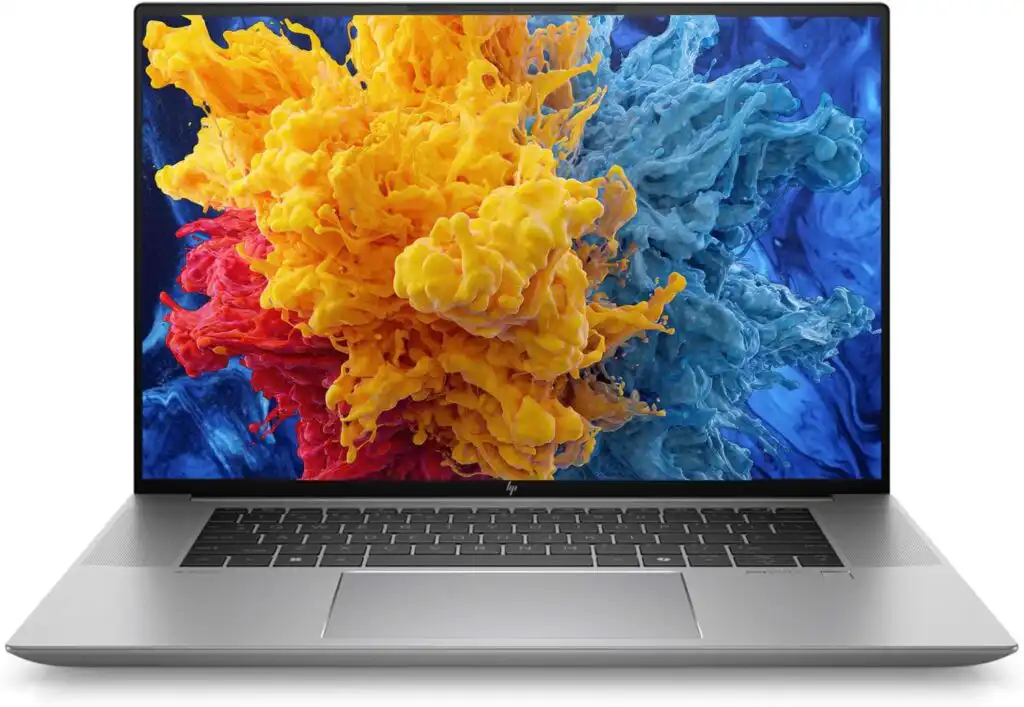
A smart choice for engineers who also create presentations, renderings, or design graphics alongside simulation work.
Recommended Specs
- Intel H-series or AMD Ryzen HX
- NVIDIA RTX PRO or GeForce RTX options
- 32–64 GB RAM
- 1 TB NVMe SSD
Why They Stand Out
These laptops offer excellent screens, stable performance, and balanced thermals — ideal for engineers who want a machine that’s strong in both simulation and creative tasks like 3D modeling, rendering, or technical content creation.
Pros
- Color-accurate displays
- Good balance of CPU and GPU performance
- Solid build quality
Cons
- Not as wildly powerful as full mobile workstations
- Some models limit upgrade options
Comparison Table
| Model | CPU Options | GPU Options | RAM | Storage | Ideal For |
|---|---|---|---|---|---|
| Lenovo ThinkPad P1 Gen 8 | Ultra 7/9, Xeon | RTX PRO | 32–64 GB | 1 TB+ | Balanced workstation needs |
| Dell Precision 16 | Ultra / Xeon | RTX 3500–5000 Ada | 32–128 GB | Dual NVMe | Heavy and large COMSOL models |
| MacBook Pro M4 | M4 Pro/Max | Integrated | 32–64 GB | 1–4 TB | macOS workflows, mid-size sims |
| MSI WS / Creator | Intel/AMD H series | RTX 40/50 series | 32–64 GB | 1–2 TB | Visualization-heavy workloads |
| HP ZBook Studio / ASUS ProArt | Intel/AMD | RTX PRO / GeForce | 32–64 GB | 1 TB | Mixed simulation + creative work |
How to Choose the Best Laptop for COMSOL in 2026
Time needed: 10 minutes
A quick, practical 3-step guide to picking a laptop that runs COMSOL smoothly, without crashes or slowdowns.
- Identify Your COMSOL Workload
Think about the complexity of your simulations. Small or medium models run fine on 32–64 GB RAM, but large 3D or multiphysics studies generally need 64–128 GB. Decide whether you mostly run short solves or long, heavy sessions.
- Pick the Right CPU, RAM, and Cooling
Choose a high-performance CPU (Intel Ultra, AMD HX, or Apple M-series), pair it with plenty of RAM, and make sure the laptop has a strong cooling system. Good thermals prevent the system from slowing down during long simulation runs.
- Choose Storage and GPU Based on Your Workflow
Get a fast NVMe SSD (1 TB or more), and add a dedicated GPU if you work with large meshes or heavy visualization. Professional GPUs help with smoother rendering and post-processing views.
Final Thoughts
Choosing the right laptop for COMSOL in 2026 comes down to knowing your workload. If you deal with large, demanding models daily, a mobile workstation like the Dell Precision or ThinkPad P1 will save you countless hours. If your projects are moderate in size and you prefer a quiet machine, the MacBook Pro M4 is a pleasure to use. And if you need extra GPU muscle, MSI’s workstation line delivers fantastic value.
Whichever direction you go, the laptops listed above are all proven performers that will keep COMSOL running smoothly for years.
FAQs
For smaller projects, 16–32 GB is usually enough, but once you step into larger 3D models or multiphysics studies, 64 GB becomes the comfortable middle ground. If you regularly work with heavy geometries, dense meshes, or long parametric sweeps, going up to 96–128 GB can save you a lot of frustration.
Most of the speed comes down to your CPU and available memory. Using fewer but higher-quality mesh elements helps more than people expect. Keeping your laptop cool, closing background apps, and working from a fast NVMe SSD also makes a noticeable difference. For very large jobs, splitting studies into smaller steps or simplifying physics where possible can speed things up quite a bit.
COMSOL doesn’t rely on the GPU for its solvers — those are CPU-driven. However, a good GPU definitely helps with smooth visualization, handling big meshes, and working in 3D without stutters. Professional GPUs tend to be more stable, but high-end gaming GPUs also work well for graphics-heavy tasks.
Related links