Estimated reading time: 8 minutes
Key Takeaways
- Choosing the right laptop is crucial for civil engineering students due to demanding software like AutoCAD and MATLAB.
- Recommended minimum specs include an Intel Core i7, 16GB RAM, 512GB SSD, and a dedicated GPU for optimal performance.
- Top laptops for 2026 include Lenovo ThinkPad P16, Dell XPS 15, and Apple MacBook Pro, each suited for different needs.
- Budget-friendly options exist, focusing on sufficient RAM and SSD storage without sacrificing basic performance.
- Investing in a good laptop ensures reliable performance throughout your studies and future projects.
Choosing a laptop as a civil engineering student isn’t just about buying a new computer. It’s about finding a reliable partner that can handle long nights of design work, heavy software, and big project files without slowing you down. In 2026, civil engineering software is more powerful than ever, and that means your laptop needs to keep up.
In this guide, you’ll find carefully selected laptops that are actually suitable for civil engineering students. No marketing hype, no unnecessary specs — just real-world performance, honest pros and cons, and practical advice written in plain English.
Table of contents
What a Civil Engineering Student Really Needs in a Laptop
Civil engineering isn’t light work for a computer. Programs like AutoCAD, Civil 3D, Revit, ETABS, SAP2000, MATLAB, and ANSYS demand both processing power and stability. Before jumping into specific models, here’s what truly matters:
Recommended Minimum Specs for 2026
- Processor (CPU): Intel Core i7 / i9 (H or HX series), AMD Ryzen 7 / 9, or Apple M-series
- RAM: 16GB minimum (32GB is strongly recommended for simulations)
- Storage: 512GB NVMe SSD (1TB preferred)
- Graphics (GPU): Dedicated NVIDIA RTX GPU or strong integrated Apple GPU
- Display: Full HD+ minimum, larger screens help with drawings
- Ports: USB-C, USB-A, HDMI/DisplayPort support
If your laptop struggles, your workflow slows down — and that’s the last thing you want during deadlines.

Best Laptops for Civil Engineering Students in 2026
Below are the best laptops you can buy this year, covering different needs and budgets. Each one has been chosen based on real-world usability for engineering students.
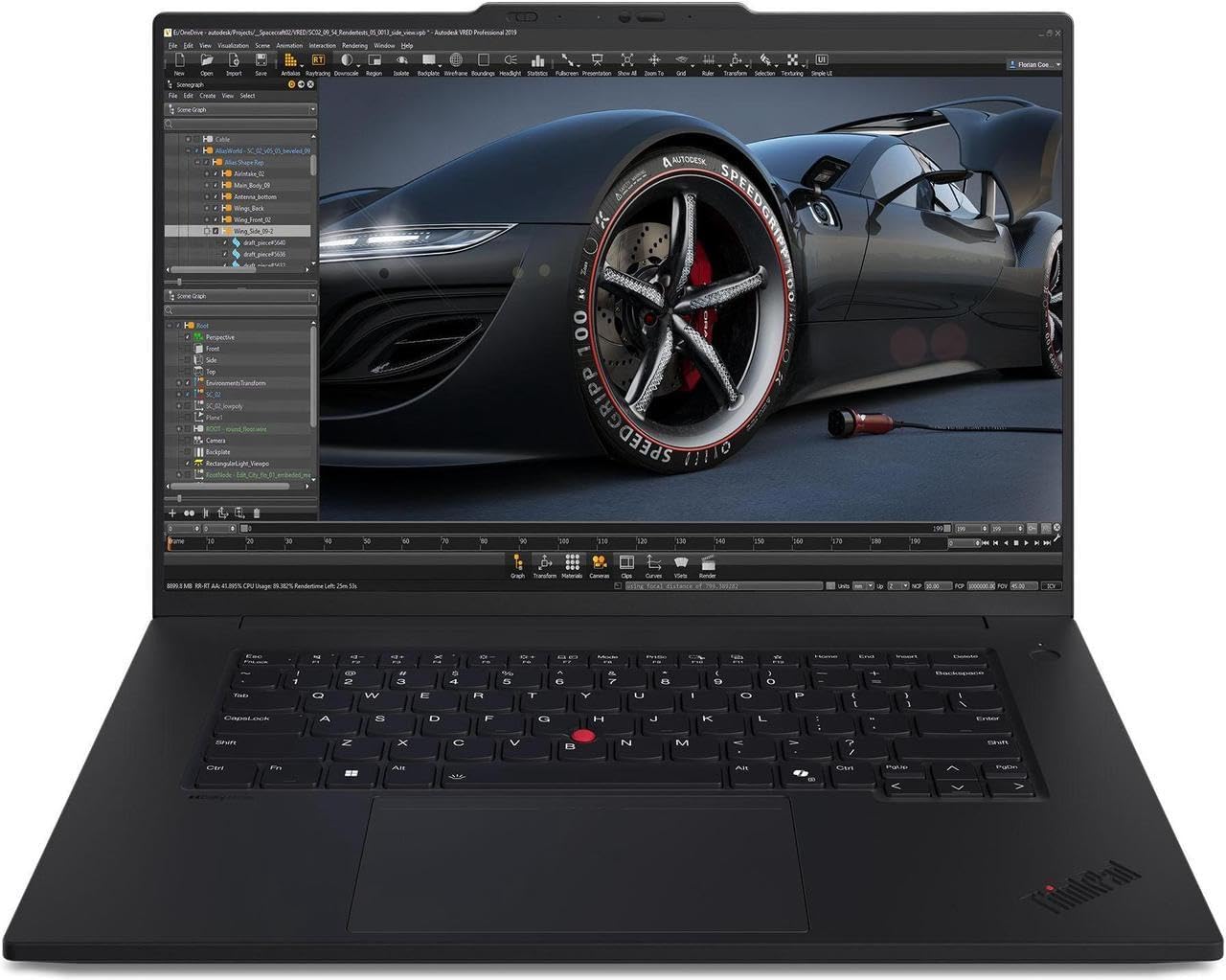
1. Lenovo ThinkPad P16
Best Overall Workstation Laptop
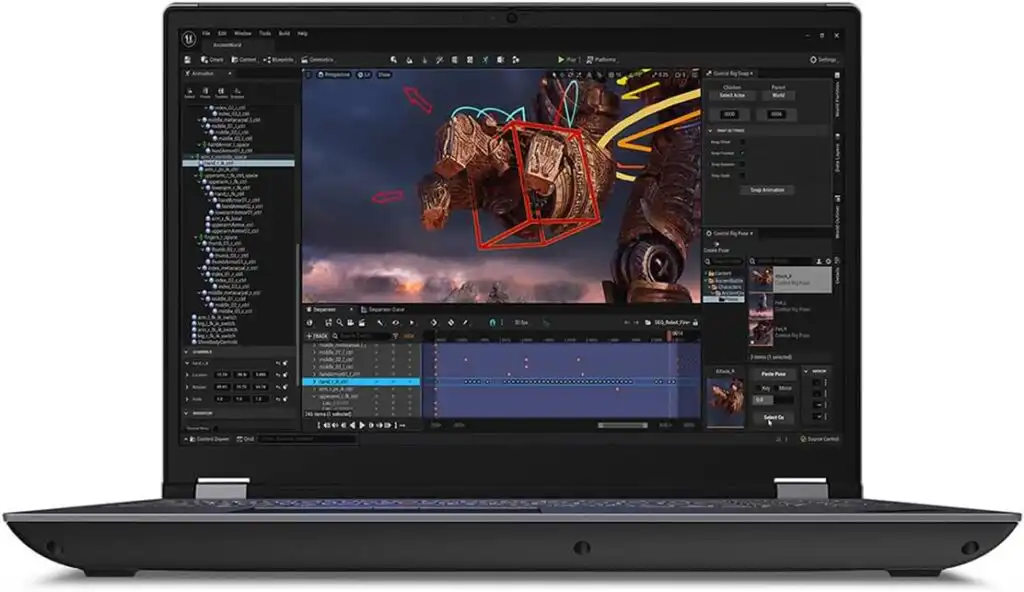
The ThinkPad P16 is built like a tank and designed for serious engineering work. This is the kind of laptop professionals use in real engineering offices, not just classrooms.
Key Features
- Intel Core i7 / i9 or Xeon processors
- NVIDIA RTX A-Series or RTX 40-Series graphics
- Up to 64GB RAM (upgradeable)
- Multiple NVMe SSD slots
- 16-inch high-resolution display
Pros
- Extremely reliable and stable
- Handles large CAD and simulation files easily
- Excellent keyboard and port selection
- Easy to upgrade in the future
Cons
- Heavy compared to other laptops
- Expensive at higher configurations
Best for: Students who want maximum performance and plan to keep the laptop for many years.
2. Dell XPS 15
Best Premium Windows Laptop
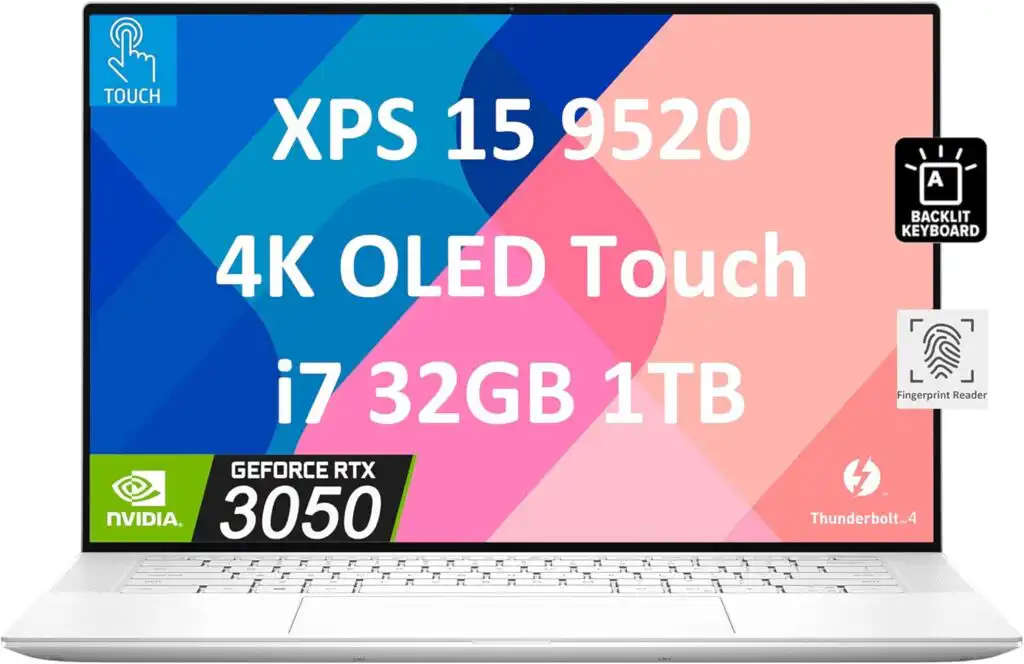
The Dell XPS 15 is a perfect balance between power and portability. It looks clean, feels premium, and still packs enough performance for most civil engineering tasks.
Key Features
- Intel Core i7 or i9 processors
- NVIDIA RTX 40-Series graphics
- 16GB–64GB RAM
- Stunning 3.5K or 4K display options
Pros
- Beautiful screen for drawings and presentations
- Slim and lightweight for a 15-inch laptop
- Strong CPU performance
Cons
- Gets warm under heavy load
- Limited upgrade options
Best for: Students who want a powerful laptop that also looks and feels modern.
3. Apple MacBook Pro (14-inch / 16-inch)

Best macOS Option
The MacBook Pro with Apple Silicon offers impressive performance, excellent battery life, and a rock-solid build. It works very well for MATLAB, coding, and visualization tasks.
Key Features
- Apple M-series processors
- Unified memory (16GB–96GB options)
- Outstanding Retina XDR display
- Long battery life
Pros
- Silent and efficient
- Excellent display quality
- Strong performance for many engineering tasks
Cons
- Some civil engineering software runs only on Windows
- No hardware upgrades after purchase
Best for: Students whose software supports macOS or who prefer Apple’s ecosystem.
4. ASUS ProArt P16
Best for Visualization and Design Work
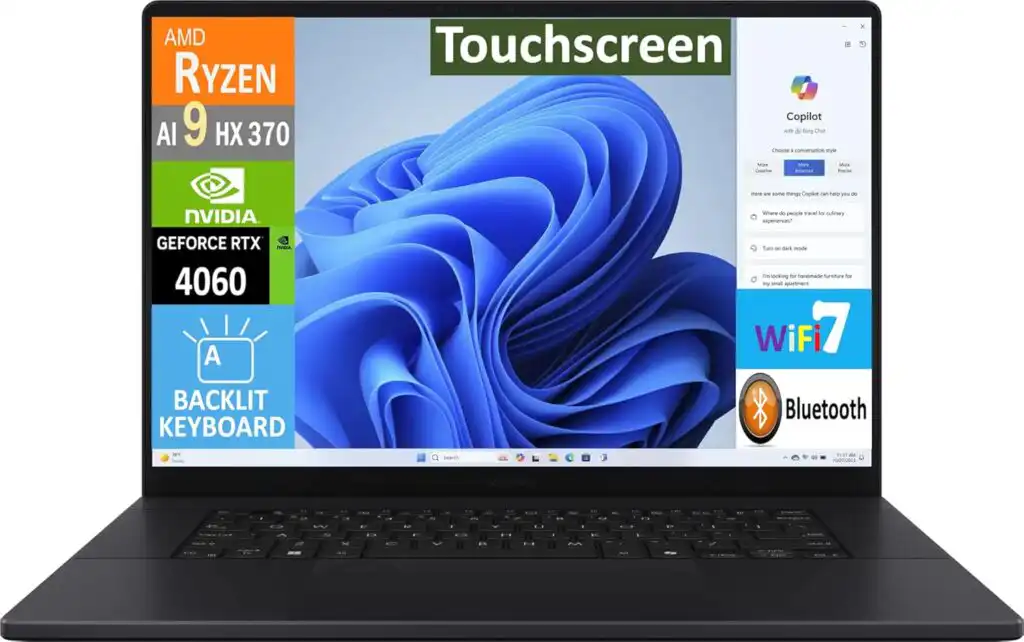
The ProArt P16 is ideal for students who work with complex models, renders, and presentations alongside engineering software.
Key Features
- AMD Ryzen or Intel H-series processors
- NVIDIA RTX graphics
- Up to 64GB RAM
- 4K OLED display option
Pros
- Extremely sharp and color-accurate display
- Strong GPU performance
- Great for visual-heavy projects
Cons
- Battery life drops with 4K screen
- Premium pricing
Best for: Students focused on design, rendering, and visual outputs.
5. ASUS ROG Zephyrus G14

Best Portable Performance Laptop
If you want power without carrying a heavy machine, the Zephyrus G14 is a standout. It’s compact but surprisingly powerful.
Key Features
- AMD Ryzen 9 processors
- NVIDIA RTX graphics
- High-refresh OLED display
- Lightweight design
Pros
- Excellent performance for its size
- Easy to carry around campus
- Strong GPU power
Cons
- Smaller screen may feel tight for CAD work
- Fans can get loud under load
Best for: Students who move around a lot and still need strong performance.
Best Budget-Friendly Options
Not everyone has the budget for a workstation or premium laptop. These options still get the job done with the right configuration:
Good Budget Choices
- ASUS ZenBook 14 OLED
- Acer Aspire Series (with dedicated GPU)
- MSI Cyborg / Katana models
What to Look for on a Budget
- At least 16GB RAM (or upgradeable)
- SSD storage
- A modern CPU (Ryzen 5/7 or Intel i5/i7)
Trade-off: Less thermal headroom and build quality, but still usable for student workloads.
Quick Comparison Table
| Laptop Model | Best For | RAM | GPU | Weight |
|---|---|---|---|---|
| Lenovo ThinkPad P16 | Heavy engineering work | Up to 64GB | RTX A / RTX 40 | Heavy |
| Dell XPS 15 | Premium all-round use | Up to 64GB | RTX 40 | Medium |
| MacBook Pro | macOS workflows | Up to 96GB | Apple GPU | Light |
| ASUS ProArt P16 | Visualization & design | Up to 64GB | RTX 40 | Medium |
| Zephyrus G14 | Portable power | Up to 32GB | RTX | Light |
| Budget Models | Cost-effective study | 16GB | Entry-level | Light |
Final Thoughts
The best laptop for a civil engineering student in 2026 depends on how you work. If you want raw power and long-term reliability, go for a workstation like the ThinkPad P16. If you want something stylish and capable, the Dell XPS 15 is hard to beat. Prefer macOS and efficiency? The MacBook Pro won’t disappoint — as long as your software allows it.
One thing is certain: investing in a good laptop early will save you hours of frustration later. Choose wisely, prioritize performance over looks, and your laptop will carry you through university and beyond.
FAQs
There isn’t one single “best” laptop for everyone, but most civil engineering students do well with a powerful Windows laptop that has a fast processor, at least 16GB of RAM, and a dedicated graphics card. Workstation-style laptops are great for heavy software, while premium laptops work fine for everyday design and coursework.
Yes, a laptop is pretty much essential. Most assignments, drawings, and simulations are done using specialized software, and you’ll often need to work outside computer labs. Having your own laptop makes studying, practicing, and meeting deadlines much easier.
An i7 is usually the better choice, especially for programs like AutoCAD, Revit, or analysis tools. It handles heavier tasks more smoothly and saves time on large projects. An i5 can still work for basic tasks, but an i7 gives you more comfort and room to grow over the years.
How to Choose the Best Laptop for Civil Engineering Students in 2026
Time needed: 5 minutes
- Identify Your Software Needs
List the civil engineering software you’ll use most, such as AutoCAD, Revit, Civil 3D, MATLAB, or structural analysis tools. Make sure the laptop you choose fully supports these programs without workarounds.
- Select the Right Hardware Configuration
Choose a laptop with a powerful processor, at least 16GB of RAM, fast SSD storage, and a capable graphics card. For complex simulations and large models, prioritize performance over thin design.
- Balance Portability, Budget, and Long-Term Use
Decide whether you need a lightweight laptop for daily campus use or a heavier workstation for maximum power. Pick a model that fits your budget and can comfortably support your studies for several years.
Related links