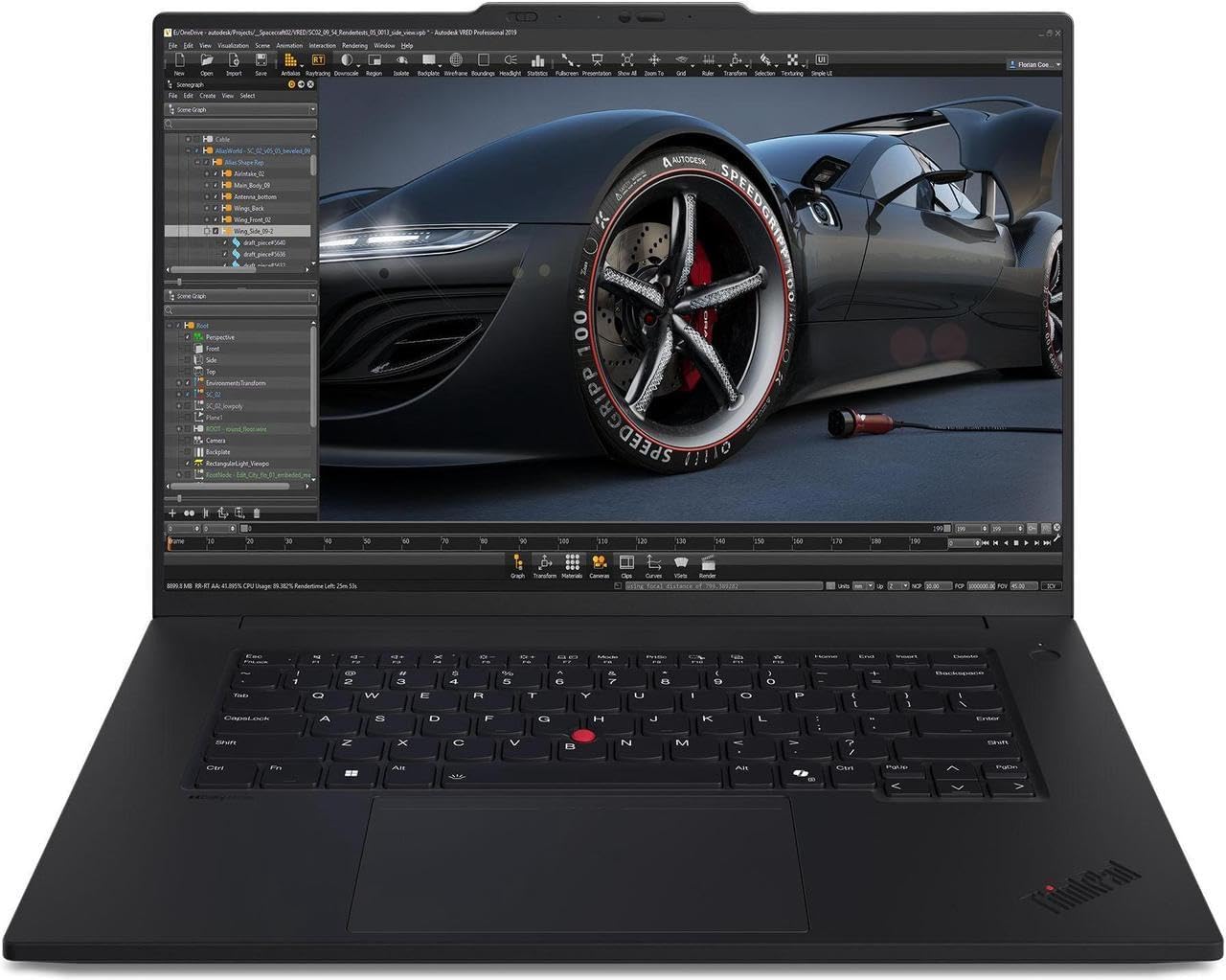
Estimated reading time: 8 minutes
Key Takeaways
- In 2026, the best laptops for AI development need powerful GPUs, ample RAM, and fast storage.
- Prioritize laptops with NVIDIA RTX 50-series GPUs and at least 32 GB of RAM for serious AI work.
- Consider cooling and sustained performance since AI workloads run for extended periods.
- Top models include Razer Blade 16 for heavy training, ASUS ROG Zephyrus G16 for portability, and MacBook Pro for on-device ML and battery life.
- Define your AI workload and match hardware to your tools for the best results.
Table of contents
Artificial intelligence isn’t just something you run on massive servers anymore. In 2026, more developers, engineers, and researchers want real AI power right on their laptops. That’s why choosing the best laptops for AI development is now more important than ever. Whether you’re training models, running local inference, fine-tuning LLMs, or building AI-powered apps, your laptop has become one of your most important tools.
But here’s the truth: not every “powerful” laptop is actually good for AI development. Some look great on paper but throttle under load. Others have fast CPUs but weak GPUs or limited memory. In this guide, we take a clear, honest look at the best laptops for AI development in 2026 — based on real-world performance, usability, and long-term value.
This article is written for professionals. No hype. No marketing talk. Just practical advice, clear comparisons, and laptops that genuinely make sense for AI work.
What Really Matters for AI Development in 2026
Before jumping into specific models, let’s quickly talk about what actually makes a laptop good for AI work today.
1. GPU Power (and VRAM)
For most AI workloads, the GPU is the heart of the system. CUDA-based workflows, deep learning training, and large inference tasks depend heavily on GPU performance and VRAM. In 2026, laptops with NVIDIA RTX 50-series GPUs clearly lead this space.
2. RAM
AI development eats memory fast. Running notebooks, datasets, Docker containers, and IDEs at the same time can overwhelm smaller systems.
- 32 GB RAM is the practical starting point
- 64 GB RAM is ideal for serious work
3. Storage Speed and Size
Large datasets and model checkpoints require fast NVMe SSDs. Anything below 1 TB fills up quickly if you work locally.
4. Cooling and Sustained Performance
Short benchmarks don’t matter. AI workloads run for hours. A good laptop must maintain performance without overheating or throttling.
5. Ecosystem Compatibility
Your tools matter. CUDA, PyTorch, TensorFlow, Core ML, ONNX — your laptop should match the ecosystem you actually use.

Quick Comparison: Best AI Laptops in 2026
| Laptop Model | CPU | GPU | Max RAM | Best For |
|---|---|---|---|---|
| Razer Blade 16 | Intel Core Ultra / i9 | RTX 5090 | 64 GB | Heavy local training, CUDA workflows |
| ASUS ROG Zephyrus G16 | Ryzen AI 9 / Core Ultra | RTX 5070–5090 | 64 GB | Portable AI development |
| Lenovo Legion Pro 7 | Ryzen / Core Ultra | RTX 5080–5090 | 64 GB | Best value for sustained performance |
| Dell XPS 16 (2026) | Intel Core Ultra 9 | Discrete GPU | 64 GB | Clean, professional dev setup |
| MacBook Pro M5 | Apple M5 | Apple GPU + NPU | 96 GB | On-device ML, inference, battery life |
1. Razer Blade 16 — Maximum Power in a Premium Body
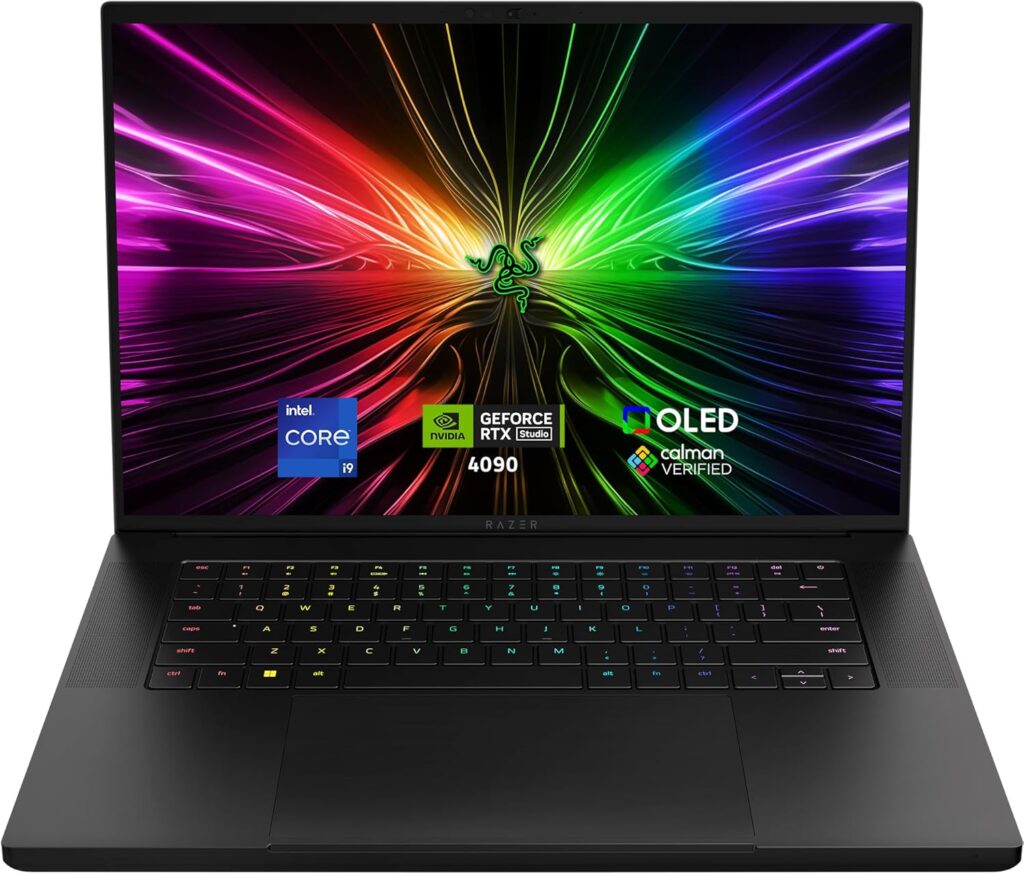
The Razer Blade 16 is built for people who want desktop-level AI performance in a laptop form. It combines top-tier Intel processors with NVIDIA’s most powerful mobile GPUs.
Key Specifications
- Intel Core Ultra or Core i9 CPU
- NVIDIA RTX 5090 mobile GPU
- Up to 64 GB RAM
- Up to 4 TB NVMe SSD
- 16-inch high-refresh display
Why It’s Great for AI
This laptop handles large local models, heavy CUDA workloads, and long training sessions without breaking a sweat. If your workflow depends on NVIDIA tools, this is one of the strongest mobile platforms available.
Pros
- Exceptional GPU performance
- High VRAM options
- Premium build quality
Cons
- Very expensive
- Battery life drops under heavy load
2. ASUS ROG Zephyrus G16 — Power Meets Portability
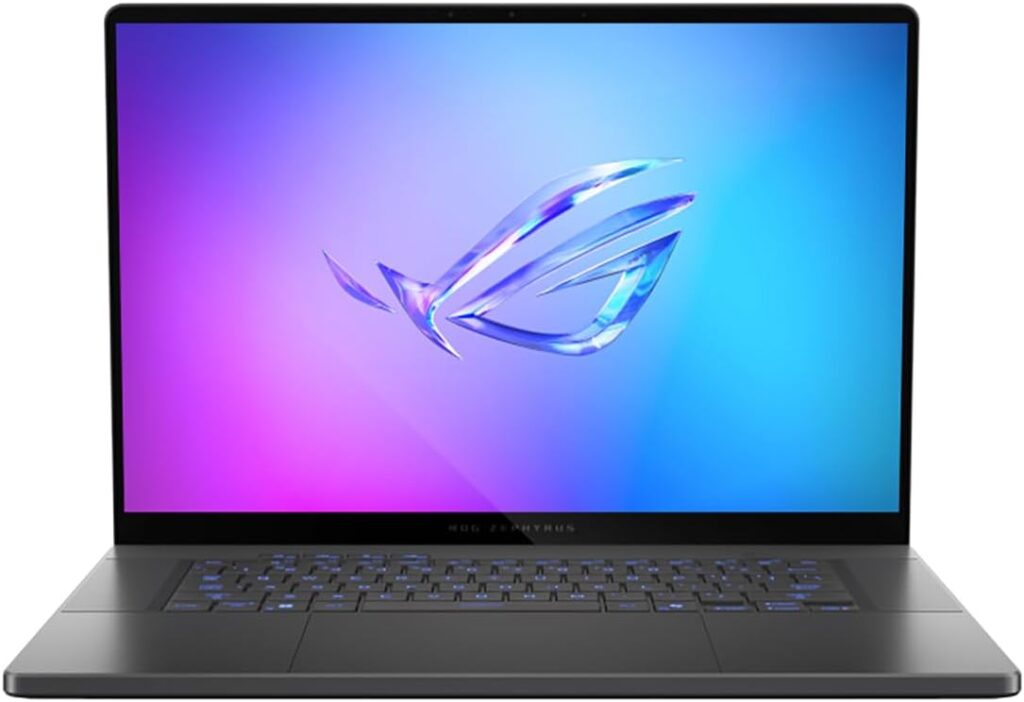
The Zephyrus G16 hits a sweet spot. It’s lighter than most high-performance laptops but still packs enough power for serious AI development.
Key Specifications
- AMD Ryzen AI 9 or Intel Core Ultra CPU
- NVIDIA RTX 5070, 5080, or 5090
- Up to 64 GB RAM
- 1–2 TB NVMe SSD
- OLED display options
Why It’s Great for AI
If you travel often or work between office, home, and client sites, this laptop gives you flexibility without sacrificing too much power.
Pros
- Lightweight for its class
- Strong performance for most AI tasks
- Excellent display quality
Cons
- Not ideal for extremely long training runs
- Some configurations limit VRAM
3. Lenovo Legion Pro 7 — The Performance-Per-Dollar Champion
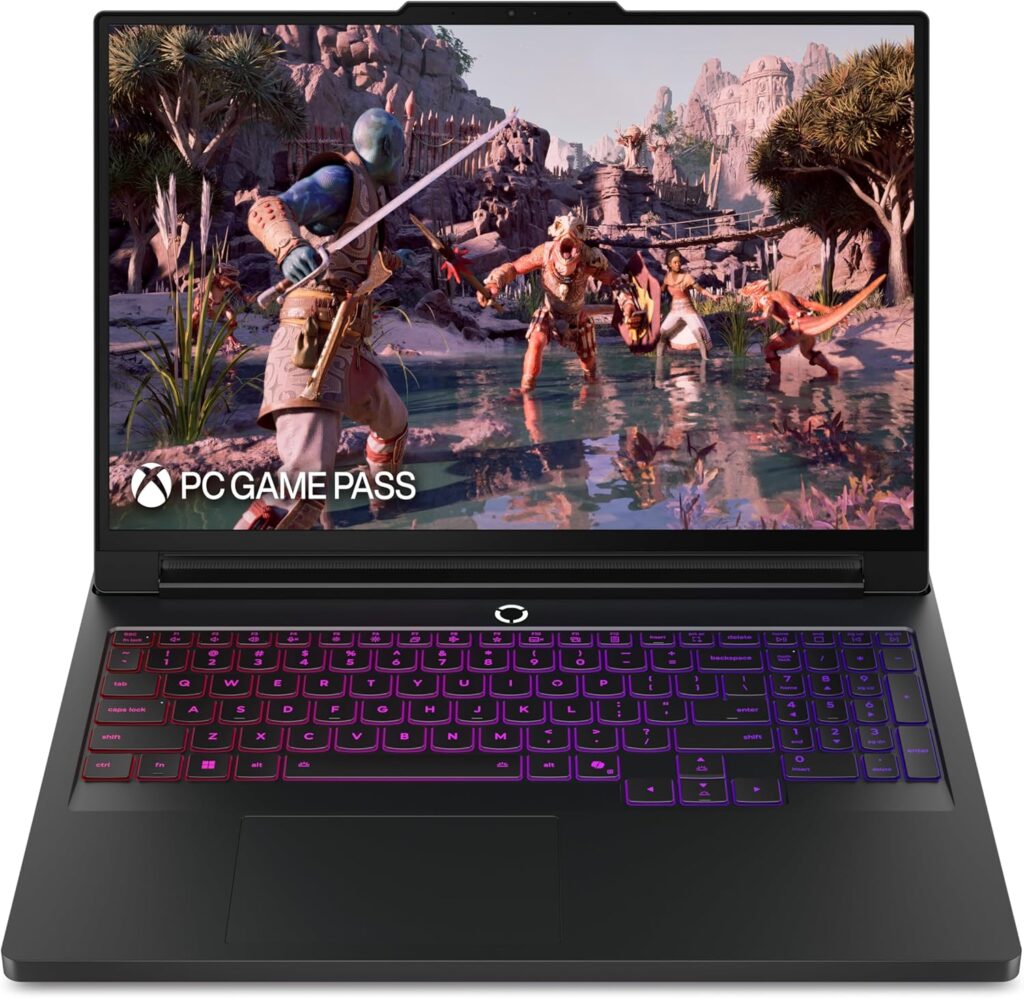
Lenovo’s Legion Pro series focuses on one thing: sustained performance. These laptops are slightly bulkier, but they cool better than most competitors.
Key Specifications
- AMD Ryzen or Intel Core Ultra CPU
- NVIDIA RTX 5080 or 5090
- Up to 64 GB RAM
- Up to 4 TB NVMe SSD
Why It’s Great for AI
If you care more about performance than aesthetics, the Legion Pro 7 delivers excellent long-term stability for training and experimentation.
Pros
- Strong cooling system
- Great value for the hardware
- Easy to upgrade
Cons
- Heavier design
- Less premium look
4. Dell XPS 16 (2026) — Clean, Professional, Reliable
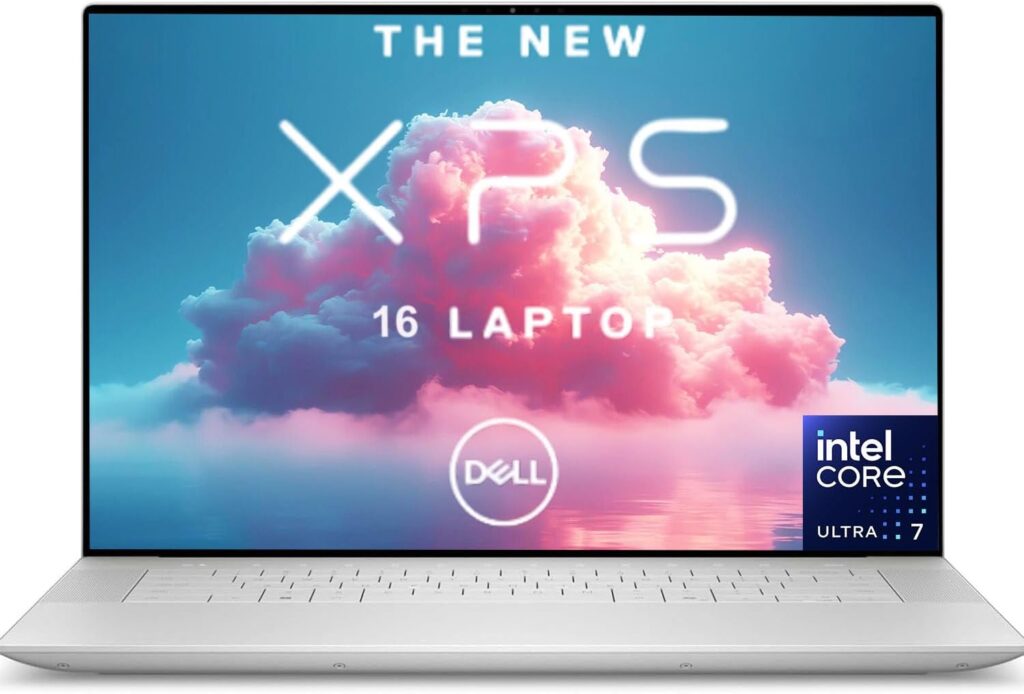
The Dell XPS 16 is ideal for professionals who want a powerful development machine that still looks and feels refined.
Key Specifications
- Intel Core Ultra 9 CPU
- Discrete GPU options
- Up to 64 GB RAM
- High-quality OLED display
Why It’s Great for AI
It’s not the strongest GPU monster on this list, but it’s excellent for development, research, data processing, and moderate AI workloads.
Pros
- Beautiful display
- Excellent build quality
- Quiet and efficient
Cons
- GPU options are limited
- Not ideal for heavy training
5. MacBook Pro (M5) — Silent Power and Battery Life
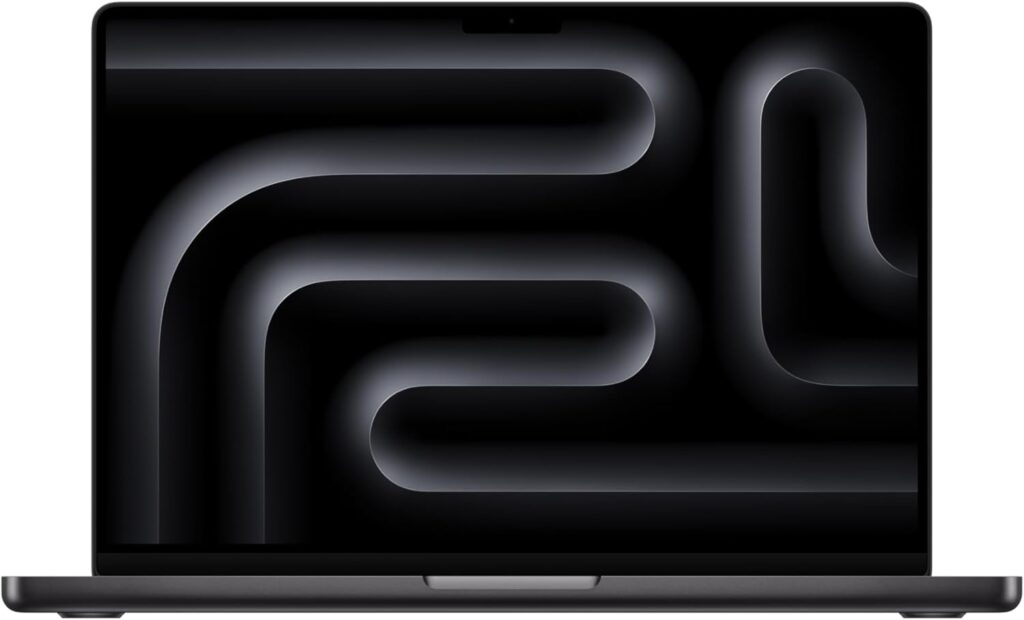
Apple’s M5-based MacBook Pro models are surprisingly capable for AI development, especially for on-device inference and experimentation.
Key Specifications
- Apple M5 chip
- Integrated Apple GPU + Neural Engine
- Up to 96 GB unified memory
- Outstanding battery life
Why It’s Great for AI
If you value portability, silence, and battery life, this is hard to beat. It’s especially strong for Core ML, Python development, and model inference.
Pros
- Incredible battery life
- Silent operation
- Very fast for many ML tasks
Cons
- No native CUDA support
- Expensive upgrades
Which Laptop Should You Choose?
- For serious local model training: Razer Blade 16 or Lenovo Legion Pro 7
- For mobility and balanced power: ASUS ROG Zephyrus G16
- For a clean professional setup: Dell XPS 16
- For on-device ML and long battery life: MacBook Pro M5
Many professionals today use a hybrid approach: a strong laptop for development and testing, paired with cloud GPUs for large-scale training. That strategy often delivers the best balance between cost and performance.
How to Choose the Right Laptop for AI Development in 2026
Time needed: 5 minutes
Choosing the right laptop for AI development doesn’t have to be complicated. Follow these simple steps to find a machine that truly fits your workflow, budget, and long-term needs.
- Define Your AI Workload
Before buying anything, be clear about how you’ll use the laptop. Decide whether you’ll train models locally, run inference, fine-tune existing models, or mainly write and test code. This step helps you understand how much GPU power, memory, and storage you really need.
- Match the Hardware to Your Tools
Choose hardware that works smoothly with your preferred tools and frameworks. If you rely on CUDA-based workflows, prioritize laptops with powerful NVIDIA GPUs and enough VRAM. If battery life and on-device inference matter more, consider efficient architectures with strong neural engines.
- Balance Performance, Portability, and Budget
A good AI laptop is not just about raw power. Make sure it can sustain performance without overheating, fits your mobility needs, and stays within your budget. Many developers pair a strong laptop with cloud GPUs for the best long-term balance.
Final Thoughts
AI development in 2026 is more accessible than ever — but only if your hardware keeps up. A good AI laptop isn’t just about raw specs. It’s about balance, reliability, and how well it fits your real workflow.
Choose wisely, invest where it matters most, and your laptop will stay relevant for years to come.
FAQs
Not always. If you’re learning, prototyping, or working with smaller models, a mid-range GPU is usually enough. High-end GPUs become important when you train large models locally or want faster experimentation without relying on the cloud.
For light tasks, it can work. But once you start running notebooks, datasets, containers, and IDEs together, 32 GB quickly becomes the safer and more comfortable option.
Yes, especially for model development, testing, and inference. MacBooks are great for portability and battery life. Just keep in mind that some CUDA-based workflows require NVIDIA GPUs, which means cloud or external resources.