Estimated reading time: 8 minutes
Key Takeaways
- In 2026, Best Deep Learning Laptops empower AI developers with power and portability for various workloads.
- Key factors for deep learning laptops include GPU power, CPU performance, RAM size, cooling efficiency, and software compatibility.
- Top models include Razer Blade 16 for local training, Dell Precision for stability, and Lambda Tensorbook for easy setup.
- Apple MacBook Pro excels at inference while ASUS, Lenovo, and MSI offer a balanced option for flexibility.
- Choosing the best laptop requires matching it to your workflow, considering usage, budget, and specific needs.
Table of contents
Deep learning doesn’t just live on massive cloud servers anymore. In 2026, laptops have become genuinely powerful tools for AI developers, researchers, and data scientists who want to build, test, fine-tune, and even deploy models on the go. If you’re searching for the Best Deep Learning Laptops for your workflow, the right choice can make a huge difference. Whether you’re training neural networks locally, experimenting with computer vision, or running inference demos for clients, the right laptop can save you time, money, and a lot of frustration.
This guide brings together the best deep learning laptops of 2026, focusing on machines that are actually worth buying and using every day. No hype, no buzzwords — just honest opinions, clear specs, and real pros and cons.
What Makes a Laptop Good for Deep Learning?
Before jumping into specific models, it helps to know what really matters for deep learning workloads:
- GPU power: NVIDIA GPUs are still the gold standard for training thanks to CUDA support. VRAM size matters more than raw clock speed.
- CPU performance: Strong multi-core CPUs help with data preprocessing and parallel workloads.
- Memory (RAM): Deep learning loves RAM. 32 GB is a good start, 64 GB or more is ideal.
- Cooling & power limits: Thin laptops may look great, but sustained training needs solid cooling.
- Software compatibility: Linux support, drivers, and ML frameworks should work smoothly.
With that in mind, let’s look at the laptops that truly stand out this year.

Best Deep Learning Laptops in 2026
1. Razer Blade 16 (RTX 50-Series)
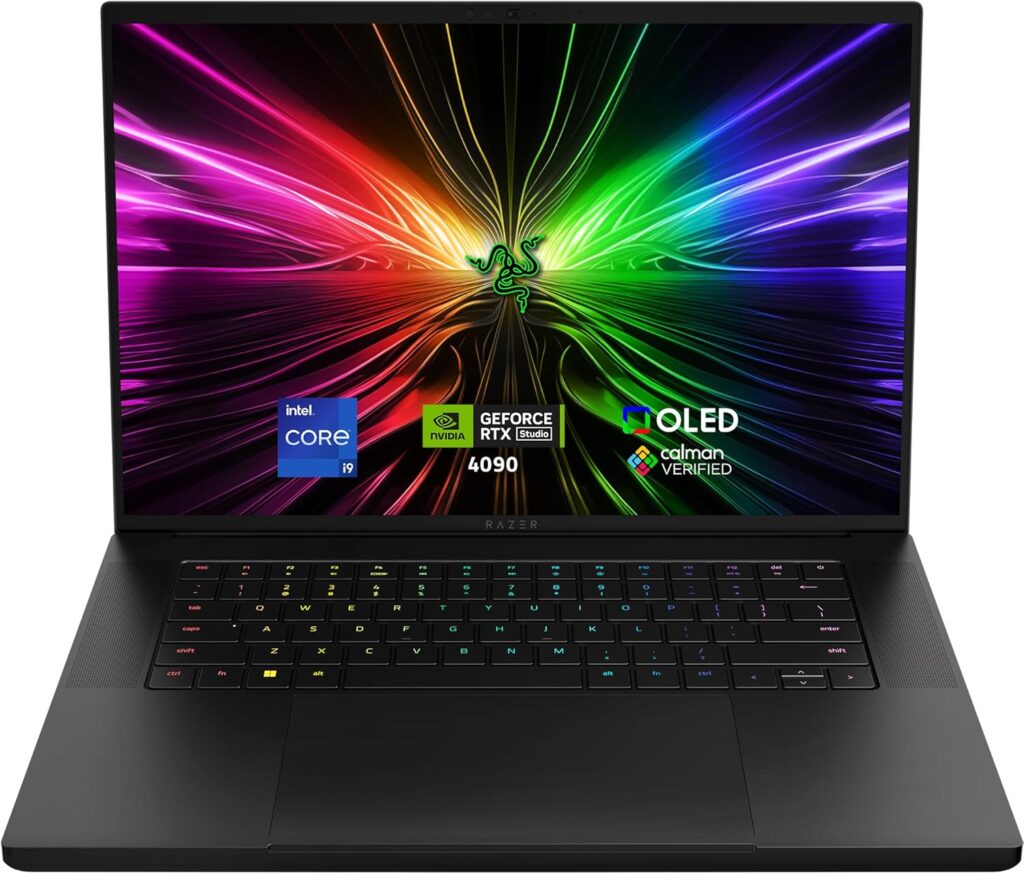
Best for local GPU training
The Razer Blade 16 is one of the few laptops that feels genuinely close to a desktop replacement. With high-power RTX 50-series GPUs, it can handle serious local training and heavy fine-tuning jobs without falling apart.
Key specifications
- CPU: Intel Core Ultra 9 or AMD Ryzen AI 9 HX
- GPU: NVIDIA RTX 5080 / RTX 5090 (up to 24 GB VRAM)
- RAM: 32–64 GB DDR5
- Storage: 1–4 TB NVMe SSD
- Display: 16″ QHD+ or 4K, high refresh rate
Pros
- Excellent GPU performance for on-device training
- Premium build quality
- Strong display options for long work sessions
Cons
- Expensive at higher configurations
- Loud fans and heat under heavy load
- Battery life drops fast during training
Who it’s for:
Developers and researchers who want maximum GPU power in a portable form.
2. Dell Precision / Pro Max Series
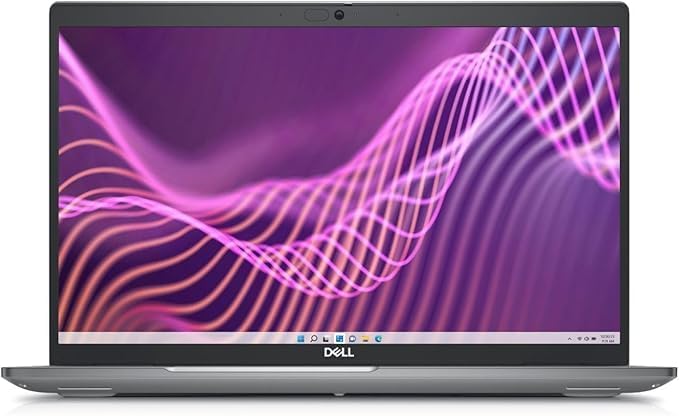
Best workstation-class laptop
Dell’s Precision and Pro Max laptops are built for professionals who need stability and long-term reliability. These machines are less flashy, but they shine when running heavy workloads for hours or days.
Key specifications
- CPU: Intel Core Ultra 9 or Xeon options
- GPU: NVIDIA RTX Pro (Blackwell / Ada generation)
- RAM: Up to 128 GB
- Storage: PCIe Gen4/Gen5 SSDs
Pros
- Extremely stable under long workloads
- Massive RAM support
- Excellent keyboard and port selection
Cons
- Heavy and not very portable
- High price compared to gaming-style laptops
Who it’s for:
Enterprise users, engineers, and researchers who value reliability over style.
3. Lambda Tensorbook
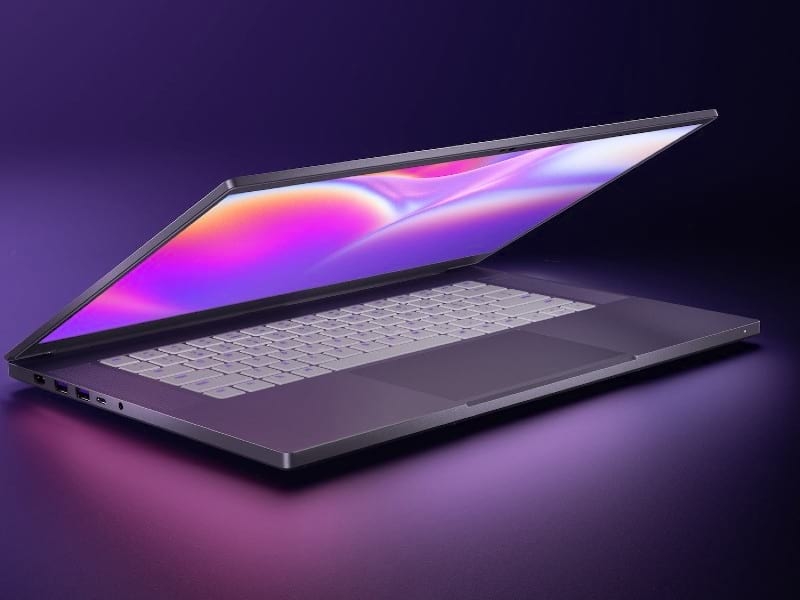
Best “plug and play” deep learning laptop
The Lambda Tensorbook is designed specifically for machine learning. It comes preconfigured with Linux, CUDA, and popular ML frameworks, saving you hours of setup time.
Key specifications
- CPU: High-end Intel mobile processors
- GPU: NVIDIA RTX-class GPU
- RAM: 32–64 GB
- OS: Ubuntu with preinstalled ML stack
Pros
- Ready for deep learning out of the box
- Optimized drivers and software
- Great support for ML developers
Cons
- Limited hardware customization
- Usually not the fastest GPU on the market
Who it’s for:
Developers who want a machine that “just works” for deep learning.
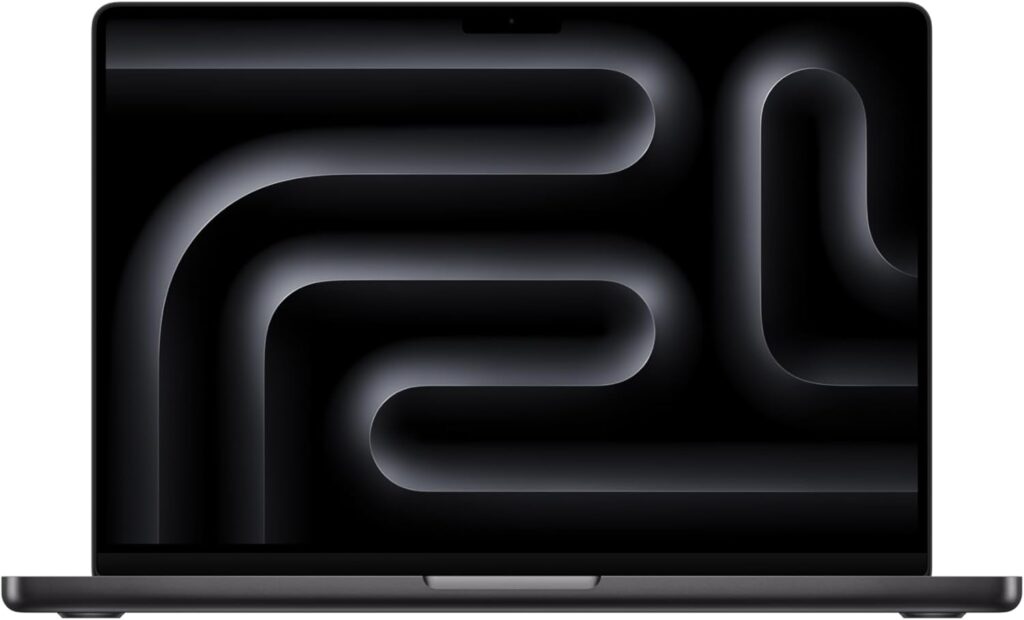
4. Apple MacBook Pro M5
Best for inference and efficient AI work
Apple’s M-series chips aren’t built for CUDA-based training, but they excel at inference, experimentation, and energy-efficient AI workloads. Battery life and thermals are unmatched.
Key specifications
- SoC: Apple M5
- Unified memory: 32–128 GB
- Storage: Up to several TB SSD
Pros
- Outstanding battery life
- Silent and cool operation
- Excellent for on-device inference and prototyping
Cons
- Limited support for NVIDIA-specific tools
- Not ideal for large-scale training
Who it’s for:
AI developers focused on inference, deployment, and mobile-friendly workflows.
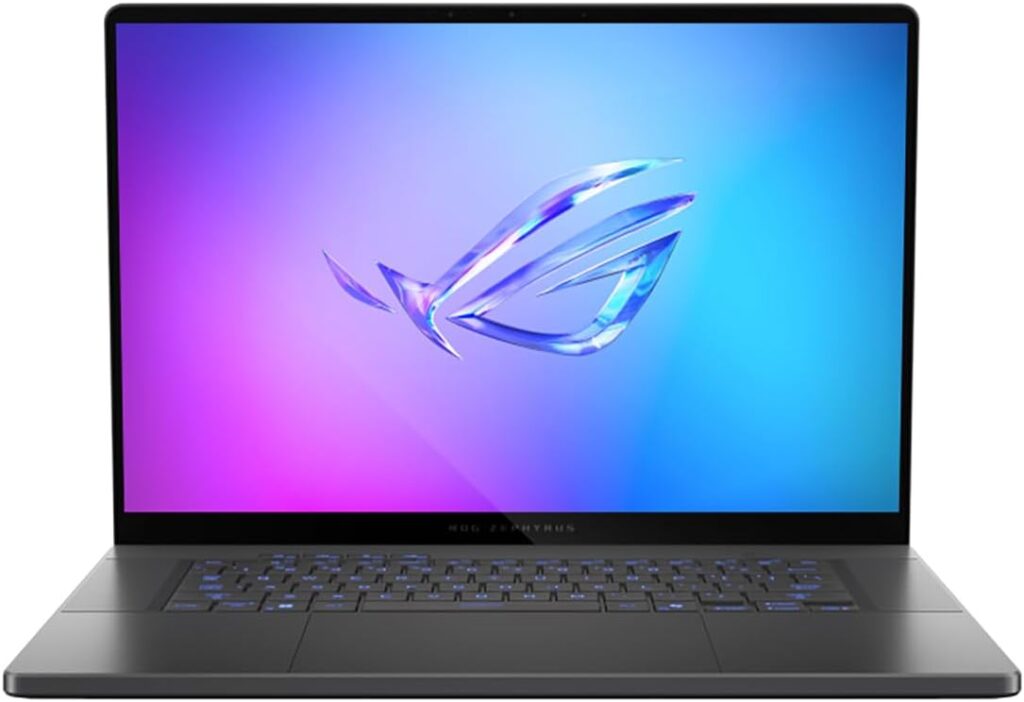
5. ASUS ROG / Lenovo ThinkPad AI / MSI Prestige AI
Best balanced option
These laptops sit between ultra-portable machines and full workstations. They offer solid GPUs, modern AI-focused CPUs, and better portability than heavy workstations.
Key specifications
- CPU: Intel Core Ultra or AMD Ryzen AI
- GPU: RTX 5060–5080 range
- RAM: 32–64 GB
Pros
- Good balance of power and portability
- More affordable than flagship models
- Suitable for mixed workloads
Cons
- Not ideal for very large models
- Thermal performance varies by model
Who it’s for:
Students, freelancers, and developers who need flexibility.
Quick Comparison Table
| Laptop | Best Use Case | GPU Strength | Portability |
|---|---|---|---|
| Razer Blade 16 | Local training | Very high | Medium |
| Dell Precision | Long workloads | High | Low |
| Lambda Tensorbook | Easy ML setup | Medium-High | Medium |
| MacBook Pro M5 | Inference & dev | Medium | Very high |
| ASUS / Lenovo / MSI AI | Balanced use | Medium | High |
How to Choose the Best Deep Learning Laptop in 2026
Time needed: 5 minutes
Choosing the right deep learning laptop doesn’t have to be confusing. Follow these simple steps to find a machine that matches your real-world AI workflow, budget, and performance needs.
- Define your deep learning workload
Decide whether you’ll mainly train models locally, fine-tune existing models, or run inference and experiments. Heavy training needs a strong NVIDIA GPU with plenty of VRAM, while inference-focused work benefits more from efficiency and battery life.
- Match the hardware to your daily use
Look for enough RAM (at least 32 GB), fast SSD storage, and reliable cooling. If you travel a lot, portability and battery life matter. If you work long hours at a desk, sustained performance and thermal stability are more important.
- Choose a laptop that fits your workflow, not just the specs
A powerful laptop is only useful if it fits how you work. Some users prefer plug-and-play systems with preinstalled ML tools, while others want maximum GPU power or a quiet, efficient machine. Pick the option that will make your daily work smoother and more enjoyable.
Final Thoughts
The best deep learning laptop in 2026 depends on how you actually work. There is no single “perfect” machine, but there are excellent options for every type of AI professional. Whether you want raw power, long battery life, or a stress-free setup, today’s laptops are more capable than ever.
Choose the one that fits your workflow — not just the one with the biggest numbers — and it will pay you back every single day.
FAQs
You can absolutely do deep learning on a laptop. For experiments, prototyping, fine-tuning, and smaller models, a good laptop works great. For very large models or long training runs, most people still switch to cloud or dedicated servers.
Yes, especially if you train models locally. NVIDIA GPUs are still the most widely supported option for deep learning frameworks. That said, other platforms are improving fast, particularly for inference and lightweight workloads.
For most deep learning tasks, 32 GB is a comfortable starting point. If you work with large datasets or multiple models at the same time, 64 GB will make life much easier.