Estimated reading time: 8 minutes
Key Takeaways
- In 2026, you can find quality multimedia laptops under $1,000, offering great performance for editing and streaming.
- Key features for multimedia laptops include a bright display, good memory, fast storage, decent speakers, and reliable battery life.
- Top options include the Apple MacBook Air 13 (M4), Dell 16 Plus, and ASUS VivoBook S14 OLED, each catering to different needs.
- When choosing, consider your usage, prioritize display and sound quality, and balance performance, battery life, and comfort.
- A modern multimedia laptop is both accessible and capable, providing value without breaking the bank.
Table of contents
Finding a good multimedia laptop used to mean spending serious money. Not anymore. In 2026, you can get one of the Best Multimedia Laptops Under $1000, with a sharp screen, solid performance, good speakers, and enough power for editing, streaming, and everyday creative work — all without crossing the $1,000 line.
Whether you’re watching movies, editing photos, creating content for social media, or just want a laptop that feels smooth and modern, this guide covers the best options you can actually buy right now. No gimmicks, no overhyped specs — just laptops that deliver real value.
What makes a laptop good for multimedia?
A true multimedia laptop isn’t just about raw power. It’s about balance. Here’s what really matters:
- A bright, color-accurate display (IPS or OLED makes a big difference)
- A capable processor that handles multitasking and light creative work
- Enough memory for smooth performance (16GB is ideal)
- Fast SSD storage
- Decent speakers and a comfortable keyboard
- Reliable battery life for long sessions
Every laptop in this list checks most — if not all — of these boxes.
Quick comparison: Top multimedia laptops
| Laptop Model | Display | CPU | RAM | Storage | Best For |
|---|---|---|---|---|---|
| MacBook Air 13 (M4) | 13.6″ Retina | Apple M4 | 16GB | 256–512GB | Portability & battery |
| Dell 16 Plus | 16″ 2K 120Hz | Intel Core Ultra 7 | 16GB | 512GB–1TB | Big screen multitasking |
| ASUS VivoBook S14 OLED | 14″ OLED | Intel Core Ultra / AMD | 16GB | 512GB | Color-rich visuals |
| Samsung Galaxy Chromebook Plus | 15.6″ AMOLED | Intel U-series | 8–16GB | 256GB | Streaming & cloud work |
| Lenovo IdeaPad Slim 5 | 14–16″ IPS/OLED | Ryzen / Intel | 8–16GB | 256GB–1TB | All-around value |
| HP Pavilion 16 | 16″ FHD | Ryzen 5/7 | 8–16GB | 256GB–1TB | Budget large screen |
| Acer Swift Go / Aspire | 14–15.6″ | Intel / Ryzen | 8–16GB | 256GB–1TB | Best deals |

Best Multimedia Laptops: In-depth reviews
1. Apple MacBook Air 13 (M4, 2025)
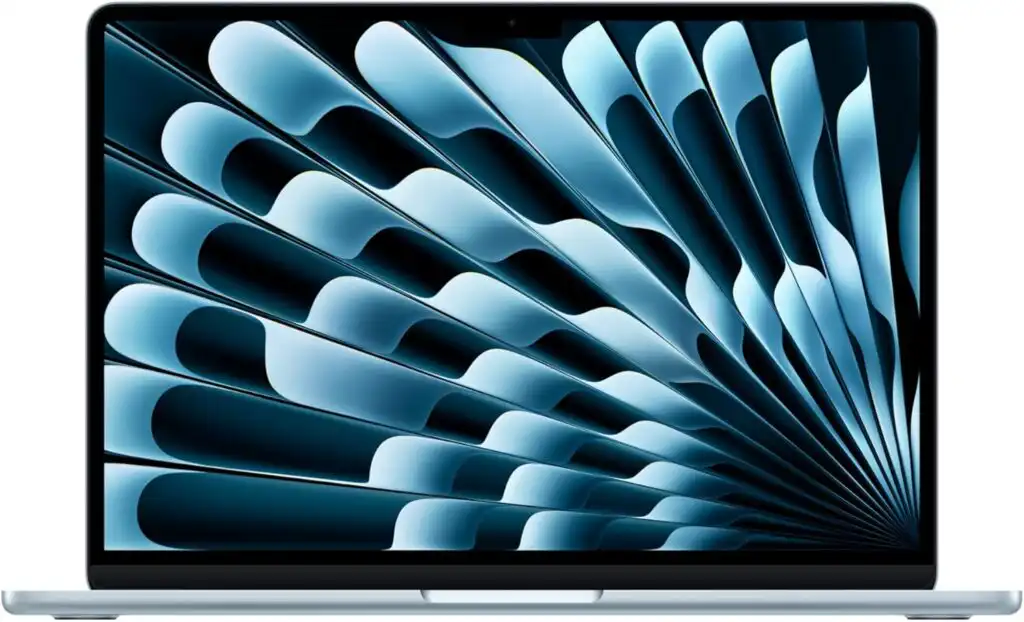
Best overall multimedia laptop under $1000
The MacBook Air continues to be the easiest laptop to recommend. With Apple’s M4 chip, it’s fast, quiet, and incredibly efficient. You can edit photos, cut videos, stream in high resolution, and still have battery left at the end of the day.
Key features
- 13.6″ Retina display with excellent color accuracy
- Apple M4 processor
- 16GB unified memory
- Fanless design and all-day battery life
Pros
- Outstanding battery life
- Smooth performance for creative apps
- Lightweight and premium build
Cons
- Limited ports
- Storage upgrades can get expensive
Best for: Creators, students, and professionals who want reliability and long battery life in a compact body.
2. Dell 16 Plus
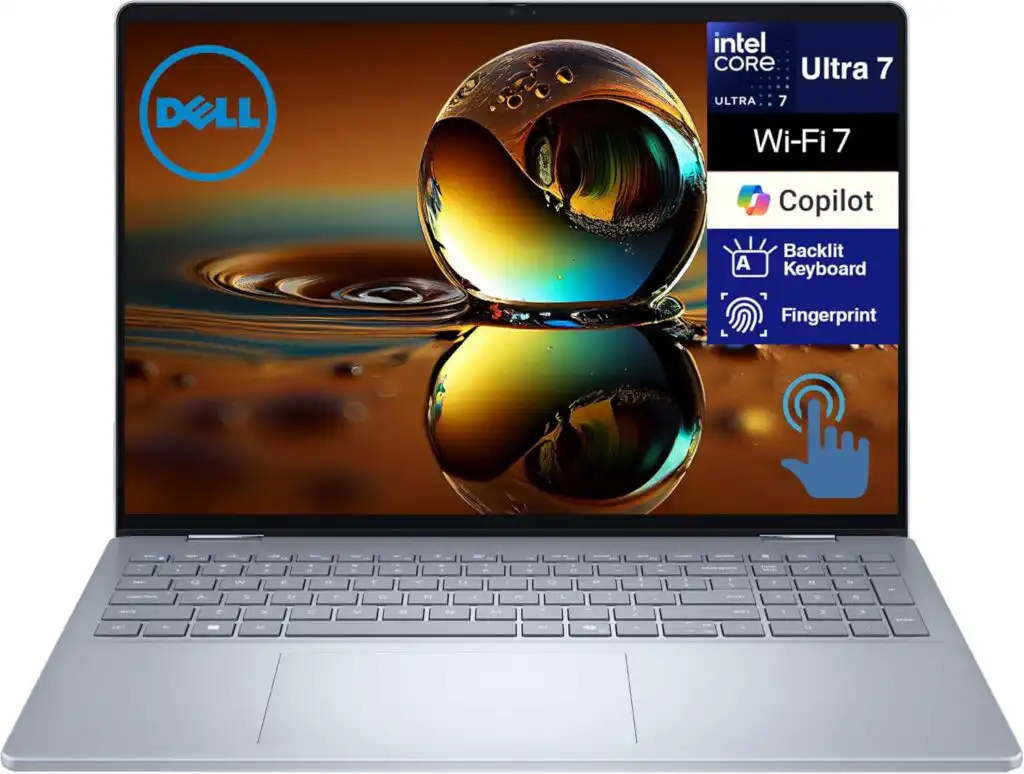
Best large-screen multimedia laptop
If you love working on a big display, the Dell 16 Plus stands out. The 16-inch screen gives you more room for timelines, spreadsheets, and multitasking, while the Intel Core Ultra processor keeps things fast and responsive.
Key features
- 16″ 2K display with 120Hz refresh rate
- Intel Core Ultra 7 CPU
- 16GB RAM
- Strong keyboard and build quality
Pros
- Large, sharp screen
- Great performance for the price
- Frequently discounted
Cons
- Heavier than smaller laptops
- Battery life is good, not amazing
Best for: Users who want a desktop-like experience in a laptop form.
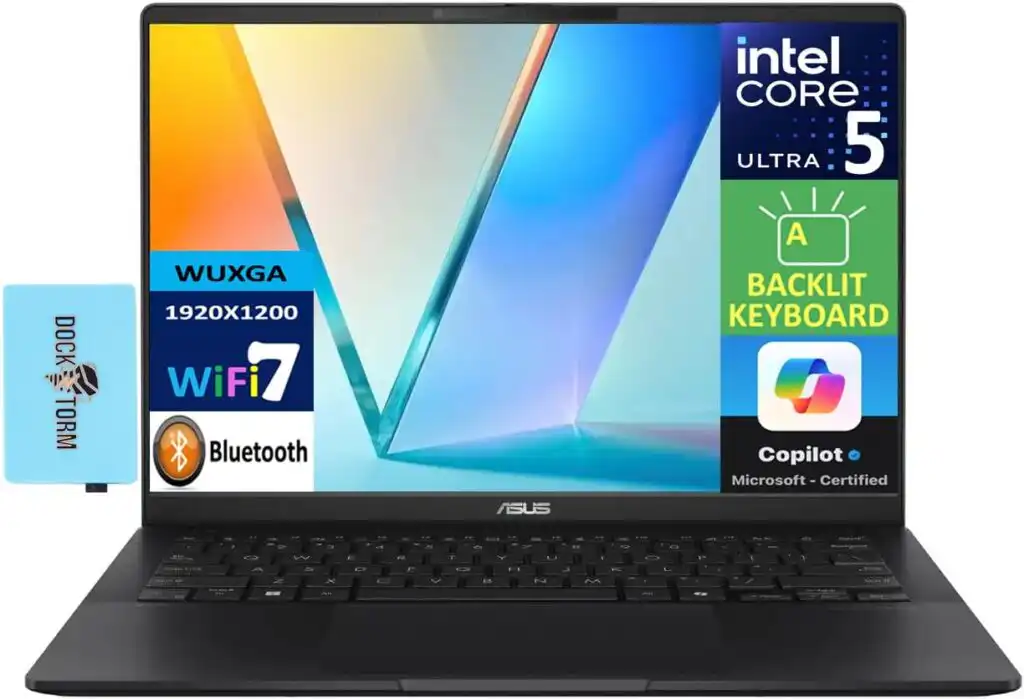
3. ASUS VivoBook S14 OLED
Best display quality for the money
OLED changes everything. Blacks are deeper, colors pop, and movies simply look better. The VivoBook S14 OLED delivers this experience without the premium price tag.
Key features
- 14″ OLED display
- Intel Core Ultra or AMD processor
- 16GB RAM
- Slim and lightweight design
Pros
- Stunning screen for photo and video work
- Good battery life
- Very portable
Cons
- Smaller screen for heavy editing
- Speakers are average
Best for: Visual creators and anyone who cares deeply about screen quality.
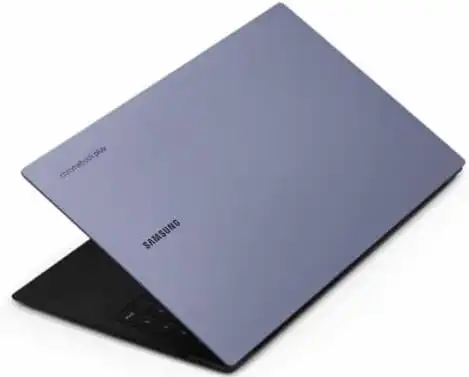
4. Samsung Galaxy Chromebook Plus
Best multimedia Chromebook
Not everyone needs Windows or macOS. If your work lives in the browser, this Chromebook offers one of the best laptop displays you’ll find at this price.
Key features
- 15.6″ AMOLED display
- ChromeOS
- Lightweight aluminum body
- Long battery life
Pros
- Gorgeous AMOLED screen
- Fast boot and smooth everyday use
- Excellent for streaming
Cons
- Limited offline desktop apps
- Not ideal for heavy editing
Best for: Streaming, cloud-based work, and casual creative tasks.
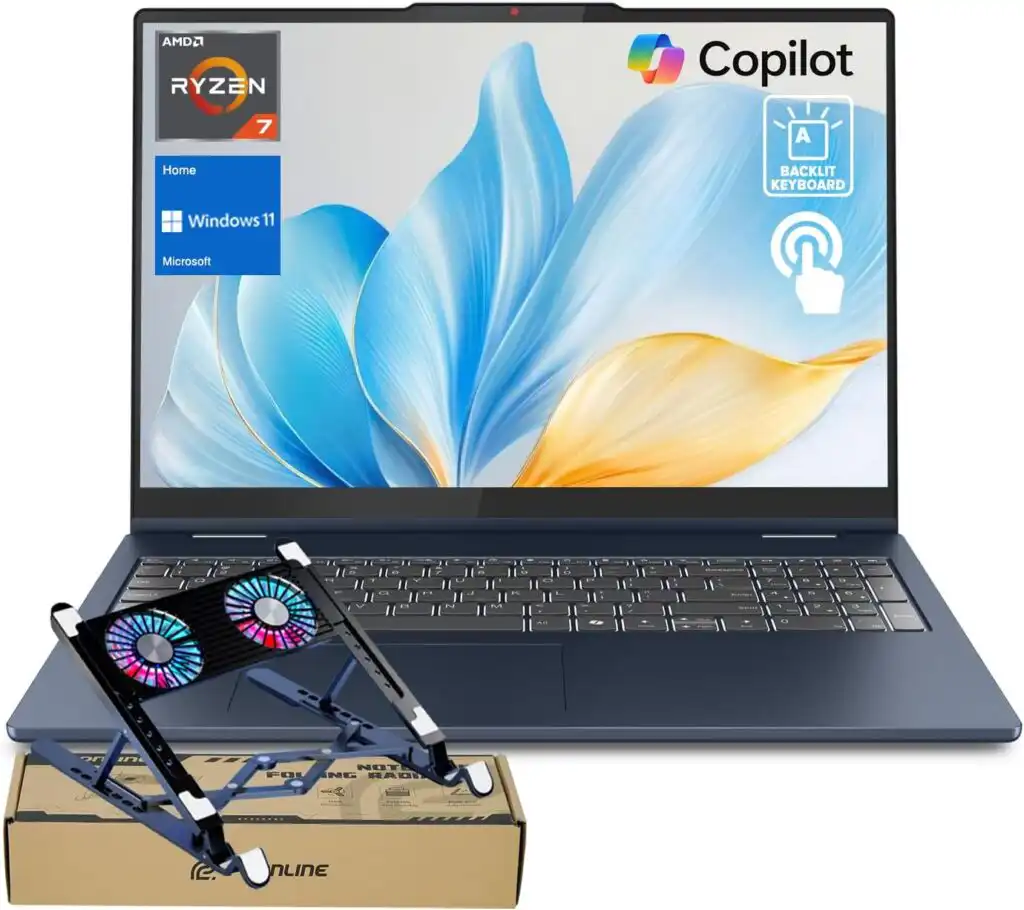
5. Lenovo IdeaPad Slim 5
Best balanced value
Lenovo’s IdeaPad Slim 5 doesn’t try to be flashy — it just works. With reliable performance, comfortable typing, and solid build quality, it’s a safe and smart choice.
Pros
- Comfortable keyboard
- Multiple size and spec options
- Good price-to-performance ratio
Cons
- Base display isn’t always color-accurate
- Design is simple
Best for: Everyday users who want dependable performance.
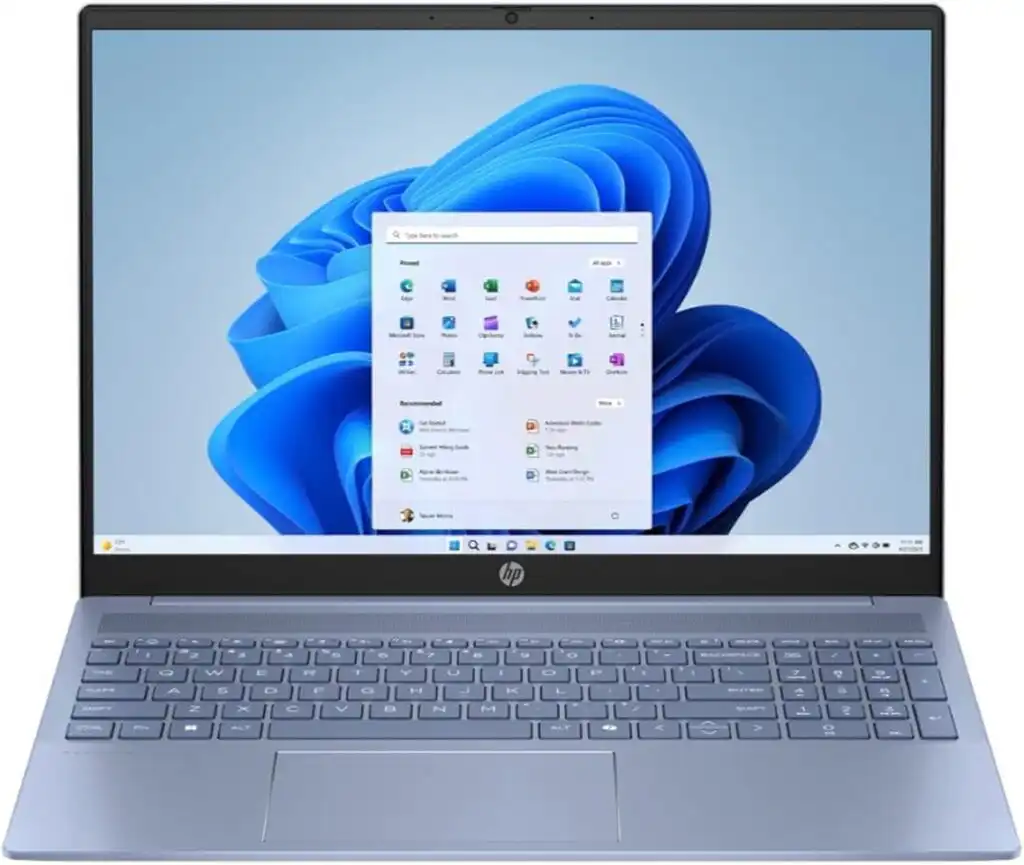
6. HP Pavilion 16
Affordable big-screen option
The Pavilion 16 is proof that you don’t need to spend a lot to get a big screen. It’s ideal for watching content, working side-by-side apps, and light editing.
Pros
- Large 16″ display
- Competitive pricing
- Easy to find on sale
Cons
- Display quality varies by configuration
- Average battery life
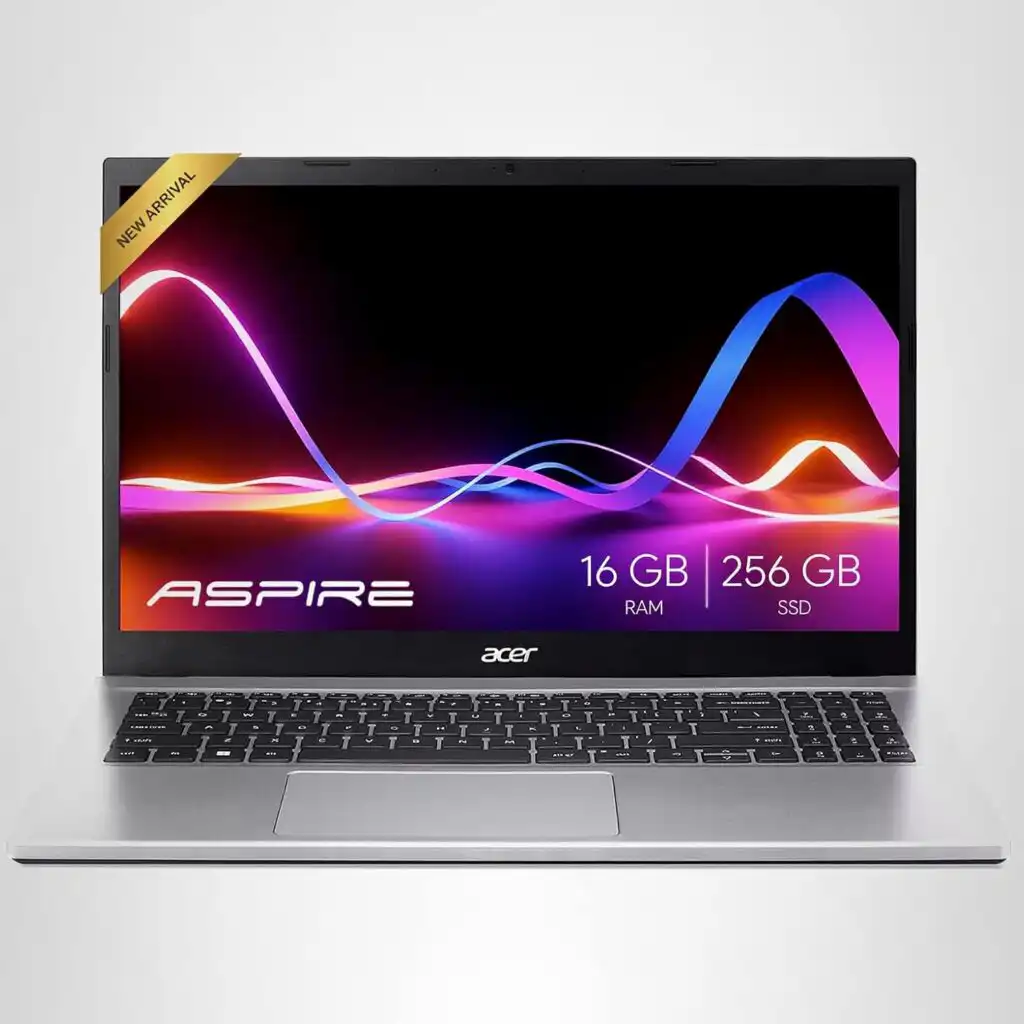
7. Acer Swift Go / Aspire series
Best deals if you’re bargain hunting
Acer consistently offers strong specs for less money. If you’re willing to compare configurations, you can find excellent value here.
Pros
- Very competitive pricing
- Good performance for everyday tasks
- Lightweight designs
Cons
- Build quality varies by model
How to Choose the Best Multimedia Laptop Under $1000 in 2026
Time needed: 5 minutes
Learn how to pick a multimedia laptop under $1000 by focusing on real-world needs like display quality, performance, battery life, and everyday comfort.
- Decide what you’ll actually use it for
Think about how you’ll spend most of your time on the laptop. If you watch a lot of movies or work with photos and videos, a high-quality screen matters more than raw power. If you multitask or edit content, focus on a stronger processor and at least 16GB of memory.
- Pay attention to the screen and sound
For a multimedia laptop, the display and speakers make a big difference. Look for an IPS or OLED screen with good brightness and color accuracy. Even the best hardware won’t feel enjoyable if the screen looks dull or the audio sounds flat.
- Balance performance, battery life, and comfort
A good laptop should feel fast, last through the day, and be comfortable to use. Check the keyboard, port selection, and battery life before deciding. The best choice isn’t the most powerful one — it’s the one that fits your daily routine without getting in the way.
Final thoughts
You don’t need a high-end workstation to enjoy movies, create content, or work comfortably in 2026. The laptops above prove that smart design and balanced hardware matter more than flashy specs.
If you want the safest choice, the MacBook Air M4 is hard to beat.
If you want space and power, go with the Dell 16 Plus.
If visuals matter most, the ASUS VivoBook S14 OLED shines.
No matter which one you choose, every laptop on this list offers real value — and that’s what matters most.
FAQs
Yes, it is. Today’s mid-range laptops are far more capable than they used to be. As long as you focus on a good screen, enough memory, and a modern processor, you can comfortably watch, edit, create, and multitask without spending more.
It’s not mandatory, but it helps a lot. If you edit photos, work with video clips, or keep many tabs and apps open, 16GB makes everything feel smoother. For casual use and streaming, 8GB can still be fine.
If you enjoy movies, series, or visual work, absolutely. OLED screens offer deeper blacks and more vibrant colors. They’re especially nice for photo and video work, though a good IPS display can still do the job well.
Related links