Estimated reading time: 8 minutes
Key Takeaways
- Project management requires a laptop that supports multitasking, has strong battery life, and offers comfort for long sessions.
- The guide highlights the Best Laptops for Project Management in 2026, recommending models like the MacBook Air, MacBook Pro, and ThinkPad X1 Carbon.
- Choosing the right laptop depends on daily workload, battery life, and the better multitasking capabilities.
- Project managers should prioritize reliability and comfort over sheer power when selecting laptops for their workflow.
- Ultimately, the best laptop enhances productivity and allows project managers to focus on their tasks without distractions.
Project management isn’t just about planning timelines or updating task boards. It’s about juggling meetings, emails, spreadsheets, presentations, dashboards, and last-minute changes—often all at the same time. The best laptops for project management don’t just make this easier; they quietly remove friction from your day.
In 2026, project managers have more laptop options than ever. But more choice doesn’t always mean better decisions. Some machines look powerful on paper yet fail in real-world multitasking. Others shine because they simply work—fast wake-up, solid battery life, comfortable keyboards, and reliable performance under pressure.
This guide focuses on laptops that actually make a project manager’s daily workflow smoother, not just devices with impressive spec sheets.
Table of contents
- What Project Managers Really Need From a Laptop
- Best Laptops for Project Management in 2026 (Quick Overview)
- 1. Apple MacBook Air (M4) – The Best All-Around Choice
- 2. Apple MacBook Pro (M5) – For Power Users and Heavy Workloads
- 3. Lenovo ThinkPad X1 Carbon – The Business Classic
- 4. HP Spectre x360 – Perfect for Presentations and Flexibility
- 5. Microsoft Surface Laptop 7 – Built for Meetings and Mobility
- 6. Dell 14/15 Premium – A Strong Windows Alternative
- How to Choose the Right Laptop for Project Management
- Final Thoughts
- FAQs
What Project Managers Really Need From a Laptop
Before jumping into specific models, it’s worth understanding what matters most in day-to-day project work:
- Smooth multitasking with many browser tabs and apps open
- Strong battery life for meetings and travel days
- A comfortable keyboard for long planning sessions
- A good webcam and microphone for video calls
- Fast, reliable performance without overheating
- Build quality that survives constant movement
You don’t need a gaming monster. You need a dependable work partner.
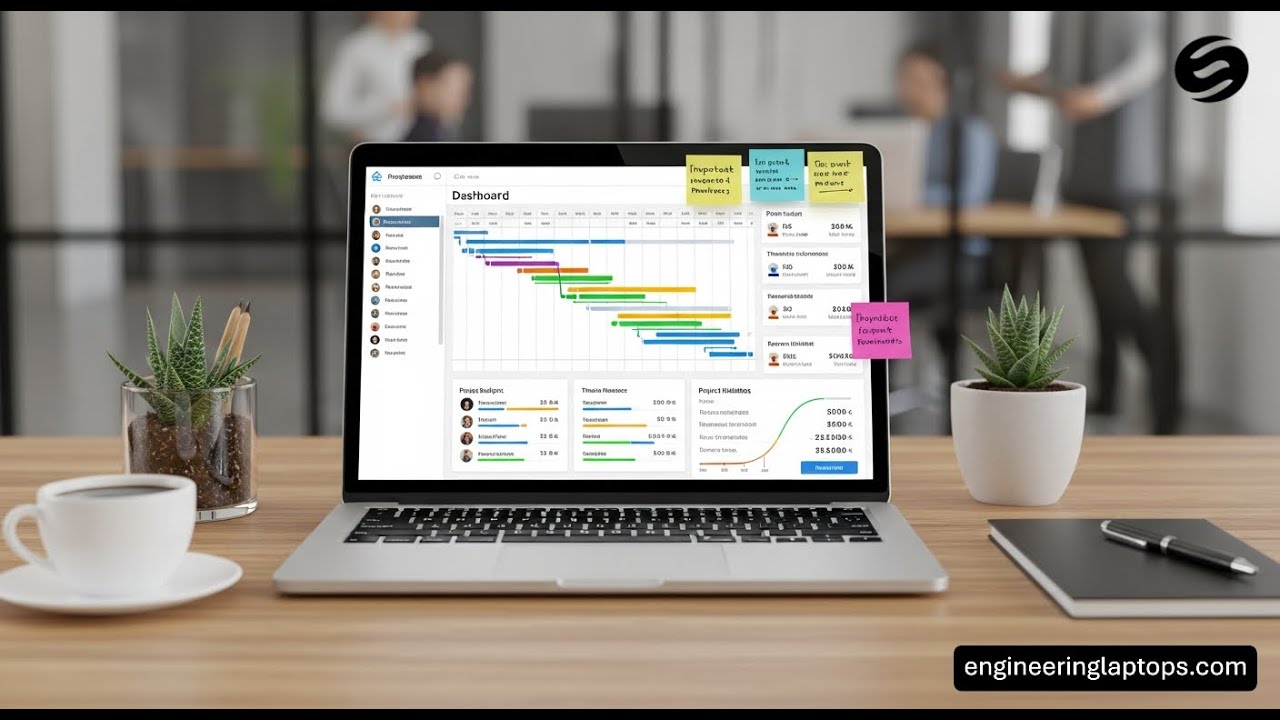
Best Laptops for Project Management in 2026 (Quick Overview)
| Laptop Model | Best For | Battery Life | Weight | Overall Experience |
|---|---|---|---|---|
| MacBook Air (M4) | Everyday project management | Excellent | Very Light | ⭐⭐⭐⭐⭐ |
| MacBook Pro (M5) | Heavy multitasking & advanced workflows | Excellent | Medium | ⭐⭐⭐⭐⭐ |
| ThinkPad X1 Carbon | Corporate & enterprise PMs | Good | Very Light | ⭐⭐⭐⭐☆ |
| HP Spectre x360 | Presentations & note-taking | Good | Light | ⭐⭐⭐⭐☆ |
| Surface Laptop 7 | Meetings & long travel days | Outstanding | Light | ⭐⭐⭐⭐☆ |
| Dell 14/15 Premium | Windows power users | Good | Medium | ⭐⭐⭐⭐☆ |
1. Apple MacBook Air (M4) – The Best All-Around Choice
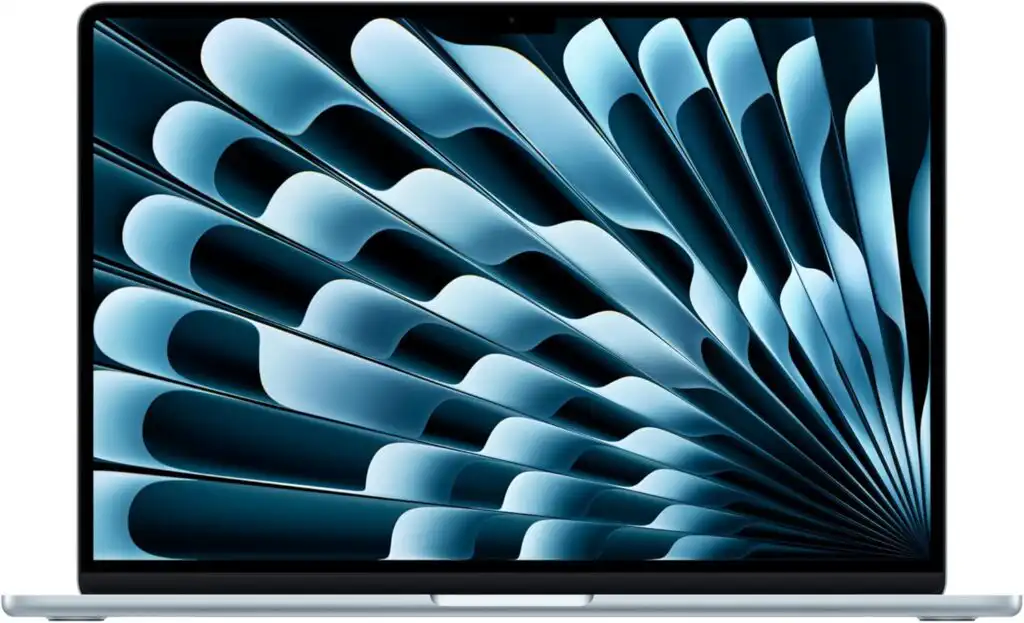
For most project managers, this is the easiest recommendation.
The MacBook Air with Apple’s M4 chip is fast, silent, lightweight, and incredibly consistent. It handles task management tools, spreadsheets, video calls, and presentations without breaking a sweat.
Key Highlights
- Fast and efficient Apple M4 processor
- Excellent battery life that easily lasts a full workday
- Bright, sharp display with great color accuracy
- Silent, fan-free design
Pros
- Extremely lightweight and portable
- Very stable performance even with many apps open
- Great speakers and microphones for calls
Cons
- Limited ports (adapters may be needed)
- macOS may not suit all corporate software environments
Best for: Project managers who value portability, reliability, and long battery life.
2. Apple MacBook Pro (M5) – For Power Users and Heavy Workloads
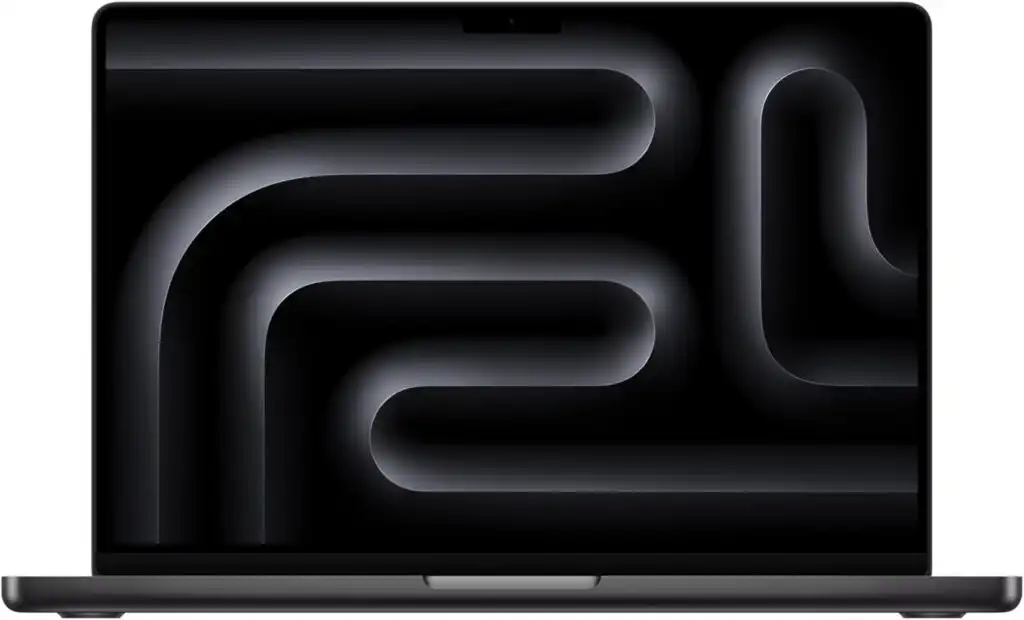
Some project managers go beyond planning. They work with massive spreadsheets, multiple virtual environments, data analysis, or even light content production.
The MacBook Pro with the M5 chip is built for that level of intensity.
Key Highlights
- Outstanding performance under sustained load
- Large, high-quality display options
- Excellent battery life for its power class
Pros
- Handles extreme multitasking effortlessly
- Premium build and keyboard
- Best-in-class speakers and display
Cons
- Expensive
- Overkill for standard project management tasks
Best for: Senior PMs, technical program managers, or hybrid roles that require serious computing power.
3. Lenovo ThinkPad X1 Carbon – The Business Classic
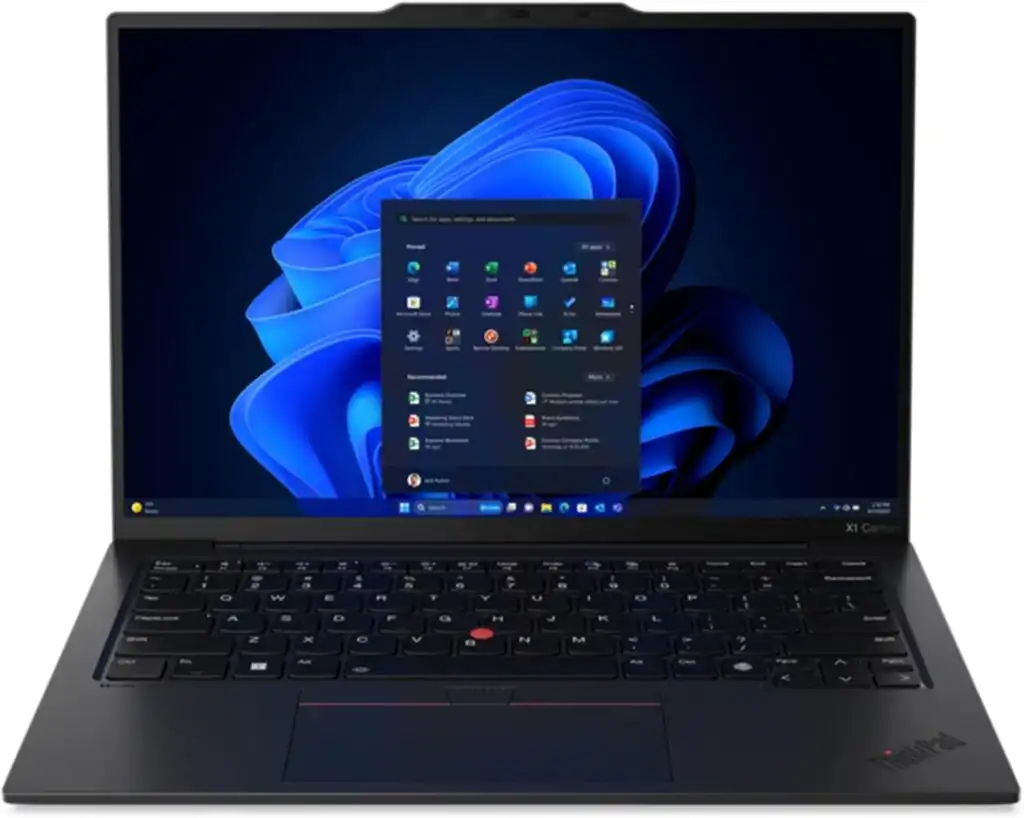
The ThinkPad X1 Carbon remains a favorite in corporate environments for a reason. It focuses on practicality, comfort, and durability.
Key Highlights
- Legendary keyboard comfort
- Strong security and enterprise features
- Lightweight carbon-fiber build
Pros
- Excellent typing experience
- Durable and travel-friendly
- Broad compatibility with corporate systems
Cons
- Design is conservative
- Battery life is good, but not class-leading
Best for: Corporate project managers who spend hours writing reports and working inside enterprise systems.
4. HP Spectre x360 – Perfect for Presentations and Flexibility
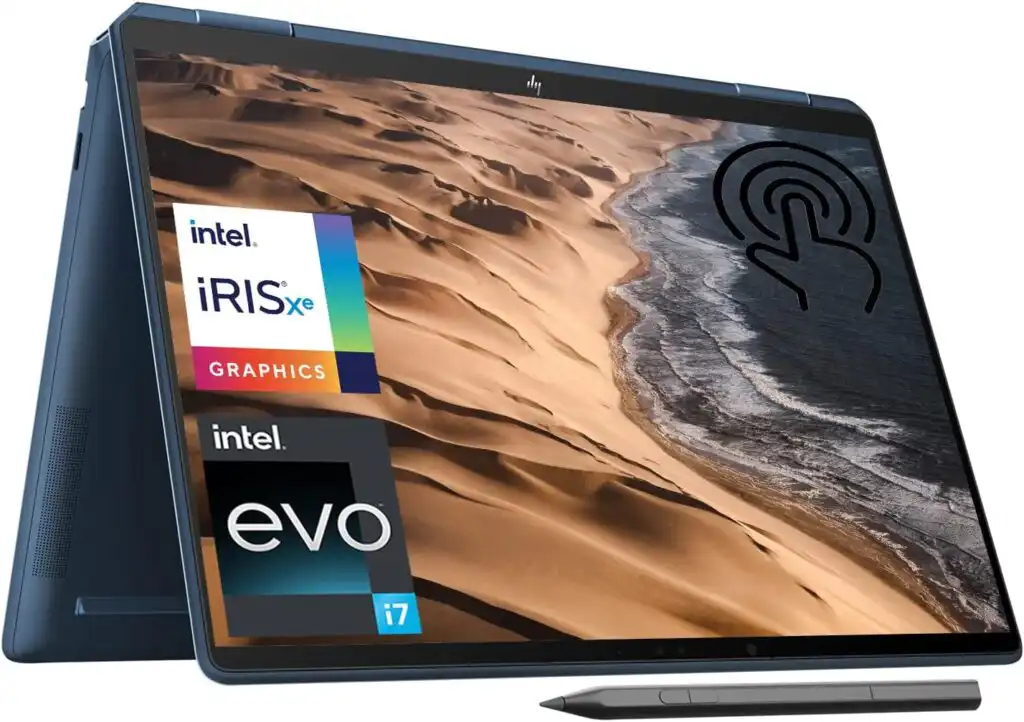
If your work involves presenting roadmaps, sketching workflows, or annotating documents, a convertible laptop can be a big advantage.
The HP Spectre x360 combines premium design with versatility.
Key Highlights
- 2-in-1 convertible design
- Touchscreen with pen support
- High-quality webcam and audio
Pros
- Flexible usage modes
- Beautiful display options
- Strong performance for daily work
Cons
- Slightly heavier than standard laptops
- Convertible hinges may not appeal to everyone
Best for: Project managers who present often or like hands-on note-taking.
5. Microsoft Surface Laptop 7 – Built for Meetings and Mobility
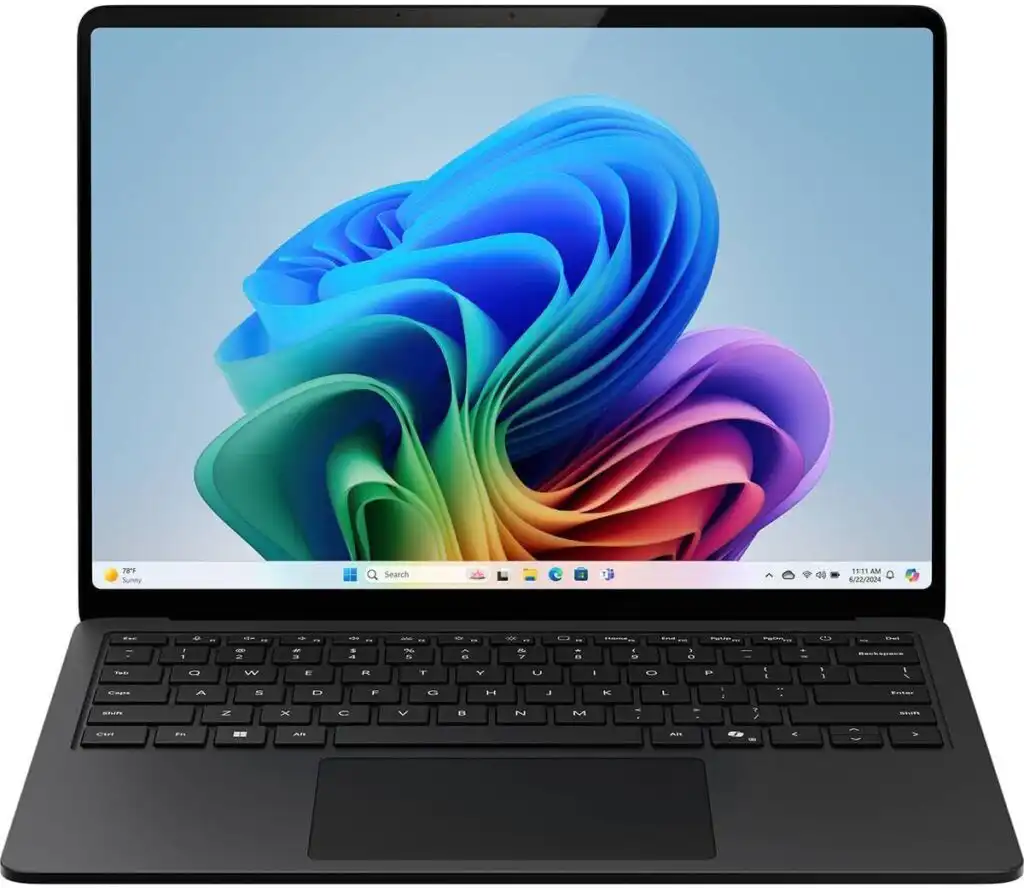
The Surface Laptop 7, powered by Snapdragon processors, is designed around efficiency and mobility.
Key Highlights
- Outstanding battery life
- Clean, professional design
- Optimized for modern collaboration tools
Pros
- Excellent for long meeting days
- Lightweight and easy to carry
- Smooth everyday performance
Cons
- Some legacy Windows apps may have compatibility limits
- Limited upgrade options
Best for: Project managers who travel often and spend most of their day in meetings.
6. Dell 14/15 Premium – A Strong Windows Alternative
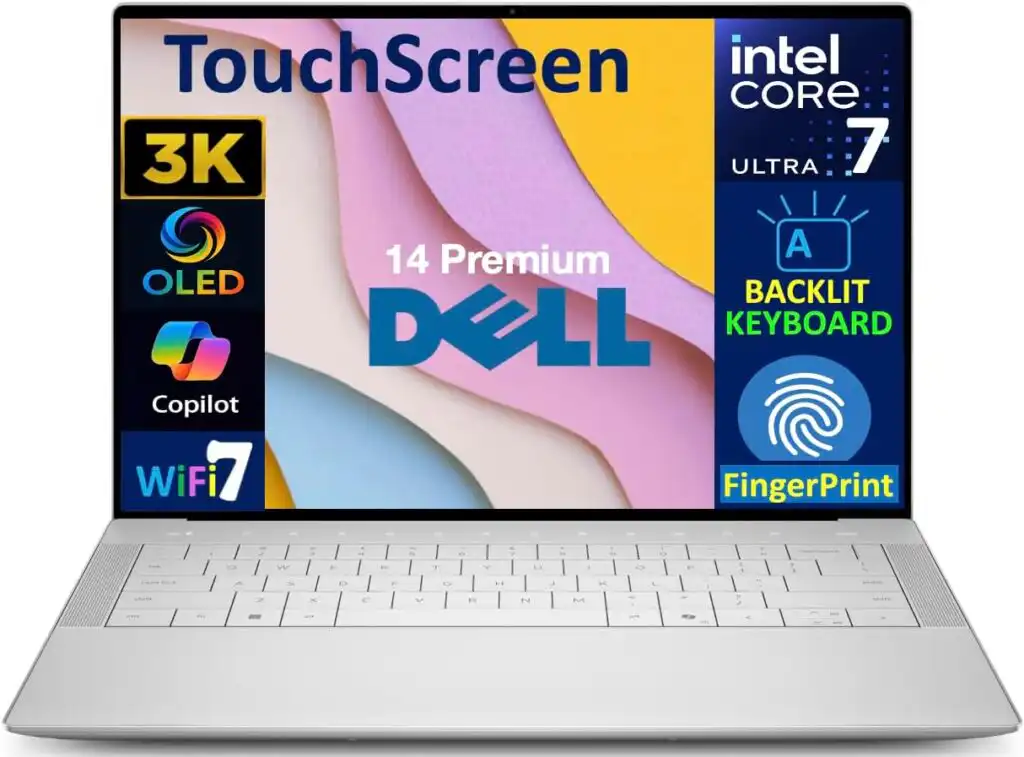
Dell’s premium lineup (formerly XPS) continues to be a solid option for professionals who want a powerful Windows laptop with a polished feel.
Key Highlights
- High-quality displays
- Strong performance options
- Good port selection
Pros
- Premium build quality
- Excellent screen options
- Works well with docking setups
Cons
- Battery life varies by configuration
- Can get expensive at higher specs
Best for: Windows-focused project managers who want power and polish.
How to Choose the Right Laptop for Project Management
Time needed: 5 minutes
- Define Your Daily Workload
List the tools you use every day—project management software, spreadsheets, video calls, presentations, and browser tabs. Understanding your real workload helps you decide how much performance and memory you actually need.
- Focus on Battery Life, Keyboard, and Multitasking
Choose a laptop that can last a full workday without charging, has a comfortable keyboard for long planning sessions, and handles multiple apps smoothly without slowing down.
- Pick the Right Platform and Form Factor
Decide between macOS and Windows based on your work environment, then choose a design that fits your style—lightweight for travel, convertible for presentations, or high-performance for demanding workflows.
Final Thoughts
The best laptop for project management isn’t the most expensive or the most powerful—it’s the one that disappears into the background and lets you focus on your work.
For most people, the MacBook Air (M4) hits the sweet spot. If your role demands more power, the MacBook Pro (M5) or a high-end Windows alternative makes sense. Corporate users will appreciate the reliability of the ThinkPad X1 Carbon, while presentation-heavy roles benefit from the HP Spectre x360.
Choose based on how you actually work, not just what looks impressive on paper. When your laptop works with you—not against you—project management becomes a lot less stressful.
FAQs
For most project managers, a lightweight laptop with strong battery life and smooth multitasking is the best choice. Models like the MacBook Air or business-focused Windows laptops work well because they stay fast even with many tabs, meetings, and documents open at the same time. The “best” laptop is usually the one that feels reliable and comfortable throughout a long workday.
Large consulting firms like McKinsey typically issue high-end business laptops rather than consumer models. These are usually premium Windows laptops or MacBooks, chosen for security, reliability, and long-term support. The exact model can vary by role, region, and client requirements, but the focus is always on performance, durability, and compatibility with enterprise systems.
The 5 C’s are often used as a simple framework to keep projects on track:
Clarity – clear goals and expectations
Communication – consistent, open information flow
Collaboration – teamwork across roles and departments
Control – tracking progress and managing risks
Commitment – shared ownership of outcomes
Together, they help teams stay aligned from start to finish.
There’s no single “best” tool for everyone. Many teams rely on platforms like Jira, Asana, Monday.com, or Microsoft Project, while others prefer simpler tools combined with spreadsheets and notes. The best tool is the one your team actually uses consistently and understands well—it should support your workflow, not complicate it.
Related links