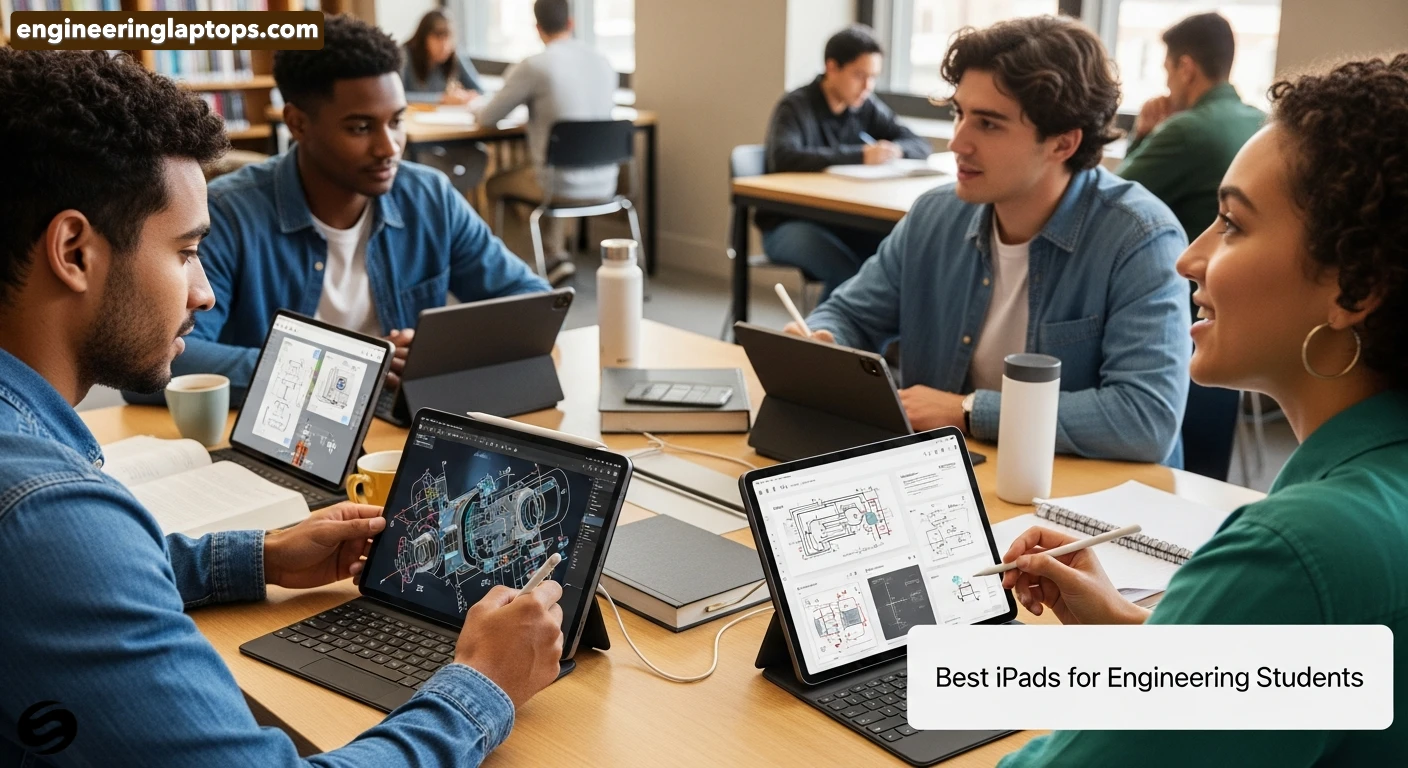
A real-world, no-nonsense buying guide to find the best iPad for engineering students.
Estimated reading time: 7 minutes
Key Takeaways
- This guide presents the best iPad for engineering students, focusing on reliability and performance.
- iPads excel in note-taking, PDF annotation, and multitasking, making them ideal for engineering tasks.
- Consider performance, Apple Pencil support, screen size, and storage when choosing an iPad.
- The iPad Pro (M5) is best for power users, while the iPad Air (M3) offers a balance of price and performance.
- Accessories like the Apple Pencil and a keyboard enhance the iPad experience for engineering students.
Engineering students don’t need a “cool gadget.” They need a reliable tool that can keep up with long days, heavy PDFs, complex diagrams, note-taking, and occasional 3D or technical apps. In 2026, iPads are more powerful than ever, and choosing the right one can genuinely make student life easier.
This guide is written like a human would explain it to a friend — clear, honest, and practical. No hype, no fluff. Just the best iPads for engineering students, explained in plain English.
Table of contents
Why iPads Make Sense for Engineering Students
An iPad won’t fully replace a powerful laptop for advanced simulations or coding-heavy tasks, but it does excel at things engineering students do every single day:
- Taking handwritten notes (formulas, diagrams, circuits)
- Annotating PDFs and lecture slides
- Reading textbooks without killing your eyes
- Sketching ideas quickly during labs or group work
- Multitasking between notes, references, and calculators
- Staying organized without carrying heavy notebooks
With the right iPad and accessories, your backpack gets lighter — and your workflow gets faster.
What Really Matters When Choosing an iPad
Before jumping into models, let’s be clear about what actually matters for engineering students:
- Performance: Smooth multitasking and long-term usability
- Apple Pencil support: Low-latency writing and drawing is essential
- Screen size: Bigger screens help with schematics and split-screen work
- Storage: Engineering files add up fast — don’t go too small
- Battery life: You don’t want to hunt for sockets between lectures
- Keyboard support: Reports, emails, and quick coding need real keys
Best iPads for Engineering Students in 2026
1. 🥇 iPad Pro (M5) — Best Overall Choice
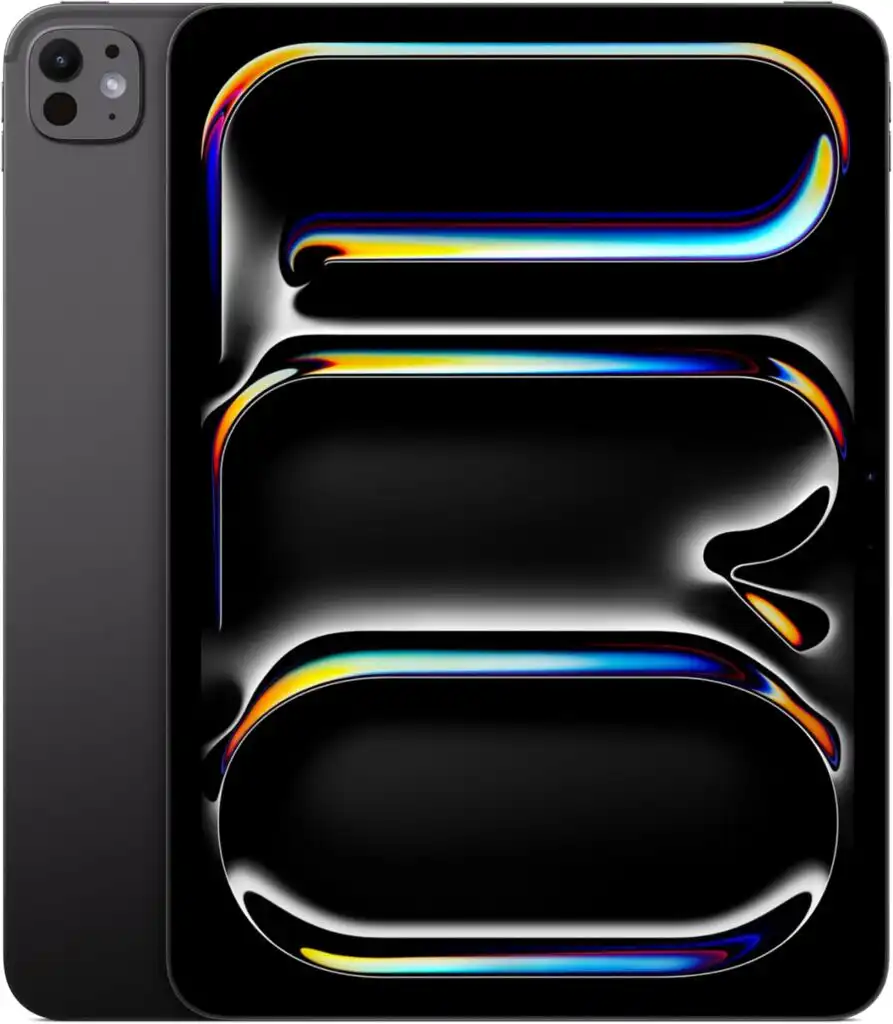
Best for: Students who want maximum power and future-proof performance
The iPad Pro with the M5 chip is a beast. It’s fast, smooth, and feels closer to a laptop than a tablet. If you work with large files, 3D viewers, or multitask heavily, this is the most capable option.
Key features:
- M5 chip with desktop-class performance
- Stunning OLED display (11” or 13”)
- Excellent Apple Pencil Pro responsiveness
- Advanced multitasking and external display support
Pros
- Extremely fast and smooth
- Best screen quality for technical work
- Ideal for long-term use (undergrad + beyond)
Cons
- Expensive for most students
- Overkill for basic note-taking
Who should buy it?
Mechanical, civil, architecture, or design-heavy engineering students who want the best and plan to keep it for years.
2. 🥈 iPad Air (M3) — Best Balance of Price & Power
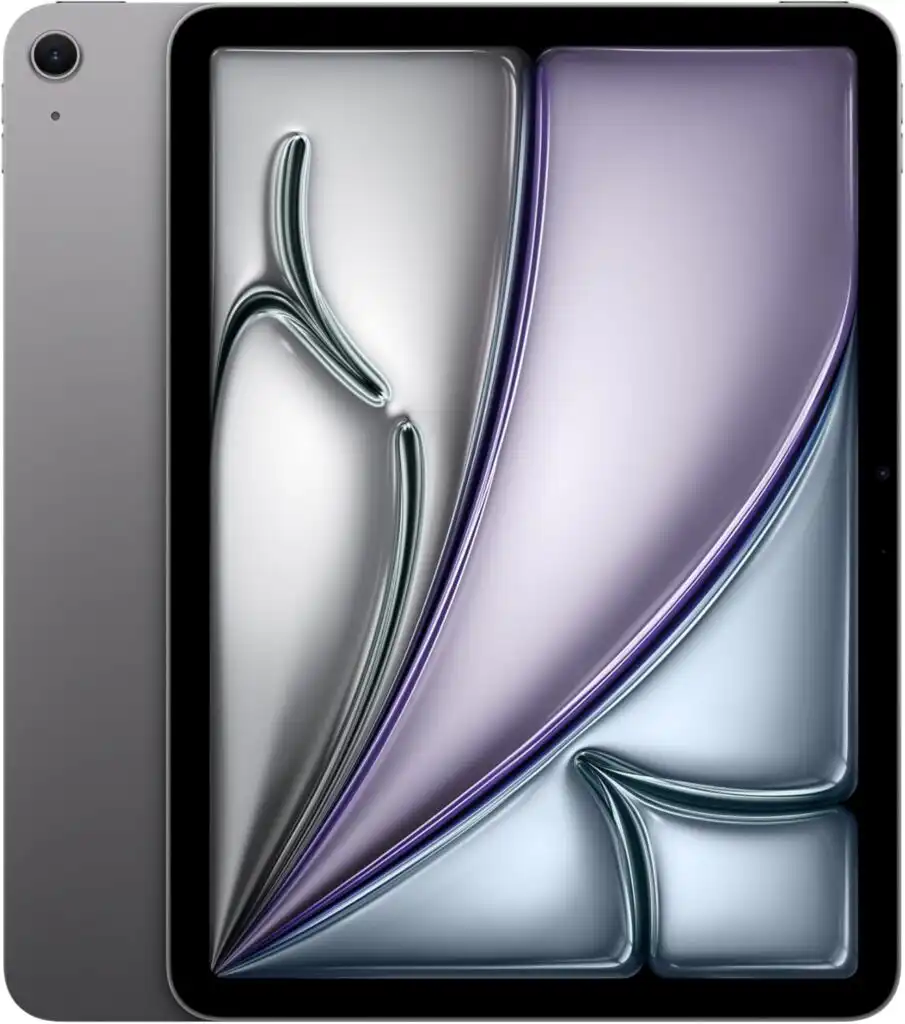
Best for: Most engineering students
The iPad Air (M3) is the sweet spot. It’s powerful enough for demanding tasks but much more affordable than the Pro. For most students, this is the smartest choice.
Key features:
- M3 chip with excellent performance
- Available in 11” and 13” sizes
- Supports Apple Pencil Pro and Magic Keyboard
- Lightweight and portable
Pros
- Great performance without Pro pricing
- Handles notes, diagrams, PDFs, and multitasking easily
- Long battery life
Cons
- Not as powerful as the Pro for extreme workloads
- Display is excellent, but not OLED
Who should buy it?
Electrical, computer, industrial, and general engineering students who want a reliable daily device.
3. 🥉 iPad (11-inch, A16) — Best Budget Option
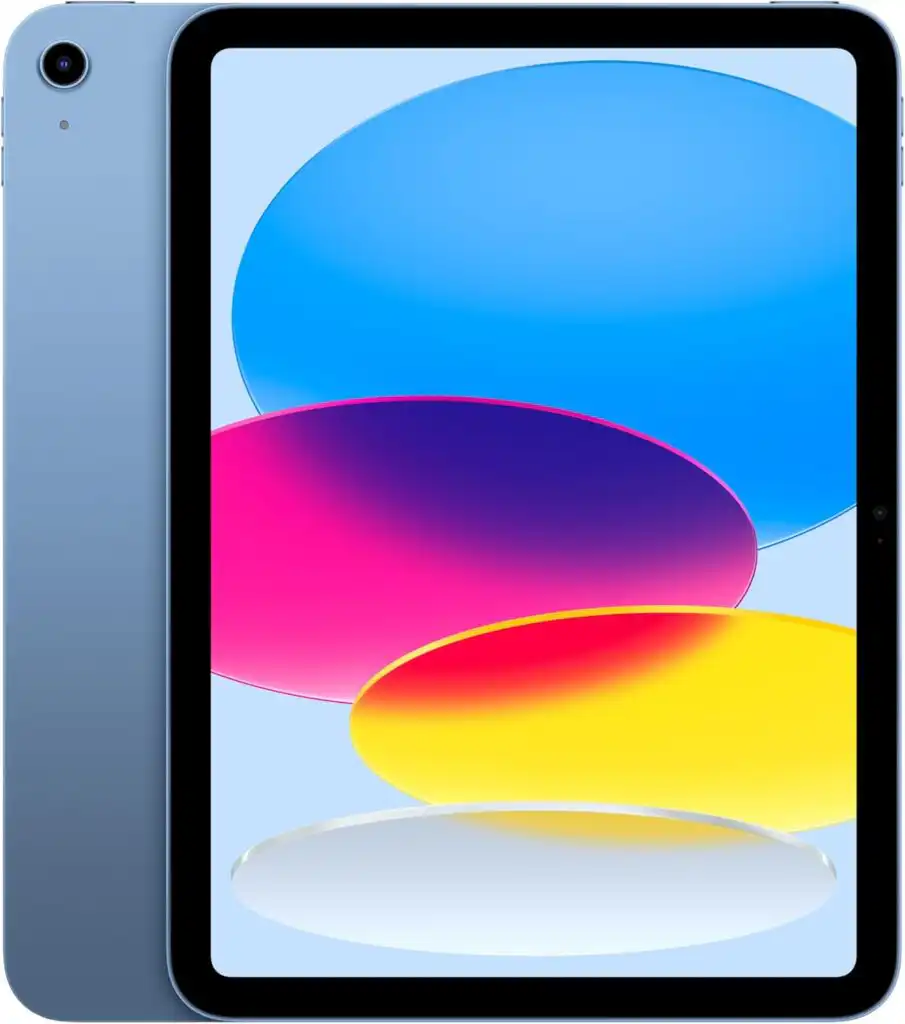
Best for: Students on a tight budget
This is the most affordable modern iPad that still feels fast and capable. It handles note-taking, PDF annotation, and everyday student tasks without issues.
Key features:
- A16 chip
- 11-inch Liquid Retina display
- Apple Pencil (USB-C) support
Pros
- Excellent value for money
- Smooth performance for daily tasks
- Lightweight and simple
Cons
- Less powerful for advanced multitasking
- Base storage can feel limited
Who should buy it?
First-year students or anyone who wants a dependable iPad without spending too much.
4. iPad mini (A17 Pro) — Ultra Portable Option
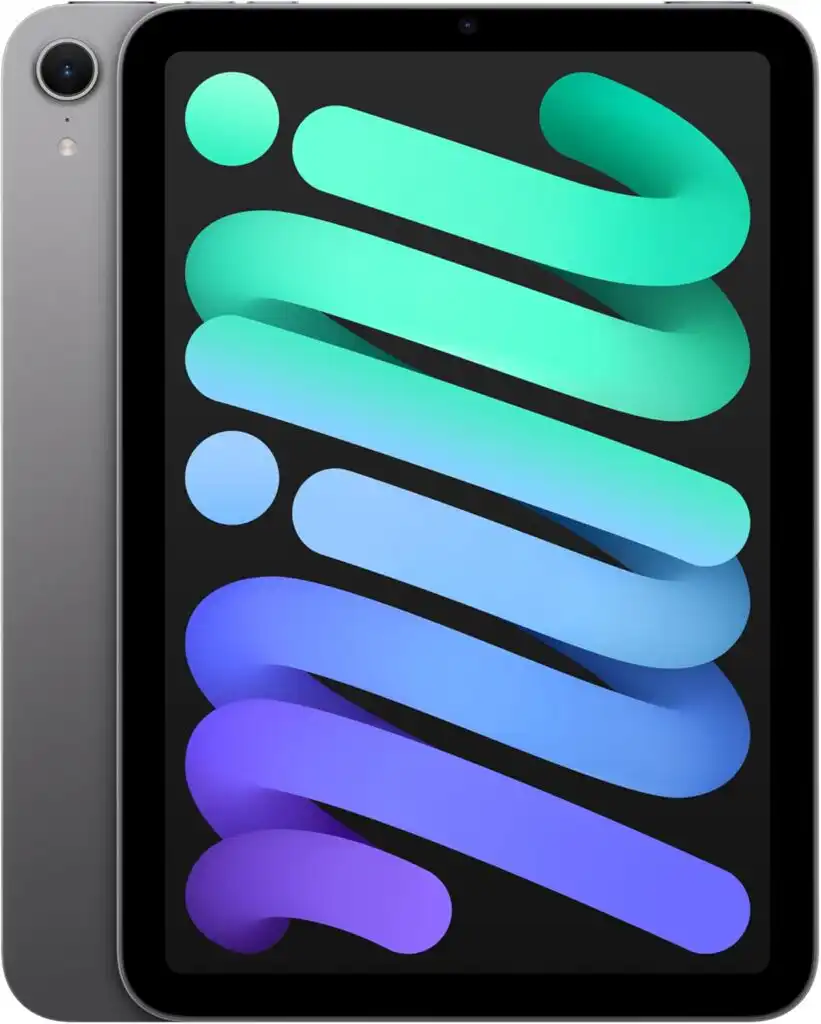
Best for: Students who prioritize portability
The iPad mini is small, powerful, and incredibly easy to carry. It’s perfect for quick notes and reading, but the screen is too small for heavy technical work.
Pros
- Extremely portable
- Powerful for its size
- Great for reading and quick sketches
Cons
- Screen is small for diagrams and split view
- Not ideal as a main study device
Quick Comparison Table
| Model | Best For | Screen Size | Chip | Pencil Support | Recommended Use |
|---|---|---|---|---|---|
| iPad Pro (M5) | Power users | 11” / 13” | M5 | Apple Pencil Pro | Heavy multitasking, CAD viewing |
| iPad Air (M3) | Most students | 11” / 13” | M3 | Apple Pencil Pro | Notes, diagrams, daily study |
| iPad (A16) | Budget | 11” | A16 | Apple Pencil USB-C | Notes, PDFs, basics |
| iPad mini | Portability | 8.3” | A17 Pro | Apple Pencil Pro | Reading, quick notes |
Recommended Storage for Engineering Students
- 128 GB: Minimum (cloud storage required)
- 256 GB: Ideal for most students
- 512 GB+: For large files, offline work, and long-term use
If you keep textbooks, PDFs, and projects offline, 256 GB is the safest choice.
Must-Have Accessories
- Apple Pencil Pro: Essential for handwritten notes and diagrams
- Keyboard (Magic Keyboard or alternative): Makes report writing much easier
- Protective case: Campus life is rough on devices
- USB-C hub: Useful for external drives and presentations
Final Thoughts
In 2026, iPads are no longer just “nice to have” devices — they are serious tools for engineering students.
- Want the best and don’t mind paying for it? iPad Pro (M5)
- Want the smartest all-round choice? iPad Air (M3)
- On a budget but still want quality? iPad (A16)
Choose the one that fits your workload and budget. Pair it with an Apple Pencil and a good keyboard, and you’ll have a setup that makes studying cleaner, faster, and more enjoyable — day after day.
FAQs
Yes, especially for everyday tasks. iPads are excellent for taking handwritten notes, drawing diagrams, reviewing PDFs, and staying organized. They won’t replace a high-end laptop for heavy simulations, but they make daily study much easier.
For most students, the iPad Air (M3) hits the perfect balance. It’s fast, lightweight, and powerful enough for notes, multitasking, and technical apps without the high price of the Pro.
Absolutely. Writing formulas by hand, sketching circuits, and marking up lecture slides feels natural with the Apple Pencil. Once you get used to it, it’s hard to go back to typing everything.
How to Choose the Best iPad for Engineering Students in 2026
Time needed: 5 minutes
- Identify Your Engineering Workload
Before choosing an iPad, think about how you’ll actually use it. Some students mostly take handwritten notes and read PDFs, while others regularly review large diagrams, schematics, or 3D models. Understanding your daily tasks helps you decide how much power, screen size, and storage you really need.
- Match the iPad Model to Your Needs
Once you know your workload, choose the iPad that fits it best. High-performance models are ideal for multitasking and technical applications, while mid-range or budget models are perfect for note-taking, studying, and everyday coursework. Screen size and Apple Pencil compatibility also play a big role here.
- Choose the Right Storage and Accessories
Engineering files can grow quickly, so selecting enough storage is important. Pair your iPad with an Apple Pencil for handwritten notes and a keyboard for reports and assignments. The right accessories turn an iPad into a powerful study tool that lasts throughout your academic journey.
Related links