Estimated reading time: 8 minutes
Key Takeaways
- Choosing the right laptop for nursing school requires considering factors like portability, battery life, and durability.
- In 2026, top picks include the Apple MacBook Air, Microsoft Surface Laptop, and Acer Swift 3 for their reliability and performance.
- The article provides a straightforward guide to the best laptops for nursing students, emphasizing real-world needs without tech jargon.
- Recommendations highlight pros and cons to help students make informed choices based on their specific needs.
- Bonus tips for nursing students include syncing files, using a laptop stand, and maximizing battery life.
Choosing a laptop for nursing school isn’t just about picking something “fast” or “pretty.” You need a machine that can survive long days of classes, handle endless PDFs and online portals, run video calls without hiccups, and still have enough battery left during late-night study sessions. When considering the best laptops for nursing students, the requirements are quite specific. Nursing life is busy enough — your laptop shouldn’t add to the stress.
To help you avoid the usual confusion, I’ve put together a friendly, straightforward guide to the best laptops for nursing students in 2026, based on real-world needs: portability, battery life, durability, and smooth multitasking. No tech jargon, no complicated talk — just clear recommendations, honest pros and cons, and real reasons these models stand out.
Table of contents
- ⭐ Quick Comparison Table: Top Picks for 2026
- Top Laptops for Nursing Students in 2026
- 1. Apple MacBook Air (M4, 13″) — The Most Reliable Pick for Nursing Students
- 2. Microsoft Surface Laptop / Surface Pro (Copilot+) — Perfect for Note-Takers
- 3. Acer Swift Go / Swift 3 / Swift 16 — Best Value Without Sacrificing Quality
- 4. ASUS Zenbook / Vivobook (OLED) — For Students Who Read a Lot
- 5. Dell XPS 13 — A Premium Windows Laptop That Feels High-End
- 6. Lenovo Yoga / ThinkPad — Long-Term Durability
- 7. Chromebook Plus Models — Great for Tight Budgets
- How to Choose the Right Laptop for Nursing School
- Useful Study Tips for Nursing Students (Bonus)
- FAQs
⭐ Quick Comparison Table: Top Picks for 2026
| Laptop Model | Best For | Weight | Battery Life (Real-World) | Price Range |
|---|---|---|---|---|
| Apple MacBook Air (M4, 13″) | Overall best choice | ~1.2 kg | 15–20 hours | Mid–High |
| Microsoft Surface Laptop / Surface Pro (Copilot+) | Handwritten notes & 2-in-1 flexibility | 1.1–1.4 kg | 10–15 hours | Mid–High |
| Acer Swift Go / Swift 3 / Swift 16 | Best value for students | 1.1–1.6 kg | 10–14 hours | Budget–Mid |
| ASUS Zenbook / Vivobook (OLED) | Best display for heavy reading | 1.1–1.4 kg | 9–13 hours | Mid |
| Dell XPS 13 (Latest Gen) | Premium Windows choice | ~1.2 kg | 10–14 hours | High |
| Lenovo Yoga / ThinkPad Models | Durability & reliability | 1.2–1.6 kg | 8–12 hours | Mid |
| Chromebook Plus (Lenovo/Samsung) | Budget-friendly, basic school tasks | 1.1–1.4 kg | 8–12 hours | Low |
Top Laptops for Nursing Students in 2026
Explore the best laptops for nursing students and find the perfect device for your busy school schedule and study sessions.
1. Apple MacBook Air (M4, 13″) — The Most Reliable Pick for Nursing Students
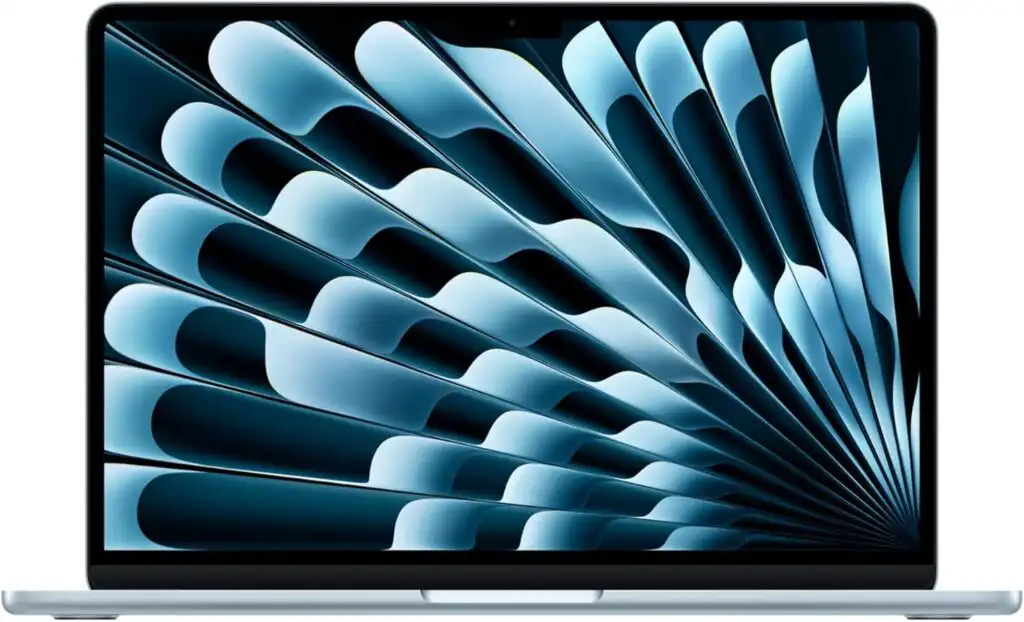
If you want a laptop that’s lightweight, smooth, and lasts practically all day, the MacBook Air is an easy winner. The M4 chip handles lectures, Zoom calls, large PDFs, and multitasking effortlessly. Its battery life is amazing — many students go an entire day without plugging in.
Key Features
- Apple M4 processor
- 8GB or 16GB RAM
- 256–512GB SSD
- 13.3″ Liquid Retina display
- 1.2 kg (ultra-light)
- Thunderbolt/USB-C ports
Pros
- Excellent battery life
- Sharp, eye-friendly display
- Quiet, smooth performance
- Lightweight and very portable
Cons
- Limited ports (you may need an adapter)
- Some rare nursing software works better on Windows
2. Microsoft Surface Laptop / Surface Pro (Copilot+) — Perfect for Note-Takers
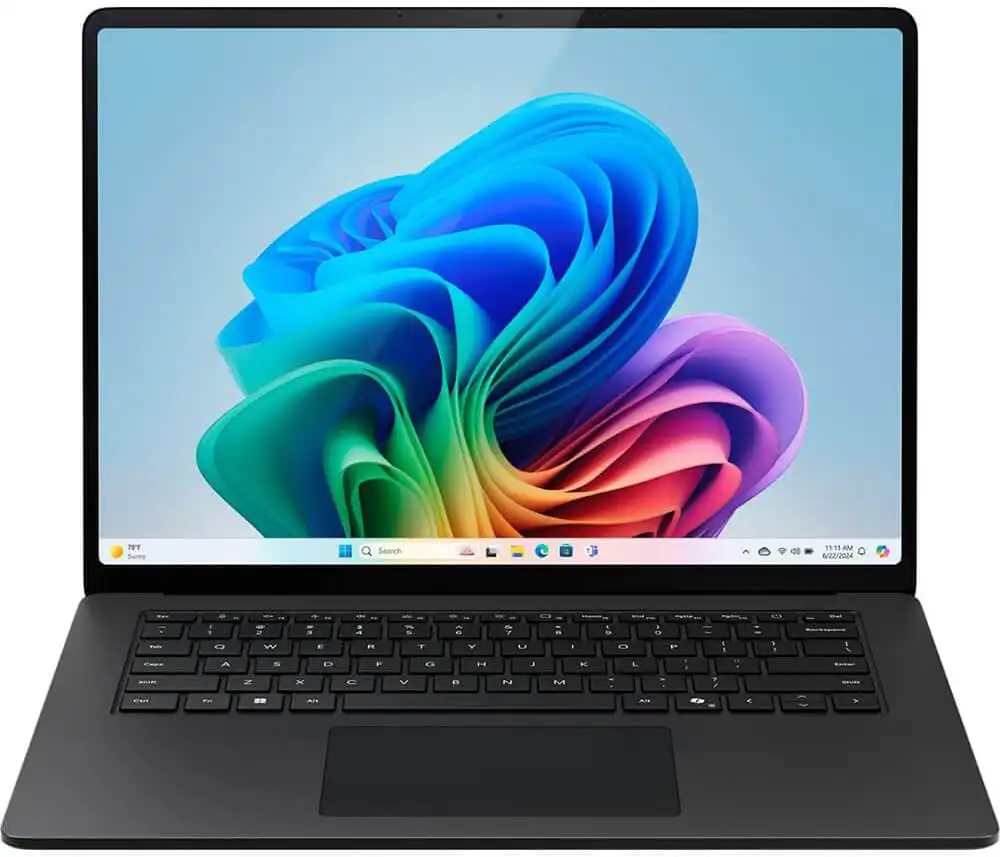
If you prefer handwriting notes, drawing anatomy diagrams, or marking up lecture slides, the Surface family is ideal. The Surface Pro gives you a tablet and laptop in one, while the Surface Laptop offers a traditional feel with touchscreen convenience.
Key Features
- Snapdragon X Elite or Intel Core Ultra
- 8–16GB RAM
- 256–512GB SSD
- Pen support (on compatible models)
- 1.1–1.4 kg depending on model
Pros
- Amazing for handwritten notes
- Great webcams for online classes
- Crisp touchscreens
- Very portable
Cons
- Keyboard sold separately for Surface Pro
- Windows on ARM app compatibility still improving
3. Acer Swift Go / Swift 3 / Swift 16 — Best Value Without Sacrificing Quality
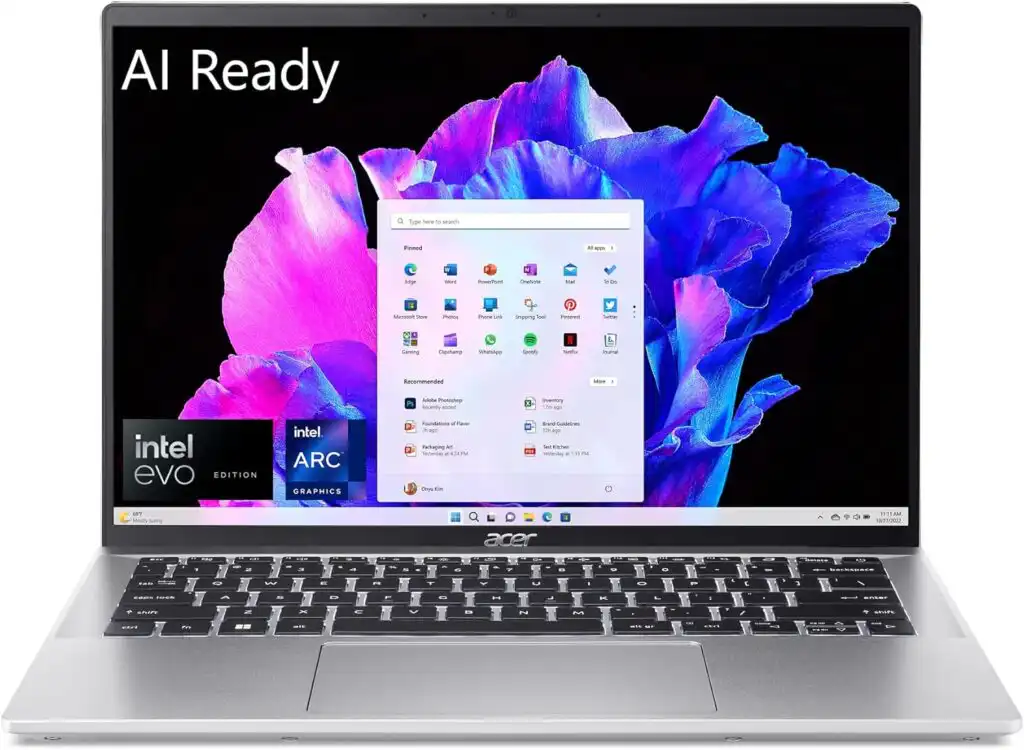
Acer’s Swift series continues to hit that perfect sweet spot: fast, lightweight, and affordable. These laptops are often recommended for students because they’re durable, run quietly, and don’t cost as much as premium brands.
Key Features
- Intel Core Ultra or AMD Ryzen 7000/8000
- 8–16GB RAM
- 256–512GB SSD
- 1.2–1.6 kg
- Optional OLED displays
Pros
- Great performance for the price
- Good battery life
- Plenty of ports
Cons
- Build quality varies by model
- Avoid base models with dim displays
4. ASUS Zenbook / Vivobook (OLED) — For Students Who Read a Lot
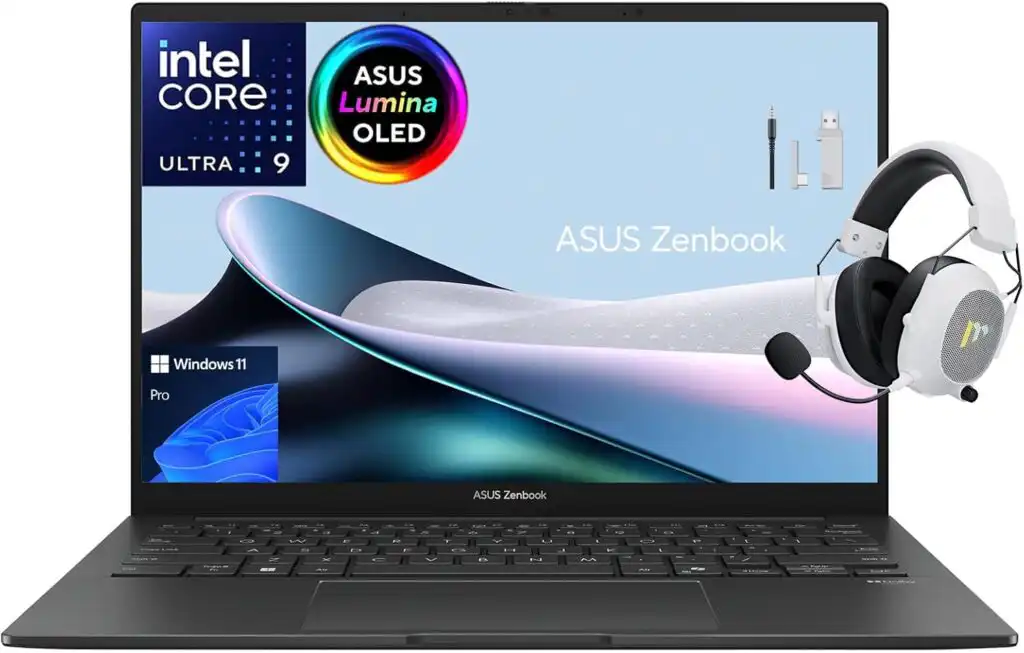
If your days are filled with reading textbooks and clinical PDFs, an OLED screen is a gift to your eyes. Colors look natural, text is crisp, and late-night studying feels less tiring.
Key Features
- Intel Or Ryzen CPUs
- 8–16GB RAM
- 256GB–1TB SSD
- 1.1–1.4 kg
- Gorgeous OLED display options
Pros
- Best displays in this price range
- Lightweight and stylish
- Strong performance
Cons
- OLED can reduce battery life slightly
- Some models cost more than expected
5. Dell XPS 13 — A Premium Windows Laptop That Feels High-End
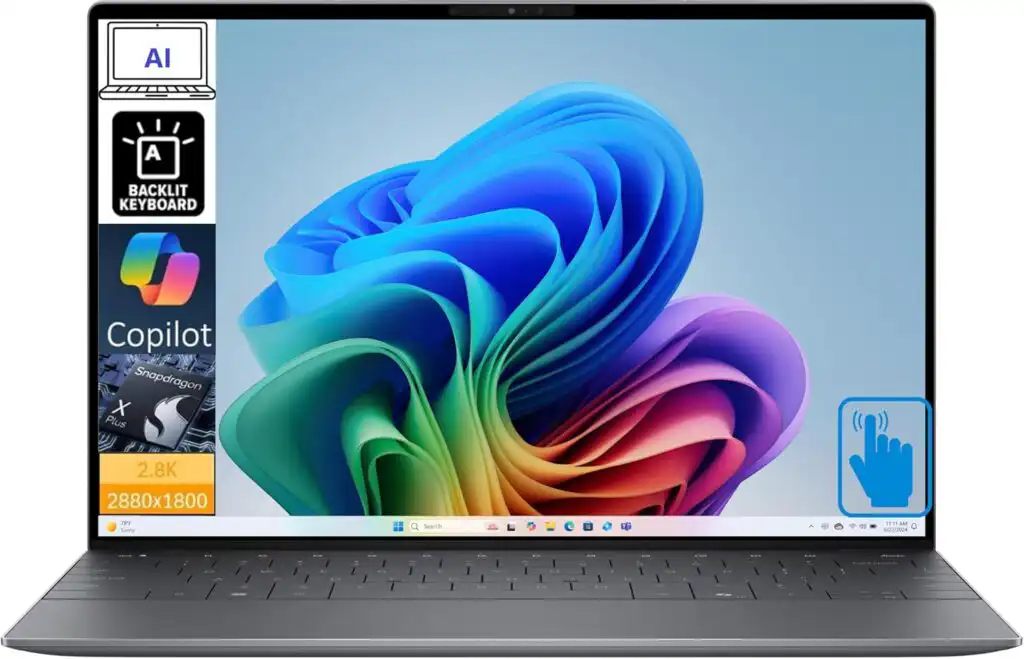
If you want something sleek and long-lasting with a quality feel, the XPS 13 delivers. Its keyboard, screen sharpness, and overall build quality make it one of the best Windows laptops available.
Key Features
- Intel 14th/15th Gen or Core Ultra
- 8–32GB RAM
- 256GB–1TB SSD
- ~1.2 kg
- High-resolution displays
Pros
- Premium materials and design
- Bright, color-accurate display
- Great keyboard
Cons
- Expensive
- Fewer ports than older XPS models
6. Lenovo Yoga / ThinkPad — Long-Term Durability
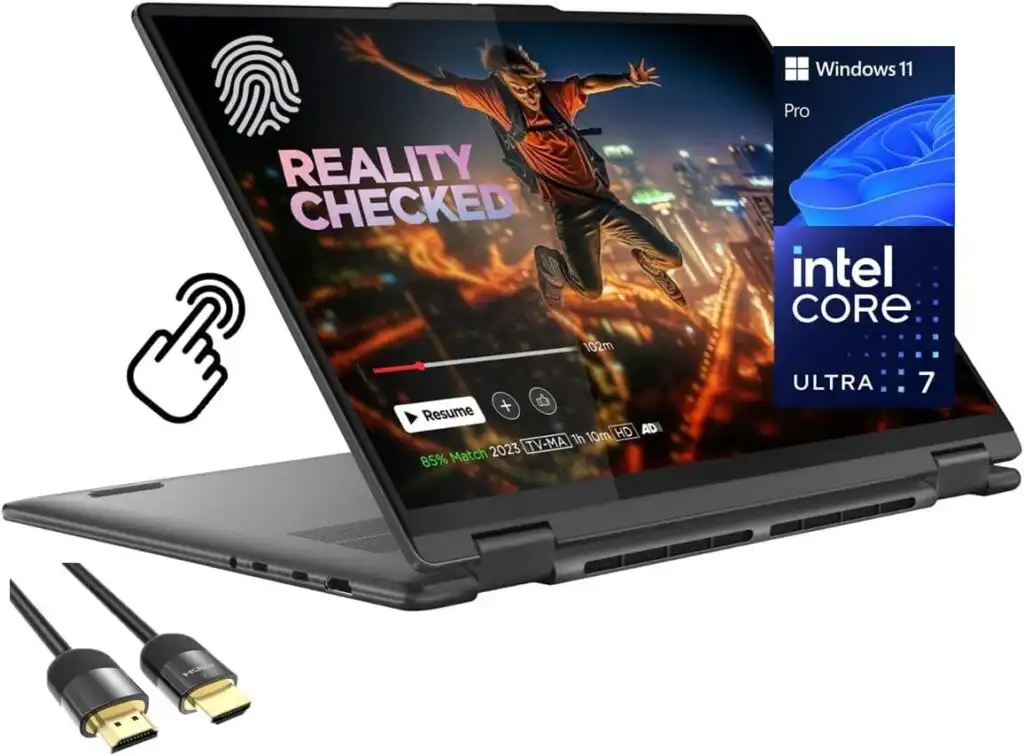
ThinkPads are known for tough bodies and some of the best keyboards ever made. Yoga models bring touchscreen flexibility if you want more versatility.
Key Features
- Intel or AMD processors
- 8–16GB RAM
- 256GB–1TB SSD
- 1.2–1.6 kg
- Strong hinges and durable build
Pros
- Built like a tank
- Excellent typing feel
- Many models offer long battery life
Cons
- Slightly heavier
- Design can feel simple or business-like
7. Chromebook Plus Models — Great for Tight Budgets
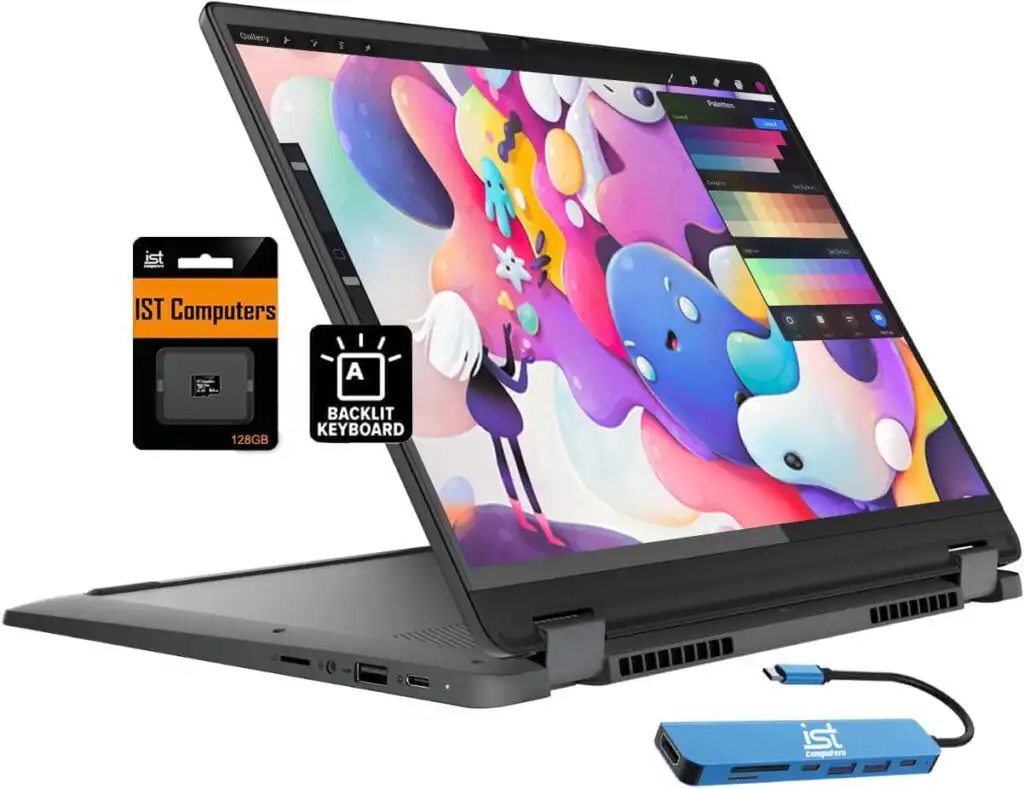
If your nursing program relies mostly on cloud platforms, email, and online portals, a Chromebook is the cheapest and simplest option. They’re responsive, secure, and extremely easy to use.
Key Features
- Lightweight chromeOS devices
- 8GB RAM (Chromebook Plus standard)
- 1.1–1.4 kg
- Long battery life
Pros
- Very affordable
- Great for basic tasks
- Long-lasting battery
Cons
- Limited offline software
- Not suitable for heavy Windows-only applications
How to Choose the Right Laptop for Nursing School
Time needed: 10 minutes
Here’s a quick, friendly breakdown to make your decision easier:
- ✔ Choose MacBook Air if…
You want long battery life, smooth performance, and a simple system that won’t bother you.
- ✔ Choose Surface Pro/Laptop if…
You like handwriting notes or want a portable 2-in-1.
- ✔ Choose Acer Swift / ASUS Zenbook if…
You want solid performance at a student-friendly price.
- ✔ Choose Dell XPS or ThinkPad if…
You want something premium and long-lasting.
- ✔ Choose Chromebook if…
Your schoolwork is 100% browser-based and you need the lowest price possible.
Useful Study Tips for Nursing Students (Bonus)
- Keep your files synced with OneDrive, Google Drive, or iCloud.
- Use a lightweight laptop stand to reduce neck strain during late-night study sessions.
- Get a padded case — nursing students carry way too much stuff.
- Disable unnecessary background apps to maximize battery life.
- Always have a backup USB-C charger in your bag.
FAQs
Not necessarily. Most nursing programs run on web portals, PDFs, video classes, and basic office apps. A mid-range laptop is usually more than enough. Spend extra only if you want better battery life, a nicer screen, or a longer-lasting machine.
It works, but 16GB is more comfortable — especially if you keep lots of tabs open or run video calls and documents side by side. Think of it as giving your laptop a bit more “breathing room.”
Both are fine. MacBooks are great for battery life and stability, while Windows laptops offer wider software compatibility. If your school mentions any Windows-only software, go Windows to avoid hassle later.
Related links

Hi, my name is Burak. I am a mechanical engineer. I have been writing laptop reviews for the Engineering Laptops website since 2020. Please feel free to contact me if you have any questions.